Pearl Lemon Sales has tested and compared dozens of business telephony stacks so you can move fast when choosing a voice solution. If your team needs clearer calling, tighter CRM integrations and measurable uplift in contact rates, this guide to VoIP tools for sales teams shows which platforms to shortlist and why.
Global VoIP adoption and investment continue to rise: the VoIP market is forecast to grow substantially through 2032, with a compound annual growth rate of around 10.8%. Businesses switching to cloud voice often report telecom savings in the 30 to 50 percent range, which makes the ROI case easy to justify for sales operations.
So if you’re looking to adopt VoIP solutions to boost your contact rates, read on to see the best VoIP for your needs.
What is VoIP for sales teams?
VoIP (voice over internet protocol) replaces legacy phone lines with voice routed across IP networks and hosted platforms. For sales teams, the difference is not just cost; it is:
- Click-to-call from CRMs and prospect lists.
- Automatic call logging and call recording for coaching.
- Local numbers in target territories to improve answer rates.
- Scalable dialling and predictive/outbound dialers for higher connect rates.
These features let reps move from manual dialling to repeatable outbound sequences that are measurable and coachable.
Why these comparison columns matter
Sales teams care about speed of onboarding, CRM coverage, outbound performance and predictable pricing. The columns below reflect the trade-offs most revenue teams evaluate first: ease of use, outbound/sales feature set, CRM integrations and pricing transparency.
Quick Comparison Table of the Best 20 VoIP Tools
| Tool / Service | Best for | Starting price | Free trial? | Key feature |
| Aircall | Sales & support teams | From £29/user | Yes | CRM integrations |
| Dialpad | AI coaching & analytics | From £13/user | Yes | Real-time AI notes |
| RingCentral | Enterprise teams | From £19.99/user | Yes | Global voice coverage |
| Zoom Phone | Remote sales teams | From £8.99/user | Yes | Video + phone bundle |
| 8×8 | Unified comms | From £12/user | Yes | All-in-one UC |
| Nextiva | Customer ops & sales | From £19.95/user | Yes | Call analytics |
| Vonage Business | Global numbers | From £12.99/user | Yes | SIP trunking |
| GoTo Connect | Scaling teams | From £24/user | Yes | Simple admin |
| CloudTalk | Inside sales teams | From £20/user | Yes | Call centre features |
| JustCall | Sales-heavy outbound | From £16/user | Yes | Click-to-call |
| Grasshopper | Solo/SMB reps | From £12/user | No | Virtual numbers |
| Ooma | Small businesses | From £19.95/user | No | Low-cost plans |
| Freshdesk Contact Center | Support+sales | From £15/user | Yes | Ticket + voice |
| Twilio Flex | Programmable voice | Custom | No | Fully programmable |
| Talkdesk | Contact centre scale | Custom | Yes | AI routing |
| Phone.com | Small teams | From £12.99/user | Yes | Affordable plans |
| Kixie | Outbound sales dialer | From £39/user | Yes | Power dialer |
| CallHippo | International teams | From £12/user | Yes | Local numbers |
| OpenPhone | Startups & founders | From £9/user | Yes | Simple interface |
| JustCall | Sales teams | From £16/user | Yes | SMS + calls |
Note: pricing shown is indicative of starting tiers and may vary by billing frequency and add-ons. Sources used to compile the shortlist include independent reviews and vendor docs.
Best / Top VoIP tools for sales teams (short list)
- Aircall
- Dialpad
- RingCentral
- Zoom Phone
- 8×8
- Nextiva
- Vonage Business
- GoTo Connect
- CloudTalk
- JustCall
- Grasshopper
- Ooma
- Freshdesk Contact Center
- Twilio Flex
- Talkdesk
- Phone.com
- Kixie
- CallHippo
- OpenPhone
- (repeat) JustCall
20 Best VoIP Tools for Sales Teams
We’ll profile each tool in the format below: short summary, five key features with consumer-focused copy, a compact pros and cons table, pricing, ideal-fit bullets and a quick verdict or pro tip. This format reads like a mini landing page so your procurement or trial team can act quickly.
1. Aircall – Cloud Calling Built for Sales Teams
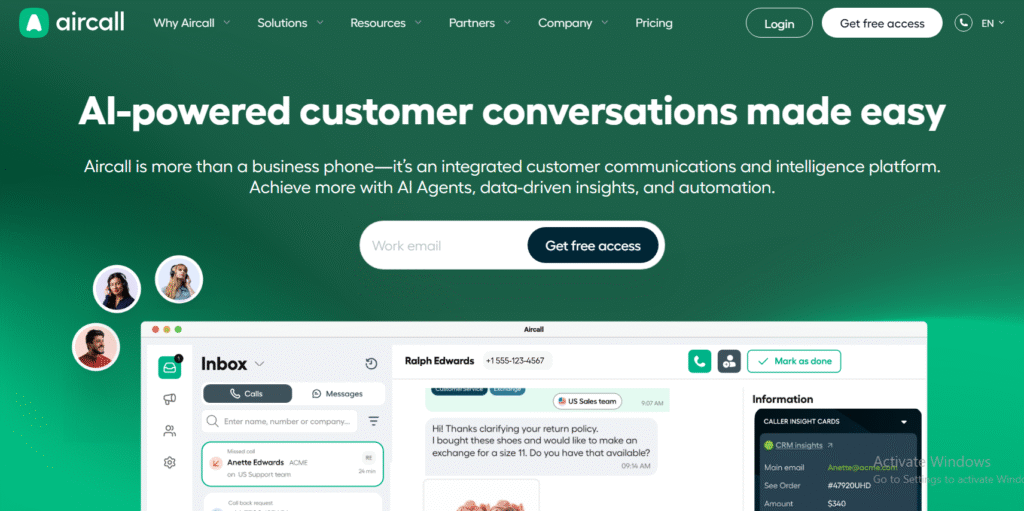
Aircall is a sales-focused VoIP platform designed for reps, outbound teams and high-velocity pipelines. It stands out for its clean interface, strong CRM integrations, reliable call quality and workflow-ready features. Many sales organisations use Aircall for its plug-and-play setup, scalable outbound performance and simple admin panels. When teams look at Aircall review queries online, they often compare it with RingCentral, Dialpad, JustCall and CloudTalk, particularly around analytics, pricing and alternatives.
Key Features
Smart Call Routing
Aircall’s smart routing sends inbound calls to the right rep with minimal wait times. This helps SDR teams maintain consistent response times while keeping queues controlled. Many Aircall alternatives don’t offer routing that is as quick to configure, which is why it appeals to sales managers who need straightforward distribution.
CRM & Helpdesk Integrations
Aircall integrates directly with HubSpot, Salesforce, Pipedrive, Zoho, Zendesk and more. Click-to-call, auto-logging and call recording sit inside the CRM, reducing admin. This is where Aircall vs Dialpad comparisons often arise, as teams weigh speed of setup against analytics depth.
Power Dialer
The Aircall power dialer helps outbound reps move through call lists quicker. It pulls prospect data automatically and allows reps to keep dialling with fewer clicks. Sales managers tracking Aircall pricing often consider this feature as a core ROI driver.
Local & International Numbers
Teams get instant access to local numbers across many territories. This improves pick-up rates for outbound campaigns. Businesses comparing Aircall alternatives usually evaluate this coverage closely.
Call Monitoring
Live listening, whispering and barge-in options give managers hands-on coaching tools. Aircall review pages often highlight this as a strength, especially for training new SDRs.
Pros and Cons
| Pros | Cons |
| Easy setup | Limited advanced analytics |
| Strong CRM integrations | Power dialer only on higher tiers |
| Reliable call quality | Can get costly at scale |
| Good coaching tools | Fewer native AI features than Dialpad |
Pricing
Aircall pricing usually starts with a per-user monthly fee on an annual contract. Higher tiers include advanced features like the power dialer, deeper analytics and priority support. Add-ons such as additional numbers may increase cost.
Best For Sales Teams Focused on Pipeline Volume
Aircall suits:
- SDR teams needing fast CRM setup
- Managers coaching new reps through call monitoring
- Organisations running multi-territory outbound campaigns
- Sales teams that prefer plug-and-play workflows
- Businesses wanting reliable VoIP without complex admin
Verdict: Aircall is a strong fit for sales teams that rely on consistency, CRM syncing and outbound efficiency. It remains one of the most practical choices for phone-centric pipelines.
Aircall Tip
Set up tagging rules for every call outcome to improve reporting clarity. Many teams overlook the importance of tag hygiene, which leads to messy dashboards.
Best Alternate Tool
Dialpad
2. Dialpad – AI Voice Platform for Sales Calls
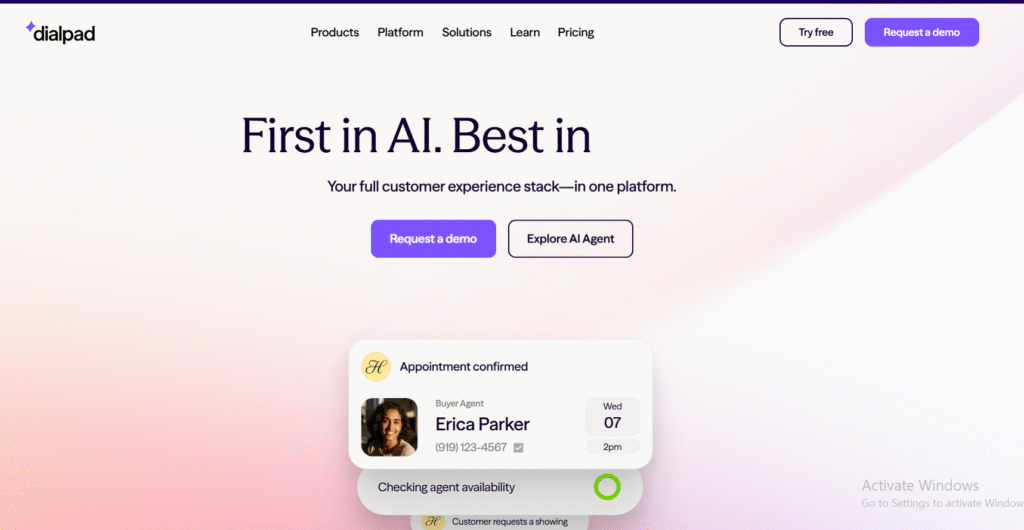
Dialpad is a VoIP system built with strong voice intelligence features. Sales teams value it for live transcription, sentiment indications, coaching prompts and simple device switching. When teams search for Dialpad review content, they often compare it to Aircall, Zoom Phone and RingCentral because of its AI layer, automation options and pricing ranges. Dialpad alternatives generally lack its level of real-time guidance during calls.
Key Features
Real-Time Transcription
Dialpad transcribes calls as they happen. Managers and reps see spoken phrases appear instantly, removing the need for heavy note-taking. This live text is especially useful during outbound qualification calls and is frequently highlighted in Dialpad vs Aircall comparisons.
Coaching Prompts
The platform can surface prompts when prospects mention pricing, objections or specific keywords. Many teams use this to improve first-call resolution and keep new SDRs on track during early conversations.
Call Summaries
Dialpad generates automated summaries so reps can move quickly between calls. This feature is often mentioned in Dialpad review discussions because it saves time in CRM updates.
Voice Intelligence
Keyword tracking, sentiment signals and custom triggers support coaching and deal oversight. Sales managers monitoring Dialpad pricing often choose mid-tier plans for this functionality.
CRM Integrations
Dialpad integrates with HubSpot, Salesforce, Zoho and Pipedrive. It uses simple click-to-call and auto-logging to reduce admin. Teams evaluating Dialpad alternatives often prioritise this compatibility.
Pros and Cons
| Pros | Cons |
| Strong voice intelligence | Some features limited to higher tiers |
| Real-time transcripts | Learning curve for configuration |
| Helpful coaching prompts | Less outbound focus than Kixie |
| Clean app interface | Occasional lag on weak networks |
Pricing
Dialpad pricing starts at a low entry tier suitable for small teams, with more advanced coaching and AI features on upper tiers. Costs vary depending on billing frequency and added numbers.
Ideal for Teams Needing Live Coaching Support
Dialpad suits:
- SDR leaders training new reps
- Teams requiring transcription for compliance
- Reps who handle detailed qualification
- Sales teams that want keyword triggers and sentiment signals
- Organisations that want light admin work around call notes
Verdict: Dialpad works well for coaching-heavy sales environments and teams that need real-time voice support.
Dialpad Tip
Create trigger phrases that match your objection-handling scripts. This increases how often coaching prompts appear during live calls.
Best Alternate Tool
Aircall
3. RingCentral — Scalable VoIP for Larger Sales Teams
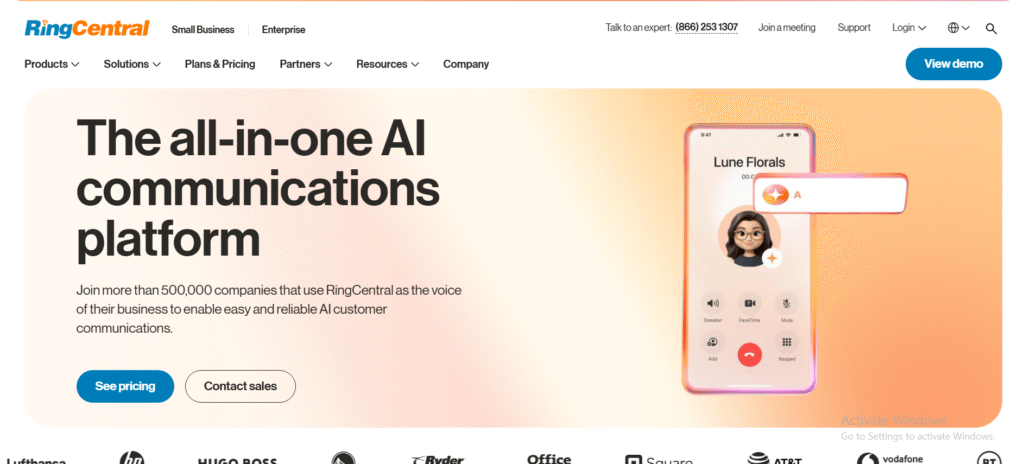
RingCentral is a well-established VoIP platform aimed at growing and enterprise-level sales teams. It stands out for its wide feature range, reliable uptime and global coverage. When teams search for RingCentral review insights, they often compare it to Dialpad, Zoom Phone, 8×8 and Aircall, especially around pricing tiers, analytics and outbound capabilities. RingCentral alternatives are usually evaluated by teams needing fewer admin layers or lighter interfaces.
Key Features
Global Voice Coverage
RingCentral provides international numbers and stable coverage across many regions. Sales teams running multi-market outreach rely on this coverage when comparing RingCentral vs 8×8 or RingCentral vs Aircall.
Multi-Level IVR
The IVR system lets you build structured call flows so inbound calls route to the right sales desks. This helps teams reduce bottlenecks without heavy admin time.
Call Analytics
RingCentral offers dashboards that show call frequency, missed calls, agent performance and queue data. Sales managers often choose higher tiers for deeper reporting when considering RingCentral pricing.
CRM Integrations
It links with Salesforce, HubSpot, Zoho and Microsoft Dynamics. Reps get click-to-call, automatic logging and recording syncs, reducing admin delays.
Call Recording & Monitoring
Managers use monitoring, whisper and barge-in tools to support onboarding and quality control. This feature is often highlighted in RingCentral review content for larger sales environments.
Pros and Cons
| Pros | Cons |
| Global number coverage | Can feel heavy for small teams |
| Strong analytics | More complex setup |
| Reliable uptime | Higher cost at scale |
| Good integrations | Some features require upper tiers |
Pricing
RingCentral pricing starts with entry tiers suitable for smaller teams, but most sales departments opt for mid to high tiers to access analytics, routing and integrations. Add-ons and numbers may increase total cost.
Best for Enterprise Sales Teams with Complex Workflows
RingCentral suits:
- Large sales teams needing global numbers
- Organisations with multi-layer call routing
- Teams requiring robust analytics
- Companies with multi-region sales reps
- Businesses needing CRM coverage across multiple systems
Verdict: RingCentral is a dependable VoIP option for sales teams that need structure, coverage and reporting.
RingCentral Tip
Build call flows that reflect your actual buyer journey instead of simply routing by department. This can improve inbound qualification speed.
Best Alternate Tool
8×8
4. Zoom Phone – VoIP Built Into the Zoom Ecosystem
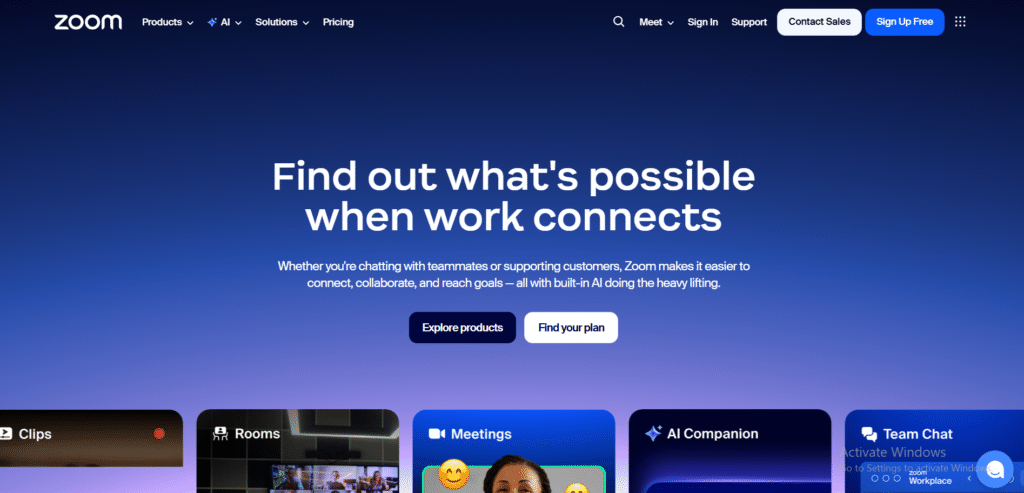
Zoom Phone is the voice arm of the broader Zoom suite. Sales teams choose it when they want calling, video, messaging and meetings in one interface. When reps search for Zoom Phone review content, they often compare it to RingCentral, Dialpad and 8×8, especially around pricing, usability and global reach. Zoom Phone alternatives usually come up when businesses want deeper outbound features or more granular call analytics.
Key Features
Unified Calling and Video
Zoom Phone lets reps switch between a call and a video meeting without friction. This is helpful for demos, follow-ups and qualification calls where product screens need to be shared quickly.
Call Queues and Routing
Managers can set up queues, routing rules and priority distribution to direct inbound calls correctly. This matters for sales teams that juggle inbound leads while outbound campaigns run in parallel.
Device Flexibility
Reps can move calls between desktop, mobile and Zoom desk phones. This mobility is often highlighted in Zoom Phone vs RingCentral comparisons, particularly for remote or hybrid sales teams.
Voicemail Transcription
Zoom Phone transcribes voicemails into text so reps can scan messages faster. It speeds up follow-up sequences without requiring extra tools.
Call Recording
Sales managers use call recordings for training, feedback and compliance. This feature is included across Zoom Phone review discussions and is a key requirement for many outbound teams.
Pros and Cons
| Pros | Cons |
| Clean interface | Lighter outbound dialler features |
| Easy adoption | Analytics less detailed than some rivals |
| Good for remote teams | Limited native sales automation |
| Affordable entry tier | Some add-ons cost extra |
Pricing
Zoom Phone pricing starts at an affordable level, with extra numbers, add-ons and geographic coverage available depending on territory. Demos and trials are commonly used to test coverage and call quality.
Best for Remote Sales Teams Wanting Unified Comms
Zoom Phone suits:
- Remote and hybrid reps
- Teams already using Zoom meetings
- Organisations that want video + phone in one app
- Sales teams that value simple onboarding
- Companies needing flexible device switching
Verdict: Zoom Phone works well for teams that live inside the Zoom ecosystem and want a straightforward calling layer without heavy admin.
Zoom Phone Tip
Enable call delegation so senior reps or managers can monitor and support high-value prospect calls more effectively.
Best Alternate Tool
RingCentral
5. 8×8 – All-In-One VoIP for Sales and Support
8×8 is a communications platform designed for teams that want voice, messaging and contact-centre features under one system. Many sales teams look at 8×8 review pages when comparing global outbound quality, number availability and analytics. When buyers evaluate 8×8 alternatives, the usual comparisons involve RingCentral, Zoom Phone and Dialpad, largely due to pricing tiers, scalability and reporting depth.
Key Features
Global Number Coverage
8×8 offers a wide range of international numbers and strong global calling quality. Sales teams running cross-border outreach frequently reference this when comparing 8×8 vs RingCentral.
Call Analytics
The analytics suite covers call volumes, response times, missed calls and agent activity. Sales managers looking at 8×8 pricing often consider mid-tier plans to access deeper reporting for pipeline oversight.
IVR and Call Routing
Teams can create structured routing rules for inbound workflows. This is useful for sales desks handling inbound leads alongside outbound campaigns.
CRM Integrations
Integrations with Salesforce, HubSpot and other CRMs support clean click-to-call and auto-logging. This reduces admin work and keeps rep activity centralised.
Call Recording
Reps and managers can review calls for quality and training. This feature appears often in 8×8 review feedback for sales teams focused on coaching.
Pros and Cons
| Pros | Cons |
| Reliable global calling | Interface less modern than some rivals |
| Strong analytics | Some features locked behind higher tiers |
| Stable call quality | Setup can feel technical for small teams |
| Suitable for large teams | Fewer lightweight outbound tools |
Pricing
8×8 pricing varies by plan, with starting tiers covering base calling and higher tiers offering analytics, call recording, routing and international features. Volume discounts are usually available for bigger teams.
Best for Sales Teams Working Across Multiple Regions
8×8 suits:
- Sales teams calling multiple countries
- Organisations needing strong analytics
- Managers coaching large teams
- Reps who need consistent call quality across regions
- Companies with mixed inbound and outbound workflows
Verdict: 8×8 is a strong option for globally active sales operations that require consistency and structured routing.
8×8 Tip
Configure time-based routing so inbound leads are automatically handled by the right regional team.
Best Alternate Tool
RingCentral
6. Nextiva – VoIP with Strong Sales Analytics
Nextiva is frequently chosen by sales teams that want calling, messaging and structured analytics in one platform. When teams look for a Nextiva review, they often compare it with RingCentral, Aircall and 8×8. Nextiva alternatives usually come up for organisations that need heavier outbound tools or deeper AI features.
Key Features
Call Analytics Dashboard
Nextiva provides visual dashboards covering call volumes, missed opportunities, agent activity and talk-time data. Sales managers often consider this a core factor when reviewing Nextiva pricing.
Call Pop
When a prospect calls, reps instantly see account details, previous interactions and notes. This feature is often referenced in Nextiva vs RingCentral comparisons because it helps speed up qualification.
Multi-Channel Support
Teams can handle voice, SMS and chat under one system. For sales desks managing inbound leads, this cuts down channel switching.
CRM Sync
Nextiva integrates with Salesforce, HubSpot, Zoho and other CRMs through click-to-call and auto-logging. This keeps rep admin minimal.
Call Recording
Managers rely on recording features for coaching, training and quality reviews, especially when onboarding new SDRs.
Pros and Cons
| Pros | Cons |
| Strong analytics | Setup may feel heavy for small teams |
| Good customer support tools | Some integrations require higher tiers |
| Simple interface | Limited outbound dialler |
| Multi-channel options | Pricing can climb with add-ons |
Pricing
Nextiva pricing starts at a basic calling tier, with more advanced analytics and integrations available in higher tiers. Additional channels or numbers may increase costs.
Best for Teams Needing Unified Analytics
Nextiva suits:
- Sales managers focused on visibility
- Teams balancing inbound and outbound
- Organisations wanting voice + SMS workflows
- SDR teams needing quick access to contact data
- Companies with CRM-dependent sales cycles
Verdict: Nextiva works well for structured sales operations that want clear analytics and integrated communication.
Nextiva Tip
Use Call Pop to pre-qualify callers instantly and reduce time spent on non-fit leads.
Best Alternate Tool
RingCentral
7. Vonage Business – Flexible VoIP for Global Sales
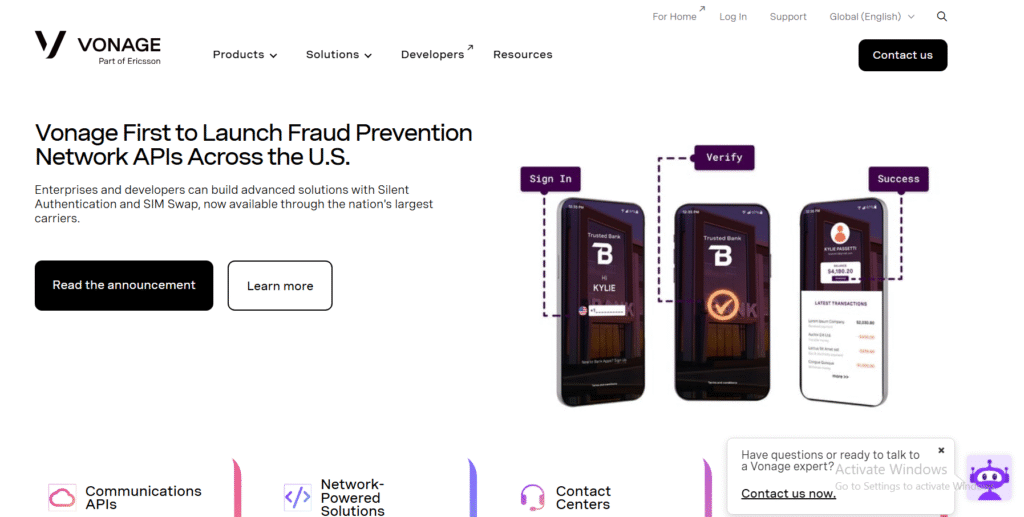
Vonage Business is known for its broad global coverage and flexible voice infrastructure. Many buyers search for a Vonage Business review when comparing its number availability, SIP options and integrations with alternatives like RingCentral and 8×8. Vonage Business alternatives are usually considered when teams want lighter interfaces.
Key Features
Global Number Options
Vonage offers numbers across many territories, which helps outbound teams improve connect rates and local presence.
Voicemail Transcription
Reps can read inbound messages without dialling in, helping them prioritise follow-ups quickly.
CRM Integrations
Integrations with Salesforce, HubSpot, Zoho and Microsoft Dynamics help reps keep records current without manual entry.
Call Monitoring
Managers use listening and whispering tools to teach new SDRs and support important prospect calls.
SIP Trunking
Teams needing custom call flows or hybrid setups often select Vonage for its SIP options.
Pros and Cons
| Pros | Cons |
| Global coverage | Some features require technical setup |
| Stable calling | Interface feels dated in areas |
| CRM integrations | Add-ons can increase cost |
| Flexible number options | Analytics not as deep as rivals |
Pricing
Vonage Business pricing typically starts at an entry-level tier aimed at SMBs, with premium tiers offering more routing, analytics and integrations.
Best for Sales Teams Calling Multiple Countries
Vonage suits:
- Teams doing international outreach
- Managers coaching new SDRs
- Organisations that want SIP flexibility
- Reps handling inbound and outbound flows
- Companies seeking wide number availability
Verdict: Vonage Business is helpful for teams that need stable global calling and flexible infrastructure.
Vonage Tip
Use location-based caller ID to improve pick-up rates for region-specific campaigns.
Best Alternate Tool
8×8
8. GoTo Connect – VoIP Built for Scalability
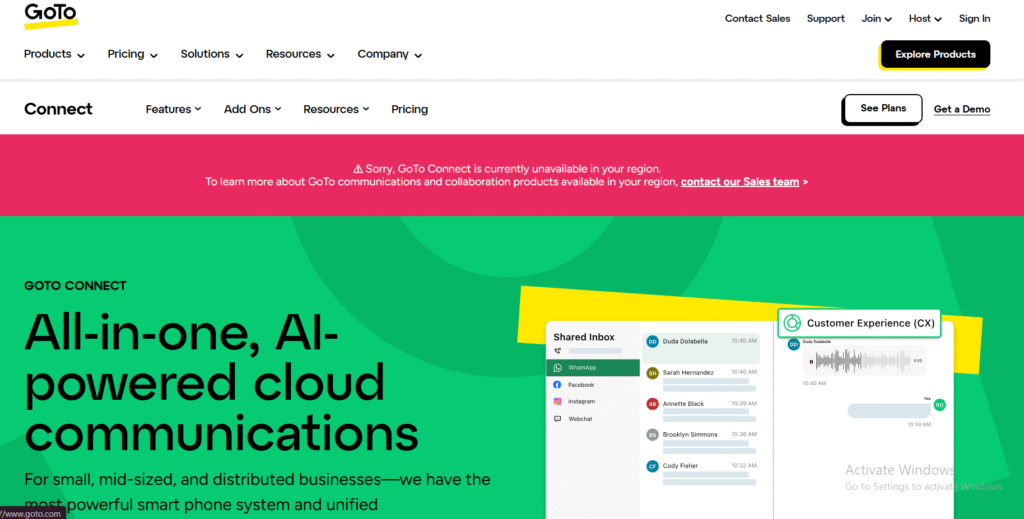
GoTo Connect is a VoIP system designed for teams needing a balance of simplicity, strong uptime and predictable scaling. When teams look at GoTo Connect review content, they compare it to RingCentral, Nextiva and Zoom Phone. GoTo Connect alternatives usually appeal to teams wanting deeper outbound automation.
Key Features
Admin Simplicity
GoTo Connect keeps configuration light so ops teams can roll out lines quickly. This matters for growing sales departments.
Visual Call Flow Builder
Teams can create routing flows using a drag-and-drop builder, making inbound setup straightforward.
CRM Integrations
Salesforce, Zoho and HubSpot integrations keep calling logs connected with deals and contacts.
Call Reporting
Managers track call usage, queue behaviour and rep activity. This is often noted in GoTo Connect vs RingCentral comparisons.
Device Switching
Reps can transfer calls between mobile, desktop and desk phones easily.
Pros and Cons
| Pros | Cons |
| Simple admin | Outbound features are basic |
| Reliable uptime | Limited AI tools |
| Easy call flow builder | Analytics lighter than enterprise tools |
| Good support options | Some integrations are paid addons |
Pricing
GoTo Connect pricing is usually positioned in the mid-range, with a single tier covering most features and add-ons available depending on organisational size.
Best for Teams That Need Simple Scaling
GoTo Connect suits:
- Growing sales teams
- Companies needing lightweight admin
- Reps who use multiple devices
- Organisations with mixed inbound demand
- Teams wanting predictable rollout
Verdict: GoTo Connect is effective for scaling sales departments that prefer simplicity over complex outbound tooling.
GoTo Connect Tip
Use the call flow builder to test different routing patterns for faster lead responses.
Best Alternate Tool
Nextiva
9. CloudTalk – VoIP Designed for Inside Sales
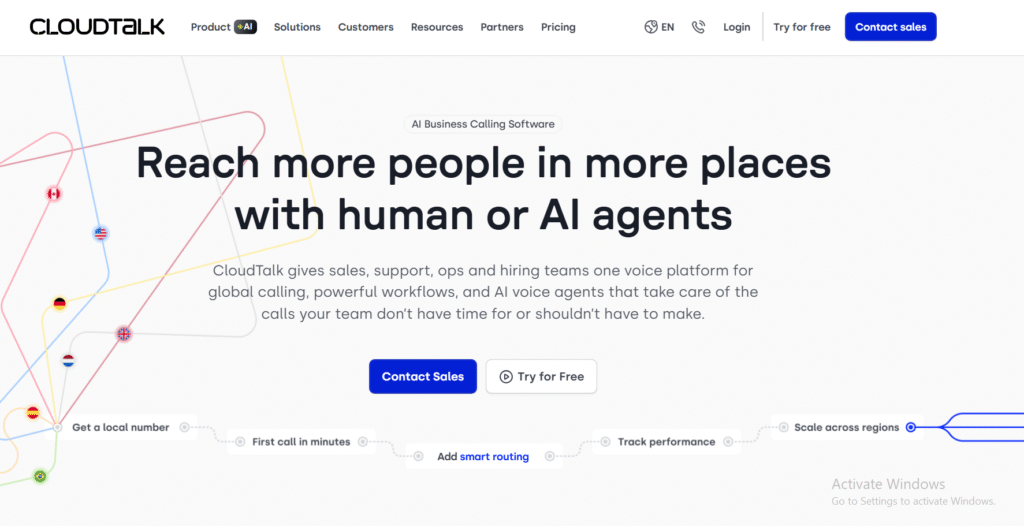
CloudTalk is popular with inside sales teams that make a high volume of outbound calls. Its power dialler, international number options and sales analytics make it a frequent entry on CloudTalk review lists. CloudTalk alternatives include Aircall, JustCall and Kixie, especially for outbound performance.
Key Features
Smart Dialler
The dialler moves reps through outbound lists with minimal manual work. This is often mentioned in CloudTalk vs JustCall comparisons.
Call Tagging
Reps can tag every call outcome, which helps managers analyse pipeline movement and prospect reactions.
International Numbers
CloudTalk provides local numbers across many territories so reps can run multi-region outbound sessions.
CRM Sync
It integrates with HubSpot, Salesforce, Pipedrive, Zoho and other tools used in sales workflows.
Call Recording
Managers use recordings for training and improvement of talk tracks.
Pros and Cons
| Pros | Cons |
| Strong outbound tools | Some setup required |
| Good CRM coverage | Entry pricing slightly higher |
| Solid number availability | Analytics lighter than enterprise rivals |
| Easy-to-use dialler | UI can feel busy |
Pricing
CloudTalk pricing starts at a level suited for outbound teams, with power dialler and advanced analytics available in higher tiers.
Best for Inside Sales Teams Making High-Volume Calls
CloudTalk suits:
- SDR teams doing heavy outbound
- Reps using call tagging for tracking
- Managers coaching high-volume teams
- Multi-region sales operations
- Teams relying heavily on CRM syncing
Verdict: CloudTalk is ideal for outbound teams that need a capable dialler and solid number availability.
CloudTalk Tip
Standardise call tags across all reps to improve reporting accuracy.
Best Alternate Tool
JustCall
10. JustCall – Outbound VoIP for SDRs and Closers
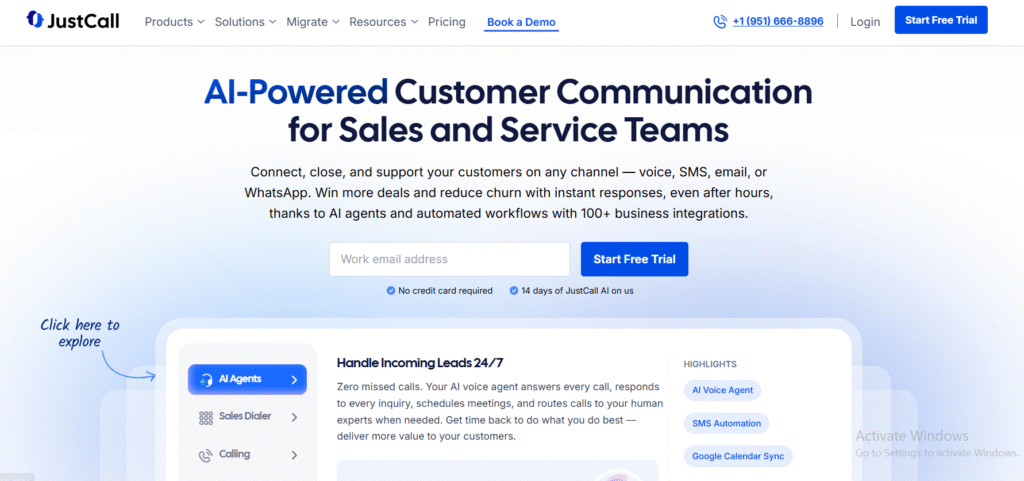
JustCall is a sales-first VoIP platform built around outbound dialling, texting and CRM automation. When teams search for a JustCall review, they often compare it with CloudTalk, Kixie and Aircall. JustCall alternatives are usually chosen by teams needing deeper AI coaching or broader admin options.
Key Features
Auto Dialler
The dialler speeds up outbound activity and helps reps cover more leads daily. Many CloudTalk vs JustCall comparisons focus on this feature.
SMS Workflows
Teams can send texts, reminders and follow-ups from inside the platform, which supports multi-step outbound sequences.
Local Numbers
JustCall offers local presence numbers across territories to support better answer rates.
CRM Integrations
Integrations with HubSpot, Salesforce, Pipedrive and Zoho make activity syncing consistent across sales stacks.
Call Recording
Used by sales managers for coaching and call review.
Pros and Cons
| Pros | Cons |
| Strong outbound workflow | Some features behind higher tiers |
| Good SMS support | UI can feel crowded |
| Easy CRM sync | Pricing varies by add-ons |
| Local presence numbers | Analytics lighter than enterprise VoIP |
Pricing
JustCall pricing starts at an accessible tier suitable for small and mid-size sales teams, with outbound-focused features available in higher plans.
Best for SDR Teams Prioritising Outbound Volume
JustCall suits:
- SDRs making daily outbound calls
- Teams using SMS as follow-up
- Sales operations wanting fast deployment
- Multi-territory teams using local numbers
- Reps relying on automated workflows
Verdict: JustCall is a solid pick for outbound-heavy sales environments needing simple dialling and SMS sequences.
JustCall Tip
Use SMS templates to reduce repetitive manual typing and speed up follow-ups.
Best Alternate Tool
CloudTalk
11. Grasshopper – Virtual Phone System for Small Sales Teams
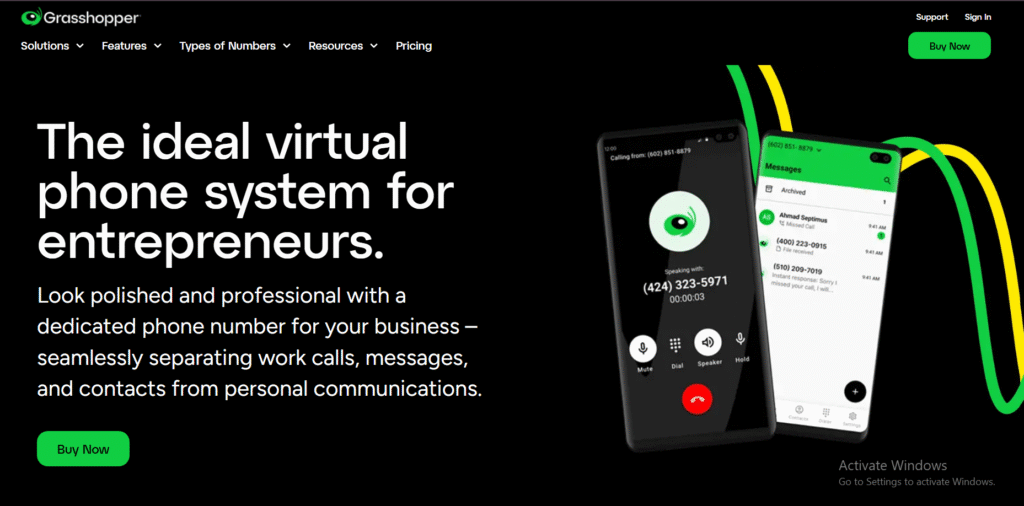
Grasshopper focuses on straightforward virtual numbers and call handling. It’s often chosen by solo reps, micro-teams and early-stage sales groups. When teams search for a Grasshopper review, they usually compare it to Ooma, OpenPhone and Phone.com. Grasshopper alternatives tend to offer more advanced analytics, but few match its simplicity.
Key Features
Virtual Numbers
Grasshopper provides local, toll-free and vanity numbers, making it suitable for small teams needing a professional impression without complex infrastructure.
Call Forwarding
Reps can forward calls to any device. This is helpful for small sales teams that don’t sit at a desk all day.
Voicemail Transcription
Grasshopper converts voicemails to text so reps can triage messages with minimal downtime.
Business Texting
Teams can send and receive texts from their business number, supporting light follow-ups and reminders.
Custom Greetings
Sales teams can set up simple call menus and greetings for inbound qualification.
Pros and Cons
| Pros | Cons |
| Very easy to set up | No power dialler |
| Affordable | Limited analytics |
| Good for solo reps | Not ideal for large teams |
| Clean interface | Few coaching tools |
Pricing
Grasshopper pricing has flat-rate models covering multiple numbers and extensions, designed primarily for small teams with modest outbound needs.
Best for Solo Reps and Micro Sales Teams
Grasshopper suits:
- Solo sellers needing a business presence
- Small teams without heavy outbound
- Early-stage founders handling sales
- Teams wanting predictable costs
- Reps needing call forwarding versatility
Verdict: Grasshopper works well for very small sales teams that want a clean, simple phone setup without complexity.
Grasshopper Tip
Configure multiple forwarding numbers so calls rotate between team members when you’re unavailable.
Best Alternate Tool
OpenPhone
12. Ooma – Straightforward VoIP for Small Business Sales

Ooma is a low-cost VoIP option known for reliability and simplicity. Many buyers look at Ooma review content when comparing entry-level phone solutions. Ooma alternatives like Grasshopper, Phone.com and OpenPhone often enter the discussion for teams wanting lighter setups.
Key Features
Virtual Receptionist
The virtual receptionist helps route inbound calls to the correct team member, supporting basic qualification flows.
High Call Quality
Ooma is known for its stable calling performance, making it attractive for small teams that need reliability.
Voicemail Transcription
Reps can quickly read voicemails, helping them prioritise follow-ups.
Call Forwarding
Sales reps can transfer calls to mobile or desk phones without friction.
Multi-Device Access
Works across desk phones, apps and desktop clients.
Pros and Cons
| Pros | Cons |
| Affordable | Limited outbound features |
| Simple setup | Few CRM integrations |
| Good reliability | Not suited for higher call volumes |
| Predictable pricing | Basic analytics |
Pricing
Ooma pricing starts at a low tier that includes standard calling and voicemail, with more advanced features available in higher plans.
Best for Small Teams Wanting Low-Cost VoIP
Ooma suits:
- Micro sales teams
- Founders doing early-stage selling
- Companies wanting predictable monthly fees
- Reps needing reliable calling
- Teams with light inbound needs
Verdict: Ooma is a fit for small sales teams that prioritise affordability and stability.
Ooma Tip
Create separate call groups for sales and support so callers reach the correct person quicker.
Best Alternate Tool
Grasshopper
13. Freshdesk Contact Center – Voice Inside the Freshworks Ecosystem
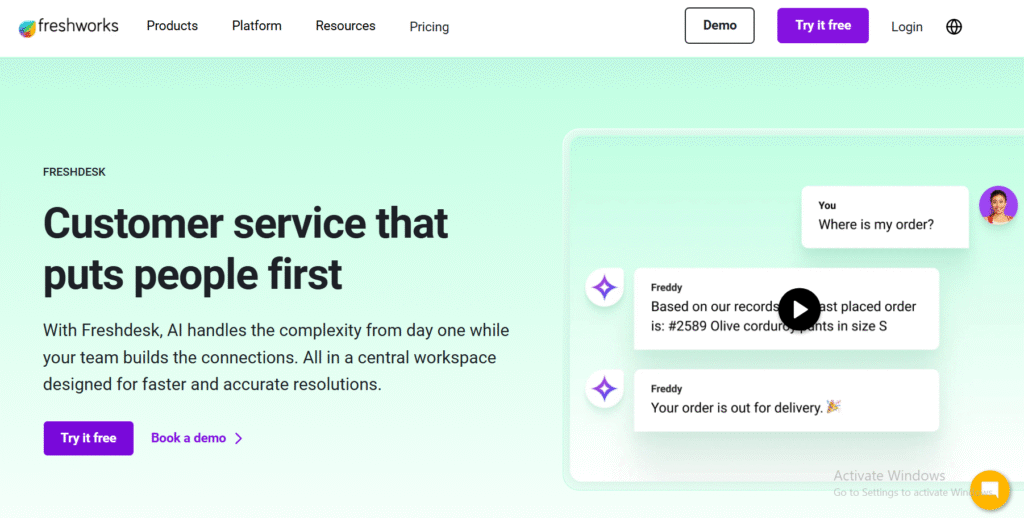
Freshdesk Contact Center (formerly Freshcaller) is part of Freshworks, designed for teams needing voice inside a wider CRM and support suite. Many sales teams check Freshdesk Contact Center review pages when comparing integrated systems. Freshdesk Contact Center alternatives typically include Aircall, RingCentral and Zoom Phone.
Key Features
Multi-Level IVR
Teams can create routing flows that send inbound leads to the right rep or queue. This is especially helpful for hybrid sales and support teams.
CRM Integration
Freshdesk and Freshsales users benefit from native click-to-call and auto-logging.
Call Masking
Masking helps maintain privacy when reps use personal devices.
Call Monitoring
Managers can listen, whisper or join calls for training.
Omnichannel Options
Teams using Freshworks tools can unify support and sales communication under one roof.
Pros and Cons
| Pros | Cons |
| Works well with Freshworks CRMs | Outbound features limited |
| Affordable | Reporting can feel light |
| Good call routing | Dialler options basic |
| Easy onboarding | Fewer automation features |
Pricing
Freshdesk Contact Center pricing starts at a low level with usage-based options, scaling up with additional features like call routing and reporting.
Best for Teams Using Freshsales or Freshdesk
Freshdesk Contact Center suits:
- Companies already using Freshworks
- Teams wanting CRM + phone in one place
- Managers coaching junior reps
- Reps balancing support and inbound sales
- Organisations wanting to avoid multiple tools
Verdict: Freshdesk Contact Center is ideal for Freshworks users needing voice features.
Freshdesk Tip
Use call masking when reps work remotely to maintain consistency and privacy.
Best Alternate Tool
Aircall
14. Twilio Flex – Programmable VoIP for Custom Sales Workflows
Twilio Flex is a programmable communications platform for teams that want full control over routing, automations and voice infrastructure. Twilio Flex review searches often come from technical teams, revenue ops and enterprise sales setups. Twilio Flex alternatives include Talkdesk, RingCentral and custom-built SIP systems.
Key Features
Fully Programmable Workflows
Teams can build entire calling systems tailored to their specific sales processes. This makes Twilio Flex unique among VoIP tools.
Custom Integrations
Reps can plug Flex into any CRM or data source using APIs, allowing advanced behaviour-based routing.
Real-Time Dashboards
Sales managers can see call activity, queue handling and rep performance in one place.
IVR and Call Routing
Highly customisable routing options support complex inbound and outbound structures.
Multi-Channel Support
Voice, messaging and digital channels live together inside the same programmable environment.
Pros and Cons
| Pros | Cons |
| Fully customisable | Requires technical resources |
| Strong integrations | Higher setup time |
| Good for enterprise workflows | Overkill for small teams |
| Scales well | Pricing varies widely |
Pricing
Twilio Flex pricing is usage-based and varies depending on call volumes, messaging and custom features. Technical teams typically manage deployment.
Best for Enterprise Teams with Custom Sales Workflows
Twilio Flex suits:
- Enterprise SDR teams
- Organisations with technical ops
- Companies needing custom routing
- Sales teams working across many regions
- Pipelines with complex qualification logic
Verdict: Twilio Flex is built for sales teams that want full customisation and have technical capacity to manage it.
Twilio Tip
Set up conditional routing tied to CRM deal stages to improve inbound qualification accuracy.
Best Alternate Tool
Talkdesk
15. Talkdesk – Contact Centre-Grade VoIP for High-Volume Sales

Talkdesk is a contact-centre-level system with strong voice features, routing, analytics and automation. Many revenue teams search for a Talkdesk review when they need enterprise performance. Talkdesk alternatives such as RingCentral, Twilio Flex and 8×8 are usually explored for price and feature comparisons.
Key Features
Advanced Routing
Talkdesk handles complex inbound flows using skills-based routing and queue logic. This supports both SDR and AE teams.
AI Support Tools
AI-assisted suggestions and summaries help reps move through calls faster.
Reporting and Dashboards
Managers gain visibility into queue performance, rep activity and missed opportunities.
CRM Integrations
Talkdesk integrates with Salesforce, HubSpot, Zendesk and more.
Quality Management Tools
Managers can score calls, annotate recordings and support onboarding.
Pros and Cons
| Pros | Cons |
| Strong for high-volume teams | Pricing suits medium to large teams |
| Good analytics | Setup requires planning |
| Strong quality tools | More complex than SMB tools |
| Wide CRM support | Requires some admin overhead |
Pricing
Talkdesk pricing is aimed at medium to large sales organisations, with features such as routing, analytics and quality tools included in higher tiers.
Best for Large Sales Teams and Contact Centre Hybrids
Talkdesk suits:
- Large sales departments
- Teams with significant inbound volume
- Organisations needing AI support
- Managers prioritising analytics
- Companies with multi-layer sales teams
Verdict: Talkdesk fits sales organisations that need contact-centre-grade performance with strong oversight tools.
Talkdesk Tip
Use skills-based routing to send inbound leads to the most qualified rep instantly.
Best Alternate Tool
Twilio Flex
16. Phone.com – Flexible VoIP for Small Sales Teams
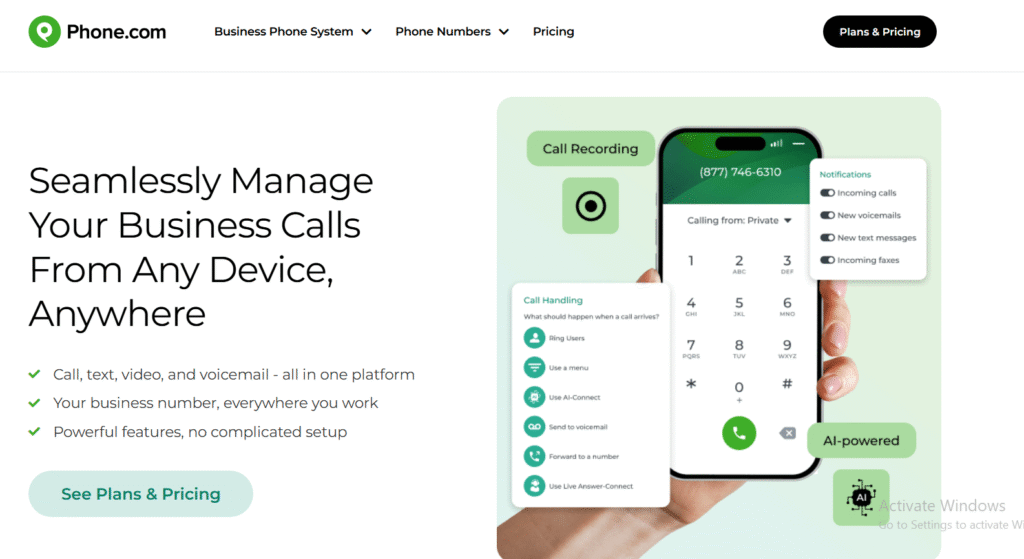
Phone.com is a lightweight VoIP solution aimed at small sales teams that need calling, texting and simple routing without complex setup. When teams search for a Phone.com review, they often compare it with Grasshopper, Ooma and OpenPhone. Phone.com alternatives typically offer heavier analytics, but few match its cost control and flexibility.
Key Features
Flexible Plans
Phone.com offers customisable plans with à-la-carte add-ons. This helps small sales teams scale features only when needed.
Call Routing
Basic routing options let teams direct inbound calls to the right rep or device. It supports simple sales desk workflows.
Business Texting
Reps can send and receive messages from their business number, supporting quick follow-ups.
HD Voice Quality
Phone.com prioritises high-quality audio, which small sales teams value during prospecting.
Call Recording
Managers can record calls for training or quality checks.
Pros and Cons
| Pros | Cons |
| Affordable | Limited outbound dialler |
| Flexible plans | Fewer CRM integrations |
| Easy setup | Basic analytics |
| Good for small teams | Limited coaching tools |
Pricing
Phone.com pricing starts with a low base tier, with additional features available through add-ons. This keeps early-stage teams in control of costs.
Best for Small Sales Teams Wanting Flexibility
Phone.com suits:
- Small sales teams
- Founders doing early outreach
- Businesses wanting custom add-ons
- Reps using texting for follow-ups
- Teams with light inbound workflows
Verdict: Phone.com is helpful for small sales groups that need flexibility and predictable pricing.
Phone.com Tip
Use call routing schedules to ensure leads reach the right rep depending on working hours.
Best Alternate Tool
OpenPhone
17. Kixie – Power Dialling for High-Volume Outbound

Kixie is built specifically for outbound sales performance. Many sales teams searching for a Kixie review compare it to CloudTalk, JustCall and Aircall due to its strong dialler features. Kixie alternatives are usually chosen by teams that need more flexible VoIP setups or deeper inbound routing.
Key Features
Power Dialler
Kixie’s power dialler cycles through lists rapidly and auto-dials prospects, allowing high call volume for SDRs.
Local Presence
Reps can choose local numbers to increase connect rates during outbound campaigns.
CRM Integrations
Kixie integrates with HubSpot, Salesforce, Zoho, Pipedrive and more, supporting click-to-call and record syncing.
SMS Automation
Sales teams can send timed or triggered SMS messages to support multi-touch sequences.
Call Coaching
Managers use listening and whisper tools to help improve rep performance.
Pros and Cons
| Pros | Cons |
| Excellent dialler | Not ideal for inbound-focused teams |
| SMS automation | Pricing higher than light VoIP tools |
| Good CRM coverage | Setup takes planning |
| Strong coaching tools | Limited admin simplicity |
Pricing
Kixie pricing starts at an outbound-focused tier with dialler and SMS features available in higher plans.
Best for SDR Teams That Rely on Heavy Outbound
Kixie suits:
- SDR groups making large daily call volumes
- Teams using SMS sequences
- Sales orgs needing local presence numbers
- Managers coaching outbound reps
- Companies running multi-touch outreach
Verdict: Kixie is built for high-volume outbound performance with strong automation and dialling.
Kixie Tip
Set up automation triggers that deliver SMS follow-ups when calls are missed.
Best Alternate Tool
JustCall
18. CallHippo – VoIP for Multi-Territory Sales Operations
CallHippo is widely used by sales teams that need international numbers, clean interfaces and dependable outbound performance. CallHippo review searches often come from teams comparing its global coverage and pricing with alternatives like CloudTalk and JustCall.
Key Features
International Number Coverage
CallHippo provides local numbers in many territories, supporting outbound campaigns across multiple regions.
Power Dialler
Outbound teams use the dialler to increase productive calling hours.
Call Recording
Managers use recordings for sales coaching and improving talk tracks.
Call Analytics
Basic analytics track missed calls, answered calls, rep behaviour and peak times.
CRM Integration
CallHippo syncs with HubSpot, Zoho, Salesforce and Pipedrive, enabling click-to-call and logging.
Pros and Cons
| Pros | Cons |
| Good number availability | Analytics are basic |
| Strong outbound features | Interface can feel dated |
| Simple setup | Limited coaching tools |
| Affordable | Add-ons may add cost |
Pricing
CallHippo pricing starts with an entry tier that includes essential calling features, with dialler and analytics available at higher levels.
Best for Sales Teams Targeting Multiple Territories
CallHippo suits:
- SDRs running international outreach
- Teams needing multiple local numbers
- Reps using diallers for outbound
- Companies with distributed sales teams
- Smaller teams wanting predictable rollout
Verdict: CallHippo works well for outbound teams targeting multiple markets.
CallHippo Tip
Use different local numbers for each region to test which markets deliver higher answer rates.
Best Alternate Tool
CloudTalk
19. OpenPhone – Simple VoIP for Startups and Lean Sales Teams
OpenPhone is designed for startups, founders and lean sales teams needing a clean interface and straightforward calling. Many people searching for an OpenPhone review compare it to Grasshopper, Phone.com and JustCall. OpenPhone alternatives are chosen by teams needing more advanced outbound tools.
Key Features
Shared Inboxes
Teams can share inbound numbers, helping sales groups respond without missing leads.
Texting Support
Reps can send messages from their business number, supporting short follow-up cycles.
Contact Notes
Notes and activity logs keep conversations accessible inside the OpenPhone app.
Voicemail Transcription
Reps can skim voicemails quickly, helping them prioritise outreach.
Simple Number Management
Adding, removing or reassigning numbers is fast and easy.
Pros and Cons
| Pros | Cons |
| Very simple interface | No power dialler |
| Affordable | Limited analytics |
| Good texting features | CRM integrations lighter |
| Great for small teams | Not built for high volume |
Pricing
OpenPhone pricing starts at an affordable per-user rate with advanced workflow features available at mid tiers.
Best for Startups and Small Sales Teams
OpenPhone suits:
- Early-stage sales teams
- Founders doing initial outreach
- Groups needing shared numbers
- Teams relying on texting
- Organisations wanting minimal setup complexity
Verdict: OpenPhone is ideal for small teams that want a clean VoIP setup without advanced outbound tools.
OpenPhone Tip
Use shared inboxes so the whole team can respond to inbound leads before they lose interest.
Best Alternate Tool
Grasshopper
20. JustCall (Repeat Entry) – Outbound VoIP with SMS for SDRs
This listing reflects JustCall’s strong relevance for outbound-heavy sales environments. Because it consistently appears in sales-focused VoIP shortlists, it earns a second placement for teams comparing dialling, SMS and CRM workflows. Many teams look at a JustCall review when comparing it with Kixie, CloudTalk and Aircall.
Key Features
Auto Dialler
Moves reps through outbound lists quickly so they spend more time talking to prospects.
SMS Sequences
Supports follow-up messaging inside calling workflows.
Local Presence Numbers
Improves connect rates for outbound campaigns across regions.
CRM Integrations
Strong coverage across Salesforce, HubSpot, Zoho and Pipedrive.
Call Recording
Managers use it for training and review.
Pros and Cons
| Pros | Cons |
| Strong outbound workflows | Add-ons may increase cost |
| Good SMS options | Interface can feel busy |
| Easy CRM syncing | Limited enterprise analytics |
| Local presence numbers | Less suited for inbound-heavy teams |
Pricing
JustCall pricing starts at an accessible tier and scales with outbound features.
Best for SDR Teams Needing Calls + SMS
JustCall suits:
- SDR teams with outbound targets
- Reps who use multi-channel follow-ups
- Small and mid-sized teams
- Groups running territory-based campaigns
- Ops needing CRM consistency
Verdict: JustCall remains a top choice for outbound-focused teams that rely heavily on phone + SMS workflows.
JustCall Tip
Use auto-tagging rules to standardise call outcomes and improve reporting.
Best Alternate Tool
Kixie
Final Words
Each VoIP tool above brings its own strengths, from outbound acceleration to routing, analytics and simple onboarding. The key is choosing the system that supports your current sales rhythm while leaving room for growth.
When aligned with your CRM and outbound cadence, the right VoIP setup helps your team maintain consistent activity, reduce missed opportunities and improve qualification outcomes.
Need Help?
At Pearl Lemon Sales, we work closely with teams needing support across outbound calling, conversion workflows and sales process refinement. Our consultants can review your current stack, map your buyer journey and recommend aligned VoIP systems that support your operational targets.
If you want a clearer view of which platform suits your SDR, AE or hybrid teams, schedule a consultation. Our team will guide you through setup priorities, integration requirements and sales process alignment so you can move forward with confidence.
Frequently Asked Questions
1. What VoIP setup is best for outbound SDR teams?
Outbound SDR teams often need power dialling, local presence numbers and CRM syncing. Tools such as Kixie, CloudTalk and JustCall tend to suit these environments due to their outbound focus. We typically assess call volumes, regions targeted and CRM usage before recommending a match.
2. Should sales teams prioritise CRM integrations when choosing a VoIP tool?
Yes. Without CRM syncing, reps spend more time on admin and less time selling. Integration also supports better reporting. We always map your CRM workflows first to ensure clean alignment.
3. What VoIP features matter most for inbound qualification?
IVR, call routing, call queues and caller data previews are key. These features ensure inbound leads reach the right reps quickly. We assess your lead response targets to guide routing setup.
4. How do you support teams migrating from legacy phone systems?
We help map number porting, training, device management and CRM setup. Most migrations can be completed without downtime when planned correctly.
5. Can VoIP tools replace traditional desk phones entirely?
Yes. Most teams now run on softphones across desktop and mobile. We help configure device policies and call forwarding so reps stay responsive.
6. How do you advise teams choosing between Aircall, Dialpad and RingCentral?
We look at call volumes, global coverage needs, analytics depth and coaching requirements. Each tool suits different sales motions, so we use your data to guide the selection.
7. What KPIs should teams track after switching to VoIP?
Call connection rate, conversation length, call-to-meeting ratio, missed calls and time-to-response are important metrics. We help teams set dashboards that match their pipeline stages.
8. Is VoIP reliable for remote sales teams?
Yes. Modern systems offer high uptime and stable call quality. We review your team’s device mix, network conditions and routing preferences to configure a stable setup.
9. How does call recording support sales performance?
Recordings allow managers to audit talk tracks, identify gaps and train new reps. We help teams set compliant recording settings and coaching workflows.
10. Do you offer support for multi-territory VoIP deployments?
Yes. We assess territory needs, number availability, carrier requirements and outbound strategy to ensure your sales reps operate smoothly across regions.