
Small and medium sized businesses face a brutal sales reality. Leads come in, yet sales teams struggle to convert them. Content sits unused. Sales reps spend hours searching for the right pitch deck, proposal template, or product sheet.
This is where sales enablement platforms for SMEs step in.
A strong sales enablement system organises content, tracks engagement, and gives sales teams the tools required to close deals with less friction. According to research from CSO Insights, companies using structured sales enablement see up to 49% higher win rates and 15% higher quota attainment compared with those without formal enablement processes.
Another study by HubSpot reports that sales reps spend only about 28% of their time actually selling. The rest goes into admin tasks, searching for materials, and manual follow ups.
We reviewed dozens of tools and narrowed them down to the top sales enablement platforms for SMEs. These platforms support small teams, agencies, B2B firms, and increasing startups that need structured sales processes without enterprise complexity.
If you are evaluating sales enablement software, sales content management platforms, or sales engagement tools, this guide walks through the best options available in 2026.
What is a Sales Enablement Platform?
A sales enablement platform is software designed to equip sales teams with the resources, insights, and workflows required to move prospects through the sales flow .
At its core, sales enablement focuses on three areas:
- Sales Content Management
Central storage for pitch decks, proposals, case studies, pricing documents, and product sheets. - Sales Engagement Tracking
Visibility into how prospects interact with shared documents, presentations, and proposals. - Sales Training and Onboarding
Tools that train new sales representatives quickly and keep messaging consistent.
For SMEs, a strong sales enablement platform can:
- Reduce time spent searching for sales materials
- Improve consistency across sales messaging
- Provide insights into buyer behaviour
- Increase close rates
- Shorten sales cycles
Instead of scattered files across email threads and cloud folders, sales enablement platforms create a structured system that sales teams can rely on daily.
Many platforms also integrate with CRM systems, email outreach tools, and marketing automation platforms, making them central to modern sales operations.
Quick Comparison Table
The table below compares the top sales enablement platforms for SMEs based on these critical criteria.
| Tool | Best For | Starting Price | Free Trial | Key Feature | Rating | Platform |
| Highspot | Sales content teams | $65/user/mo | Yes | AI content search | 4.6 | Web |
| Seismic | Large sales teams | $100/user/mo | Yes | Content automation | 4.7 | Web |
| HubSpot Sales Hub | CRM integration | $20/user/mo | Yes | Built in CRM | 4.5 | Web |
| Showpad | Sales training | $35/user/mo | Yes | Coaching modules | 4.6 | Web |
| Guru | Knowledge sharing | $5/user/mo | Yes | Internal knowledge base | 4.5 | Web |
| Salesloft | Sales engagement | $75/user/mo | Yes | Cadence automation | 4.6 | Web |
| Outreach | Sales flow management | $100/user/mo | Yes | Deal analytics | 4.5 | Web |
| Brainshark | Sales readiness | $50/user/mo | Yes | Video coaching | 4.4 | Web |
| Mediafly | Sales presentations | $40/user/mo | Yes | Buyer engagement tracking | 4.5 | Web |
| Mindtickle | Sales training | $60/user/mo | Yes | Coaching analytics | 4.6 | Web |
| Bigtincan | Mobile enablement | $35/user/mo | Yes | Mobile content access | 4.5 | Web |
| Allego | Remote sales teams | $40/user/mo | Yes | Video collaboration | 4.4 | Web |
| Paperflite | SME sales teams | $50/user/mo | Yes | Content engagement data | 4.6 | Web |
| Bloomfire | Knowledge management | $25/user/mo | Yes | Smart content search | 4.4 | Web |
| Spekit | Sales onboarding | $20/user/mo | Yes | In app training | 4.5 | Web |
| Qwilr | Sales proposals | $39/user/mo | Yes | Interactive proposals | 4.6 | Web |
| Dock | Deal collaboration | $49/user/mo | Yes | Client deal workspace | 4.7 | Web |
| Trumpet | Sales pods | $40/user/mo | Yes | Buyer portals | 4.6 | Web |
| GetAccept | Proposal tracking | $25/user/mo | Yes | E signature workflow | 4.5 | Web |
| DealHub | Revenue operations | $50/user/mo | Yes | CPQ automation | 4.6 | Web |
Top Sales Enablement Platforms for SMEs
Below are the best sales enablement platforms for SMEs that provide the right balance between functionality, usability, and pricing.
- Highspot
- Seismic
- HubSpot Sales Hub
- Showpad
- Guru
- Salesloft
- Outreach
- Brainshark
- Mediafly
- Mindtickle
- Bigtincan
- Allego
- Paperflite
- Bloomfire
- Spekit
- Qwilr
- Dock
- Trumpet
- GetAccept
- DealHub
Highspot
Highspot is widely recognised among sales enablement platforms for SMEs that require structured sales content management, guided selling, and analytics in one environment. Sales teams use Highspot to organise sales collateral, track buyer engagement, and align marketing and sales materials.
Many increasing SMEs rely on Highspot to maintain consistent messaging across proposals, presentations, and product documentation. The platform also integrates with CRM systems and email tools, making it easier for sales representatives to access materials directly within their workflow.
Businesses researching a Highspot review, Highspot pricing, Highspot alternatives, or Highspot vs Seismic often compare its strong content management capabilities with other enterprise sales enablement tools.
Key Features
Highspot includes several functions that make it one of the leading sales enablement platforms for SMEs managing large volumes of sales content and sales processes.
AI Powered Content Recommendations
Highspot uses artificial intelligence to recommend the most relevant sales materials for each stage of the sales process. When a sales representative prepares a proposal or outreach message, the platform suggests case studies, pitch decks, and product sheets that match the deal stage. This reduces time spent searching for files and keeps messaging aligned with current campaigns.
Sales Content Management System
One of the core Highspot features is its structured content repository. Sales teams can store presentations, pricing documents, proposals, and marketing assets in a central location. Files are organised by product line, buyer persona, or deal stage. This structure keeps that sales teams always use the latest version of materials.
Buyer Engagement Tracking
Highspot provides engagement analytics showing how prospects interact with shared documents. Sales representatives can see which pages were viewed, how long a buyer spent reviewing materials, and whether the content was forwarded internally. These insights help sales teams prepare stronger follow up conversations.
Sales Training and Coaching Tools
Highspot includes built in coaching modules that allow managers to train sales representatives and review performance. Teams can upload training videos, product knowledge modules, and role play scenarios. Sales leaders can then evaluate performance and give structured feedback inside the platform.
CRM and Sales Tool Integrations
Highspot integrates with CRM platforms such as Salesforce and HubSpot along with email tools, meeting software, and marketing automation systems. These integrations allow sales representatives to access content without leaving their CRM workflow, which keeps the sales process organised.
Pros and Cons
| Pros | Cons |
| Strong sales content management | Higher cost for small teams |
| Advanced analytics | Setup takes time |
| Powerful integrations | Interface learning curve |
| Structured training features | Pricing tiers increase quickly |
Pricing
Highspot pricing varies depending on team size and feature requirements.
Typical pricing structure:
- Starter plan around $65 per user per month
- Professional plan around $95 per user per month
- Enterprise plan around $120 per user per month
Most plans include content management, analytics, and CRM integrations. Businesses evaluating Highspot pricing often compare it with tools like Seismic or Showpad when selecting sales enablement platforms for SMEs.
Best For Sales Teams Managing Large Content Libraries
Highspot works best for organisations that depend heavily on sales collateral and structured messaging across teams.
- B2B SaaS companies – Sales teams sharing case studies, demos, and pricing decks.
- Increasing sales departments – Teams managing multiple product lines and campaigns.
- Marketing and sales alignment teams – Organisations that need centralised content control.
- Sales leaders managing distributed teams – Teams requiring consistent messaging.
Verdict
Highspot remains one of the most capable sales enablement platforms for SMEs that want strong content management combined with buyer engagement insights.
How to Use Highspot for Structured Sales Content
Many SMEs overlook one simple Highspot capability.
Create content collections for each sales stage:
- Prospecting stage
- Product evaluation stage
- Proposal stage
- Decision stage
Sales representatives can then quickly access the right materials at the right moment, reducing delays during active deals.
This structure also improves tracking accuracy and provides clearer engagement analytics.
Best Alternate Tool
If you are evaluating Highspot alternatives, a strong option is Seismic, which focuses on enterprise sales enablement with automated content workflows.
2: Seismic

Seismic is a widely used platform among organisations that require strong sales enablement platforms for SMEs with structured content automation and sales engagement analytics. Sales teams use Seismic to organise marketing materials, manage product documentation, and track how buyers interact with sales content.
Many increasing companies adopt Seismic when their sales teams struggle with scattered content across multiple systems. The platform centralises assets and keeps that sales representatives always share approved materials with prospects. Businesses researching Seismic review, Seismic pricing, Seismic alternatives, or Seismic vs Highspot often evaluate it for its automation features and enterprise ready integrations.
Key Features
Seismic includes multiple functions that make it one of the most recognised sales enablement platforms for SMEs managing structured sales processes and content delivery.
Automated Content Personalisation
Seismic allows sales teams to personalise presentations and proposals without rebuilding documents each time. Sales representatives can generate customised content based on buyer industry, company size, or product interest. This keeps prospects receive relevant information quickly while maintaining brand consistency across sales teams.
Sales Content Management Library
The platform includes a structured library where marketing and sales teams store approved content. Files such as brochures, pricing sheets, product presentations, and case studies remain organised and searchable. This approach keeps sales representatives avoid outdated materials when communicating with prospects.
Buyer Engagement Analytics
Seismic tracks how prospects interact with shared content. Sales teams can see which documents were opened, which sections received the most attention, and when buyers revisited materials. These insights provide valuable signals that guide follow up conversations and deal progression.
Sales Playbooks and Guided Selling
Seismic provides guided selling features that show sales representatives which materials to use during each stage of the sales flow. Sales leaders can create structured playbooks that align messaging across teams. This improves consistency and shortens onboarding time for new representatives.
CRM and Marketing Integration
Seismic integrates with major CRM systems such as Salesforce and HubSpot along with marketing platforms and document tools. Sales representatives can access content directly inside their CRM environment, reducing workflow interruptions during prospect conversations.
Pros and Cons
| Pros | Cons |
| Strong automation features | Higher cost tiers |
| Powerful analytics | Implementation requires planning |
| Advanced content organisation | Interface complexity |
| Extensive integrations | Enterprise focus |
Pricing
Seismic pricing typically varies depending on features and team size.
Common pricing estimates:
- Starter plan around $100 per user per month
- Business plan around $125 per user per month
- Enterprise plan around $150 per user per month
Many organisations evaluating Seismic pricing compare it against Highspot and Showpad when selecting sales enablement platforms for SMEs.
Best For Sales Teams Requiring Automated Sales Content
Seismic works well for organisations managing large sales teams and structured product documentation.
- Technology companies – Sales teams delivering technical product presentations.
- Financial service firms – Teams sharing regulated documentation.
- Increasing SaaS businesses – Sales departments managing structured product messaging.
- Sales leaders scaling teams – Organisations requiring guided selling frameworks.
Verdict
Seismic remains a powerful option among sales enablement platforms for SMEs that require advanced automation and sales content control.
How to Use Seismic for Guided Sales Processes
Sales teams can build deal stage playbooks within Seismic.
Typical structure includes:
- Discovery call resources
- Product demo materials
- Case studies and ROI documents
- Proposal and contract templates
This structure helps sales representatives follow a consistent process and reduces delays during active deals.
Best Alternate Tool
A strong alternative to Seismic is Showpad, which focuses heavily on sales coaching and training combined with sales enablement.
3: HubSpot Sales Hub
HubSpot Sales Hub is one of the most accessible sales enablement platforms for SMEs because it combines CRM functionality with sales engagement and content tracking tools. Small businesses often adopt HubSpot when they want sales enablement features without adding multiple separate systems.
Sales teams use HubSpot Sales Hub to manage leads, track email engagement, share documents, and automate follow up activities. Businesses researching HubSpot Sales Hub review, HubSpot Sales Hub pricing, HubSpot alternatives, or HubSpot vs Salesforce often consider it for its integrated CRM environment.
Key Features
HubSpot Sales Hub includes several capabilities that support increasing sales teams implementing sales enablement platforms for SMEs.
Built In CRM and Contact Management
HubSpot Sales Hub includes a fully integrated CRM that stores lead details, company profiles, deal stages, and communication history. Sales representatives can access all prospect interactions in one dashboard, which simplifies sales management and reporting for sales managers.
Email Tracking and Engagement Analytics
The platform allows sales representatives to send tracked emails directly from the CRM or their inbox. Sales teams can see when prospects open emails, click links, or download attachments. These insights help representatives determine the right time to follow up with potential buyers.
Document Sharing and Content Tracking
HubSpot enables sales teams to share sales documents such as proposals, presentations, and product sheets. When prospects open the document, the system records engagement data including viewing time and repeat visits. This information helps sales teams identify highly interested prospects.
Sales Automation and Task Workflows
HubSpot includes automation tools that trigger follow up tasks based on buyer activity. Sales representatives can create workflows that schedule reminders, assign tasks, or send automated emails when prospects interact with sales materials.
Meeting Scheduling and Sales Management
Sales teams can use HubSpot meeting links to allow prospects to book calls directly into their calendar. This removes back and forth scheduling emails while ensuring that sales representatives maintain organised flow stages inside the CRM.
Pros and Cons
| Pros | Cons |
| Built in CRM system | Limited advanced enablement features |
| Easy setup for SMEs | Advanced features require higher plans |
| Strong reporting tools | Less specialised content management |
| Wide integration ecosystem | Scaling costs |
Pricing
HubSpot Sales Hub pricing varies depending on features and number of users.
Typical pricing includes:
- Starter plan around $20 per user per month
- Professional plan around $90 per user per month
- Enterprise plan around $150 per user per month
Many businesses evaluating HubSpot Sales Hub pricing compare it with Outreach or Salesloft when choosing sales enablement platforms for SMEs.
Best For SMEs Seeking CRM Based Sales Enablement
HubSpot works well for businesses that want a CRM combined with sales enablement features.
- Startups building their first sales process – Teams organising contacts and deals.
- B2B service providers – Companies managing consultative sales cycles.
- Marketing driven organisations – Teams aligning marketing leads with sales activities.
- Small sales teams – Companies requiring simple onboarding and management.
Verdict
HubSpot Sales Hub is one of the most accessible sales enablement platforms for SMEs due to its integrated CRM, automation tools, and document tracking capabilities.
How to Use HubSpot for Sales Document Tracking
Sales teams can upload proposal templates and product presentations inside HubSpot and share them through tracked links. When prospects open the document, the sales representative receives a notification. This allows sales teams to follow up quickly while the prospect is actively reviewing the materials.
Best Alternate Tool
If a team requires stronger content management features, Highspot is a suitable alternative to HubSpot Sales Hub.
4: Showpad
Showpad is widely recognised among sales enablement platforms for SMEs that prioritise sales training alongside content management. Many companies use Showpad to manage sales collateral while also coaching sales representatives through structured learning modules.
The platform combines content delivery, engagement tracking, and sales training features in one environment. Organisations researching Showpad review, Showpad pricing, Showpad alternatives, or Showpad vs Seismic often consider it when building structured sales training systems.
Key Features
Showpad provides several capabilities that make it a valuable solution among sales enablement platforms for SMEs focused on sales readiness and messaging consistency.
Structured Sales Content Library
Showpad provides a central content library where marketing teams upload approved sales assets. Sales representatives can quickly access presentations, brochures, and product sheets organised by industry, product, or deal stage. This keeps that prospects always receive the latest materials.
Sales Coaching and Training Modules
Showpad includes built in coaching tools that allow sales managers to train representatives using video lessons, quizzes, and structured learning paths. Managers can review recorded pitches and provide feedback to keep messaging remains consistent across teams.
Buyer Engagement Tracking
The platform records how prospects interact with sales content shared by representatives. Sales teams can review metrics such as document views, time spent reviewing materials, and repeat engagement. These signals provide insights into prospect interest.
Guided Selling Workflows
Showpad allows sales leaders to build guided selling paths that recommend specific content for each stage of the sales cycle. This approach keeps that sales representatives present the right information during discovery calls, product demonstrations, and proposal discussions.
CRM and Communication Integrations
Showpad integrates with common CRM systems, email platforms, and collaboration tools. Sales representatives can access content and analytics without leaving their primary sales workflow environment.
Pros and Cons
| Pros | Cons |
| Strong training features | Pricing increases with features |
| Sales coaching tools | Requires content organisation |
| Engagement tracking | Learning curve for managers |
| CRM integrations | Setup effort |
Pricing
Showpad pricing generally follows a tiered structure based on features and number of users.
Typical estimates include:
- Starter plan around $35 per user per month
- Professional plan around $60 per user per month
- Enterprise plan around $95 per user per month
Companies evaluating Showpad pricing often compare it with Seismic and Highspot when analysing sales enablement platforms for SMEs.
Best For Sales Teams Prioritising Training and Coaching
Showpad works particularly well for companies that require structured onboarding for sales representatives.
- Increasing SaaS companies – Teams training new sales representatives frequently.
- Product heavy industries – Organisations explaining complex product lines.
- Sales teams requiring structured coaching – Managers monitoring sales performance.
- Marketing and sales alignment teams – Businesses controlling messaging consistency.
Verdict
Showpad stands out among sales enablement platforms for SMEs that want strong sales training capabilities alongside sales content management.
How to Use Showpad for Sales Onboarding
Sales leaders can create structured onboarding tracks that include product lessons, sales pitch videos, and certification quizzes. New sales representatives complete each step before accessing live prospects. This process keeps consistent messaging during early sales interactions.
Best Alternate Tool
A strong alternative to Showpad is Mindtickle, which focuses heavily on sales readiness and coaching analytics.
5: Guru
Guru is widely adopted by SMEs searching for sales enablement platforms for SMEs that focus on internal knowledge sharing rather than heavy enterprise systems. Sales teams use Guru to store product knowledge, pricing information, competitive comparisons, and sales scripts in a searchable knowledge base.
Companies researching Guru review, Guru pricing, Guru alternatives, or Guru vs Bloomfire often consider it when they want simple knowledge management combined with sales support features.
Key Features
Guru includes several functions that support sales teams building structured knowledge resources.
Central Knowledge Base
Guru stores sales knowledge inside a structured database where teams can document product details, pricing explanations, and competitor comparisons. Sales representatives can quickly search the system when answering prospect questions during live conversations.
Browser Extension Access
The Guru browser extension allows sales teams to access knowledge without leaving the applications they already use. Sales representatives can open Guru directly within their CRM, email client, or communication tools while interacting with prospects.
Content Verification System
Guru includes a verification workflow where subject matter experts review knowledge entries regularly. This keeps that product information and pricing details remain accurate. Verified content receives visible indicators so sales representatives know which information is current.
Team Collaboration Features
Sales teams can collaborate inside Guru by commenting on entries, suggesting updates, and requesting clarification on product knowledge. This encourages knowledge sharing across departments including sales, marketing, and customer success.
Integrations with Sales Tools
Guru integrates with CRM platforms, messaging tools, and project management software. Sales representatives can access information from the knowledge base while working inside their primary sales systems.
Pros and Cons
| Pros | Cons |
| Simple knowledge management | Limited advanced enablement features |
| Easy setup | Less analytics |
| Strong collaboration tools | Not a full sales platform |
| Affordable pricing | Limited engagement tracking |
Pricing
Guru offers affordable pricing options compared with many sales enablement platforms for SMEs.
Typical pricing tiers include:
- Starter plan around $5 per user per month
- Builder plan around $10 per user per month
- Expert plan around $25 per user per month
Companies researching Guru pricing often compare it with Bloomfire and Spekit when selecting knowledge focused sales enablement tools.
Best For Teams Managing Sales Knowledge and Product Information
Guru works best for organisations that require structured internal documentation.
- Customer support and sales teams – Organisations answering technical product questions.
- Software companies – Teams managing detailed product knowledge.
- Increasing startups – Companies building internal documentation.
- Sales teams handling complex products – Representatives requiring quick knowledge access.
Verdict
Guru is a practical option among sales enablement platforms for SMEs that prioritise knowledge sharing rather than complex enterprise sales automation.
How to Use Guru for Sales Knowledge Libraries
Sales teams can create structured collections inside Guru that include:
- Product specifications
- Pricing explanations
- Competitor comparison notes
- Sales objection responses
Representatives can quickly search these entries during sales calls and provide accurate answers to prospects.
Best Alternate Tool
If a team requires deeper analytics and engagement tracking, Paperflite is a strong alternative.
6: Salesloft
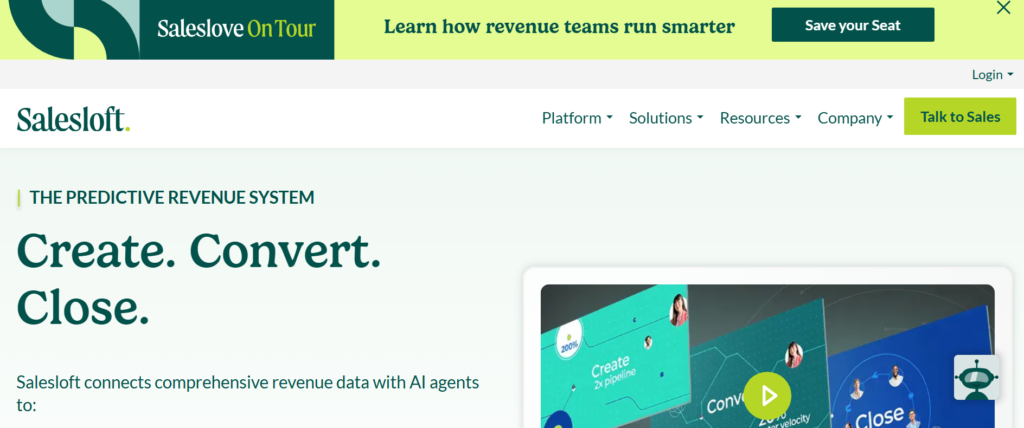
Salesloft is widely recognised among sales enablement platforms for SMEs that require structured communication workflows and sales engagement tracking. Many sales teams use Salesloft to organise outreach campaigns, track prospect responses, and maintain consistent follow up processes.
Increasing SMEs often adopt Salesloft when their sales teams struggle to manage prospect communication across email, phone calls, and meetings. The platform provides visibility into sales activities and helps teams maintain organised outreach sequences. Businesses researching Salesloft review, Salesloft pricing, Salesloft alternatives, or Salesloft vs Outreach often evaluate its engagement automation features.
Key Features
Salesloft includes several capabilities that support structured outreach and communication management.
Sales Cadence Management
Salesloft allows sales teams to build structured outreach sequences that combine emails, calls, LinkedIn messages, and meeting follow ups. Sales representatives follow these cadences to maintain consistent communication with prospects while ensuring no lead is overlooked during the sales process.
Email Tracking and Engagement Signals
The platform tracks how prospects interact with sales emails, including open activity, link clicks, and reply behaviour. These engagement signals provide insights into prospect interest and allow sales representatives to prioritise conversations with the most responsive leads.
Call Recording and Conversation Intelligence
Salesloft includes call recording and analysis tools that capture sales conversations. Sales managers can review calls, analyse messaging performance, and identify areas where sales representatives require additional coaching or training.
Deal Visibility
Salesloft integrates with CRM platforms to provide visibility into deal activity. Sales leaders can review deal progress, monitor sales representative activity, and evaluate overall performance using built in reporting dashboards.
Integration with CRM and Sales Tools
Salesloft connects with CRM systems, email platforms, calendar tools, and meeting software. These integrations allow sales teams to manage communication workflows without leaving their primary sales environment.
Pros and Cons
| Pros | Cons |
| Strong outreach management | Pricing for smaller teams |
| Detailed engagement tracking | Setup planning required |
| Conversation intelligence | Interface complexity |
| CRM integrations | Learning curve |
Pricing
Salesloft pricing varies depending on feature packages and organisation size.
Typical pricing estimates include:
- Essentials plan around $75 per user per month
- Advanced plan around $95 per user per month
- Premier plan around $125 per user per month
Companies comparing Salesloft pricing often evaluate Outreach and HubSpot Sales Hub when selecting sales enablement platforms for SMEs.
Best For Sales Teams Managing Structured Outreach Campaigns
Salesloft works well for organisations that rely on consistent prospect communication across multiple channels.
- B2B SaaS companies – Sales teams managing outbound prospecting.
- Sales development teams – Representatives running structured outreach sequences.
- Increasing startups – Organisations building scalable outreach systems.
- Sales leaders managing performance – Teams reviewing sales conversations.
Verdict
Salesloft is a strong option among sales enablement platforms for SMEs that require structured outreach workflows combined with communication analytics.
How to Use Salesloft for Prospect Follow Ups
Sales teams can create outreach cadences that include multiple follow up steps. These sequences often combine emails, scheduled calls, and meeting invitations. Representatives follow the cadence schedule, which keeps that prospects receive consistent communication throughout the sales cycle.
Best Alternate Tool
If teams require deeper deal analytics, Outreach is a strong alternative to Salesloft.
7:Outreach
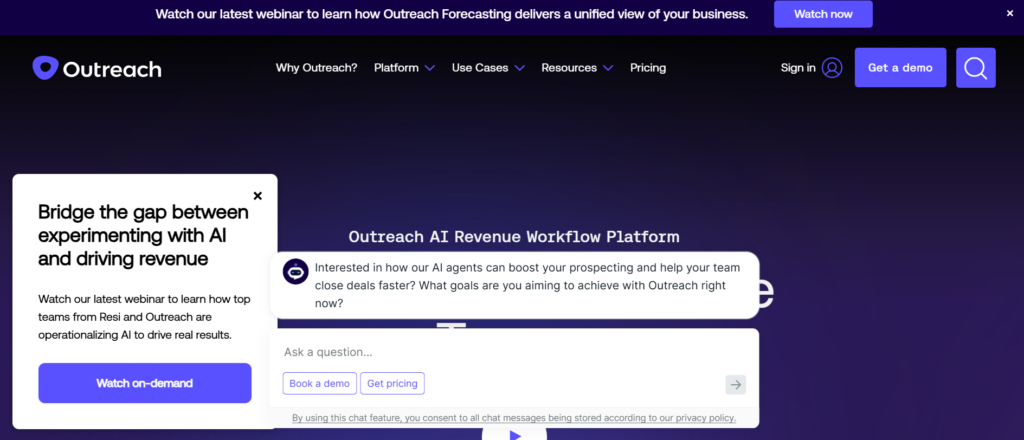
Outreach is widely recognised among sales enablement platforms for SMEs that prioritise visibility and engagement analytics. Many organisations adopt Outreach when their sales teams require structured prospect communication combined with deal forecasting.
The platform provides tools that track buyer engagement across emails, meetings, and calls while connecting these activities to sales performance. Businesses researching Outreach review, Outreach pricing, Outreach alternatives, or Outreach vs Salesloft often compare these platforms when evaluating outreach automation tools.
Key Features
Outreach includes several capabilities that assist sales teams managing complex communication workflows.
Multi Channel Outreach Sequences
Outreach allows sales teams to create structured communication sequences across multiple channels including email, phone calls, and social platforms. Sales representatives follow these workflows to maintain consistent communication with potential buyers.
Buyer Engagement Intelligence
The platform tracks prospect behaviour such as email opens, link clicks, and meeting attendance. Sales teams can analyse these signals to determine when prospects show stronger interest and adjust follow up timing accordingly.
Deal Forecasting and Analytics
Outreach includes forecasting tools that analyse deal activity and deal progression. Sales leaders can review deal data to evaluate sales performance and identify opportunities requiring additional attention.
Conversation Recording and Analysis
Outreach captures sales conversations and allows managers to review interactions between sales representatives and prospects. These recordings help sales leaders analyse messaging and provide structured feedback to their teams.
CRM Integration and Workflow Automation
Outreach integrates with CRM systems and marketing platforms to maintain consistent deal data across systems. Automated workflows keep that prospect activities remain synchronised with the CRM.
Pros and Cons
| Pros | Cons |
| Strong Sales analytics | Higher pricing tiers |
| Multi channel communication | Implementation effort |
| Conversation analysis | Interface learning curve |
| Forecasting tools | Training required |
Pricing
Outreach pricing varies depending on selected features and user count.
Typical estimates include:
- Standard plan around $100 per user per month
- Professional plan around $120 per user per month
- Enterprise plan around $150 per user per month
Businesses researching Outreach pricing often compare it with Salesloft when analysing sales enablement platforms for SMEs.
Best For Sales Teams Focused on Sales Visibility
Outreach works well for organisations that require deeper insight into sales flow performance.
- Sales organisations managing large Sales– Teams tracking deal progression.
- Outbound prospecting teams – Representatives managing structured communication.
- Revenue operations teams – Organisations monitoring forecasting accuracy.
- Sales leaders reviewing performance – Teams analysing conversation insights.
Verdict
Outreach is one of the most capable sales enablement platforms for SMEs when sales visibility and engagement analytics are critical.
How to Use Outreach for Sales Monitoring
Sales leaders can review deal stage activity inside Outreach dashboards. These reports highlight stalled deals, active conversations, and upcoming opportunities. Managers can quickly identify gaps and guide representatives on next actions.
Best Alternate Tool
If teams prefer simpler outreach workflows, Salesloft is a strong alternative.
8: Brainshark
Brainshark is recognised among sales enablement platforms for SMEs that prioritise sales training and readiness programmes. Many organisations adopt Brainshark when they require structured coaching systems that prepare sales representatives for product demonstrations and prospect conversations.
The platform combines training content delivery, performance tracking, and coaching analytics to improve sales readiness. Businesses researching Brainshark review, Brainshark pricing, Brainshark alternatives, or Brainshark vs Mindtickle often evaluate these systems when building sales training programmes.
Key Features
Brainshark includes multiple functions designed to support sales training and performance management.
Video Based Sales Training
Brainshark allows sales teams to deliver product training through video modules. Sales representatives can watch lessons covering product knowledge, messaging guidelines, and competitive positioning before interacting with prospects.
Sales Practice and Certification
The platform enables representatives to record practice presentations or product demonstrations. Sales managers can review these recordings and provide structured feedback before representatives engage with real prospects.
Performance Analytics Dashboard
Brainshark provides reporting tools that measure training progress and sales readiness. Sales leaders can analyse performance metrics to determine which representatives require additional coaching or knowledge reinforcement.
Content Management for Training Materials
Sales leaders can upload training documents, presentations, and product guides inside Brainshark. These materials remain accessible to sales representatives during onboarding and ongoing learning programmes.
CRM and Sales Tool Integration
Brainshark integrates with CRM platforms and communication tools used by sales teams. These integrations keep that training insights align with sales performance data.
Pros and Cons
| Pros | Cons |
| Strong training modules | Limited outreach tools |
| Video coaching features | Setup planning required |
| Performance analytics | Focus on training only |
| Certification tracking | Interface complexity |
Pricing
Brainshark pricing depends on team size and selected features.
Typical estimates include:
- Starter plan around $50 per user per month
- Professional plan around $75 per user per month
- Enterprise plan around $100 per user per month
Companies analysing Brainshark pricing often compare it with Mindtickle when selecting training focused sales enablement platforms for SMEs.
Best For Teams Building Structured Sales Training Programmes
Brainshark works well for organisations prioritising consistent training across sales departments.
- Large sales teams onboarding new representatives – Organisations requiring structured training.
- Product focused companies – Teams explaining complex solutions.
- Sales managers providing coaching – Leaders reviewing presentation recordings.
- Increasing companies building training frameworks – Organisations standardising messaging.
Verdict
Brainshark is a valuable option among sales enablement platforms for SMEs that focus primarily on training and sales readiness programmes.
How to Use Brainshark for Sales Certification
Sales leaders can build certification programmes that require representatives to complete training modules and record practice pitches. Managers review these recordings before approving representatives for live customer conversations.
Best Alternate Tool
If teams require deeper coaching analytics, Mindtickle is a strong alternative to Brainshark.
9: Mediafly
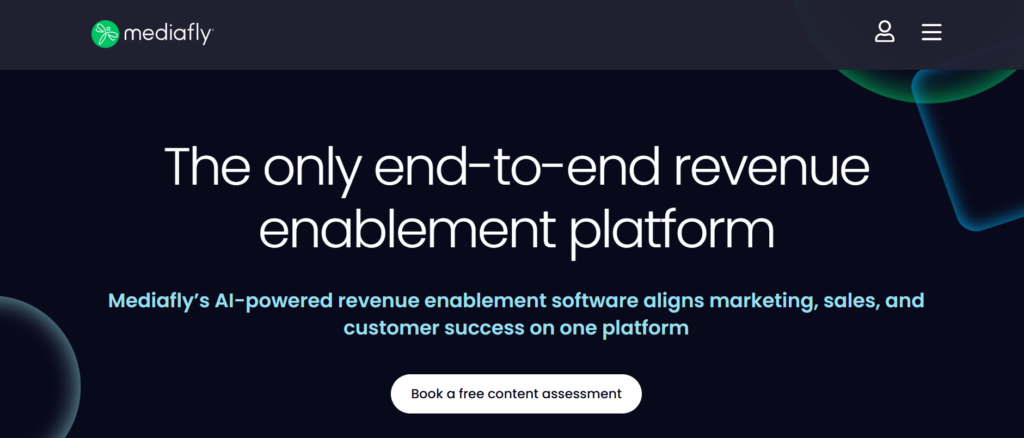
Mediafly is widely used among sales enablement platforms for SMEs that require interactive sales presentations and buyer engagement analytics. Many organisations adopt Mediafly when their sales teams rely heavily on presentations, product demonstrations, and interactive sales content.
The platform allows sales representatives to deliver engaging presentations while tracking buyer interactions. Businesses researching Mediafly review, Mediafly pricing, Mediafly alternatives, or Mediafly vs Highspot often compare it with other content focused enablement tools.
Key Features
Mediafly includes several capabilities that support sales teams delivering interactive content to prospects.
Interactive Sales Presentations
Mediafly enables sales teams to create interactive presentations that include videos, documents, and product visuals. These presentations can be customised based on prospect requirements and shared during live meetings or follow up communications.
Buyer Engagement Tracking
The platform records how prospects interact with sales presentations and documents. Sales teams can analyse viewing behaviour and determine which materials generate the most interest during the sales process.
Content Management for Sales Assets
Mediafly includes a central content library where marketing and sales teams organise presentations, brochures, product sheets, and proposal templates. This keeps that sales representatives always access approved materials.
Sales Analytics and Reporting
Mediafly provides reporting tools that analyse how sales content influences buyer behaviour. Sales leaders can evaluate which presentations contribute to deal progression and refine messaging accordingly.
Integration with CRM Systems
Mediafly integrates with CRM platforms and communication tools used by sales teams. These integrations keep that buyer engagement insights connect directly to sales activity.
Pros and Cons
| Pros | Cons |
| Strong presentation tools | Higher pricing tiers |
| Engagement tracking | Implementation effort |
| Content organisation | Learning curve |
| CRM integrations | Setup time |
Pricing
Mediafly pricing varies based on selected modules and organisation size.
Typical estimates include:
- Starter plan around $40 per user per month
- Professional plan around $65 per user per month
- Enterprise plan around $95 per user per month
Companies researching Mediafly pricing often compare it with Highspot and Showpad when selecting sales enablement platforms for SMEs.
Best For Teams Delivering Interactive Sales Presentations
Mediafly works well for organisations that depend heavily on visual presentations during the sales cycle.
- Product demonstration teams – Representatives delivering detailed presentations.
- Consultative sales organisations – Teams explaining complex services.
- Sales teams managing multiple products – Organisations requiring structured content.
- Marketing and sales alignment teams – Businesses controlling presentation messaging.
Verdict
Mediafly stands out among sales enablement platforms for SMEs that rely on interactive presentations and buyer engagement insights.
How to Use Mediafly for Sales Presentations
Sales teams can create structured presentation templates that include product videos, case studies, and pricing slides. Representatives personalise these presentations before meetings and track buyer engagement after sharing them with prospects.
Best Alternate Tool
If teams require stronger sales training features alongside content management, Showpad is a suitable alternative.
10: Mindtickle
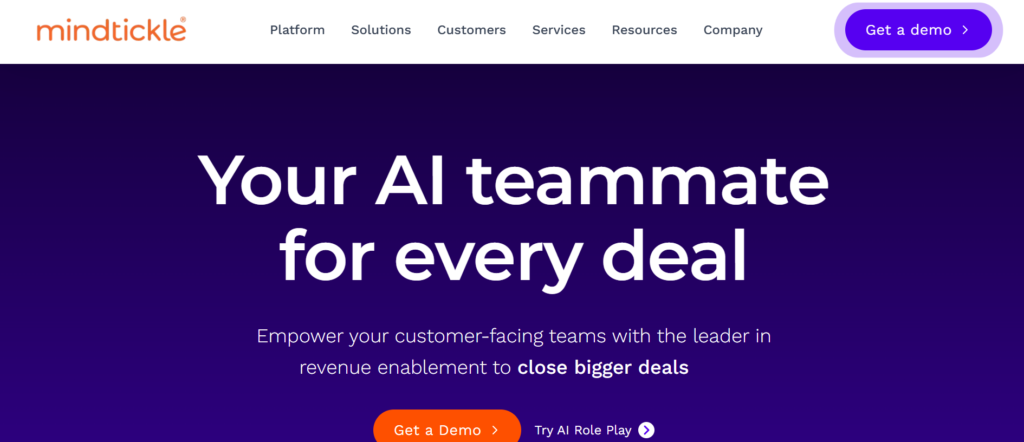
Mindtickle is recognised among sales enablement platforms for SMEs that focus heavily on sales readiness and coaching analytics. Many organisations adopt Mindtickle when they require structured onboarding programmes and performance evaluation for sales teams.
The platform combines training modules, coaching tools, and analytics dashboards that track sales readiness across teams. Businesses researching Mindtickle review, Mindtickle pricing, Mindtickle alternatives, or Mindtickle vs Brainshark often compare these systems when building sales training programmes.
Key Features
Mindtickle includes several capabilities designed to prepare sales representatives for complex sales conversations.
Structured Sales Training Programmes
Mindtickle allows organisations to create detailed training programmes covering product knowledge, sales messaging, and competitive positioning. Sales representatives complete structured learning paths that prepare them for customer conversations.
Sales Coaching and Feedback Tools
Managers can review recorded sales pitches and provide feedback directly inside the platform. This coaching process allows representatives to refine their messaging and presentation skills before engaging with prospects.
Sales Readiness Analytics
Mindtickle includes analytics dashboards that measure sales readiness across teams. Managers can analyse training progress, certification completion, and individual performance metrics to identify knowledge gaps.
Practice Simulations and Role Play
Sales representatives can participate in simulated sales scenarios that replicate real prospect conversations. These simulations allow teams to practice responses to objections and refine their communication strategies.
Integration with CRM Systems
Mindtickle integrates with CRM platforms and sales tools to align training performance with actual sales results. This connection provides visibility into how training programmes influence sales outcomes.
Pros and Cons
| Pros | Cons |
| Advanced coaching analytics | Higher pricing tiers |
| Structured training modules | Implementation planning |
| Performance dashboards | Learning curve |
| Practice simulations | Setup effort |
Pricing
Mindtickle pricing depends on team size and selected training modules.
Typical estimates include:
- Starter plan around $60 per user per month
- Professional plan around $85 per user per month
- Enterprise plan around $110 per user per month
Companies evaluating Mindtickle pricing often compare it with Brainshark when selecting training focused sales enablement platforms for SMEs.
Best For Organisations Prioritising Sales Readiness
Mindtickle works well for companies requiring structured coaching and training systems.
- Large sales teams onboarding representatives – Organisations delivering structured training.
- Technology companies – Teams explaining technical products.
- Sales leaders monitoring readiness – Managers analysing coaching metrics.
- Increasing organisations building sales programmes – Businesses standardising training.
Verdict
Mindtickle is one of the strongest sales enablement platforms for SMEs when structured coaching and sales readiness analytics are required.
How to Use Mindtickle for Sales Coaching
Sales leaders can build coaching tracks where representatives record practice pitches and product demonstrations. Managers review these recordings and provide feedback before representatives handle complex customer conversations.
Best Alternate Tool
If organisations require simpler training tools with video coaching, Brainshark is a suitable alternative.
10: Spekit
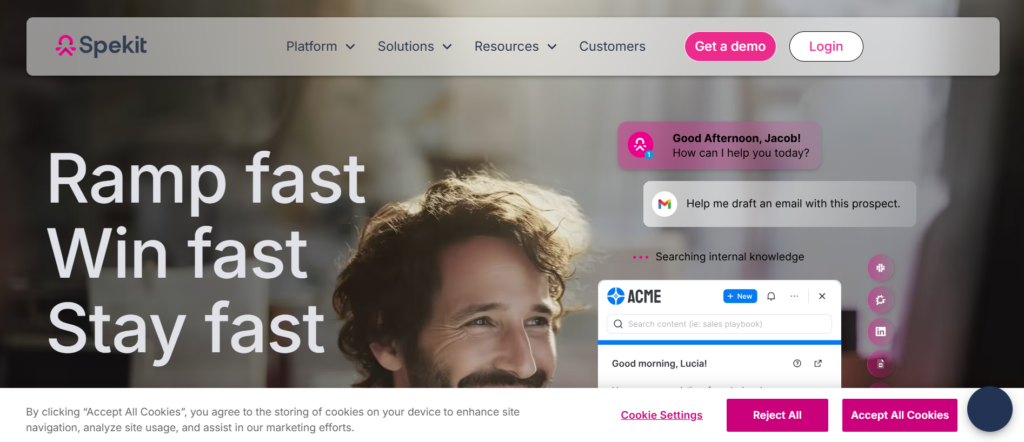
Spekit is widely recognised among sales enablement platforms for SMEs that focus on in application training and onboarding for sales teams. Many organisations adopt Spekit when they want sales representatives to learn workflows directly inside the software tools they use daily.
The platform provides contextual training guides that appear inside CRM systems and sales applications. Businesses researching Spekit review, Spekit pricing, Spekit alternatives, or Spekit vs Guru often consider it when improving onboarding processes.
Key Features
Spekit includes several capabilities designed to simplify onboarding and workflow training.
In App Training Guidance
Spekit provides training instructions directly inside CRM systems and sales applications. Sales representatives receive step by step guidance while performing tasks such as updating deals or sending outreach emails.
Structured Sales Onboarding Modules
The platform allows organisations to build onboarding programmes that guide new sales representatives through sales processes, CRM workflows, and product knowledge training.
Knowledge Management Integration
Spekit stores knowledge resources that sales teams can access directly inside their workflow environment. Representatives can quickly review guidance without opening separate systems.
Workflow Documentation
Sales leaders can document internal processes and instructions inside Spekit. These guides help representatives follow consistent procedures when managing prospects and deals.
Integration with CRM Systems
Spekit integrates with CRM platforms such as Salesforce and HubSpot. Training instructions appear directly within the CRM interface while representatives perform their daily tasks.
Pros and Cons
| Pros | Cons |
| In app guidance | Limited content tracking |
| Easy onboarding tools | Setup planning required |
| CRM integration | Feature tiers |
| Workflow documentation | Learning curve |
Pricing
Spekit pricing generally depends on team size and selected features.
Typical pricing estimates include:
- Starter plan around $20 per user per month
- Professional plan around $40 per user per month
- Enterprise plan around $65 per user per month
Companies evaluating Spekit pricing often compare it with Guru and Bloomfire when selecting onboarding focused sales enablement platforms for SMEs.
Best For Teams Training Sales Representatives Inside CRM Systems
Spekit works well for organisations that require structured onboarding processes.
- Sales teams adopting new CRM systems – Representatives learning workflows.
- Increasing startups onboarding sales staff – Organisations training new hires.
- Revenue operations teams – Managers documenting sales procedures.
- Companies standardising CRM processes – Businesses improving sales consistency.
Verdict
Spekit is a valuable option among sales enablement platforms for SMEs that require contextual training inside CRM systems.
How to Use Spekit for CRM Training
Sales leaders can create short guidance modules that appear when representatives open CRM sections such as deal or contact records. These instructions guide representatives through correct processes while they work.
Best Alternate Tool
If organisations require stronger internal knowledge management features, Bloomfire is a suitable alternative.
11: Bigtincan
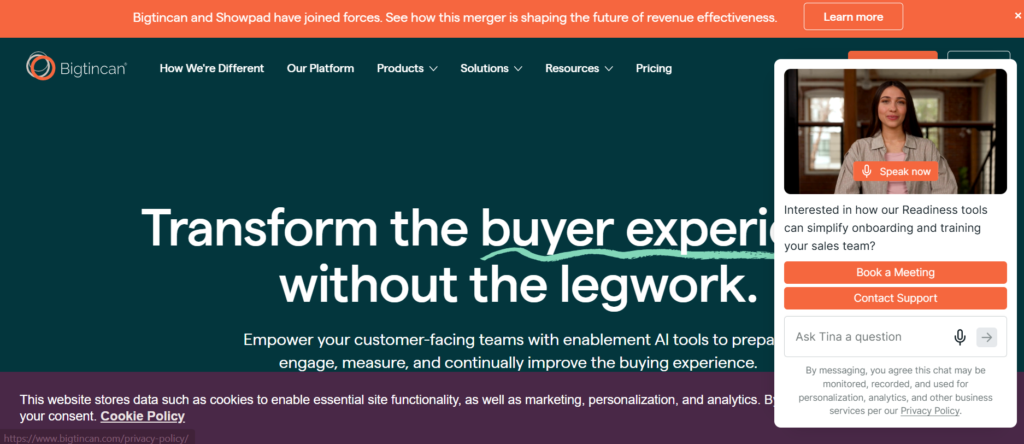
Bigtincan is recognised among sales enablement platforms for SMEs that require strong mobile accessibility combined with structured sales content management. Many organisations use Bigtincan to keep that sales representatives can access presentations, product documentation, and proposals while working remotely or during client meetings.
Increasing sales teams often adopt Bigtincan when their representatives work outside the office and require reliable access to sales materials. The platform keeps that content remains organised and accessible across devices. Businesses researching Bigtincan review, Bigtincan pricing, Bigtincan alternatives, or Bigtincan vs Highspot often consider it for its mobile capabilities.
Key Features
Bigtincan includes several capabilities that support distributed sales teams managing sales content across locations.
Mobile First Sales Content Access
Bigtincan allows sales representatives to access sales materials from mobile devices, tablets, and laptops. This mobile focused design keeps that sales teams can review presentations, pricing sheets, and product documents during client meetings without needing access to office systems.
Sales Content Organisation
The platform provides a structured content library where marketing teams upload approved materials for sales representatives. Files are organised by category, product line, or industry so that representatives can quickly locate the correct information during sales conversations.
Buyer Engagement Tracking
Bigtincan tracks how prospects interact with shared content such as presentations and documents. Sales teams can analyse engagement metrics including viewing behaviour and repeat visits, which provide signals about prospect interest.
Sales Training and Learning Modules
Bigtincan includes built in training modules that allow organisations to deliver product education and onboarding programmes for sales representatives. These modules support continuous learning and keep that messaging remains consistent across the sales team.
CRM and Communication Integrations
The platform integrates with CRM systems and collaboration tools used by sales teams. These integrations allow sales representatives to access sales materials directly from their CRM workflow without switching between systems.
Pros and Cons
| Pros | Cons |
| Strong mobile access | Setup planning required |
| Content organisation | Higher feature tiers |
| Engagement analytics | Interface learning curve |
| CRM integrations | Training required |
Pricing
Bigtincan pricing varies depending on selected modules and user count.
Typical pricing estimates include:
- Starter plan around $35 per user per month
- Professional plan around $55 per user per month
- Enterprise plan around $80 per user per month
Companies evaluating Bigtincan pricing often compare it with Highspot and Showpad when analysing sales enablement platforms for SMEs.
Best For Mobile Sales Teams Working Outside the Office
Bigtincan works well for organisations where sales representatives frequently work remotely.
- Field sales teams – Representatives visiting clients regularly.
- Manufacturing companies – Teams presenting product information on site.
- Retail solution providers – Sales teams demonstrating product catalogues.
- Increasing SMEs with distributed teams – Organisations managing remote representatives.
Verdict
Bigtincan is a practical option among sales enablement platforms for SMEs that require reliable mobile access to sales content.
How to Use Bigtincan for Field Sales Meetings
Sales teams can prepare presentation folders that include product catalogues, pricing sheets, and product demonstration videos. Representatives download these materials before meetings and present them directly from their mobile devices during client discussions.
Best Alternate Tool
If organisations require stronger presentation analytics alongside content management, Mediafly is a suitable alternative.
12: Allego
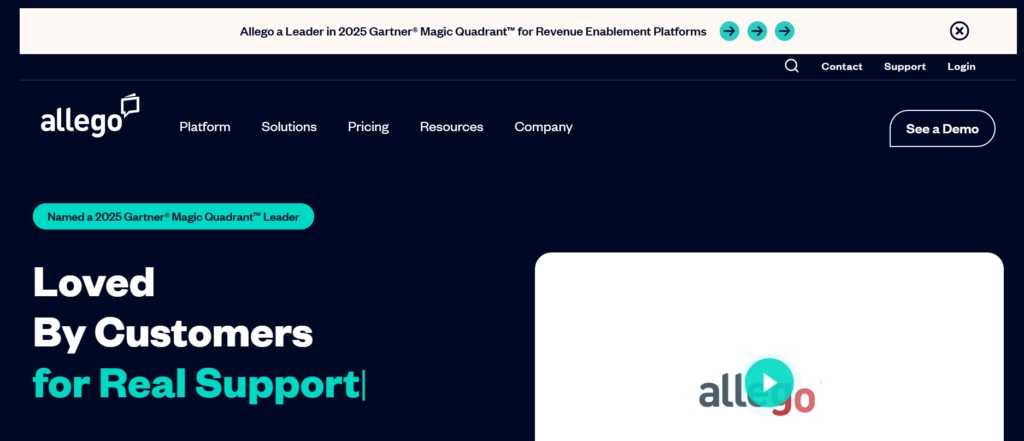
Allego is widely recognised among sales enablement platforms for SMEs that support remote sales teams through video collaboration and content sharing. Many organisations adopt Allego when their sales representatives operate across multiple locations and require a collaborative sales environment.
The platform combines sales training, video coaching, and content delivery tools to support distributed sales teams. Businesses researching Allego review, Allego pricing, Allego alternatives, or Allego vs Mindtickle often evaluate these platforms when building remote sales enablement systems.
Key Features
Allego includes several capabilities designed to support collaboration and remote sales training.
Video Based Sales Coaching
Allego allows sales representatives to record product presentations or practice sales pitches through video recordings. Sales managers can review these videos and provide detailed feedback that improves messaging and communication skills.
Sales Content Sharing Platform
The platform provides a central content hub where marketing teams upload sales presentations, product documentation, and case studies. Sales representatives can quickly access these materials during prospect meetings.
Buyer Engagement Monitoring
Allego tracks how prospects interact with shared videos and sales content. Sales teams can analyse viewing behaviour to understand which materials attract the most attention during the sales process.
Collaboration for Distributed Teams
Sales teams can collaborate within Allego by sharing content, discussing strategies, and reviewing sales materials together. This collaboration helps remote representatives stay aligned with product messaging and sales objectives.
Integration with Sales Systems
Allego integrates with CRM platforms and communication tools used by sales teams. These integrations keep that sales activity data synchronised with existing sales workflows.
Pros and Cons
| Pros | Cons |
| Video coaching tools | Limited outreach features |
| Remote collaboration | Setup planning required |
| Content sharing | Interface learning curve |
| CRM integrations | Higher feature tiers |
Pricing
Allego pricing depends on the selected features and team size.
Typical pricing estimates include:
- Starter plan around $40 per user per month
- Professional plan around $60 per user per month
- Enterprise plan around $85 per user per month
Companies researching Allego pricing often compare it with Mindtickle and Brainshark when selecting training focused sales enablement platforms for SMEs.
Best For Remote Sales Teams and Distributed Workforces
Allego works well for organisations where sales teams collaborate across multiple locations.
- Remote sales teams – Representatives working from different regions.
- Global organisations – Teams sharing product training across offices.
- Sales managers coaching teams remotely – Leaders reviewing sales presentations.
- Increasing SMEs with distributed teams – Companies managing remote sales staff.
Verdict
Allego is a strong option among sales enablement platforms for SMEs that require collaboration and coaching tools for remote sales teams.
How to Use Allego for Remote Sales Training
Sales leaders can assign practice presentation tasks where representatives record short video pitches. Managers review these recordings and provide feedback before representatives present solutions to prospects.
Best Alternate Tool
If organisations require stronger coaching analytics, Mindtickle is a suitable alternative.
13: Paperflite

Paperflite is widely used among sales enablement platforms for SMEs that prioritise sales content management combined with buyer engagement tracking. Many organisations adopt Paperflite when their sales teams rely heavily on documents such as case studies, product sheets, and proposals.
The platform allows sales representatives to organise content and track how prospects interact with shared materials. Businesses researching Paperflite review, Paperflite pricing, Paperflite alternatives, or Paperflite vs Highspot often evaluate it for its engagement tracking capabilities.
Key Features
Paperflite includes several capabilities that support structured sales content sharing and tracking.
Central Sales Content Library
Paperflite provides a structured repository where sales and marketing teams upload sales materials. Documents such as brochures, presentations, and case studies remain organised by category so that sales representatives can quickly locate relevant content.
Content Sharing and Tracking
Sales representatives can share content through trackable links that monitor prospect engagement. The platform records which documents prospects open and how long they spend reviewing each file.
Buyer Engagement Insights
Paperflite provides analytics dashboards that display engagement metrics across shared content. Sales teams can identify which materials attract the most attention during the sales cycle and refine messaging accordingly.
Personalised Content Experiences
Sales teams can create personalised content collections for each prospect. These collections allow representatives to present curated materials that match the prospect’s interests and business needs.
Integration with CRM Platforms
Paperflite integrates with CRM systems and communication tools used by sales teams. Engagement data from shared content can be connected directly to sales activity inside the CRM.
Pros and Cons
| Pros | Cons |
| Strong engagement analytics | Limited outreach automation |
| Content tracking | Setup planning required |
| Personalised content sharing | Learning curve |
| CRM integrations | Feature tiers |
Pricing
Paperflite pricing generally depends on the selected features and user count.
Typical pricing estimates include:
- Starter plan around $50 per user per month
- Professional plan around $75 per user per month
- Enterprise plan around $100 per user per month
Companies analysing Paperflite pricing often compare it with Highspot and Mediafly when selecting sales enablement platforms for SMEs.
Best For Teams Tracking Sales Content Engagement
Paperflite works well for organisations that rely on detailed analytics from sales materials.
- B2B sales teams – Representatives sharing case studies and proposals.
- Marketing and sales teams – Organisations aligning content strategy.
- Consultative sales organisations – Teams presenting detailed documentation.
- Increasing SMEs with structured content strategies – Businesses monitoring buyer engagement.
Verdict
Paperflite stands out among sales enablement platforms for SMEs that require strong sales content tracking and buyer engagement insights.
How to Use Paperflite for Content Personalisation
Sales representatives can create personalised content hubs for each prospect that include case studies, product brochures, and pricing details. These hubs allow prospects to review information in one organised location.
Best Alternate Tool
If organisations require interactive sales presentations along with engagement tracking, Mediafly is a suitable alternative.
14: Bloomfire
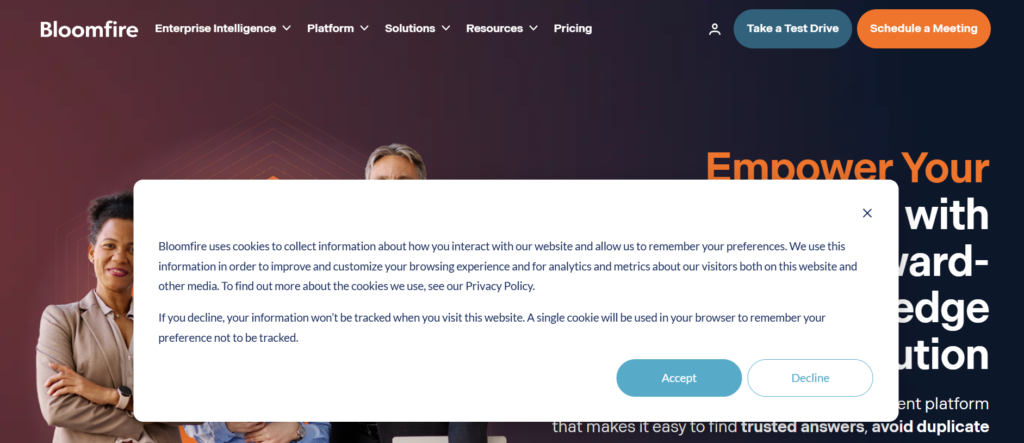
Bloomfire is widely recognised among sales enablement platforms for SMEs that focus on internal knowledge sharing and collaboration. Many organisations adopt Bloomfire when their teams require a structured system for storing product knowledge, sales documentation, and support materials.
The platform allows employees to search company knowledge quickly and share insights across departments. Businesses researching Bloomfire review, Bloomfire pricing, Bloomfire alternatives, or Bloomfire vs Guru often evaluate these platforms when building internal knowledge systems.
Key Features
Bloomfire includes several capabilities that support internal knowledge management and collaboration.
Central Knowledge Repository
Bloomfire stores company knowledge inside a structured repository that includes product documentation, sales guides, and internal procedures. Employees can search this database to locate relevant information when responding to customer enquiries.
Smart Search Technology
The platform includes search capabilities that index content across documents, videos, and discussion threads. Sales representatives can locate answers quickly during conversations with prospects.
Team Collaboration Features
Bloomfire allows employees to share updates, comment on documents, and contribute knowledge entries. This collaborative environment encourages departments to share expertise and maintain accurate documentation.
Content Organisation and Tagging
Teams can organise knowledge entries using tags, categories, and collections. This structure allows sales representatives to locate relevant content without searching through multiple systems.
Integration with Business Systems
Bloomfire integrates with CRM platforms, communication tools, and productivity software used by business teams. These integrations allow employees to access knowledge resources while working inside other applications.
Pros and Cons
| Pros | Cons |
| Strong knowledge sharing | Limited sales analytics |
| Smart search tools | Setup planning required |
| Collaboration features | Less outreach automation |
| Content organisation | Interface learning curve |
Pricing
Bloomfire pricing depends on the number of users and selected features.
Typical pricing estimates include:
- Starter plan around $25 per user per month
- Professional plan around $45 per user per month
- Enterprise plan around $70 per user per month
Companies researching Bloomfire pricing often compare it with Guru when analysing knowledge focused sales enablement platforms for SMEs.
Best For Teams Managing Internal Sales Knowledge
Bloomfire works well for organisations that require structured knowledge sharing across departments.
- Customer support and sales teams – Organisations answering technical product questions.
- Product focused companies – Teams maintaining documentation libraries.
- Increasing startups – Businesses building internal knowledge systems.
- Sales teams handling complex solutions – Representatives accessing product knowledge quickly.
Verdict
Bloomfire is a practical option among sales enablement platforms for SMEs that require structured knowledge sharing and collaboration tools.
How to Use Bloomfire for Sales Knowledge Management
Sales leaders can create knowledge collections that include product specifications, competitive comparisons, and pricing guidelines. Sales representatives search these collections when preparing responses to prospect enquiries.
Best Alternate Tool
If organisations prefer a simpler knowledge management system with browser access, Guru is a suitable alternative.
15: Spekit
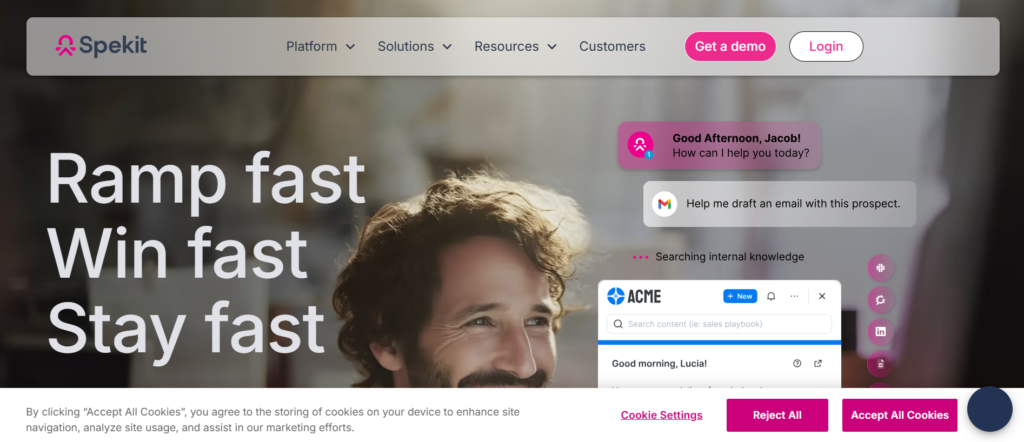
Spekit is widely recognised among sales enablement platforms for SMEs that focus on in application training and onboarding for sales teams. Many organisations adopt Spekit when they want sales representatives to learn workflows directly inside the software tools they use daily.
The platform provides contextual training guides that appear inside CRM systems and sales applications. Businesses researching Spekit review, Spekit pricing, Spekit alternatives, or Spekit vs Guru often consider it when improving onboarding processes.
Key Features
Spekit includes several capabilities designed to simplify onboarding and workflow training.
In App Training Guidance
Spekit provides training instructions directly inside CRM systems and sales applications. Sales representatives receive step by step guidance while performing tasks such as updating deals or sending outreach emails.
Structured Sales Onboarding Modules
The platform allows organisations to build onboarding programmes that guide new sales representatives through sales processes, CRM workflows, and product knowledge training.
Knowledge Management Integration
Spekit stores knowledge resources that sales teams can access directly inside their workflow environment. Representatives can quickly review guidance without opening separate systems.
Workflow Documentation
Sales leaders can document internal processes and instructions inside Spekit. These guides help representatives follow consistent procedures when managing prospects and deals.
Integration with CRM Systems
Spekit integrates with CRM platforms such as Salesforce and HubSpot. Training instructions appear directly within the CRM interface while representatives perform their daily tasks.
Pros and Cons
| Pros | Cons |
| In app guidance | Limited content tracking |
| Easy onboarding tools | Setup planning required |
| CRM integration | Feature tiers |
| Workflow documentation | Learning curve |
Pricing
Spekit pricing generally depends on team size and selected features.
Typical pricing estimates include:
- Starter plan around $20 per user per month
- Professional plan around $40 per user per month
- Enterprise plan around $65 per user per month
Companies evaluating Spekit pricing often compare it with Guru and Bloomfire when selecting onboarding focused sales enablement platforms for SMEs.
Best For Teams Training Sales Representatives Inside CRM Systems
Spekit works well for organisations that require structured onboarding processes.
- Sales teams adopting new CRM systems – Representatives learning workflows.
- Increasing startups onboarding sales staff – Organisations training new hires.
- Revenue operations teams – Managers documenting sales procedures.
- Companies standardising CRM processes – Businesses improving sales consistency.
Verdict
Spekit is a valuable option among sales enablement platforms for SMEs that require contextual training inside CRM systems.
How to Use Spekit for CRM Training
Sales leaders can create short guidance modules that appear when representatives open CRM sections such as deal or contact records. These instructions guide representatives through correct processes while they work.
Best Alternate Tool
If organisations require stronger internal knowledge management features, Bloomfire is a suitable alternative.
16: Qwilr

Qwilr is recognised among sales enablement platforms for SMEs that focus on interactive sales proposals and digital sales documents. Many increasing companies adopt Qwilr when their sales teams rely on proposals, quotes, and pricing pages to close deals.
Instead of sending static PDF proposals, Qwilr allows sales representatives to create web based proposal pages that prospects can view, interact with, and accept directly online. Businesses researching Qwilr review, Qwilr pricing, Qwilr alternatives, or Qwilr vs PandaDoc often consider it for its proposal engagement analytics.
Key Features
Qwilr provides several capabilities that support SMEs delivering structured sales proposals.
Interactive Sales Proposals
Qwilr allows sales teams to create web based proposals that include pricing tables, videos, images, and interactive sections. These pages replace traditional PDF proposals and provide a more structured way for prospects to review solutions.
Proposal Engagement Tracking
The platform records how prospects interact with proposal pages. Sales representatives can see when the proposal was opened, which sections were viewed, and how long prospects spent reviewing the document.
Dynamic Pricing Tables
Qwilr includes pricing table tools that allow sales teams to present service packages and product options clearly. Prospects can review different options before selecting the most suitable plan.
Digital Acceptance and Signatures
Sales teams can include acceptance buttons and signature sections inside proposals. This allows prospects to approve deals directly from the proposal page without requiring separate contract tools.
Integration with Sales Systems
Qwilr integrates with CRM platforms, payment tools, and communication systems used by sales teams. These integrations keep that accepted proposals connected directly to the sales flow.
Pros and Cons
| Pros | Cons |
| Interactive proposal pages | Limited sales training tools |
| Engagement analytics | Setup planning required |
| Pricing table features | Learning curve |
| CRM integrations | Feature tiers |
Pricing
Qwilr pricing varies depending on selected features.
Typical pricing estimates include:
- Starter plan around $39 per user per month
- Business plan around $59 per user per month
- Enterprise plan around $89 per user per month
Companies researching Qwilr pricing often compare it with PandaDoc and GetAccept when selecting sales enablement platforms for SMEs focused on proposals.
Best For Teams Sending Sales Proposals Frequently
Qwilr works well for organisations that rely heavily on proposals during the sales process.
- Consulting firms – Teams presenting structured service proposals.
- Marketing agencies – Sales teams sending pricing packages.
- B2B service providers – Organisations managing proposal driven sales cycles.
- SMEs selling customised solutions – Teams presenting offers.
Verdict
Qwilr is a strong option among sales enablement platforms for SMEs that require structured proposal management and buyer engagement tracking.
How to Use Qwilr for Proposal Conversion
Sales teams can build proposal templates that include service descriptions, pricing options, testimonials, and acceptance buttons. Representatives duplicate the template and personalise it for each prospect before sending.
Best Alternate Tool
If teams require deeper document analytics and contract workflows, GetAccept is a suitable alternative.
17: Dock
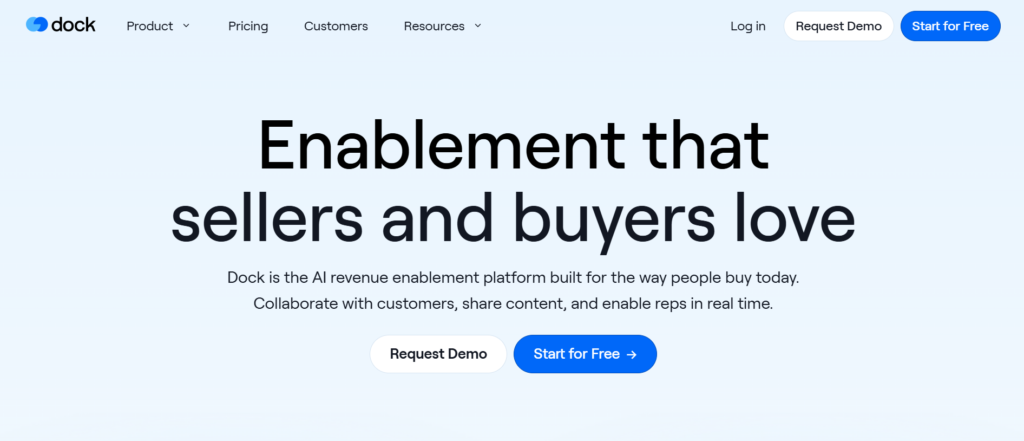
Dock is gaining attention among sales enablement platforms for SMEs that focus on managing deals through shared workspaces with buyers. Many organisations adopt Dock when their sales processes involve multiple stakeholders and require structured collaboration.
Dock creates dedicated deal workspaces where sales representatives and buyers can share documents, track progress, and organise communication. Businesses researching Dock review, Dock pricing, Dock alternatives, or Dock vs Trumpet often evaluate it for its deal collaboration features.
Key Features
Dock includes several capabilities designed to organise deal collaboration between sales teams and buyers.
Shared Deal Workspaces
Dock creates a dedicated workspace for each deal where sales representatives and prospects can access documents, meeting notes, and progress updates. This workspace keeps communication organised throughout the sales cycle.
Content Organisation for Deals
Sales representatives can upload proposals, presentations, case studies, and product documentation into the deal workspace. Prospects access all materials in one location rather than searching through emails.
Buyer Collaboration Tools
Dock allows buyers and sellers to collaborate through comments, shared tasks, and discussion threads inside the deal workspace. This collaboration keeps both sides aligned during the decision process.
Progress Tracking and Milestones
The platform allows sales teams to define deal milestones and track progress as the prospect moves through the buying journey. This structure provides visibility into deal status.
CRM Integration
Dock integrates with CRM platforms used by sales teams. These integrations keep that deal activity and collaboration updates remain connected to sales records.
Pros and Cons
| Pros | Cons |
| Structured deal collaboration | Limited training features |
| Organised document sharing | Setup planning required |
| Buyer workspace features | Learning curve |
| CRM integrations | Feature tiers |
Pricing
Dock pricing generally depends on selected modules and user count.
Typical pricing estimates include:
- Starter plan around $49 per user per month
- Growth plan around $69 per user per month
- Enterprise plan around $99 per user per month
Companies researching Dock pricing often compare it with Trumpet when evaluating collaboration focused sales enablement platforms for SMEs.
Best For Teams Managing Complex Sales Deals
Dock works well for organisations managing multiple stakeholders during sales processes.
- Enterprise sales teams – Organisations managing multi stage deals.
- Consultative sales organisations – Teams sharing detailed documentation.
- B2B service providers – Businesses requiring structured deal communication.
- Increasing SMEs selling complex solutions – Teams collaborating with buyers.
Verdict
Dock is an effective option among sales enablement platforms for SMEs that require shared deal workspaces and organised buyer collaboration.
How to Use Dock for Sales Deal Rooms
Sales representatives can create a deal workspace that includes product documentation, implementation plans, proposal pages, and timelines. Buyers access this workspace to review materials and track deal progress.
Best Alternate Tool
If teams prefer buyer portals with strong presentation features, Trumpet is a suitable alternative.
18: Trumpet
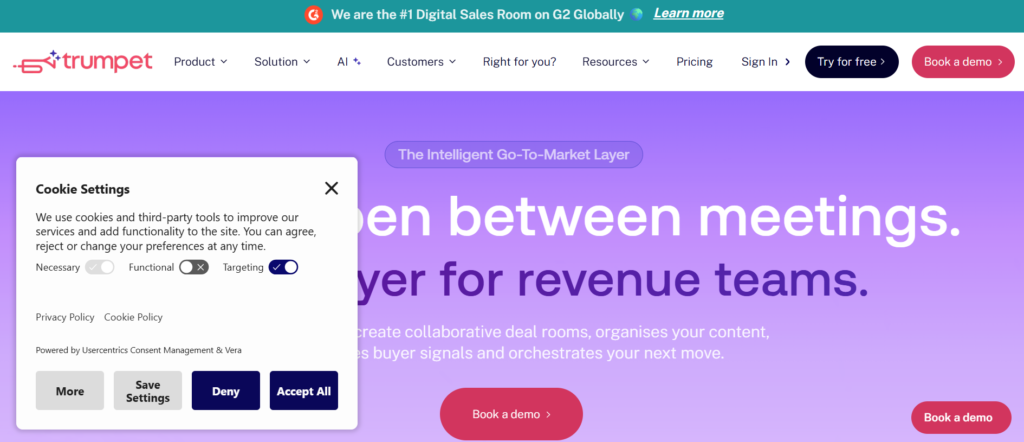
Trumpet is emerging among sales enablement platforms for SMEs that focus on collaborative buyer portals called sales pods. These pods act as central hubs where prospects access sales materials, product details, and deal updates.
Many increasing companies adopt Trumpet when their sales teams require a structured method for sharing information with prospects. Businesses researching Trumpet review, Trumpet pricing, Trumpet alternatives, or Trumpet vs Dock often compare these tools for deal collaboration.
Key Features
Trumpet includes several capabilities that support buyer collaboration and deal transparency.
Sales Pods for Buyers
Trumpet creates dedicated sales pods where prospects can access presentations, proposals, product videos, and meeting notes. These pods provide a central hub for deal communication.
Content Organisation for Sales Materials
Sales representatives can upload documents, product demonstrations, and case studies into the pod environment. This structure keeps that prospects review all sales materials in one organised location.
Buyer Engagement Tracking
Trumpet tracks how prospects interact with materials inside the sales pod. Sales teams can analyse which documents receive the most attention during the buying process.
Collaboration and Messaging
The platform allows buyers and sellers to communicate inside the pod environment through comments and updates. This collaboration keeps conversations structured.
CRM Integration
Trumpet integrates with CRM systems used by sales teams. These integrations keep that engagement data and deal updates remain connected to the sales flow.
Pros and Cons
| Pros | Cons |
| Buyer portal environment | Limited training features |
| Engagement tracking | Setup planning required |
| Content sharing | Learning curve |
| CRM integrations | Feature tiers |
Pricing
Trumpet pricing generally varies based on team size and selected features.
Typical pricing estimates include:
- Starter plan around $40 per user per month
- Growth plan around $65 per user per month
- Enterprise plan around $95 per user per month
Companies researching Trumpet pricing often compare it with Dock when selecting collaboration focused sales enablement platforms for SMEs.
Best For Teams Creating Buyer Collaboration Hubs
Trumpet works well for organisations that want structured deal environments for prospects.
- B2B SaaS companies – Teams presenting product information.
- Consultative sales teams – Organisations managing complex deals.
- Sales leaders require deal visibility – Teams tracking engagement.
- Increasing SMEs managing multi stakeholder deals – Businesses sharing structured materials.
Verdict
Trumpet is a strong option among sales enablement platforms for SMEs that require buyer collaboration hubs and deal transparency.
How to Use Trumpet for Deal Communication
Sales representatives create a sales pod for each prospect and upload presentations, pricing documents, product demos, and implementation plans. Buyers access the pod to review all deal information.
Best Alternate Tool
If organisations prefer shared deal workspaces rather than buyer portals, Dock is a suitable alternative.
19: GetAccept
GetAccept is widely recognised among sales enablement platforms for SMEs that combine proposal delivery, document tracking, and digital contract signing. Many organisations adopt GetAccept when their sales teams manage proposals, agreements, and contract approvals.
The platform allows sales representatives to send proposals, track buyer engagement, and receive signed agreements within one system. Businesses researching GetAccept review, GetAccept pricing, GetAccept alternatives, or GetAccept vs PandaDoc often evaluate it for its contract management features.
Key Features
GetAccept provides several capabilities that support proposal management and deal closure.
Proposal and Document Delivery
Sales representatives can send proposals, pricing documents, and agreements through the platform. These documents remain accessible through trackable links.
Engagement Tracking for Documents
GetAccept tracks how prospects interact with documents, including viewing activity and time spent reviewing proposals. Sales teams use this data to prioritise follow up conversations.
Electronic Signature Workflow
The platform includes digital signature capabilities that allow prospects to sign agreements directly online. This reduces delays during contract approval.
Video Messaging with Proposals
Sales representatives can attach personalised video messages to proposals before sending them to prospects. These messages add a personal touch during proposal delivery.
CRM Integration
GetAccept integrates with CRM systems and sales platforms used by organisations. Signed agreements and engagement data automatically update inside the sales flow.
Pros and Cons
| Pros | Cons |
| Digital contract signing | Limited sales training features |
| Proposal engagement tracking | Setup planning required |
| Video messaging tools | Learning curve |
| CRM integrations | Feature tiers |
Pricing
GetAccept pricing varies depending on feature packages.
Typical pricing estimates include:
- Starter plan around $25 per user per month
- Professional plan around $45 per user per month
- Enterprise plan around $75 per user per month
Companies analysing GetAccept pricing often compare it with Qwilr when selecting proposal focused sales enablement platforms for SMEs.
Best For Teams Managing Contracts and Proposals
GetAccept works well for organisations that rely on proposal based sales cycles.
- Consulting firms – Teams sending service agreements.
- Software companies – Organisations managing subscription contracts.
- Sales teams closing deals online – Businesses collecting digital signatures.
- Increasing SMEs with proposal driven sales – Teams sending pricing packages.
Verdict
GetAccept is a valuable option among sales enablement platforms for SMEs that require proposal delivery and contract approval tools.
How to Use GetAccept for Faster Contract Signing
Sales representatives can send agreements through GetAccept with built in signature sections. Prospects review the document and sign it digitally, which speeds up deal completion.
Best Alternate Tool
If teams prefer interactive proposal pages instead of document based proposals, Qwilr is a suitable alternative.
20: DealHub
DealHub is widely recognised among sales enablement platforms for SMEs that combine CPQ functionality, proposal management, and revenue operations tools. Many organisations adopt DealHub when their sales teams manage complex pricing structures and product configurations.
The platform allows sales representatives to generate accurate quotes, proposals, and contracts through automated workflows. Businesses researching DealHub review, DealHub pricing, DealHub alternatives, or DealHub vs Salesforce CPQ often evaluate it for its pricing automation capabilities.
Key Features
DealHub includes several capabilities that support revenue operations and deal automation.
Configure Price Quote System
DealHub includes CPQ tools that allow sales representatives to configure products, calculate pricing, and generate quotes automatically. This system reduces manual pricing errors during complex deals.
Automated Proposal Generation
Sales teams can generate proposals automatically based on configured pricing and selected products. These proposals include product details, pricing tables, and agreement sections.
Contract Management Workflow
DealHub allows organisations to manage contract approvals through structured workflows. Sales leaders and legal teams can review contracts before sending them to prospects.
Buyer Engagement Tracking
The platform records how prospects interact with proposals and quotes. Sales teams can analyse engagement signals to determine buyer interest during negotiations.
Integration with CRM Platforms
DealHub integrates with CRM systems used by sales teams. These integrations keep that quotes, proposals, and deal activity remain connected to the sales flow.
Pros and Cons
| Pros | Cons |
| CPQ automation tools | Higher pricing tiers |
| Proposal generation | Implementation effort |
| Contract workflows | Learning curve |
| CRM integrations | Setup planning |
Pricing
DealHub pricing varies depending on selected modules and organisation size.
Typical pricing estimates include:
- Starter plan around $50 per user per month
- Professional plan around $80 per user per month
- Enterprise plan around $120 per user per month
Companies researching DealHub pricing often compare it with Salesforce CPQ when selecting revenue focused sales enablement platforms for SMEs.
Best For Teams Managing Complex Pricing Structures
DealHub works well for organisations that manage detailed product configurations and pricing models.
- SaaS companies with multiple pricing tiers – Teams generating automated quotes.
- Manufacturing businesses – Organisations managing product configurations.
- Sales operations teams – Businesses monitoring revenue workflows.
- Increasing SMEs scaling sales processes – Teams standardising pricing structures.
Verdict
DealHub is one of the most structured sales enablement platforms for SMEs for organisations managing complex pricing and proposal automation.
How to Use DealHub for Sales Quotes
Sales representatives configure products inside the CPQ system and generate pricing automatically. The platform then creates a proposal document ready for buyer review.
Best Alternate Tool
If organisations prefer a simpler proposal system without CPQ functionality, Qwilr is a suitable alternative.
Choosing the Right Sales Enablement Platform for SMEs
Selecting the right solution from the many sales enablement platforms for SMEs depends on how your sales process operates. Some businesses rely heavily on structured outreach campaigns, while others depend on proposals, presentations, or training programmes.
The platforms listed in this guide address different sales needs.
- Content management focused platforms such as Highspot, Mediafly, and Paperflite work well for teams managing large volumes of sales materials.
- Sales engagement platforms such as Salesloft and Outreach support structured outreach and visibility.
- Training and coaching platforms such as Mindtickle, Brainshark, and Allego assist organisations improving sales readiness.
- Proposal and contract tools such as Qwilr and GetAccept simplify document delivery and deal approvals.
- Deal collaboration platforms such as Dock and Trumpet organise communication between buyers and sellers.
When evaluating sales enablement platforms for SMEs, consider the following factors:
- Content organisation and document accessibility
- Buyer engagement tracking capabilities
- Integration with CRM systems
- Sales training and onboarding features
- Proposal and contract management tools
- Pricing structure suitable for small and medium businesses
Sales teams should test one or two platforms that align with their sales process before committing to a long term implementation.
How We Supports SMEs With Sales Enablement
Sales tools alone do not solve sales performance challenges. Many SMEs implement sales enablement platforms for SMEs but struggle to build structured processes around them.
This is where Pearl Lemon Sales supports increasing businesses.
Our team works with organisations that want structured sales systems supported by the right technology stack. Instead of relying on scattered tools and inconsistent messaging, we help businesses implement sales processes that align technology with sales execution.
Pearl Lemon Sales works with SMEs to:
- Implement the most suitable sales enablement platforms for SMEs
- Structure outreach campaigns and lead generation workflows
- Organise sales content and proposal systems
- Improve sales messaging and conversion strategies
- Train sales teams on consistent deal management processes
Sales enablement works best when tools, messaging, and processes operate together. With the right system in place, SMEs can improve sales productivity and maintain consistent communication with prospects.
Businesses that want to improve sales operations often start by reviewing how their sales team manages outreach, proposals, and follow ups. Once these processes are clear, the correct enablement platform becomes much easier to implement.
FAQs
What are sales enablement platforms for SMEs?
Sales enablement platforms for SMEs are software systems that provide sales teams with tools, content, training, and analytics required to manage prospects and close deals more effectively.
Why do SMEs need sales enablement platforms?
SMEs often struggle with scattered sales materials and inconsistent messaging. Sales enablement platforms organise content, track buyer engagement, and improve sales team productivity.
What features should SMEs look for in sales enablement platforms?
Key features include sales content management, CRM integrations, buyer engagement analytics, proposal tracking, and sales training tools.
Are sales enablement platforms suitable for small sales teams?
Yes. Many sales enablement platforms for SMEs provide affordable pricing tiers designed specifically for small teams and increasing businesses.
What is the difference between sales engagement and sales enablement?
Sales engagement focuses on communication with prospects such as emails and calls. Sales enablement focuses on the resources and systems that support the entire sales process.
Do sales enablement platforms integrate with CRM systems?
Most sales enablement platforms integrate with CRM systems such as HubSpot and Salesforce to maintain consistent sales data.
How long does it take to implement a sales enablement platform?
Implementation time varies depending on the platform. Many SMEs can begin using a platform within a few weeks after organising their sales materials and workflows.
Can sales enablement platforms track buyer engagement?
Yes. Many platforms track document views, email engagement, and presentation interactions so that sales teams can understand prospect interest.
What are the most affordable sales enablement platforms?
Tools such as Guru, Spekit, and HubSpot Sales Hub offer lower pricing tiers suitable for small businesses.
How do SMEs choose the right sales enablement platform?
SMEs should evaluate their sales workflow first. Understanding whether the team relies on outreach campaigns, proposals, train
ing, or content management helps identify the most suitable platform.