Agencies do not lose deals because they lack talent. They lose them because their pricing process is slow, confusing, or inconsistent.
If you are still building quotes in spreadsheets, copying old proposals, or manually calculating project costs, you are leaving money on the table. The right quoting tools for agencies change that. They standardise pricing, speed up approvals, and reduce costly scope creep.
We reviewed dozens of quoting platforms, proposal software tools, and CPQ systems to shortlist the 20 best quoting tools for agencies in 2026. This guide is built for digital agencies, marketing consultancies, creative studios, development firms, and B2B service providers who want tighter margins and faster deal cycles.
According to a 2026 CPQ industry report by Gartner, companies using automated quoting software reduced sales cycle time by up to 28 percent. Another study from HubSpot found that proposals sent within 24 hours are 60 percent more likely to close. Speed and clarity matter.
If you want your quoting process to work as hard as your sales team, start here.
What Are Quoting Tools for Agencies?
Quoting tools for agencies are software platforms that allow you to create, send, track, and manage price quotes and proposals in a structured way.
Instead of manually building estimates, these tools let you:
- Create pricing templates
- Set up service packages
- Automate calculations
- Add optional add-ons
- Collect eSignatures
- Track when a client views the quote
Many quoting tools also include proposal software features, CRM integrations, and contract management workflows.
For agencies, this matters because:
- Projects vary in scope
- Pricing models can be hourly, retainer, or fixed fee
- Add-ons and upsells impact profitability
- Margin control is critical
Without structured quoting tools for agencies, it is easy to underprice work, miss billable items, or send inconsistent offers.
The right agency pricing software turns quoting into a revenue engine rather than an admin task.
Quick Comparison Table of the Best Quoting Tools for Agencies
When evaluating quoting tools for agencies, the most important decision factors are:These criteria directly affect deal velocity, internal efficiency, and profitability.
| Tool | Best For | Starting Price (USD) | Free Trial | Key Feature | CRM Integrations |
| PandaDoc | Proposal-heavy agencies | $19 per user pm | Yes | Interactive pricing tables | Yes |
| Proposify | Branded proposals | $49 per user pm | Yes | Advanced design control | Yes |
| Qwilr | Web-based quotes | $35 per user pm | Yes | Page-style proposals | Yes |
| Better Proposals | Quick setup | $19 per user pm | Yes | Template marketplace | Yes |
| HubSpot Quotes | HubSpot CRM users | $20 per seat pm | Limited | Native CRM sync | Native |
| Scoro | Agency ERP users | $26 per user pm | Demo | Project cost tracking | Yes |
| Ignition | Recurring service agencies | $39 per user pm | Yes | Automated billing sync | Yes |
| QuoteWerks | Complex pricing models | Custom pricing | Demo | Advanced CPQ engine | Yes |
| Xero Projects | Accounting-focused agencies | $7 per user pm | No | Accounting integration | Limited |
| Zoho CRM Quotes | Zoho ecosystem users | $14 per user pm | Yes | Built-in quote builder | Native |
| FreshBooks Proposals | Small agencies | $15 per month | Yes | Simple estimate builder | Limited |
| Bonsai | Freelance agencies | $21 per month | Yes | Contracts plus invoices | Limited |
| Salesforce CPQ | Enterprise agencies | Custom pricing | Demo | Enterprise CPQ | Native |
| DealHub | Complex B2B sales | Custom pricing | Demo | Guided selling workflows | Yes |
| Nusii | Creative studios | $29 per month | Yes | Clean proposal builder | Limited |
| HoneyBook | Creative service firms | $16 per month | Yes | Client portal system | Limited |
| Bitrix24 | All-in-one CRM users | Free plan available | Yes | Quote automation | Native |
| DocuSign CLM | Contract-led agencies | Custom pricing | Demo | Contract lifecycle control | Yes |
| Monday Sales CRM | Visual sales teams | $10 per seat pm | Yes | Quote tracking boards | Yes |
| Pipefy | Workflow-focused agencies | Free plan available | Yes | Process automation | Yes |
Best Quoting Tools for Agencies in 2026
Here are the top quoting tools for agencies that consistently stand out in agency reviews, pricing transparency, automation depth, and scalability.
- PandaDoc
- Proposify
- Qwilr
- Better Proposals
- HubSpot Quotes
- Scoro
- Ignition
- QuoteWerks
- Xero Projects
- Zoho CRM Quotes
- FreshBooks Proposals
- Bonsai
- Salesforce CPQ
- DealHub
- Nusii
- HoneyBook
- Bitrix24
- DocuSign CLM
- Monday Sales CRM
- Pipefy
1. PandaDoc
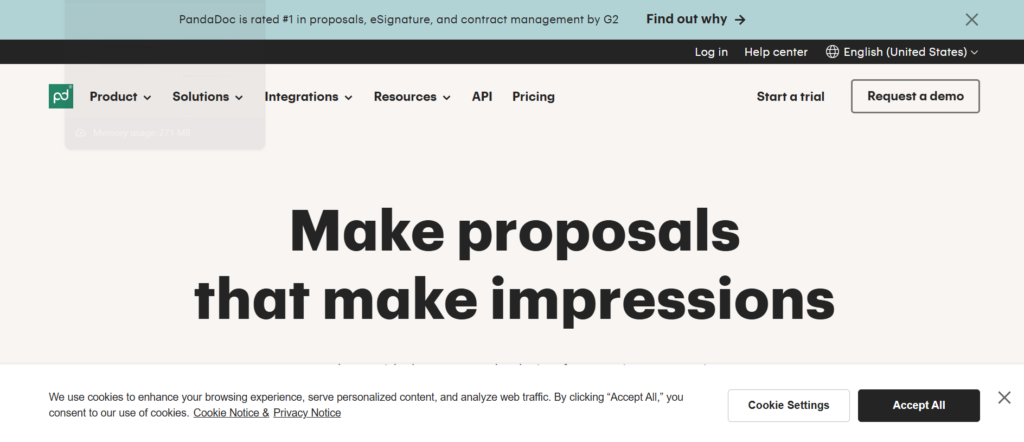
PandaDoc is one of the most widely adopted quoting tools for agencies that need structured pricing, approval workflows, and eSignature in one platform. Used by over 50,000 companies globally, it is popular with marketing agencies, creative firms, SaaS consultancies, and development teams.
If you have read any PandaDoc review, you will notice it is often positioned as more than simple proposal software. It combines quoting automation, contract workflows, and payment collection. Many agencies evaluating PandaDoc vs Proposify focus on pricing tables, content libraries, and CRM alignment.
For agencies serious about controlling scope and shortening sales cycles, PandaDoc is a strong contender.
Schedule a consultation if you want to structure your quoting process properly from the ground up.
Key Features
PandaDoc stands out among quoting tools for agencies because it combines automation, structured pricing, and real-time visibility into buyer behaviour. Below are the core features that directly impact revenue and margin control.
Interactive Pricing Tables
PandaDoc allows agencies to build dynamic pricing tables where clients can select optional services and see totals update instantly. This is critical when selling SEO retainers, PPC management tiers, or website development add-ons. Instead of static PDFs, clients interact with the quote, which reduces confusion and protects profit margins.
Content Library and Proposal Templates
The content library stores pre-approved case studies, testimonials, service descriptions, and legal clauses. Sales teams can assemble proposals quickly without rewriting copy each time. For agencies scaling outbound efforts, this keeps brand consistency while reducing turnaround time between enquiry and quote delivery.
Built-in eSignature and Payment Collection
Clients can sign and pay directly inside the proposal. PandaDoc integrates with payment gateways so deposits can be collected immediately after approval. This removes delays between acceptance and invoicing, improving cash flow predictability for project-based and retainer agencies.
CRM and Sales Stack Integrations
PandaDoc integrates with HubSpot, Salesforce, Pipedrive, and other CRM systems. Deal information automatically populates proposal fields, reducing admin errors. Agencies that depend on structured sales progress benefit from tighter alignment between quoting and CRM stages.
Real-Time Document Tracking and Analytics
You can see when a prospect opens a proposal, how long they spend on each section, and which pricing options they review. This insight allows account executives to follow up with accurate timing and relevant talking points. Many PandaDoc alternatives lack this behavioural tracking depth.
Schedule a consultation if you want your quoting tools for agencies aligned directly with your CRM and sales workflow.
Pros and Cons
| Pros | Cons |
| Interactive pricing | Design limits on lower plans |
| CRM integrations | Higher tiers cost more |
| eSignature included | Setup takes planning |
| Payment support | Advanced features need training |
Pricing
- Essentials: From $19 per user per month
- Business: From $49 per user per month
- Enterprise: Custom pricing
When analysing PandaDoc pricing, agencies should evaluate user count, workflow automation needs, and CRM integrations. Compared to PandaDoc alternatives, it offers strong mid-market flexibility.
Best for Agencies Selling Tiered Service Packages
PandaDoc works especially well for agencies that package services in structured tiers.
- SEO agencies – multiple retainer levels with optional add-ons
- PPC agencies – variable management fees and ad spend brackets
- Web development firms – milestone-based billing
- B2B consultancies – combined proposal and contract workflows
If your agency sends high volumes of proposals monthly, PandaDoc introduces structure and accountability into the quoting process.
Verdict: One of the strongest quoting tools for agencies that need interactive pricing and sales visibility in 2026.
How to Use PandaDoc to Control Scope Creep
Create fixed deliverable blocks inside pricing tables rather than vague descriptions. Add optional upgrades as selectable line items. Define revision limits clearly in the pricing section so clients actively approve changes instead of assuming they are included. This single adjustment protects agency margins significantly.
Best Alternative Tool
If heavy design flexibility is more important than interactive pricing, Proposify is frequently compared in PandaDoc vs Proposify evaluations.
2. Proposify
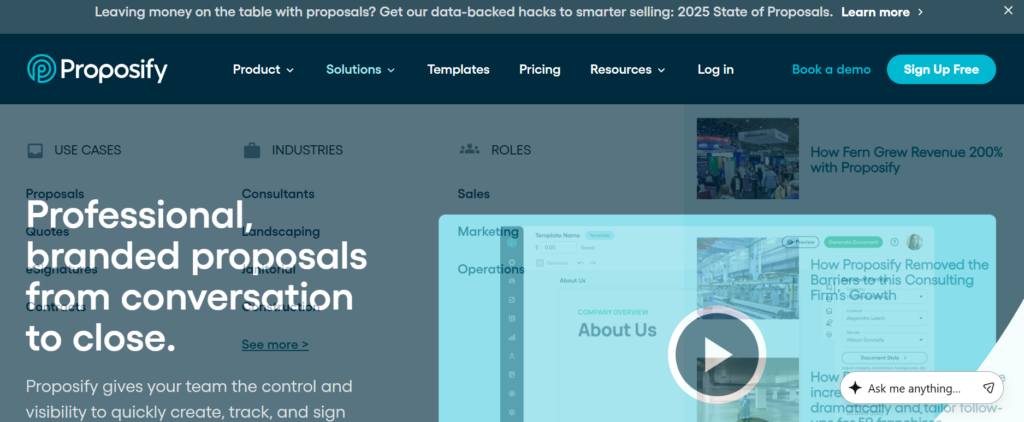
Proposify is a premium proposal and quoting platform designed for agencies that care deeply about presentation, brand control, and structured approval workflows. If PandaDoc focuses heavily on interactive pricing logic, Proposify leans into design flexibility and polished visual layouts.
Agencies frequently compare Proposify vs PandaDoc when choosing quoting tools for agencies because both dominate the proposal software category. In many Proposify review discussions, users highlight its design editor and content control as major strengths.
For agencies selling high-ticket retainers or enterprise contracts, perception matters. Proposify helps position your agency as premium from the first click.
Schedule a consultation if you want your proposals to look as strong as your service delivery.
Key Features
Proposify stands out among quoting tools for agencies because it combines visual design control with structured sales workflows. Below are the features that matter most when revenue and brand positioning are at stake.
Advanced Proposal Design Editor
Proposify gives agencies detailed control over layouts, fonts, imagery, and brand elements. Unlike many quoting tools for agencies that rely heavily on rigid templates, Proposify allows more custom styling. Creative agencies and branding consultancies often prefer this flexibility when pitching high-value contracts.
Section-Level Approval Workflows
You can assign internal approval rules before proposals go out. Sales managers can require sign-off on pricing changes or discount thresholds. This is critical for agencies that need margin protection and governance. Many Proposify alternatives do not offer this level of structured internal review.
Content Library With Role-Based Access
Teams can store reusable case studies, pricing blocks, and testimonials inside a centralised content system. Access can be controlled by role, which prevents junior sales reps from altering critical pricing structures. In many Proposify review summaries, this governance feature is highlighted for growing agencies.
Interactive Quote and Fee Tables
Proposify includes configurable pricing tables that allow optional services and quantity adjustments. While PandaDoc is often praised for pricing interactivity, Proposify holds its own when comparing PandaDoc vs Proposify on structured fee presentation and tiered pricing logic.
Performance Tracking and Notifications
You receive notifications when prospects open proposals and review specific sections. Sales teams can identify which services draw attention and follow up accordingly. This insight improves timing and allows more confident negotiation.
Schedule a consultation if you want quoting tools for agencies that combine brand control with sales accountability.
Pros and Cons
| Pros | Cons |
| Strong visual design control | Higher starting price |
| Internal approval workflows | Learning curve for editor |
| Good CRM integrations | Fewer payment options |
| Content governance | Advanced features cost more |
Pricing
- Team Plan from $49 per user per month
- Business Plan custom pricing
- Enterprise custom pricing
When reviewing Proposify pricing, agencies should factor in user volume and workflow requirements. Compared to Proposify alternatives, it tends to sit at the higher end of mid-market pricing.
Best for Creative and Branding Agencies Selling High-Value Contracts
Proposify works especially well for agencies where presentation quality directly impacts close rates.
- Branding agencies – visually polished proposals reinforce positioning
- Creative studios – detailed layouts reflect design capability
- Enterprise marketing consultancies – structured internal approvals maintain pricing control
- Agencies pitching six-figure retainers – perception influences negotiation leverage
If your proposals are part of your sales narrative, Proposify strengthens that narrative.
Verdict: One of the strongest quoting tools for agencies that prioritise design authority and internal pricing governance.
How to Use Proposify to Protect Discount Margins
Set internal approval triggers for discounts above a fixed percentage. Require senior review before final submission. This simple workflow prevents account managers from casually reducing fees during negotiations. Many agencies lose margin not from bad pricing but from inconsistent discount control.
Best Alternative Tool
If you want slightly stronger pricing interactivity and built-in payment collection, PandaDoc is commonly compared in Proposify vs PandaDoc discussions.
3. Qwilr
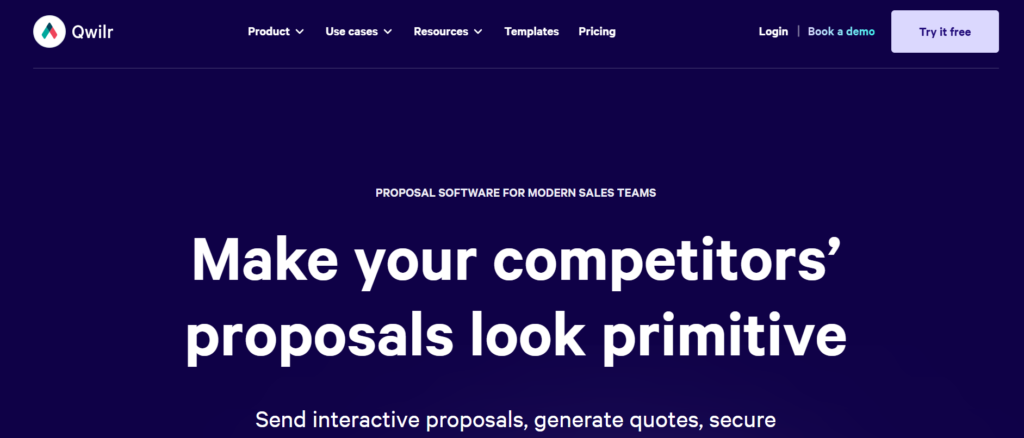
Qwilr takes a different approach compared to traditional quoting tools for agencies. Instead of sending static PDFs, Qwilr converts your proposal into a hosted web page. This creates a more interactive, modern buying experience.
Agencies comparing Qwilr vs PandaDoc or Qwilr vs Proposify often focus on format. Qwilr is ideal for teams that want proposals to feel more like microsites than documents. In many Qwilr review breakdowns, users highlight its clean interface and strong visual presentation.
For agencies selling digital services, positioning your quote as a web experience can reinforce credibility.
Schedule a consultation if you want to rethink how your agency presents pricing online.
Key Features
Qwilr stands out among quoting tools for agencies because it blends proposal software with lightweight web publishing. Below are the features that make it attractive to modern service businesses.
Web-Based Proposal Pages
Instead of attachments, Qwilr generates hosted proposal pages. Clients open a link and view a structured web layout with sections, pricing, videos, and testimonials. This works especially well for digital agencies pitching website builds, SEO retainers, or paid media services.
Interactive Pricing Blocks
Qwilr includes configurable pricing tables where clients can toggle add-ons and see totals update. While some agencies prefer PandaDoc for advanced pricing logic, Qwilr offers a clean and simple alternative that works well for straightforward service packages.
Embedded Media and Integrations
You can embed videos, calendars, forms, and external content directly into proposals. Agencies can include Loom walkthroughs, portfolio examples, or booking links within the quote. This makes the sales process feel more guided and less static.
Real-Time Analytics and Notifications
Qwilr notifies you when a prospect views your proposal and tracks engagement across sections. Sales teams can identify which pricing tiers attract attention and follow up accordingly. Compared to many Qwilr alternatives, this insight remains one of its strengths.
Stripe Integration for Payments
Clients can accept and pay through Stripe directly from the proposal page. This reduces friction between approval and deposit collection, which is critical for agencies operating on project milestones.
Schedule a consultation if you want quoting tools for agencies that feel modern and web-native.
Pros and Cons
| Pros | Cons |
| Web-based presentation | Less complex CPQ logic |
| Clean design interface | Limited deep automation |
| Embedded media support | Fewer internal controls |
| Stripe payments | Higher entry price |
Pricing
- Business Plan: From $35 per user per month
- Enterprise Plan: Custom pricing
When evaluating Qwilr pricing, agencies should consider whether presentation style is a priority. Compared to Qwilr alternatives, it often appeals more to creative and digital-first teams than enterprise consultancies.
Best for Digital Agencies Wanting Modern Proposal Experiences
Qwilr works especially well for agencies that sell digital services online.
- Web design agencies – proposals feel aligned with web deliverables
- SEO agencies – embed case studies and analytics screenshots
- Video production agencies – integrate portfolio videos directly
- Growth marketing consultancies – combine pricing and booking links in one page
If your brand positioning relies on a modern digital experience, Qwilr reinforces that perception.
Verdict: A strong option among quoting tools for agencies that want web-style proposals instead of PDFs.
How to Use Qwilr to Increase Close Rates
Embed a short personalised video at the top of your proposal summarising the scope and pricing. This reduces friction and creates familiarity before prospects review the numbers. Many agencies using Qwilr overlook this feature, even though it directly influences engagement.
Best Alternative Tool
If you need deeper pricing logic and internal approval workflows, PandaDoc or Proposify may be better suited than Qwilr.
4. Better Proposals
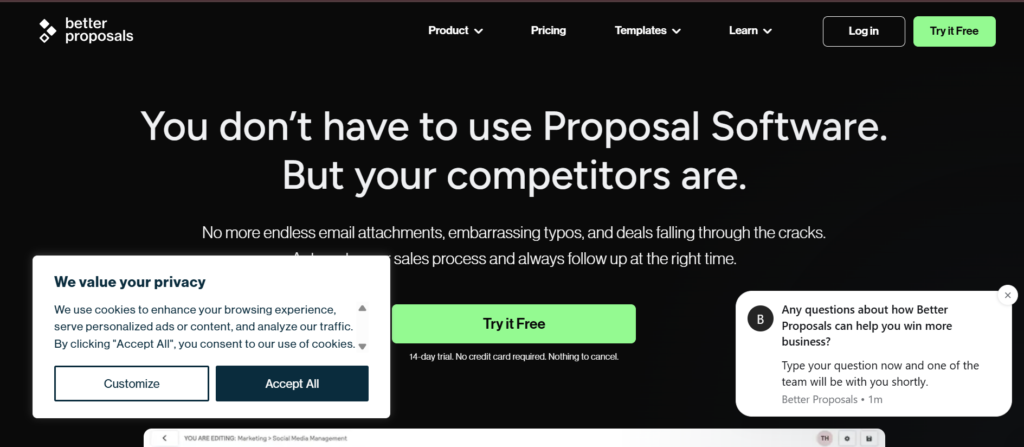
Better Proposals is designed for agencies that want to send polished quotes quickly without heavy setup or technical configuration. Among quoting tools for agencies, it positions itself as easy to launch and simple to scale.
Many Better Proposals review discussions highlight its template marketplace and conversion-focused layouts. Agencies comparing Better Proposals vs PandaDoc often look at simplicity versus automation depth.
If your team values speed over complex workflow rules, this platform can shorten turnaround time between enquiry and proposal delivery.
Schedule a consultation if your quoting process feels slow or inconsistent.
Key Features
Better Proposals stands out among quoting tools for agencies because it focuses heavily on usability and conversion-oriented layouts. Below are the core features that make it attractive to small and mid-sized service firms.
High-Converting Proposal Templates
The platform provides pre-designed templates structured around proven sales frameworks. These are not just visually clean but strategically arranged to guide prospects from problem awareness to pricing acceptance. Agencies that do not have internal design teams benefit from ready-to-use layouts.
Interactive Pricing Tables
Better Proposals includes pricing blocks where clients can select optional services and see totals adjust automatically. While less complex than enterprise CPQ systems, this functionality works well for SEO retainers, web packages, and marketing bundles.
Built-In eSignature and Online Payments
Clients can sign proposals digitally and pay through integrated gateways. This reduces the lag between approval and invoicing. Agencies working on upfront deposits benefit from having signature and payment in one workflow.
Proposal Tracking and Notifications
The system alerts you when prospects open proposals and tracks engagement. Sales teams can follow up while interest is still active. Compared to some Better Proposals alternatives, the tracking is straightforward and easy to interpret.
CRM and Zapier Integrations
Better Proposals connects with popular CRMs and automation tools via Zapier. While it does not offer the same deep CRM automation as some competitors, it supports common agency sales stacks.
Schedule a consultation if you want quoting tools for agencies that reduce setup time without sacrificing presentation quality.
Pros and Cons
| Pros | Cons |
| Quick setup | Limited enterprise controls |
| Conversion-focused templates | Fewer advanced workflows |
| Payment integration | Less complex CPQ |
| Easy user interface | Design customisation limits |
Pricing
- Starter Plan: From $19 per user per month
- Premium Plan: From $29 per user per month
- Enterprise: Custom pricing
When reviewing Better Proposals pricing, agencies should consider whether advanced approval workflows are necessary. Compared to Better Proposals alternatives, it offers strong value at entry level.
Best for Small to Mid-Sized Agencies Wanting Quick Deployment
Better Proposals works particularly well for agencies that need fast implementation without technical overhead.
- SEO freelancers – send structured quotes quickly
- Small marketing agencies – standardised service packages
- Web designers – milestone-based pricing
- Start-up consultancies – professional presentation without heavy systems
If you need to move from manual documents to structured proposal software quickly, this is a practical option.
Verdict: A solid choice among quoting tools for agencies that prioritise speed and simplicity over complex automation.
How to Use Better Proposals to Increase Average Deal Value
Add optional service upgrades in your pricing table rather than separate follow-up emails. Clients often select add-ons when presented visually during initial review. This small adjustment can increase deal value without extending negotiation time.
Best Alternative Tool
If you require deeper CRM integrations and structured internal approval workflows, PandaDoc may offer stronger long-term scalability.
5. HubSpot Quotes
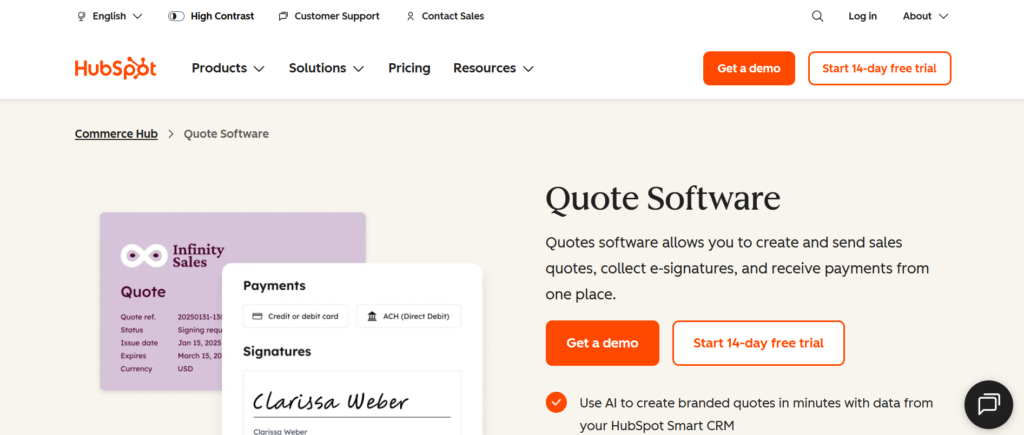
HubSpot Quotes is part of the broader HubSpot Sales Hub ecosystem. For agencies already operating inside HubSpot CRM, this tool removes the need for separate proposal software. Among quoting tools for agencies, its biggest strength is native CRM integration.
If you have read any HubSpot Quotes review, you will notice the same theme repeated: convenience and alignment. Agencies comparing HubSpot Quotes vs PandaDoc often weigh deep proposal flexibility against tight CRM integration.
For sales teams living inside dashboards every day, having quoting built directly into the CRM reduces friction and keeps data centralised.
Schedule a consultation if your agency already runs on HubSpot and wants tighter quoting control.
Key Features
HubSpot Quotes stands out among quoting tools for agencies because it is embedded directly inside the CRM workflow. Below are the features that matter most for driven agencies.
Native CRM-Connected Quotes
Quotes are created directly from deals inside HubSpot. Contact data, company details, products, and pricing automatically populate from the CRM. This eliminates manual entry errors and keeps forecasting aligned with live proposal activity. For agencies focused on structured progress, this integration reduces admin time significantly.
Product Library and Line Items
HubSpot allows agencies to build a product and service catalogue with pre-set pricing. Sales reps can add line items to quotes without retyping service descriptions. This works well for agencies selling defined retainers, recurring service packages, and fixed project deliverables.
Automated Approval Workflows
You can create approval rules for discounts or pricing changes. If a sales rep applies a discount beyond a threshold, manager approval is triggered automatically. This protects margin control and keeps consistent pricing discipline across the agency.
eSignature and Payment Integration
HubSpot supports electronic signatures and integrates with Stripe for payment collection. Clients can review, sign, and pay deposits directly from the quote. This shortens the sales cycle and keeps financial data tied to CRM records.
Reporting and Forecast Alignment
Because quotes live inside the CRM, reporting dashboards reflect real-time revenue projections. Agencies can track proposal value, close rates, and average deal size without exporting data into external tools. Compared to many HubSpot Quotes alternatives, this tight reporting integration is a major advantage.
Schedule a consultation if your agency relies heavily on CRM-based reporting and forecasting.
Pros and Cons
| Pros | Cons |
| Full CRM integration | Limited design flexibility |
| Strong reporting alignment | Requires HubSpot subscription |
| Approval workflows | Less interactive pricing |
| Centralised data | Higher tiers can be costly |
Pricing
HubSpot Quotes is included within HubSpot Sales Hub plans:
- Sales Hub Starter: From $20 per user per month
- Sales Hub Professional: From $100 per user per month
- Sales Hub Enterprise: From $150 per user per month
When evaluating HubSpot Quotes pricing, agencies must consider the broader CRM subscription cost. Compared to standalone quoting tools for agencies, it makes the most sense for teams already committed to HubSpot.
Best for Agencies Fully Operating Inside HubSpot CRM
HubSpot Quotes is particularly effective for agencies that want sales, quoting, and reporting unified.
- Inbound marketing agencies – manage leads, deals, and quotes in one system
- B2B consultancies – structured approval workflows tied to CRM stages
- Agencies with multiple sales reps – standardised product catalogues
- Data-focused teams – reporting alignment across progress and revenue
If your CRM is central to your sales operations, keeping quoting native reduces system sprawl.
Verdict: One of the most practical quoting tools for agencies already invested in the HubSpot ecosystem.
How to Use HubSpot Quotes to Improve Forecast Accuracy
Create mandatory deal stages that require a quote to be generated before moving to negotiation. This keeps every forecasted opportunity has documented pricing attached. Many agencies inflate progress numbers without verified quotes, which distorts revenue planning.
Best Alternative Tool
If you require more interactive pricing tables and advanced proposal layouts outside CRM constraints, PandaDoc is frequently compared in HubSpot Quotes vs PandaDoc discussions.
6. Scoro
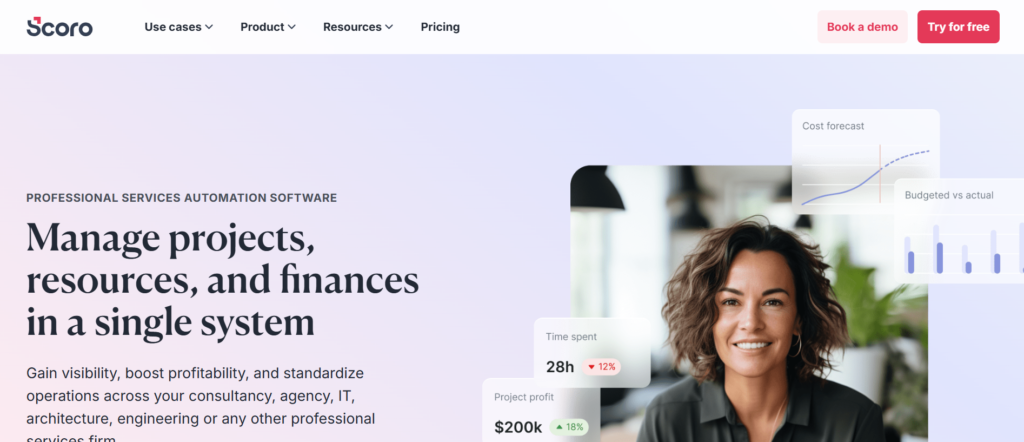
Scoro is not just proposal software. It is a full agency management platform that includes quoting, budgeting, project management, billing, and reporting in one system. Among quoting tools for agencies, Scoro stands apart because it connects pricing directly to resource planning and profitability tracking.
If you read any detailed Scoro review, you will notice that agencies adopt it when spreadsheets and disconnected systems start creating margin leakage. Agencies comparing Scoro vs PandaDoc are usually asking a different question. Do we want proposal presentation, or do we want full operational visibility tied to quoting?
For agencies managing multiple clients, retainers, and project teams, quoting cannot sit in isolation. It must connect to workload, time tracking, and financial reporting. That is where Scoro positions itself strongly.
Schedule a consultation if your agency needs quoting tied directly to project cost control.
Key Features
Scoro stands out among quoting tools for agencies because it links pricing decisions to operational and financial performance. Below are the features that matter most when growth increases complexity.
Integrated Quote-to-Project Workflow
In Scoro, approved quotes automatically convert into projects. Tasks, budgets, timelines, and assigned resources can be generated directly from the original proposal. This reduces manual duplication between sales and operations.
For agencies handling web builds, multi-month SEO retainers, or campaign management contracts, this integration prevents misalignment between what was sold and what is delivered.
Budgeting and Profit Margin Tracking
Scoro allows agencies to assign cost rates to team members and compare estimated budgets against actual time logged. This gives immediate visibility into project profitability. Unlike many quoting tools for agencies that stop at proposal acceptance, Scoro continues tracking margin throughout delivery.
Agency leaders can identify which services are underpriced and which retainers consistently exceed budget.
Resource Planning and Capacity Management
Before finalising a quote, agencies can assess internal resource availability. If your development team is already at capacity, Scoro highlights potential conflicts. This prevents overselling and protects delivery timelines.
For agencies growing quickly, this feature alone can prevent burnout and client dissatisfaction.
Recurring Billing and Retainer Management
Scoro supports recurring invoices tied to approved quotes. Agencies offering monthly SEO retainers, paid media management, or ongoing consulting can automate billing cycles without exporting data to external accounting software.
This reduces administrative workload and improves revenue predictability.
Financial Reporting and Forecasting
Because quotes, projects, time tracking, and invoices live in the same ecosystem, financial reporting becomes more accurate. Agencies can monitor progress value against confirmed revenue and compare estimated profitability against actual results.
Compared to many Scoro alternatives, this level of integrated reporting is a major advantage for mid-sized and enterprise agencies.
Schedule a consultation if your quoting process needs to connect directly to delivery and financial performance.
Pros and Cons
| Pros | Cons |
| Quote-to-project automation | Higher learning curve |
| Profit margin tracking | More complex setup |
| Resource planning visibility | Higher pricing tier |
| Integrated billing | May be excessive for small teams |
Pricing
- Essential Plan: From $26 per user per month
- Standard Plan: From $37 per user per month
- Pro Plan: From $63 per user per month
- Ultimate Plan: Custom pricing
When analysing Scoro pricing, agencies should assess team size and operational complexity. Compared to lighter quoting tools for agencies, Scoro sits at a higher investment level because it replaces multiple systems.
Best for Mid-Sized and Enterprise Agencies Managing Multiple Teams
Scoro is particularly effective for agencies that have moved beyond basic proposal software and require operational integration.
- Digital agencies with separate sales and delivery teams – seamless quote-to-project conversion
- Creative studios managing multiple concurrent campaigns – budget tracking prevents overrun
- B2B consultancies with billable hourly teams – margin visibility tied to time tracking
- Agencies scaling internationally – unified reporting across departments
If your agency’s biggest issue is not closing deals but maintaining profitability after closing them, Scoro addresses that gap.
Verdict: One of the most powerful quoting tools for agencies that need financial and operational alignment rather than simple proposal presentation.
How to Use Scoro to Identify Underpriced Services
After converting quotes into projects, regularly compare estimated margins against actual time and cost data. If specific services consistently exceed budgeted hours, adjust pricing templates immediately. Many agencies only realise margin erosion at the end of the quarter. Scoro allows ongoing monitoring.
Best Alternative Tool
If you need proposal-focused presentation and interactive pricing without full ERP complexity, PandaDoc or Proposify may be more suitable than Scoro.
7. Ignition
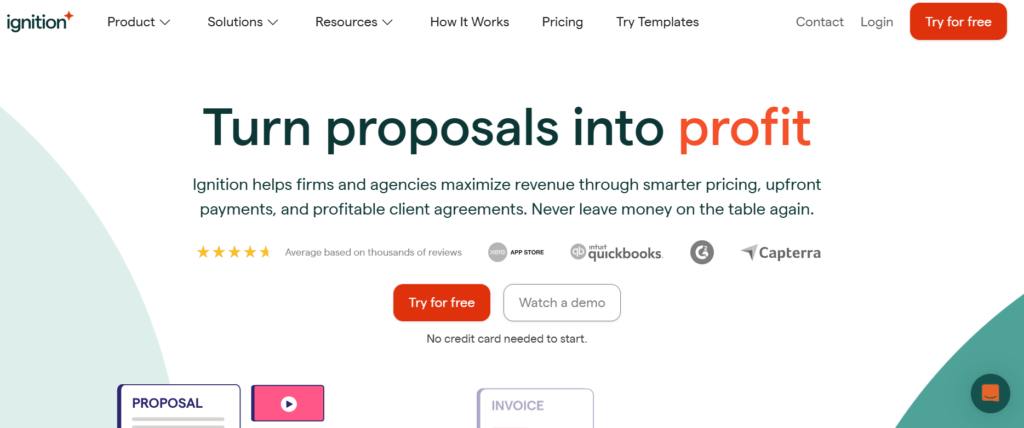
Ignition is purpose-built for agencies that sell retainers, recurring services, and ongoing advisory work. Unlike many quoting tools for agencies that focus primarily on proposal design, Ignition focuses on billing automation and revenue control from day one.
If you read any detailed Ignition review, you will notice that agencies adopt it when they are tired of chasing invoices, manually renewing contracts, or losing track of retainer changes. When comparing Ignition vs PandaDoc, the core difference becomes clear. PandaDoc focuses on proposal flexibility. Ignition focuses on recurring revenue discipline.
For agencies where cash flow stability matters as much as deal volume, Ignition addresses both quoting and payment automation in one workflow.
Schedule a consultation if your agency relies heavily on monthly retainers and wants stronger billing control.
Key Features
Ignition stands out among quoting tools for agencies because it connects proposals directly to automated billing and payment collection. Below are the features that make it especially powerful for recurring service models.
Automated Recurring Billing
When a client approves a proposal in Ignition, the billing schedule activates automatically. Monthly retainers, quarterly consulting fees, and staged payments are triggered without manual intervention.
This is critical for agencies offering SEO retainers, paid media management, outsourced marketing departments, or ongoing consultancy. Instead of remembering to invoice every month, billing runs in the background.
Many agencies that publish an Ignition review emphasise that this feature alone reduces administrative overhead significantly.
Integrated Payment Collection
Ignition integrates with payment processors to collect payments automatically according to the schedule set in the proposal. Clients can authorise recurring charges at the time of signing.
This reduces late payments and removes awkward follow-up emails. Compared to many Ignition alternatives, this level of automated revenue collection is a defining strength.
Scope and Engagement Management
Ignition allows agencies to clearly define deliverables, scope boundaries, and payment terms inside the engagement letter. Because billing is tied directly to the agreed scope, it becomes harder for clients to request additional work without formal amendments.
This protects margins and reinforces professional boundaries, which is essential for agencies that previously relied on loosely structured agreements.
Service Catalogue and Standardised Pricing
Agencies can create a structured service catalogue with predefined pricing. Sales reps select services rather than typing custom descriptions for every proposal. This keeps pricing consistency across the organisation.
When evaluating Ignition vs PandaDoc, agencies often note that Ignition is less design-focused but more financially structured.
Accounting and CRM Integrations
Ignition integrates with accounting platforms such as Xero and QuickBooks, syncing invoices and payment data automatically. It also connects with CRM systems to maintain deal visibility.
For agencies wanting their quoting tools for agencies aligned with finance operations, this integration reduces reconciliation errors.
Schedule a consultation if you want quoting tools for agencies that reinforce recurring revenue discipline.
Pros and Cons
| Pros | Cons |
| Automated recurring billing | Less design flexibility |
| Strong payment automation | Limited advanced CPQ logic |
| Scope clarity inside proposals | Focused mainly on retainers |
| Accounting integrations | Not ideal for one-off projects |
Pricing
- Core Plan: From $39 per user per month
- Pro Plan: From $79 per user per month
- Scale Plan: Custom pricing
When reviewing Ignition pricing, agencies should assess how much manual invoicing currently consumes internal time. Compared to many quoting tools for agencies, Ignition offers significant value if recurring billing is central to the business model.
Best for Agencies Focused on Recurring Retainers and Predictable Cash Flow
Ignition is particularly well suited for agencies where monthly retainers form the backbone of revenue.
- SEO agencies – automatic monthly billing aligned with deliverables
- PPC management firms – recurring management fees collected without chasing
- Outsourced marketing departments – bundled service subscriptions
- Consultancy agencies – ongoing advisory retainers
If your agency’s stress comes from late payments rather than closing deals, Ignition directly addresses that pain point.
Verdict: One of the strongest quoting tools for agencies built around recurring revenue and structured client engagements.
How to Use Ignition to Eliminate Revenue Leakage
Audit all current retainers and rebuild them inside Ignition with automated billing schedules. Remove manual invoicing completely. Many agencies underestimate how much revenue is delayed due to inconsistent billing cycles. Ignition keeps payments aligned with agreed service timelines.
Best Alternative Tool
If you require more advanced proposal layouts and interactive pricing tables for complex one-off projects, PandaDoc may be a better alternative to Ignition.
8. QuoteWerks
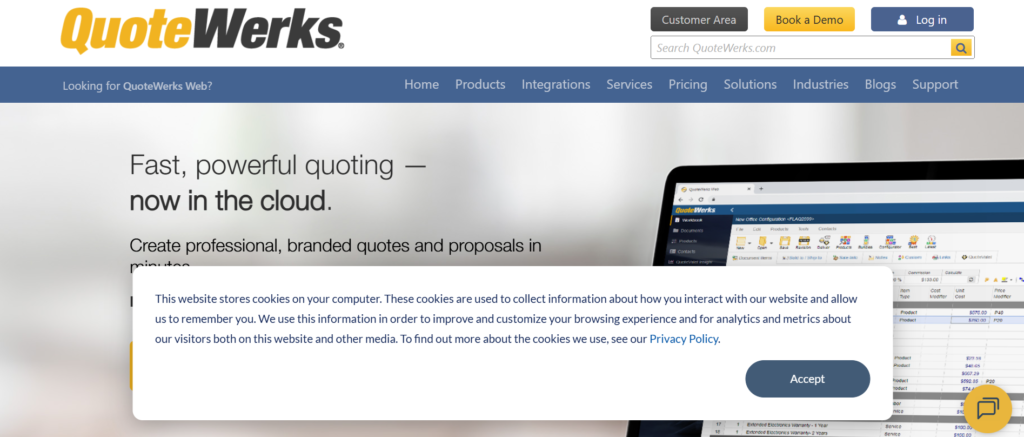
QuoteWerks is designed for organisations that deal with layered pricing models, detailed configurations, and high-value contracts. While many quoting tools for agencies focus on presentation and ease of use, QuoteWerks focuses on pricing logic, control, and structured configuration.
If you read a detailed QuoteWerks review, you will see that it is often adopted by technology consultancies, IT service providers, engineering firms, and agencies with complex solution stacks. When comparing QuoteWerks vs PandaDoc, the distinction becomes clear. PandaDoc is strong for presentation and interactivity. QuoteWerks is built for advanced CPQ depth.
For agencies selling bundled services, hardware plus service packages, or customised multi-phase projects, QuoteWerks offers granular pricing control that simpler tools cannot match.
Schedule a consultation if your agency pricing has become too complex for basic proposal software.
Key Features
QuoteWerks stands out among quoting tools for agencies because of its advanced configuration and pricing engine. Below are the features that matter most when deals involve multiple variables and layered cost structures.
Advanced CPQ Engine
QuoteWerks includes a powerful configure price quote engine that allows agencies to build structured pricing rules. You can define dependencies between products and services, automate pricing adjustments, and apply conditional logic.
This is particularly valuable for agencies selling combinations of consulting hours, software licences, implementation services, and ongoing support packages. Rather than manually adjusting spreadsheets, pricing logic is automated inside the system.
Many QuoteWerks review discussions highlight this feature as the platform’s core strength.
Product Database and Vendor Integration
Agencies can build a detailed product and service database with cost prices, markup percentages, and supplier information. In more technical service agencies, this keeps that margins are calculated consistently across quotes.
For agencies reselling software or technology components alongside services, this database integration reduces pricing errors and protects profitability.
Document Customisation and Branding
Although QuoteWerks is heavily focused on pricing logic, it also supports branded quote templates. Agencies can customise layouts, insert terms and conditions, and include structured service descriptions.
Compared to some QuoteWerks alternatives, its design flexibility may not be as visually polished as creative proposal tools, but it provides strong structural control.
CRM and Accounting Integrations
QuoteWerks integrates with CRM systems such as Salesforce, HubSpot, and Zoho, as well as accounting platforms like QuickBooks. This keeps that approved quotes can sync with finance systems and revenue tracking.
For agencies managing complex progresses, this integration reduces duplication and improves data consistency.
Reporting and Margin Analysis
Because QuoteWerks tracks cost and sell price data, agencies can analyse gross margin across services and projects. This is critical when service bundles vary significantly between clients.
Compared to lighter quoting tools for agencies, QuoteWerks provides deeper financial visibility into pricing accuracy and profitability.
Schedule a consultation if you need quoting tools for agencies that go beyond presentation and focus heavily on structured pricing control.
Pros and Cons
| Pros | Cons |
| Advanced CPQ logic | Less visually modern |
| Detailed pricing database | Higher complexity |
| Strong CRM integrations | Setup requires planning |
| Margin visibility | May exceed small agency needs |
Pricing
QuoteWerks pricing is typically customised based on licensing and feature requirements. Entry-level plans often start around:
- Standard Edition: From approximately $15 per user per month
- Professional Edition: From approximately $21 per user per month
- Corporate Edition: Custom pricing
Agencies evaluating QuoteWerks pricing should factor in implementation time and configuration complexity. Compared to simpler quoting tools for agencies, QuoteWerks requires more setup but offers greater control.
Best for Agencies With Complex Service Configurations and Multi-Layer Pricing
QuoteWerks is particularly effective for agencies whose pricing is not straightforward.
- IT consultancies – bundled hardware, software, and managed services
- Technical implementation agencies – multi-phase project billing
- Enterprise marketing agencies – custom pricing structures per client
- Agencies reselling third-party platforms – structured markup control
If your sales team frequently adjusts spreadsheets to calculate pricing combinations, QuoteWerks replaces that manual logic with automated rules.
Verdict: One of the most technically capable quoting tools for agencies that need structured CPQ functionality rather than simple proposal design.
How to Use QuoteWerks to Prevent Margin Erosion
Build standardised markup rules inside the product database rather than allowing sales reps to adjust margins manually. Set minimum margin thresholds in the system so pricing cannot fall below acceptable levels. Many agencies lose profit because discounting is not system-controlled.
Best Alternative Tool
If you require strong proposal design combined with interactive pricing rather than deep CPQ configuration, PandaDoc or Proposify may be better alternatives to QuoteWerks.
9. Xero Projects
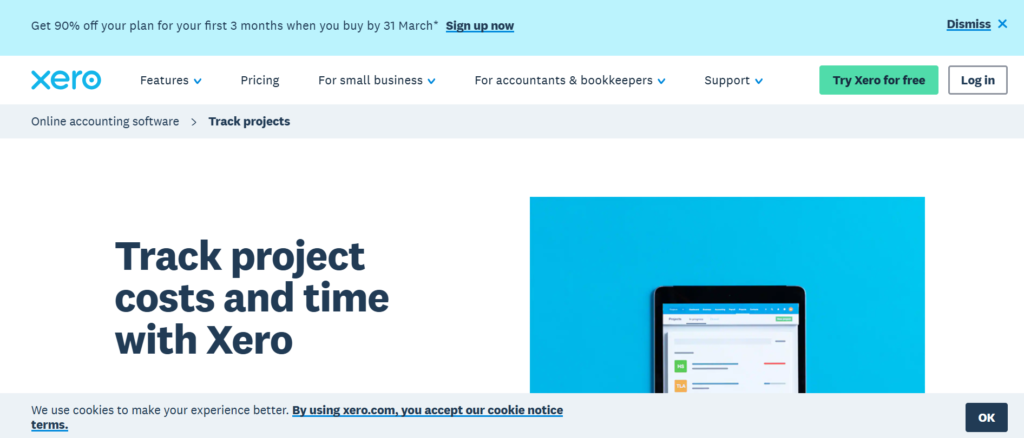
Xero Projects is an extension of the Xero accounting ecosystem, built for service-based businesses that want quoting and project tracking closely aligned with bookkeeping and invoicing. Among quoting tools for agencies, Xero Projects stands out for finance-first visibility rather than heavy proposal design.
If you read a typical Xero Projects review, you will see that agencies adopt it when financial tracking becomes fragmented. Instead of separate quoting software, project tracking tools, and accounting systems, everything runs inside one environment.
When comparing Xero Projects vs PandaDoc, the key difference is purpose. PandaDoc is built for sales presentations. Xero Projects is built for financial tracking and operational billing discipline.
For agencies prioritising revenue accuracy and cost control over advanced proposal aesthetics, Xero Projects offers a practical structure.
Schedule a consultation if your agency quoting needs tighter alignment with accounting and reporting.
Key Features
Xero Projects differentiates itself among quoting tools for agencies by linking quotes directly to budgets, time tracking, and invoices. Below are the features that matter most for financially structured teams.
Quote-to-Invoice Conversion
Agencies can create quotes within Xero and convert approved quotes directly into invoices. This removes duplication and reduces manual data entry errors.
For agencies handling web builds, consulting projects, or milestone-based services, this functionality keeps the financial agreement matches the billing schedule precisely.
Many Xero Projects review discussions highlight how this feature improves billing consistency.
Budget Tracking Against Actual Costs
Once a quote converts into a project, you can track time and expenses against the original estimate. This gives visibility into whether the project remains profitable.
Agencies often underestimate how much margin is lost when time tracking is not compared against quoted scope. Xero Projects connects these elements in one workflow.
Time Tracking and Expense Logging
Team members can log billable hours directly against projects. Expenses can also be assigned to specific jobs. This keeps that invoicing reflects actual effort and cost.
Compared to many Xero Projects alternatives, this integration between quoting, time tracking, and accounting is a major advantage.
Integrated Accounting Dashboard
Because Xero Projects sits within the broader Xero platform, revenue, expenses, and tax data remain aligned. Agencies can view cash flow, outstanding invoices, and revenue forecasts without exporting proposal data into separate tools.
For agencies that prioritise financial clarity, this ecosystem reduces system fragmentation.
Recurring Invoicing Support
While not as automated as Ignition for recurring retainers, Xero allows recurring invoices linked to approved quotes. Agencies offering monthly advisory services or ongoing maintenance retainers can automate billing cycles directly within accounting.
Schedule a consultation if your agency wants quoting tools for agencies that align directly with bookkeeping and financial management.
Pros and Cons
| Pros | Cons |
| Strong accounting integration | Limited proposal design |
| Budget vs actual tracking | Fewer advanced pricing rules |
| Simple quote-to-invoice flow | Requires Xero subscription |
| Time tracking included | Not ideal for complex CPQ |
Pricing
Xero Projects is typically available as an add-on to Xero accounting plans:
- Xero Projects Add-On: From approximately $7 per user per month
- Xero Accounting Plans: From approximately $15 per month and upward
When evaluating Xero Projects pricing, agencies should consider the full accounting subscription. Compared to standalone quoting tools for agencies, it is cost-effective if Xero is already your financial system.
Best for Agencies That Prioritise Financial Visibility Over Proposal Design
Xero Projects works best for agencies where accounting accuracy and cost tracking are top priorities.
- Consulting agencies – billable hours tracked against quoted budgets
- Small digital agencies – simple project-based pricing
- Web development teams – milestone billing tied to cost tracking
- Advisory firms – recurring services with accounting alignment
If your agency’s biggest issue is not sending proposals but managing billing accuracy, Xero Projects addresses that operational gap.
Verdict: One of the most practical quoting tools for agencies already operating within the Xero ecosystem and focused on financial discipline.
How to Use Xero Projects to Improve Profit Margins
After each project, compare quoted revenue against actual time costs and expenses. Identify services where time overruns are frequent. Update pricing templates accordingly. Many agencies continue using outdated price structures without reviewing profitability data.
Best Alternative Tool
If you require more advanced proposal presentation and interactive pricing tables, PandaDoc or Proposify may offer stronger front-end capabilities than Xero Projects.
10. Zoho CRM Quotes
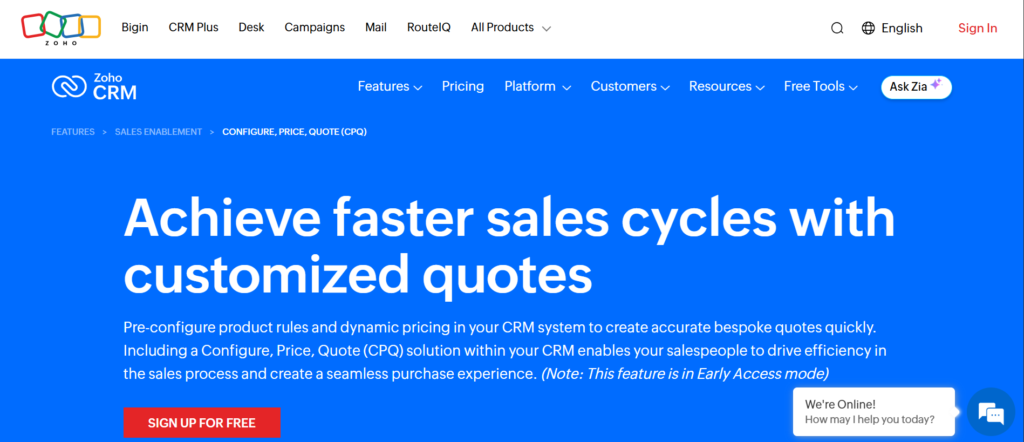
Zoho CRM Quotes is part of the broader Zoho ecosystem, offering built-in quote creation directly inside its CRM platform. Among quoting tools for agencies, it stands out for affordability, ecosystem depth, and structured workflow control.
If you read a Zoho CRM Quotes review, you will often see it recommended for agencies already committed to Zoho CRM. When comparing Zoho CRM Quotes vs HubSpot Quotes, the decision usually comes down to ecosystem preference and pricing flexibility.
For agencies that want CRM-driven quoting without purchasing a separate proposal platform, Zoho offers a practical and scalable solution.
Schedule a consultation if your agency already uses Zoho and wants structured quoting without additional tools.
Key Features
Zoho CRM Quotes differentiates itself among quoting tools for agencies by embedding pricing and proposal generation directly inside the CRM workflow. Below are the features that matter most for structured sales teams.
Native CRM Quote Creation
Sales reps can generate quotes directly from leads or deal records within Zoho CRM. Contact details, company data, and pricing items auto-populate, reducing manual errors.
This integration keeps progress stages aligned with real quotes rather than estimated numbers. Agencies using structured CRM workflows benefit from this alignment.
Product Catalogue and Pricing Rules
Zoho allows agencies to create a centralised service catalogue with predefined pricing, tax rules, and discount logic. Sales reps select items rather than manually typing line items.
This works particularly well for agencies offering fixed SEO retainers, marketing packages, and web design bundles. Compared to many Zoho CRM Quotes alternatives, this structured catalogue helps enforce pricing consistency.
Approval and Discount Controls
You can set approval workflows for discounts exceeding certain thresholds. If a sales rep applies aggressive pricing reductions, management approval is required before sending the quote.
For agencies concerned about inconsistent discounting, this adds governance to the sales process.
eSignature Integration
Zoho integrates with Zoho Sign and other eSignature platforms, allowing clients to approve quotes digitally. This shortens turnaround time between proposal and contract acceptance.
Although not as visually polished as some standalone proposal software, Zoho CRM Quotes focuses on workflow reliability.
Integration With Zoho Books and Finance Tools
Approved quotes can convert into invoices within Zoho Books. Revenue tracking, tax calculations, and payment records remain connected across systems.
For agencies that want quoting tools for agencies tied directly to accounting and CRM, this ecosystem reduces software fragmentation.
Schedule a consultation if your agency wants CRM-based quoting integrated with finance systems.
Pros and Cons
| Pros | Cons |
| Affordable pricing tiers | Limited advanced design |
| Strong CRM integration | Less interactive pricing |
| Discount approval workflows | Best within Zoho ecosystem |
| Finance system alignment | Fewer enterprise CPQ features |
Pricing
Zoho CRM Quotes is included in Zoho CRM plans:
- Standard Plan: From $14 per user per month
- Professional Plan: From $23 per user per month
- Enterprise Plan: From $40 per user per month
- Ultimate Plan: From $52 per user per month
When reviewing Zoho CRM Quotes pricing, agencies should evaluate total CRM subscription cost rather than standalone quote pricing. Compared to many quoting tools for agencies, it offers strong value for CRM-first teams.
Best for Agencies Already Operating Within Zoho’s Ecosystem
Zoho CRM Quotes works especially well for agencies committed to Zoho products.
- Digital marketing agencies – structured sales and billing alignment
- Consulting firms – quote-to-invoice conversion within one system
- Growing agencies – scalable CRM tiers
- Agencies needing discount governance – built-in approval rules
If your sales progress already lives inside Zoho CRM, adding external quoting software may complicate workflows unnecessarily.
Verdict: A cost-effective option among quoting tools for agencies that want CRM-driven pricing and centralised reporting.
How to Use Zoho CRM Quotes to Control Discounting
Define mandatory approval rules for any discount exceeding a fixed percentage. Combine this with predefined service pricing inside the product catalogue. This prevents inconsistent pricing decisions across different sales reps.
Best Alternative Tool
If you require more visually dynamic proposals and interactive pricing tables, PandaDoc is often compared in Zoho CRM Quotes vs PandaDoc discussions.
11. FreshBooks Proposals
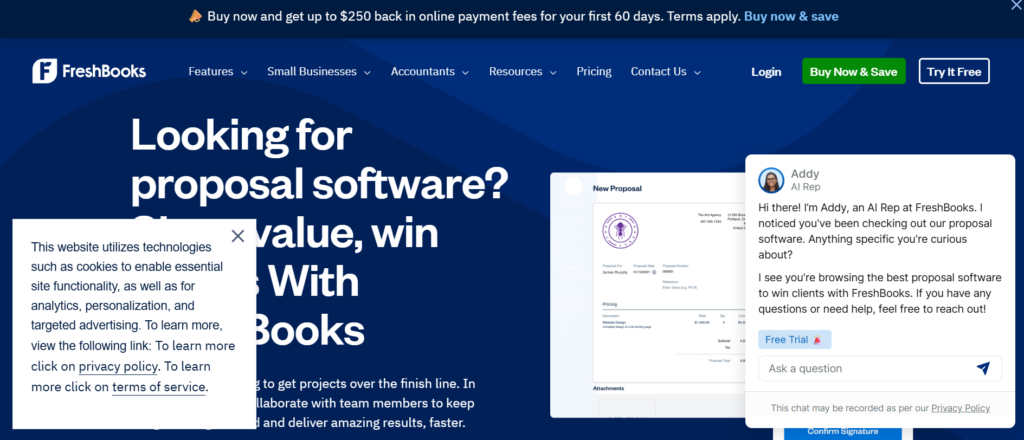
FreshBooks Proposals is built for small service businesses that want quoting, invoicing, and expense tracking in one platform. Among quoting tools for agencies, it appeals most to smaller teams that prioritise ease of use over advanced CPQ logic.
If you read a FreshBooks Proposals review, the recurring theme is simplicity. Agencies comparing FreshBooks Proposals vs Xero Projects usually evaluate usability versus accounting depth. FreshBooks leans toward clean design and ease of navigation rather than complex financial reporting layers.
For agencies transitioning from manual invoices and basic spreadsheets, FreshBooks provides a structured first step into quoting automation.
Schedule a consultation if your agency wants to replace manual estimates with structured software.
Key Features
FreshBooks Proposals stands out among quoting tools for agencies because it tightly connects estimates, invoices, and payment tracking in one simple interface. Below are the features that matter most for small and growing service teams.
Estimate-to-Invoice Conversion
Agencies can create professional estimates and convert approved proposals directly into invoices. This eliminates duplicate entry and keeps billing matches agreed pricing.
For web designers, consultants, and freelance marketers, this function reduces administrative time and improves billing accuracy.
Many FreshBooks Proposals review summaries highlight how easy it is to transition from estimate to invoice within seconds.
Customisable Proposal Templates
FreshBooks provides branded templates where agencies can add logos, service descriptions, and pricing breakdowns. While not as advanced as dedicated proposal software, it delivers clean presentation suitable for most small agency needs.
Compared to many FreshBooks Proposals alternatives, its interface is particularly beginner-friendly.
Time Tracking and Billable Hours
Team members can track billable hours and attach them directly to client projects. These hours can then be added to invoices automatically.
For agencies charging hourly consulting or development fees, this keeps pricing reflects actual effort rather than rough estimates.
Expense Management
Expenses can be recorded and assigned to specific clients or projects. Agencies can pass approved expenses directly onto invoices when necessary.
This visibility helps protect margins, especially when third-party tools or advertising costs are involved.
Online Payment Integration
FreshBooks integrates with online payment systems, allowing clients to pay invoices directly. This reduces friction between approval and payment collection.
For agencies that previously relied on manual bank transfers, this speeds up revenue collection cycles.
Schedule a consultation if your agency needs quoting tools for agencies that prioritise usability and financial clarity.
Pros and Cons
| Pros | Cons |
| Easy to use | Limited advanced proposal design |
| Estimate-to-invoice flow | Not built for complex CPQ |
| Time tracking included | Fewer CRM integrations |
| Online payment support | Best for small teams |
Pricing
FreshBooks pricing typically includes proposals and invoicing within subscription plans:
- Lite Plan: From $15 per month
- Plus Plan: From $25 per month
- Premium Plan: From $50 per month
- Select Plan: Custom pricing
When reviewing FreshBooks Proposals pricing, agencies should consider client volume and invoice limits. Compared to larger quoting tools for agencies, it remains more suitable for small operations.
Best for Small Agencies and Freelance-Led Teams
FreshBooks Proposals works particularly well for agencies with simple pricing structures and limited internal sales teams.
- Freelance SEO consultants – send structured estimates quickly
- Small web design studios – convert estimates into invoices easily
- Boutique marketing agencies – track billable hours accurately
- Advisory consultants – manage expenses and payments centrally
If your agency is still early-stage or lean, FreshBooks offers structure without overwhelming complexity.
Verdict: A practical entry-level option among quoting tools for agencies that need estimating and invoicing combined in one accessible system.
How to Use FreshBooks Proposals to Improve Billing Accuracy
Always attach billable hours directly to project records before generating invoices. Avoid manual time estimates. By linking tracked time to invoices, agencies reduce disputes and protect revenue consistency.
Best Alternative Tool
If you require deeper CRM integration and advanced proposal presentation features, PandaDoc or HubSpot Quotes may offer more scalability than FreshBooks.
12. Bonsai
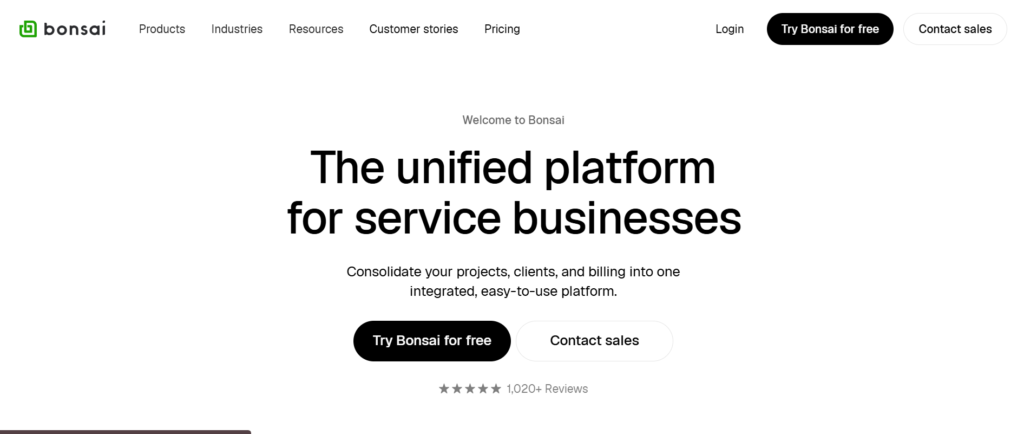
Bonsai is built primarily for freelancers and small service agencies that want proposals, contracts, invoicing, and client management inside one clean interface. Among quoting tools for agencies, Bonsai positions itself as a lightweight yet structured system for service businesses that do not need enterprise-level CPQ complexity.
If you read a detailed Bonsai review, you will see that it is frequently recommended for creative professionals, consultants, and boutique agencies. When comparing Bonsai vs FreshBooks, the discussion often centres around contract management depth and proposal structure.
For agencies that want quoting combined with legally structured agreements and recurring billing, Bonsai offers a balanced solution.
Schedule a consultation if your agency wants quoting tools for agencies that combine proposals and contracts in one workflow.
Key Features
Bonsai stands out among quoting tools for agencies because it blends proposal creation, contract enforcement, and invoicing into a single client lifecycle system. Below are the features that matter most for lean service teams.
Proposal and Contract Integration
With Bonsai, proposals and contracts are tightly connected. Once a client approves a proposal, the agreement terms activate immediately. Agencies can include scope definitions, payment schedules, intellectual property clauses, and termination terms directly in the proposal.
This reduces the risk of misalignment between what was quoted and what is legally agreed. Many Bonsai review summaries highlight this integrated approach as a major strength.
Pre-Built Service Templates
Bonsai includes ready-made templates for common service industries such as marketing, design, consulting, and development. Agencies can customise these templates and store them for repeated use.
Compared to some Bonsai alternatives, the template system is structured to reduce drafting time while maintaining professionalism.
Recurring Invoicing and Payment Automation
Agencies can create recurring invoices linked directly to approved proposals. Clients can authorise automatic payments, reducing the need for follow-up reminders.
For agencies running monthly SEO retainers, content marketing services, or ongoing consultancy, this feature improves payment reliability.
Time Tracking and Task Management
Bonsai includes time tracking and simple task management tools. Team members can log billable hours and attach them to client projects. This allows agencies to monitor profitability and adjust future pricing structures accordingly.
Although not as advanced as ERP platforms, this functionality is sufficient for small and mid-sized teams.
Client Portal and Communication Tracking
Clients can access a dedicated portal where they review proposals, contracts, and invoices. Communication records are stored centrally, reducing email clutter and miscommunication.
For agencies handling multiple clients simultaneously, centralised document storage prevents administrative confusion.
Schedule a consultation if you want quoting tools for agencies that integrate contracts and billing into a unified process.
Pros and Cons
| Pros | Cons |
| Proposal and contract integration | Limited advanced CPQ features |
| Recurring billing automation | Fewer CRM integrations |
| Client portal access | Less suited for large teams |
| Easy interface | Limited complex pricing logic |
Pricing
Bonsai pricing typically includes proposals and contracts within subscription tiers:
- Starter Plan: From $21 per month
- Professional Plan: From $32 per month
- Business Plan: From $66 per month
When evaluating Bonsai pricing, agencies should consider client volume and recurring billing needs. Compared to larger quoting tools for agencies, it is positioned for smaller teams.
Best for Freelance-Led and Boutique Service Agencies
Bonsai works particularly well for agencies that want structure without enterprise overhead.
- Freelance marketing consultants – combined proposal and contract in one step
- Small creative agencies – clear scope control and recurring invoicing
- Web developers – milestone payments embedded in agreements
- Advisory professionals – structured legal clauses without external tools
If your agency is lean but wants formal documentation and billing automation, Bonsai delivers solid functionality without excessive complexity.
Verdict: A strong option among quoting tools for agencies that need proposal, contract, and billing integration in a simplified system.
How to Use Bonsai to Reduce Scope Disputes
Embed detailed deliverable definitions inside your proposal templates. Include revision limits and turnaround expectations clearly in the contract section. When clients sign, they agree to these conditions upfront, reducing future misunderstandings.
Best Alternative Tool
If you require deeper CRM alignment and advanced pricing logic, PandaDoc or HubSpot Quotes may provide stronger scalability than Bonsai.
13. Salesforce CPQ
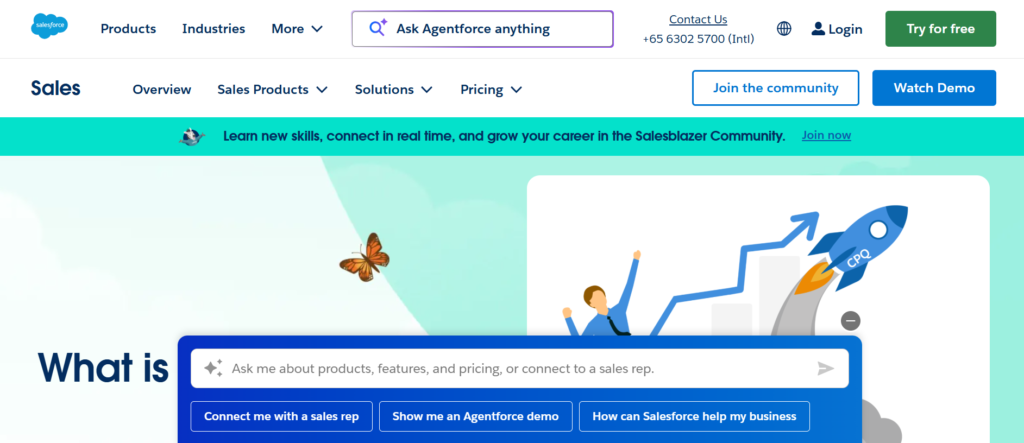
Salesforce CPQ is built for organisations managing complex sales cycles, layered pricing models, and enterprise-level contracts. Among quoting tools for agencies, it sits at the high end of the market, designed for teams that require advanced configuration logic, strict approval workflows, and deep CRM integration.
If you read a Salesforce CPQ review, you will quickly see that it is rarely adopted by small agencies. It is typically implemented by larger consultancies, global marketing firms, technology partners, and agencies working with enterprise clients.
When comparing Salesforce CPQ vs PandaDoc, the difference is scale and complexity. PandaDoc focuses on proposal presentation and mid-market flexibility. Salesforce CPQ is built for structured, multi-layer enterprise quoting inside Salesforce CRM.
For agencies already operating within Salesforce, this tool extends quoting into a fully controlled configuration system.
Schedule a consultation if your agency handles enterprise contracts with multi-stage pricing structures.
Key Features
Salesforce CPQ stands out among quoting tools for agencies because it connects advanced pricing configuration directly into the Salesforce CRM environment. Below are the features that matter most for enterprise-scale service businesses.
Advanced Configuration Rules
Salesforce CPQ allows agencies to build complex pricing rules and product configurations. You can define dependencies between services, apply conditional pricing logic, and automate discounts based on predefined thresholds.
This is particularly useful for agencies offering bundled consulting, software integrations, managed services, and long-term advisory contracts with variable pricing elements.
Many Salesforce CPQ review discussions highlight this configuration capability as one of the strongest in the CPQ market.
Guided Selling Workflows
Sales reps are guided step-by-step through structured product selection. This keeps that pricing combinations follow approved frameworks and prevents invalid service bundles.
For large agencies with multiple service lines, guided selling reduces pricing errors and protects standardisation across the sales team.
Automated Approval Chains
Salesforce CPQ supports complex approval hierarchies. Quotes exceeding certain discount levels, contract values, or special terms trigger automatic approval workflows.
Enterprise agencies managing high-value deals benefit from this governance, especially when multiple departments must review contracts before final submission.
Integration With Salesforce CRM
Because it is native to Salesforce, all quote data ties directly into opportunities, forecasting dashboards, and revenue reports. Sales leaders gain visibility into proposal stages, projected revenue, and deal progression without exporting data.
Compared to many Salesforce CPQ alternatives, this level of CRM alignment is difficult to replicate outside the Salesforce ecosystem.
Contract and Subscription Management
Salesforce CPQ also supports subscription-based billing and contract renewals. Agencies offering long-term advisory retainers or recurring managed services can track renewals and amendments within the same system.
This reduces contract mismanagement and keeps pricing continuity over time.
Schedule a consultation if your agency needs quoting tools for agencies that operate at enterprise scale.
Pros and Cons
| Pros | Cons |
| Advanced CPQ logic | High implementation complexity |
| Deep Salesforce integration | Higher cost structure |
| Structured approval workflows | Requires Salesforce expertise |
| Subscription management | May exceed small agency needs |
Pricing
Salesforce CPQ pricing is typically customised and depends on Salesforce licensing tiers:
- Salesforce CPQ Add-On: Often starting around $75 per user per month
- Salesforce CRM Licences: From approximately $25 per user per month and upward
Agencies evaluating Salesforce CPQ pricing must consider the total Salesforce ecosystem cost, including CRM subscriptions and implementation services.
Compared to other quoting tools for agencies, Salesforce CPQ is positioned for enterprise-level budgets.
Best for Large Agencies Managing Enterprise Contracts
Salesforce CPQ works best for agencies that operate at significant scale and complexity.
- Global marketing agencies – multi-region pricing structures
- Technology consulting firms – bundled software and services
- Enterprise advisory agencies – long-term subscription contracts
- Agencies with large sales teams – structured approval governance
If your agency handles six-figure and seven-figure contracts regularly, manual quoting systems will struggle to maintain consistency.
Verdict: One of the most powerful quoting tools for agencies operating within Salesforce and handling complex enterprise pricing.
How to Use Salesforce CPQ to Protect Enterprise Margins
Define minimum margin thresholds and automated discount limits within the CPQ configuration rules. Require multi-level approval for strategic discounts. This prevents aggressive price reductions during enterprise negotiations.
Best Alternative Tool
If you need strong proposal presentation without full enterprise CPQ implementation, PandaDoc or Proposify may provide a more manageable solution than Salesforce CPQ.
14. DealHub
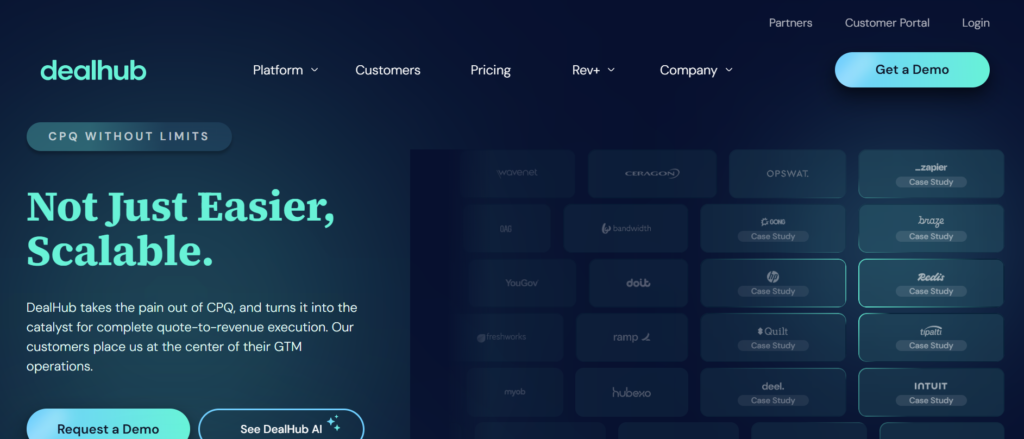
DealHub is a full configure price quote platform designed for organisations with layered service structures, complex approval paths, and long B2B sales cycles. Among quoting tools for agencies, it is positioned for teams that require strict governance, guided workflows, and structured pricing configuration.
If you read a detailed DealHub review, you will see it commonly adopted by technology firms, enterprise consultancies, and large marketing agencies selling multi-component service packages. When comparing DealHub vs Salesforce CPQ, the discussion often focuses on flexibility and implementation complexity.
For agencies that frequently customise pricing based on client requirements, DealHub introduces structure without relying on manual spreadsheets.
Schedule a consultation if your agency’s quoting process involves multiple stakeholders and layered pricing approvals.
Key Features
DealHub stands out among quoting tools for agencies because it combines guided selling with structured pricing logic and revenue control. Below are the features that make it especially suitable for enterprise-level service teams.
Guided Selling Configuration
DealHub’s guided selling framework walks sales teams through structured service selection. Instead of building quotes manually, reps answer predefined prompts that determine which services, add-ons, and pricing tiers apply.
This reduces pricing inconsistencies and keeps that proposals align with internal standards. Agencies with large sales teams benefit significantly from this controlled structure.
Advanced Pricing Rules and Logic
DealHub allows agencies to create pricing conditions based on service bundles, volume tiers, contract length, and other variables. This is particularly useful for agencies selling long-term retainers combined with strategic consulting or implementation services.
Many DealHub review discussions highlight how these pricing rules reduce errors and prevent underquoting.
Automated Approval Workflows
Quotes exceeding defined thresholds automatically route to managers or finance teams for review. This protects margins and enforces governance across the organisation.
For agencies negotiating large contracts, this structured oversight prevents inconsistent discounting across account managers.
Subscription and Renewal Management
DealHub supports subscription-based services and contract renewals. Agencies offering recurring advisory, marketing retainers, or technology partnerships can manage lifecycle changes directly within the platform.
This reduces administrative oversight and keeps renewal pricing aligned with agreed terms.
CRM and Billing Integrations
DealHub integrates with major CRM systems and financial platforms. Quotes generated in DealHub sync directly with opportunity records and revenue forecasts.
For agencies relying heavily on CRM reporting, this integration maintains data consistency across systems.
Schedule a consultation if you need quoting tools for agencies that support complex enterprise sales processes.
Pros and Cons
| Pros | Cons |
| Guided selling control | Enterprise-focused pricing |
| Strong CPQ functionality | Requires configuration effort |
| Approval governance | Less suited for small agencies |
| Subscription management | Higher onboarding time |
Pricing
DealHub pricing is typically customised depending on implementation scope and licensing requirements. Entry-level enterprise packages often start at:
- Custom pricing, typically from $50 per user per month and upward
Agencies considering DealHub pricing should account for setup, integration, and training requirements. Compared to lighter quoting tools for agencies, it is built for larger organisations.
Best for Agencies With Multi-Stage Enterprise Sales Processes
DealHub works best for agencies where sales complexity requires system-enforced discipline.
- Enterprise marketing consultancies – layered service bundles
- Technology integration agencies – structured implementation phases
- Global advisory firms – multi-year contracts with renewal clauses
- Agencies with strict compliance requirements – approval governance
If your quoting process frequently involves finance, legal, and operations reviews, DealHub provides the structure necessary to avoid errors.
Verdict: One of the most structured quoting tools for agencies operating in enterprise B2B environments.
How to Use DealHub to Reduce Sales Errors
Build predefined service bundles with locked pricing rules rather than allowing manual customisation. This keeps every quote aligns with internal standards and reduces costly miscalculations during negotiation.
Best Alternative Tool
If your agency requires strong enterprise functionality but already operates inside Salesforce, Salesforce CPQ may be a stronger alternative than DealHub.
15. Nusii
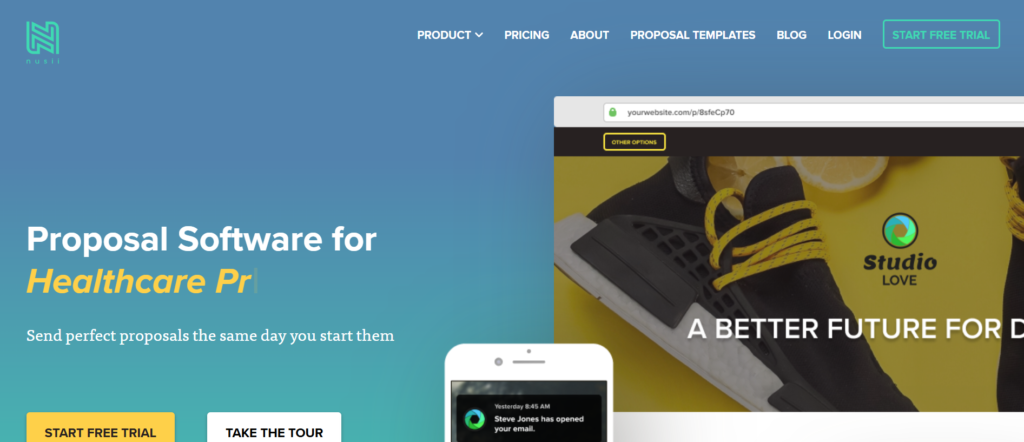
Nusii is built specifically for creative agencies, freelancers, and marketing consultancies that want visually clean proposals without complex system configuration. Among quoting tools for agencies, it emphasises simplicity, clarity, and ease of use.
If you read a Nusii review, users often highlight its straightforward interface and minimal learning curve. When comparing Nusii vs Better Proposals, the discussion typically centres on simplicity versus feature depth.
For agencies that value presentation and speed over complex automation, Nusii offers a focused solution.
Schedule a consultation if your team wants straightforward proposal creation without heavy configuration.
Key Features
Nusii stands out among quoting tools for agencies because it removes unnecessary complexity while maintaining professionalism and structure. Below are the features that matter most for creative and boutique service teams.
Clean Proposal Builder
Nusii provides an intuitive editor that allows agencies to create structured proposals quickly. The layout is clear and uncluttered, making it easy for prospects to review scope, deliverables, and pricing.
Creative agencies appreciate that the design feels modern without requiring technical setup.
Content Reuse and Templates
Agencies can save proposal sections for reuse across multiple clients. Case studies, service descriptions, and pricing blocks can be stored and inserted into new proposals easily.
This reduces drafting time while maintaining consistency in messaging.
Simple Pricing Tables
Nusii includes structured pricing tables for fixed-fee projects and basic retainers. While it does not offer deep CPQ logic, it covers the needs of agencies with straightforward pricing models.
Many Nusii review discussions note that this simplicity is part of its appeal.
Online Acceptance and Notifications
Clients can accept proposals online, and agencies receive notifications when documents are viewed. This provides visibility into buyer engagement without complex analytics dashboards.
For small teams, this level of tracking is often sufficient.
Integration With Common Business Tools
Nusii integrates with tools like Zapier, Stripe, and selected CRM platforms. This allows agencies to connect proposal workflows with payment processing and client management systems.
Schedule a consultation if your agency wants quoting tools for agencies that prioritise clarity and speed.
Pros and Cons
| Pros | Cons |
| Easy to use | Limited advanced automation |
| Clean design | Not suited for complex pricing |
| Fast proposal setup | Fewer enterprise integrations |
| Online acceptance | Limited governance controls |
Pricing
Nusii pricing typically includes:
- Freelancer Plan: From $29 per month
- Business Plan: From $49 per month
- Enterprise Plan: Custom pricing
Compared to many quoting tools for agencies, Nusii remains affordable and focused on smaller service businesses.
Best for Creative and Boutique Agencies With Simple Pricing Models
Nusii works particularly well for agencies that do not require advanced configuration.
- Branding studios – clean, visual proposals
- Small SEO agencies – straightforward retainers
- Web designers – fixed project pricing
- Marketing freelancers – simple service packages
If your quoting process is currently handled through manual documents and email attachments, Nusii provides a structured upgrade without overwhelming complexity.
Verdict: A practical option among quoting tools for agencies seeking simplicity and presentation clarity.
How to Use Nusii to Increase Client Clarity
Keep pricing tables concise and align deliverables directly beneath each fee. Avoid long narrative sections before pricing. Clear structure reduces confusion and shortens decision time.
Best Alternative Tool
If you require stronger automation and CRM integration, PandaDoc may offer more advanced functionality than Nusii.
16. HoneyBook

HoneyBook is an all-in-one client management platform that combines proposals, contracts, scheduling, and invoicing. Among quoting tools for agencies, it is especially popular with creative service providers and small agencies.
If you read a HoneyBook review, users often mention its client portal and workflow automation as standout features. When comparing HoneyBook vs Bonsai, agencies typically evaluate contract management depth and user experience.
For agencies that want quoting embedded within a broader client relationship system, HoneyBook offers a unified approach.
Schedule a consultation if your agency needs quoting tools for agencies that extend beyond proposals into client lifecycle management.
Key Features
HoneyBook stands out among quoting tools for agencies because it integrates proposals, contracts, payments, and communication into one centralised workflow. Below are the features that matter most for creative service teams.
Proposal and Contract Templates
HoneyBook allows agencies to create branded proposals and link them directly to contract terms. This keeps that once pricing is accepted, legal agreements activate immediately.
For agencies offering design, photography, event management, or consulting services, this integration reduces documentation gaps.
Client Portal and Communication Hub
Each client has a dedicated portal where proposals, invoices, contracts, and messages are stored. This centralises communication and reduces reliance on email threads.
Agencies managing multiple clients simultaneously benefit from having structured visibility into each engagement.
Automated Workflow Sequences
HoneyBook supports automated workflows such as sending follow-up emails, invoice reminders, and onboarding documents. This reduces manual administration and keeps consistent client communication.
Many HoneyBook review discussions highlight how this automation improves client experience consistency.
Online Payments and Scheduling
Clients can approve proposals, sign contracts, schedule meetings, and submit payments within the same interface. This reduces friction across the client journey.
For agencies aiming to shorten onboarding time, this integration is particularly useful.
Basic Reporting and Tracking
HoneyBook provides visibility into proposal status, payment progress, and workflow stages. While not as advanced as enterprise CRM systems, it delivers sufficient oversight for small and mid-sized agencies.
Schedule a consultation if you want quoting tools for agencies combined with client workflow management.
Pros and Cons
| Pros | Cons |
| Integrated client portal | Limited advanced CPQ |
| Workflow automation | Not built for large teams |
| Proposal and contract link | Limited deep CRM analytics |
| Online payment support | Best for service creatives |
Pricing
HoneyBook pricing typically includes:
- Starter Plan: From $16 per month
- Essentials Plan: From $32 per month
- Premium Plan: From $66 per month
Compared to many quoting tools for agencies, HoneyBook is positioned for small to mid-sized creative service businesses.
Best for Creative Service Agencies Managing Full Client Lifecycles
HoneyBook works particularly well for agencies that want quoting integrated with client management.
- Creative studios – proposals and contracts linked in one place
- Marketing freelancers – automated onboarding workflows
- Boutique consultancies – centralised client communication
- Service-based teams – payment and scheduling integration
If your agency wants structured documentation and client communication combined, HoneyBook offers a unified system.
Verdict: A strong choice among quoting tools for agencies seeking proposal management combined with client workflow automation.
17. Bitrix24
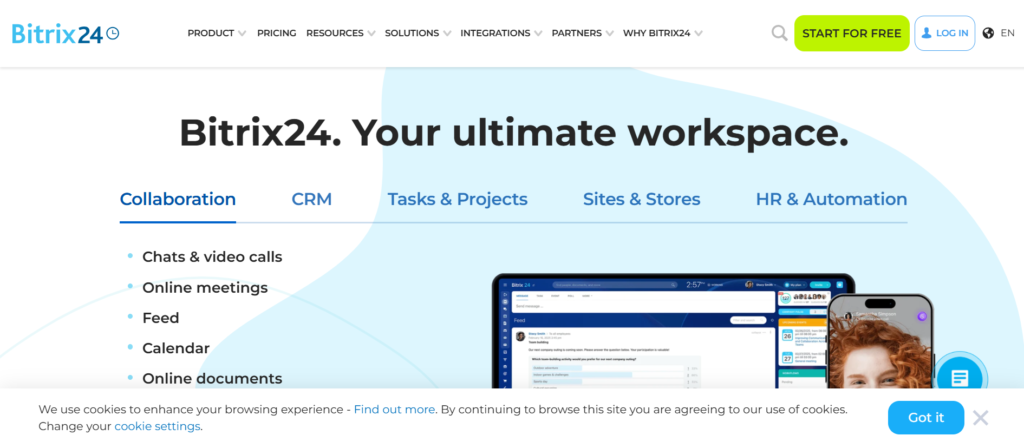
Bitrix24 is a broad business management platform that includes CRM, quoting, task management, communication tools, and automation workflows. Among quoting tools for agencies, it stands out because it combines sales, operations, and internal collaboration inside one system.
If you read a Bitrix24 review, you will notice it is often described as feature-rich and extensive. When comparing Bitrix24 vs Zoho CRM or Bitrix24 vs HubSpot, the discussion typically revolves around ecosystem depth and pricing flexibility.
For agencies looking to reduce the number of separate tools they use, Bitrix24 provides an integrated environment.
Schedule a consultation if your agency wants quoting tools for agencies that sit inside a broader CRM and operations platform.
Key Features
Bitrix24 differentiates itself among quoting tools for agencies by combining CRM-driven quoting with internal workflow automation. Below are the features that matter most for agencies managing both sales and delivery teams.
Built-In CRM Quote Generation
Sales reps can generate quotes directly from CRM deals. Contact details, service line items, and pricing rules are pulled automatically from the CRM database.
This keeps consistency between forecasting and actual quotes. Agencies that rely on structured deal stages benefit from this native integration.
Automation Rules and Workflow Triggers
Bitrix24 allows agencies to build automation triggers around quote creation, approval, and follow-up. For example, when a quote is sent, automated reminders can be triggered if the prospect does not respond within a defined timeframe.
This reduces manual chasing and keeps sales momentum active.
Product Catalogue and Pricing Controls
Agencies can create structured product and service catalogues with predefined pricing. Discounts can be applied according to role permissions, which helps protect margins.
Compared to some Bitrix24 alternatives, the pricing control is solid for mid-sized agencies.
Collaboration and Internal Communication Tools
Because Bitrix24 includes internal messaging, task boards, and project management tools, approved quotes can flow directly into operational planning.
For agencies wanting quoting tools for agencies that connect sales to delivery, this integrated approach reduces system switching.
Reporting and Performance Dashboards
Bitrix24 provides dashboards for sales activity, quote volume, and revenue tracking. Managers can monitor close rates and deal progression without exporting data.
This visibility supports performance evaluation and forecasting.
Schedule a consultation if you want your quoting process aligned with internal workflow automation.
Pros and Cons
| Pros | Cons |
| All-in-one ecosystem | Interface can feel complex |
| Built-in CRM quoting | Design flexibility limited |
| Workflow automation | Learning curve for full features |
| Free plan available | May include unused tools |
Pricing
Bitrix24 pricing includes:
- Free Plan: $0 per month
- Basic Plan: From $49 per month
- Standard Plan: From $99 per month
- Professional Plan: From $199 per month
Compared to many quoting tools for agencies, Bitrix24 offers competitive pricing, especially for teams needing CRM and workflow tools together.
Best for Agencies Wanting CRM, Quoting, and Project Tools in One Platform
Bitrix24 works well for agencies seeking centralised control.
- Growing marketing agencies – structured CRM and quoting
- Agencies with remote teams – internal collaboration tools included
- Mid-sized consultancies – automation across sales stages
- Agencies reducing tool sprawl – single system management
If your team currently jumps between CRM, quoting software, and task managers, Bitrix24 consolidates these functions.
Verdict: A feature-rich option among quoting tools for agencies that want quoting embedded inside a larger business management suite.
How to Use Bitrix24 to Improve Quote Follow-Up
Create automated reminders for quotes that remain unopened after three days. This keeps prospects engaged without relying solely on manual follow-up from account managers.
Best Alternative Tool
If you prefer a lighter CRM with more polished proposal layouts, PandaDoc paired with a dedicated CRM may be a better alternative.
18. DocuSign CLM
DocuSign CLM extends beyond electronic signatures into full contract lifecycle management. Among quoting tools for agencies, it is less about proposal design and more about legal governance, compliance, and structured agreement management.
If you read a DocuSign CLM review, it is clear that this tool targets larger organisations dealing with high-value contracts and strict compliance requirements. When comparing DocuSign CLM vs Salesforce CPQ, the discussion often focuses on contract governance versus pricing configuration.
For agencies operating in regulated sectors or managing complex enterprise agreements, contract control is just as important as quoting accuracy.
Schedule a consultation if your agency handles contracts requiring structured oversight and compliance tracking.
Key Features
DocuSign CLM stands out among quoting tools for agencies because it integrates quoting data with contract workflows and compliance management. Below are the features that matter most for enterprise-focused service teams.
Centralised Contract Repository
All agreements, amendments, and renewals are stored in a searchable repository. Agencies managing hundreds of client contracts benefit from structured organisation and version control.
This reduces the risk of outdated terms being reused.
Automated Contract Workflows
DocuSign CLM supports automated routing for review, approval, and execution. Legal and finance teams can review quotes and agreements before final sign-off.
For agencies negotiating large contracts, this structured workflow keeps governance.
Clause Libraries and Compliance Controls
Pre-approved legal clauses can be stored and inserted into agreements automatically. This reduces drafting errors and keeps consistency across contracts.
Compared to many DocuSign CLM alternatives, this clause management capability is highly developed.
Renewal and Obligation Tracking
The platform tracks contract renewal dates and obligations. Agencies offering long-term retainers can receive alerts before renewals occur.
This prevents missed renewal opportunities and reduces revenue leakage.
Integration With CRM and CPQ Systems
DocuSign CLM integrates with CRM and CPQ platforms, allowing quotes to transition smoothly into legally binding agreements.
For agencies requiring strict alignment between pricing and legal documentation, this integration is essential.
Schedule a consultation if your agency requires quoting tools for agencies with strong legal and compliance integration.
Pros and Cons
| Pros | Cons |
| Strong contract governance | Enterprise-level pricing |
| Clause management system | Complex implementation |
| Renewal tracking | Not design-focused |
| CRM integration | Best for large teams |
Pricing
DocuSign CLM pricing is typically customised:
- Custom enterprise pricing, often starting above $50 per user per month depending on scope
Agencies evaluating DocuSign CLM pricing should consider compliance needs and contract volume. Compared to basic quoting tools for agencies, this is a governance-focused solution.
Best for Agencies Managing High-Value Enterprise Contracts
DocuSign CLM works best for agencies handling legally complex agreements.
- Enterprise consultancies – structured contract approval
- Regulated industry agencies – compliance oversight
- Global marketing firms – multi-region contract control
- Agencies with legal teams – clause library management
If your agency’s biggest risk is contract mismanagement rather than proposal presentation, DocuSign CLM provides control.
Verdict: A governance-heavy option among quoting tools for agencies dealing with enterprise contract complexity.
How to Use DocuSign CLM to Prevent Renewal Loss
Set automated renewal alerts 90 days before contract expiry. This gives account managers time to renegotiate terms and secure extensions.
Best Alternative Tool
If you require advanced pricing configuration alongside contract control, Salesforce CPQ combined with DocuSign may offer broader functionality.
19. Monday Sales CRM
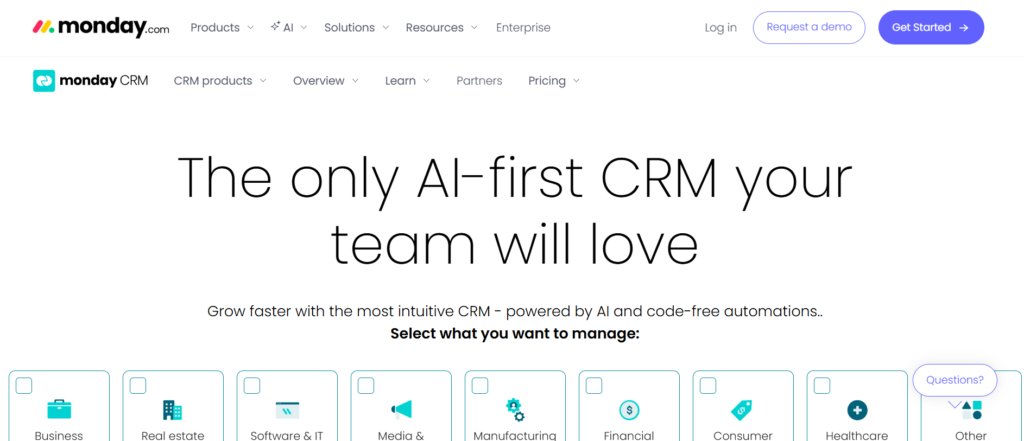
Monday Sales CRM builds on the broader Monday.com platform, offering visual management with quoting and sales automation features. Among quoting tools for agencies, it is particularly strong for teams that value visual workflow clarity.
If you read a Monday Sales CRM review, users often highlight its intuitive boards and customisable workflows. When comparing Monday Sales CRM vs HubSpot, agencies typically evaluate visual flexibility versus structured CRM depth.
For agencies wanting quoting embedded within a visual sales system, Monday Sales CRM offers a flexible approach.
Schedule a consultation if your agency prefers visual deal tracking with integrated quoting.
Key Features
Monday Sales CRM stands out among quoting tools for agencies by combining visual boards with quoting and automation tools. Below are the features that matter most for structured yet flexible teams.
Customisable Sales Boards
Agencies can design boards reflecting their exact sales stages. Quotes can be tied to specific deal columns, making status tracking clear and transparent.
This visual format helps teams quickly identify bottlenecks and stalled deals.
Quote and Proposal Tracking
Quotes can be generated and tracked within deal records. Notifications alert sales reps when proposals are opened or updated.
While not as advanced as dedicated CPQ tools, it covers the needs of most mid-sized agencies.
Automation and Task Assignment
Workflow automation can assign tasks when quotes are sent or approved. For example, when a deal closes, onboarding tasks can be triggered automatically.
This keeps a smooth transition from sales to delivery.
Integration With External Tools
Monday Sales CRM integrates with accounting platforms, email systems, and marketing tools. This maintains consistency across business operations.
Reporting and Dashboard Insights
Custom dashboards allow managers to track quote volume, close rates, and revenue targets visually.
Schedule a consultation if you want quoting tools for agencies integrated with flexible workflow automation.
Pros and Cons
| Pros | Cons |
| Visual visibility clarity | Limited advanced CPQ logic |
| Flexible workflow automation | Requires configuration |
| Integration support | Less specialised proposal design |
| Scalable pricing tiers | Not enterprise CPQ-focused |
Pricing
Monday Sales CRM pricing includes:
- Basic Plan: From $10 per user per month
- Standard Plan: From $14 per user per month
- Pro Plan: From $24 per user per month
- Enterprise Plan: Custom pricing
Compared to other quoting tools for agencies, Monday Sales CRM offers flexible pricing suitable for small to mid-sized teams.
Best for Agencies That Prefer Visual Deal Management
Monday Sales CRM works particularly well for agencies wanting clarity across their sales visibility.
- Digital agencies – structured deal tracking
- Consulting firms – automated onboarding tasks
- Growing sales teams – clear stage progression
- Agencies moving from spreadsheets – structured visual system
If visibility is your main concern, Monday Sales CRM provides structure with flexibility.
Verdict: A strong visual option among quoting tools for agencies needing flexible workflow management.
How to Use Monday Sales CRM to Improve Close Rates
Create automation that schedules follow-up tasks automatically when a quote remains in the proposal stage for more than five days. This keeps consistent follow-up discipline.
Best Alternative Tool
If your agency requires more advanced pricing configuration, Salesforce CPQ may be more suitable.
20. Pipefy
Pipefy is a workflow automation platform that allows agencies to build structured processes around quoting, approvals, and onboarding. Among quoting tools for agencies, it focuses on process control rather than proposal aesthetics.
If you read a Pipefy review, you will see it is often used to manage internal workflows rather than external-facing proposal design. When comparing Pipefy vs Monday Sales CRM, agencies typically evaluate automation depth versus visual flexibility.
For agencies wanting strict internal controls around quoting and approvals, Pipefy offers significant customisation.
Schedule a consultation if your agency needs quoting tools for agencies built around structured processes.
Key Features
Pipefy stands out among quoting tools for agencies because it allows teams to design custom workflows that govern quoting and approval steps.
Custom Quote Approval
Agencies can build structures where quotes move through predefined approval stages. Finance, legal, and management teams can review pricing before final submission.
This prevents unauthorised discounting and protects margins.
Conditional Automation Rules
Pipefy allows conditional logic based on deal size, discount percentage, or service type. Different workflows trigger automatically depending on quote parameters.
For agencies with strict governance requirements, this level of automation is highly valuable.
Task and Responsibility Assignment
Each stage in the quoting can assign responsibilities to specific team members. This reduces ambiguity and keeps accountability.
Integration With CRM and Finance Systems
Pipefy integrates with CRM platforms and accounting software, keeping quoting aligned with data and billing systems.
Performance Analytics
Managers can track how long quotes remain in each approval stage and identify delays in the process.
Schedule a consultation if you want quoting tools for agencies built around structured workflow governance.
Pros and Cons
| Pros | Cons |
| Strong workflow automation | Not design-focused |
| Custom approval progress | Requires setup planning |
| Integration support | Limited built-in proposal layouts |
| Free plan available | Best for process-driven teams |
Pricing
Pipefy pricing includes:
- Free Plan: $0 per month
- Business Plan: From $24 per user per month
- Enterprise Plan: Custom pricing
Compared to many quoting tools for agencies, Pipefy is best suited for teams focused on internal process control rather than proposal design.
Best for Agencies Needing Strict Internal Approval Workflows
Pipefy works best for agencies with defined governance requirements.
- Large consultancies – multi-layer approval control
- Agencies with finance oversight – discount governance
- Operationally complex teams – structured task assignment
- Agencies scaling rapidly – process standardisation
If your quoting challenges are internal rather than client-facing, Pipefy provides structure and accountability.
Verdict: A process-driven option among quoting tools for agencies that prioritise workflow governance over proposal presentation.
Final Verdict: Choosing the Right Quoting Tool for Your Agency in 2026
Choosing the right quoting tool is no longer a minor operational decision. It directly impacts revenue predictability, margin control, and sales efficiency. The best quoting tools for agencies bring structure to pricing, reduce human error, and enforce internal governance. Whether your agency prioritises design-led proposals, automated recurring billing, enterprise CPQ functionality, or CRM-native quoting, the correct platform should align with your sales process, pricing complexity, and growth stage. The key is not selecting the most popular tool, but the one that fits your operational reality and revenue model.
Strengthen Your Agency Sales with US
At Pearl Lemon Sales, we approach quoting as a strategic sales function rather than an administrative task. Many agencies struggle with inconsistent pricing, delayed proposals, uncontrolled discounting, and disconnected CRM systems. We assess your current quoting structure, identify margin leakage, refine your pricing architecture, and implement disciplined approval workflows. By aligning quoting tools with structured sales processes, we create clarity between progress forecasting and actual revenue performance. The result is a stronger, more predictable sales infrastructure that protects profit while improving close rates.
Frequently Asked Questions
1. What are quoting tools for agencies used for?
Quoting tools for agencies are used to create structured proposals, calculate pricing automatically, manage approval workflows, and track client engagement. They reduce manual errors and enforce consistent pricing rules.
2. What is the difference between proposal software and CPQ software?
Proposal software focuses on presentation and document layout. CPQ software focuses on configuration logic, pricing rules, and approval workflows. Agencies with complex pricing models typically benefit from CPQ functionality.
3. Do quoting tools integrate with CRM systems?
Most modern quoting tools for agencies integrate with CRM platforms such as HubSpot, Salesforce, Zoho, and Pipedrive. This keeps deal data aligned with proposal and revenue tracking.
4. How do quoting tools protect agency margins?
They standardise pricing, enforce discount approvals, automate calculations, and reduce scope creep. This prevents underquoting and inconsistent pricing decisions across sales teams.
5. Are quoting tools suitable for small agencies?
Yes. Many quoting tools for agencies offer entry-level plans suited for freelancers and boutique teams. The key is selecting a tool aligned with pricing complexity and client volume.
6. Can quoting tools automate recurring retainers?
Some platforms such as Ignition and Scoro support recurring billing tied to approved quotes. This is useful for SEO, PPC, and advisory retainers.
7. How long does it take to implement a quoting tool?
Implementation time varies. Simple platforms can be set up in a few days. Enterprise CPQ systems may require several weeks of configuration and training.