
Sales teams lose deals when their pipeline is messy. Leads slip through the cracks, follow-ups get delayed, and managers struggle to see what stage each deal sits in. That is exactly why pipeline management tools have become essential for modern sales teams.
Research from Salesforce shows that 79% of high-performing sales teams use structured pipeline management systems to track opportunities and forecast revenue. Another study by HubSpot reports that companies using CRM pipeline software see up to 29% higher sales productivity.
That is a big difference.
If you are a freelancer, startup founder, sales manager, or agency owner, the right pipeline management tools give you full visibility into your sales funnel, deal stages, and team performance.
Our team researched and reviewed dozens of platforms. After testing features like deal tracking, CRM integration, reporting dashboards, automation, and pipeline visualization, we narrowed it down to the top pipeline management tools in 2026.
These tools support:
- Sales pipeline tracking
- Deal management
- CRM automation
- Lead management
- Revenue forecasting
- Sales reporting dashboards
What is Pipeline Management?
Pipeline management is the process of tracking sales opportunities from the first contact to the final deal closure.
A typical sales pipeline contains stages such as:
- Lead captured
- Qualified prospect
- Meeting scheduled
- Proposal sent
- Negotiation
- Closed won or closed lost
Pipeline management tools organize this process visually so sales teams can track deals in real time.
Instead of spreadsheets or scattered notes, everything sits inside one system where you can see:
- Which deals are active
- Which prospects need follow-up
- Which sales reps are closing the most deals
- Which pipeline stages are slowing down revenue
This visibility allows sales managers to forecast revenue and adjust strategy quickly.
Without proper sales pipeline software, teams rely on manual updates, which often leads to missed opportunities.
That is why many businesses now rely on CRM pipeline tools to keep their sales process structured.
Quick Comparison Table of the Best Pipeline Management Tools
When choosing pipeline management tools, sales teams usually compare these key factors:
| Tool | Best For | Starting Price | Free Trial | Key Feature | Rating | Platform |
| HubSpot CRM | Small teams | Free | Yes | Visual pipeline | 4.5 | Web |
| Pipedrive | Sales pipelines | $14/mo | Yes | Deal tracking | 4.5 | Web |
| Salesforce | Enterprise teams | $25/mo | Yes | Advanced CRM | 4.4 | Web |
| Zoho CRM | Increasing teams | $14/mo | Yes | Workflow automation | 4.3 | Web |
| Monday Sales CRM | Custom workflows | $10/mo | Yes | Drag pipelines | 4.6 | Web |
| Freshsales | Lead scoring | $15/mo | Yes | AI insights | 4.4 | Web |
| Insightly | Project + CRM | $29/mo | Yes | Project linking | 4.2 | Web |
| Copper | Google workspace users | $23/mo | Yes | Gmail integration | 4.4 | Web |
| Close CRM | Inside sales teams | $29/mo | Yes | Built-in calling | 4.5 | Web |
| Keap | Small businesses | $159/mo | Yes | Automation tools | 4.1 | Web |
| Nutshell CRM | SMB sales teams | $16/mo | Yes | Reporting dashboards | 4.3 | Web |
| Agile CRM | Marketing automation | Free | Yes | Email campaigns | 4.2 | Web |
| Capsule CRM | Simplicity | $18/mo | Yes | Clean interface | 4.1 | Web |
| Zendesk Sell | Support teams | $19/mo | Yes | Support integration | 4.3 | Web |
| Streak CRM | Gmail pipeline | $19/mo | Yes | Inbox pipeline | 4.4 | Web |
| Bitrix24 | Collaboration | Free | Yes | Team workspace | 4.2 | Web |
| Apptivo CRM | Budget teams | $10/mo | Yes | Modular apps | 4.3 | Web |
| Salesflare | B2B automation | $29/mo | Yes | Automatic tracking | 4.5 | Web |
| NetSuite CRM | Large companies | Custom | Yes | ERP integration | 4.2 | Web |
| ClickUp CRM | Task management | $7/mo | Yes | Custom pipelines | 4.6 | Web |
Top Pipeline Management Tools in 2026
Below is the complete list of pipeline management tools covered in this guide.
- HubSpot CRM
- Pipedrive
- Salesforce
- Zoho CRM
- Monday Sales CRM
- Freshsales
- Insightly
- Copper CRM
- Close CRM
- Keap
- Nutshell CRM
- Agile CRM
- Capsule CRM
- Zendesk Sell
- Streak CRM
- Bitrix24
- Apptivo CRM
- Salesflare
- NetSuite CRM
- ClickUp CRM
Each platform below includes a detailed breakdown with features, pricing, pros, and use cases.
1: HubSpot CRM
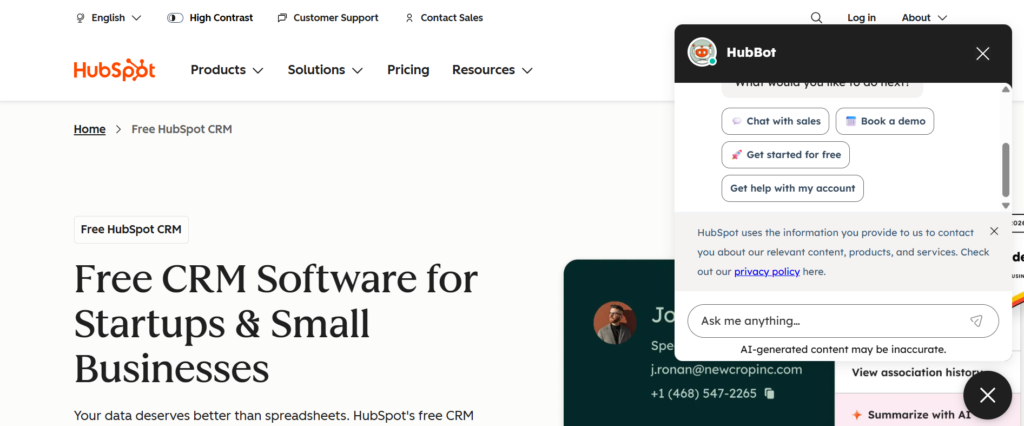
HubSpot CRM is one of the most widely used pipeline management tools for startups, freelancers, and increasing sales teams. The system provides a visual pipeline where deals move through clear stages from lead capture to closed deal.
Sales teams use HubSpot CRM to track prospects, record conversations, schedule follow-ups, and monitor revenue forecasts. When businesses search for a HubSpot CRM review, the most common feedback highlights the visual deal pipeline and built-in automation tools.
Many companies also compare HubSpot CRM vs Pipedrive or research HubSpot CRM alternatives when evaluating pipeline management tools for long-term sales operations.
Key Features
HubSpot CRM provides several features that help sales teams organize deals, track leads, and manage opportunities without relying on spreadsheets. The platform focuses heavily on visual pipeline tracking and centralized contact records.
Visual Sales Pipeline
The visual sales pipeline allows sales teams to see every deal stage inside one dashboard. Each opportunity appears as a card that moves across pipeline stages. Sales managers can quickly identify stalled deals, active negotiations, and potential revenue.
This structure makes pipeline management easier for teams that need clear visibility into their sales funnel.
Contact and Lead Management
HubSpot CRM stores all lead information in one profile. Each contact record includes emails, meeting notes, call history, and deal activity.
Sales reps can review previous interactions before contacting prospects. This improves follow-ups and keeps communication organized across the sales pipeline.
Email Tracking
Sales teams can send emails directly from the CRM while tracking open rates and engagement activity. When a prospect opens an email, the system records that interaction.
This insight allows sales reps to reach out when leads show interest, increasing the chances of moving deals forward.
Sales Reporting
HubSpot CRM includes reporting dashboards that display deal progress, conversion rates, and pipeline value. Managers can analyze which stages slow down deals and which sales reps close the most opportunities.
These insights allow teams to adjust their sales process and improve pipeline performance.
Workflow Automation
Automation tools reduce repetitive tasks inside the sales process. HubSpot CRM can automatically assign leads, schedule reminders, and send follow-up emails.
This feature keeps deals stay active inside the pipeline without relying on manual updates.
Pros & Cons
| Pros | Cons |
| Free CRM plan | Advanced tools cost extra |
| Easy interface | Custom reports limited |
| Large integration library | Setup requires planning |
| Visual deal pipeline | Advanced automation paid |
Pricing
HubSpot CRM offers a free plan that includes pipeline tracking, contact management, and basic reporting.
Paid plans start around $20 per user per month depending on the number of automation tools and reporting features required.
Companies reviewing HubSpot CRM pricing usually upgrade when they need deeper reporting or advanced automation workflows.
Best Fit
HubSpot CRM works best for companies that want simple pipeline management without complex setup.
- Startup founders — manage early sales opportunities
- Freelancers — track leads and follow-ups
- Small agencies — manage client pipelines
- Increasing sales teams — organize deal stages
Verdict: HubSpot CRM is often the first CRM businesses adopt before moving to more advanced pipeline management systems.
Tip
Sales managers can customize pipeline stages to match their sales process.
Instead of using generic stages, teams often create stages such as:
- Demo scheduled
- Proposal sent
- Contract discussion
This approach gives a clearer view of sales progress and deal probability.
Best Alternative Tool
Pipedrive is commonly compared with HubSpot CRM because both focus on visual sales pipelines and deal tracking.
Many companies researching HubSpot CRM vs Pipedrive evaluate both platforms before selecting a pipeline management tool.
2: Pipedrive
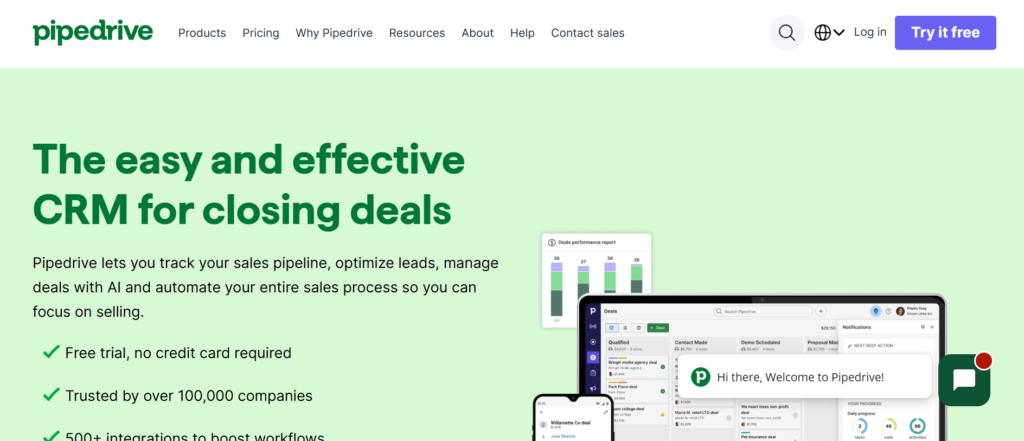
Pipedrive is a popular choice among sales teams that want clear pipeline management tools focused on deal tracking. The platform was designed by sales professionals who needed a simple way to track opportunities, follow-ups, and revenue forecasts.
The interface shows every deal inside a visual sales pipeline, making it easy for teams to see where each opportunity sits. Businesses researching a Pipedrive review often highlight how easy it is to move deals between stages and track sales progress.
Many companies compare Pipedrive vs HubSpot CRM when choosing a pipeline tool because both platforms focus on visual pipeline tracking and contact management.
Key Features
Pipedrive focuses heavily on sales activity and pipeline visibility. The platform keeps deals, contacts, and follow-ups organized in one dashboard so sales teams always know the next action required.
Visual Deal Pipeline
Pipedrive provides a drag-and-drop pipeline where every opportunity moves across deal stages. Sales reps can quickly update deal progress and managers can view the entire sales funnel in one screen.
This layout helps teams identify stalled deals and focus on opportunities close to closing.
Activity Tracking
Sales teams can schedule calls, meetings, and follow-ups inside the platform. Every activity is linked to a deal so nothing gets missed during the sales process.
Managers can also monitor how many activities sales reps complete each day.
Contact Management
Each contact profile stores emails, notes, deal value, and activity history. This keeps sales reps have full context before reaching out to prospects.
The system keeps all lead information organized inside the CRM pipeline.
Revenue Forecasting
Pipedrive allows teams to forecast revenue based on the value of deals inside the pipeline. As deals move through stages, the forecast updates automatically.
This feature helps sales managers track expected revenue for upcoming months.
Pros & Cons
| Pros | Cons |
| Simple pipeline interface | Limited marketing features |
| Strong activity tracking | Automation in higher plans |
| Easy deal organization | Custom reports limited |
Pricing
Pipedrive pricing starts at about $14 per user per month for the Essential plan.
Higher plans include automation, advanced reporting, and revenue forecasting tools.
Best Fit
Pipedrive works well for businesses that rely heavily on structured sales pipelines.
- B2B sales teams — manage multiple deal stages
- Agencies — track client acquisition pipelines
- SaaS startups — monitor product sales opportunities
Verdict: Pipedrive is a strong option for companies that want a CRM built specifically around sales pipeline tracking.
Tip
Many sales teams create separate pipelines for different products or services. This allows managers to measure conversion rates for each sales category.
Best Alternative Tool
HubSpot CRM is often compared with Pipedrive because both tools offer visual sales pipelines and contact tracking.
3: Salesforce CRM
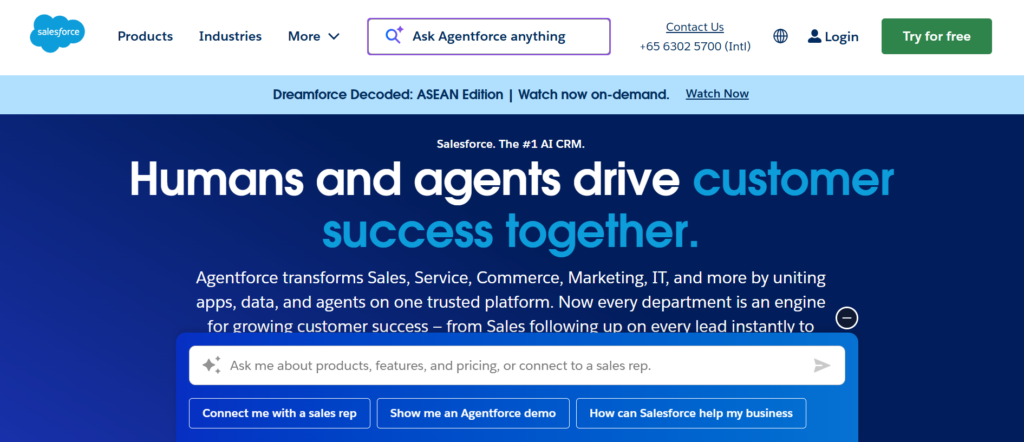
Salesforce CRM is one of the most powerful pipeline management tools used by large sales organizations. The platform provides advanced CRM capabilities that allow companies to manage leads, track opportunities, and forecast revenue across multiple sales teams.
Salesforce is widely used by enterprises because it supports complex sales processes with multiple pipeline stages, automation workflows, and detailed reporting dashboards.
When businesses read a Salesforce CRM review, they often highlight the platform’s customization capabilities and large ecosystem of integrations. Many companies also compare Salesforce vs HubSpot CRM or research Salesforce alternatives when choosing a CRM for long-term pipeline management.
The system works well for organizations that manage large volumes of leads and require detailed reporting on pipeline activity.
Key Features
Salesforce includes several features that allow companies to manage complex sales pipelines while giving managers full visibility into deal progress and team performance.
Opportunity Management
Salesforce tracks every opportunity from the first lead interaction to the final deal closure. Each opportunity includes deal value, probability, expected close date, and activity history.
Sales teams can monitor how deals move through different pipeline stages and identify which opportunities require immediate attention.
Custom Sales Pipelines
One of the most valuable Salesforce CRM features is the ability to customize pipeline stages based on a company’s sales process.
Businesses can create unique stages such as qualification, product demo, proposal review, negotiation, and contract approval. This customization allows companies to track deals based on their specific sales workflow.
Sales Forecasting
Salesforce provides detailed forecasting tools that estimate revenue based on active deals inside the pipeline.
Managers can track projected revenue, compare team performance, and analyze whether the current pipeline can meet sales targets.
Reporting and Analytics
Salesforce offers advanced reporting dashboards that display deal conversion rates, pipeline value, and sales activity.
Sales managers use these reports to identify bottlenecks in the sales funnel and measure individual team performance.
Automation and Workflow Rules
Salesforce includes automation features that reduce manual tasks in the sales process. The system can automatically assign leads, update deal stages, and send internal notifications when opportunities change status.
Automation keeps sales pipelines stay updated even when teams manage large numbers of deals.
Pros & Cons
| Pros | Cons |
| Highly customizable CRM | Complex setup |
| Advanced reporting tools | Higher pricing |
| Large integration ecosystem | Requires training |
| Powerful automation options | Overkill for small teams |
Pricing
Salesforce CRM pricing starts around $25 per user per month for basic plans.
Enterprise level plans with advanced reporting, automation, and integrations cost significantly more depending on business requirements.
Companies researching Salesforce pricing usually evaluate higher plans when managing large sales teams or complex pipelines.
Best Fit
Salesforce CRM is best suited for organizations with structured sales operations and large teams.
- Enterprise sales teams — manage complex pipelines
- SaaS companies — track long sales cycles
- Global companies — manage multiple sales regions
- Large B2B organizations — analyze revenue forecasting
Verdict: Salesforce is one of the most powerful pipeline management tools available, especially for companies that require detailed reporting and deep CRM customization.
Tip
Sales teams using Salesforce often create separate pipelines for different products or business units. This allows managers to track performance across multiple revenue streams.
Best Alternative Tool
Zoho CRM is commonly compared with Salesforce because it offers similar pipeline management features but at a lower price for increasing businesses.
4: Zoho CRM
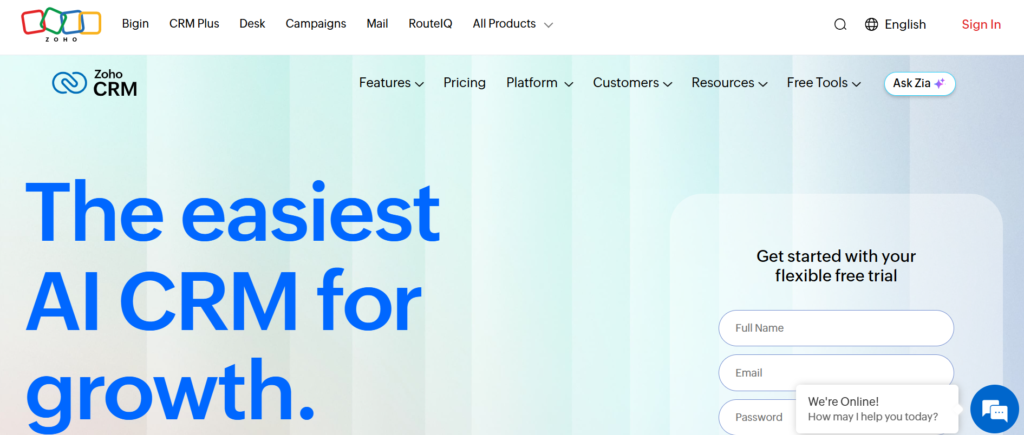
Zoho CRM is widely used by increasing businesses that want structured pipeline management tools without enterprise level pricing. The platform allows companies to manage leads, track deals, and monitor sales performance inside one dashboard.
Sales teams use Zoho CRM to organize opportunities, automate follow-ups, and monitor pipeline activity across multiple sales reps. Businesses researching a Zoho CRM review often highlight its flexibility and strong automation features.
Companies frequently compare Zoho CRM vs Salesforce or look for Zoho CRM alternatives when selecting a CRM system that supports sales pipeline management and reporting.
Key Features
Zoho CRM includes several features designed to help sales teams track opportunities and manage the entire sales funnel efficiently.
Sales Pipeline Tracking
Zoho CRM allows teams to create visual pipelines that display deals across different stages. Each opportunity moves through stages such as lead qualification, meeting scheduled, proposal sent, and negotiation.
Managers can easily view the pipeline and identify deals that require follow-up.
Lead Management
Zoho CRM stores lead details such as contact information, interaction history, and deal value. This centralized lead database allows sales reps to review previous conversations before contacting prospects.
The system keeps lead records organized and accessible.
Workflow Automation
Zoho CRM provides automation tools that allow businesses to assign leads automatically, schedule follow-ups, and trigger notifications when deals move between stages.
Automation reduces manual work and keeps the sales pipeline updated.
Sales Analytics
The platform includes reporting dashboards that show pipeline performance, conversion rates, and sales activity. Managers can track how deals move through stages and identify areas where opportunities slow down.
These reports help teams monitor sales performance more effectively.
Integration Options
Zoho CRM connects with email platforms, marketing tools, and other business software. This integration capability allows companies to connect their pipeline management system with other operational tools.
Pros & Cons
| Pros | Cons |
| Affordable CRM pricing | Interface can feel complex |
| Strong automation tools | Setup requires configuration |
| Customizable pipelines | Learning curve for beginners |
Pricing
Zoho CRM pricing starts around $14 per user per month for the standard plan.
Higher tier plans include additional automation features, advanced reporting tools, and extended integrations.
Best Fit
Zoho CRM works well for businesses that want a flexible CRM platform with strong pipeline tracking.
- Increasing companies — manage expanding sales pipelines
- B2B sales teams — track opportunities across multiple stages
- Agencies — organize client acquisition pipelines
Verdict: Zoho CRM is a strong option for companies looking for structured pipeline management tools without the cost of enterprise CRM platforms.
Tip
Sales teams often create separate pipelines for different products or service categories. This makes it easier to track deal conversion rates for each business segment.
Best Alternative Tool
Freshsales is often considered a strong alternative to Zoho CRM because it combines CRM pipeline management with built-in AI insights.
5: Monday Sales CRM
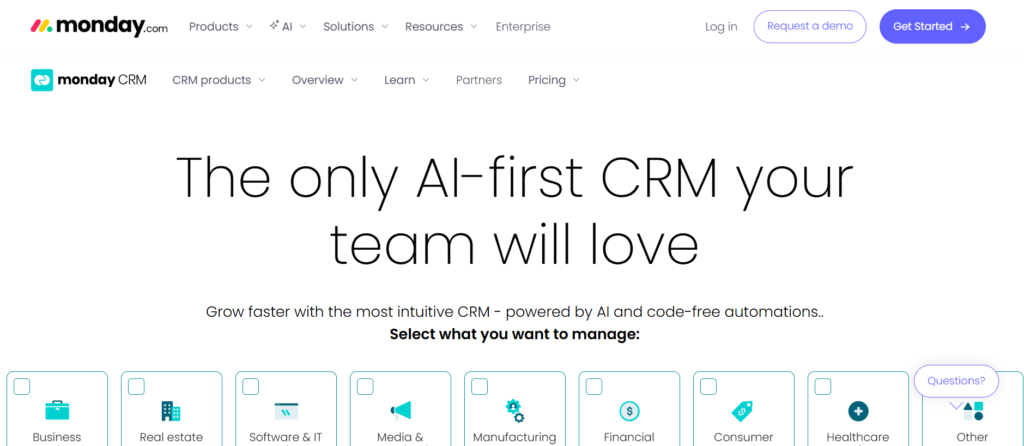
Monday Sales CRM is a pipeline management platform designed for teams that want full control over how their sales pipeline is structured. The system is built on Monday’s visual workspace, which allows businesses to track deals, leads, and activities inside customizable boards.
Sales teams use Monday Sales CRM to monitor deal progress, assign tasks, and manage opportunities in one place. Businesses reading a Monday Sales CRM review often highlight its flexibility because companies can design pipelines that match their exact sales process.
Many organizations also compare Monday Sales CRM vs HubSpot CRM or research Monday Sales CRM alternatives when selecting pipeline management tools that combine project tracking and sales management.
Key Features
Monday Sales CRM focuses on visual workflow management and pipeline visibility. The platform allows teams to organize deals and sales activities inside customizable boards.
Visual Sales Boards
Monday Sales CRM allows users to build visual boards that represent different pipeline stages. Each deal appears as a row inside the board and moves through stages such as lead captured, qualified prospect, proposal sent, and negotiation.
This visual layout gives managers a quick overview of the entire sales pipeline.
Custom Pipeline Stages
Companies can create custom pipeline stages based on their sales workflow. Instead of using fixed stages, teams can design pipelines that reflect their real sales process.
This flexibility is useful for businesses with unique deal structures.
Task and Activity Management
Monday Sales CRM allows sales teams to assign tasks related to deals such as follow-up calls, meetings, and document preparation.
Each task can be linked to a specific deal so sales reps always know the next action required.
Reporting Dashboards
The platform includes reporting dashboards that display sales performance, deal progress, and pipeline value. Managers can analyze how opportunities move through different stages.
These insights help teams monitor sales performance and pipeline health.
Integration Capabilities
Monday Sales CRM connects with many business tools including email systems, marketing platforms, and communication software. These integrations allow teams to link their pipeline system with other business processes.
Pros & Cons
| Pros | Cons |
| Highly customizable pipelines | Setup requires planning |
| Visual workflow boards | Advanced features paid |
| Good team collaboration | CRM features limited in basic plans |
Pricing
Monday Sales CRM pricing starts around $10 per user per month depending on the plan and number of automation features required.
Higher tier plans include advanced reporting, integrations, and automation tools.
Best Fit
Monday Sales CRM works best for companies that want flexible pipeline management with strong collaboration features.
- Agencies — manage sales and project pipelines
- Startups — track deals and internal tasks
- Sales teams — organize opportunities with visual boards
Verdict: Monday Sales CRM is a good choice for businesses that want pipeline tracking combined with team collaboration.
Tip
Many sales teams create separate boards for different sales channels, such as inbound leads, outbound sales, and partner referrals. This makes pipeline performance easier to analyze.
Best Alternative Tool
ClickUp CRM is often compared with Monday Sales CRM because both platforms combine pipeline tracking with task management systems.
6: Freshsales CRM
Freshsales CRM is a pipeline management platform developed by Freshworks. It is designed for sales teams that want lead tracking, deal management, and communication tools inside one system.
Many companies choose Freshsales because it combines CRM pipeline tracking with AI based insights. Businesses reading a Freshsales CRM review often mention its built-in communication features and automated lead scoring.
Organizations comparing CRM systems frequently evaluate Freshsales vs Zoho CRM or search for Freshsales alternatives when selecting pipeline management tools that include automation and sales analytics.
Freshsales is commonly used by startups, SaaS companies, and B2B sales teams that need structured deal tracking.
Key Features
Freshsales focuses on keeping the sales pipeline organized while giving sales teams visibility into leads, deals, and customer interactions.
Visual Sales Pipeline
Freshsales provides a visual pipeline that shows deals across different stages. Sales reps can move opportunities from stage to stage as conversations progress.
This visual layout helps managers quickly identify which deals are active and which opportunities require attention.
Lead Scoring System
Freshsales includes an automated lead scoring system that ranks leads based on engagement and behavior. Leads that interact more frequently receive higher scores.
Sales teams use this information to focus on prospects that show stronger interest in their product or service.
Built In Communication Tools
Freshsales includes built in calling, email tracking, and conversation history inside the CRM. Sales reps can contact leads directly from the platform without switching between tools.
This centralized communication history helps teams understand previous interactions before contacting prospects again.
Sales Reporting
Freshsales provides dashboards that display pipeline value, deal progress, and sales activity. Managers can monitor which deals are close to closing and evaluate team performance.
These insights allow businesses to monitor pipeline activity more effectively.
Workflow Automation
Freshsales allows companies to automate tasks such as assigning leads, scheduling follow ups, and updating deal stages. Automation keeps opportunities continuing moving through the pipeline without manual updates.
Pros & Cons
| Pros | Cons |
| Built in calling features | Limited free plan |
| Lead scoring system | Advanced reports cost extra |
| Easy pipeline tracking | Interface learning curve |
Pricing
Freshsales pricing starts around $15 per user per month depending on the features included.
Higher plans include additional automation tools, advanced analytics, and deeper reporting capabilities.
Best Fit
Freshsales works well for companies that want a CRM platform with communication tools included.
- SaaS companies — manage product sales pipelines
- B2B sales teams — track leads and opportunities
- Increasing startups — organize sales activities
Verdict: Freshsales is a strong option for businesses that want pipeline management combined with lead scoring and communication tools.
Tip
Sales teams often connect Freshsales with marketing platforms to track how leads move from marketing campaigns into the sales pipeline.
Best Alternative Tool
Insightly CRM is often compared with Freshsales because both platforms combine pipeline management with customer relationship tracking.
7: Insightly CRM
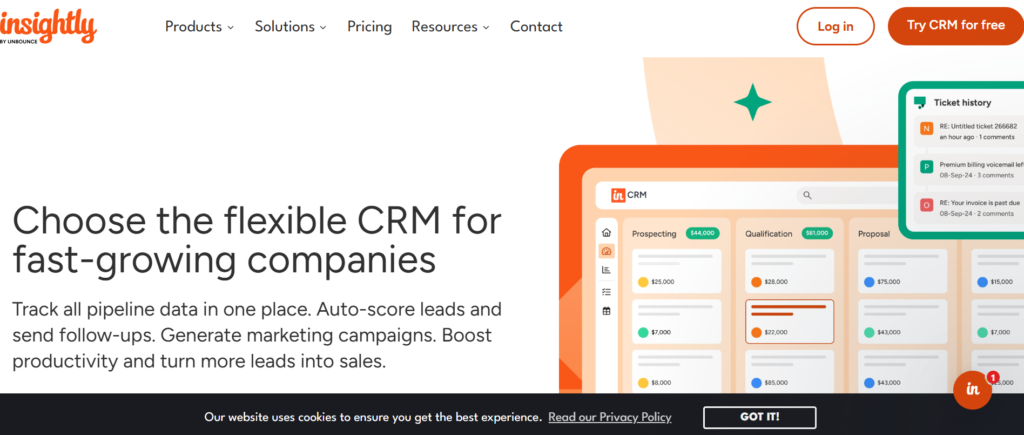
Insightly CRM is designed for businesses that want both pipeline management tools and project management inside one system. The platform allows sales teams to track leads, manage deals, and convert closed opportunities into projects for delivery teams.
Businesses researching an Insightly CRM review often mention its ability to connect sales pipelines with project execution. This makes it useful for agencies, consulting firms, and service based companies.
Many companies also compare Insightly vs Zoho CRM or evaluate Insightly alternatives when choosing CRM platforms that combine pipeline tracking with task management.
Key Features
Insightly focuses on connecting sales pipeline tracking with project delivery. The platform allows businesses to monitor opportunities and continue managing client work after deals close.
Pipeline Tracking
Insightly includes a visual pipeline that displays opportunities across different deal stages. Sales reps can track deals from lead qualification to final agreement.
Managers can quickly view pipeline value and identify which deals require follow-up.
Lead and Contact Management
Insightly stores contact details, emails, activity history, and deal information inside each lead profile. Sales teams can review previous interactions before contacting prospects.
This system keeps all lead data organized in one place.
Project Conversion
One of the most useful Insightly features is the ability to convert closed deals directly into projects. Once a sale is completed, the project team can begin managing tasks linked to that client.
This feature is especially useful for service businesses.
Workflow Automation
Insightly includes automation tools that trigger actions when deals move between pipeline stages. Businesses can automatically assign tasks, notify team members, and update records.
Automation reduces manual work during the sales process.
Reporting Tools
Insightly provides reporting dashboards that display deal progress, pipeline value, and sales activity. Managers can review conversion rates and monitor team performance.
These reports help companies analyze pipeline performance.
Pros & Cons
| Pros | Cons |
| Pipeline and project tools | Interface learning curve |
| Good automation features | Limited free plan |
| Strong contact management | Advanced reports paid |
Pricing
Insightly CRM pricing starts around $29 per user per month depending on the plan and features included.
Higher tier plans include advanced automation tools and deeper reporting capabilities.
Best Fit
Insightly CRM works well for businesses that manage both sales pipelines and project delivery.
- Agencies — manage client acquisition and project tasks
- Consulting firms — track deals and service delivery
- B2B service providers — manage long sales cycles
Verdict: Insightly is a strong option for companies that want pipeline tracking combined with project management tools.
Tip
Many teams use Insightly to convert closed deals directly into project workflows. This reduces the need to transfer client information between sales and project teams.
Best Alternative Tool
Copper CRM is often considered a strong alternative to Insightly because it integrates deeply with Google Workspace and provides visual pipeline tracking.
8: Copper CRM
Copper CRM is a pipeline management platform designed specifically for companies that use Google Workspace. The system integrates directly with Gmail, Google Calendar, and Google Drive, allowing sales teams to manage deals without leaving their email environment.
Businesses researching a Copper CRM review often highlight how easily the platform connects with Gmail. Sales teams can track emails, manage contacts, and move deals through pipeline stages directly from their inbox.
Many companies also compare Copper CRM vs HubSpot CRM or research Copper CRM alternatives when choosing pipeline management tools that work smoothly with Google Workspace.
Key Features
Copper CRM focuses on simplifying pipeline management for teams that rely heavily on Google tools for daily communication and sales activities.
Gmail Integration
Copper CRM connects directly with Gmail, allowing sales reps to track emails and manage contacts without switching between platforms. Emails automatically link to contact records and deal activity.
This integration allows sales teams to manage communication and pipeline updates from their inbox.
Visual Sales Pipeline
Copper CRM includes a visual pipeline where deals move across different stages such as lead captured, meeting scheduled, proposal sent, and negotiation.
Sales managers can quickly view deal progress and identify opportunities that require follow-up.
Contact and Relationship Tracking
Copper CRM automatically captures contact details from email conversations and stores them inside the CRM. Sales teams can view communication history, meeting notes, and deal activity inside each contact profile.
This keeps all lead information organized.
Activity Management
Sales reps can schedule calls, meetings, and follow-up reminders directly inside the CRM. Each activity is connected to a deal and contact record.
Managers can monitor sales activity across the team to keep opportunities continuing moving through the pipeline.
Reporting Dashboard
Copper CRM includes reporting tools that display pipeline value, deal conversion rates, and sales performance.
These insights allow managers to monitor the health of the sales pipeline.
Pros & Cons
| Pros | Cons |
| Strong Gmail integration | Limited free plan |
| Easy pipeline tracking | Custom reporting limited |
| Automatic contact capture | Higher pricing for advanced plans |
Pricing
Copper CRM pricing starts around $23 per user per month depending on the features included.
Higher tier plans include deeper reporting tools, automation workflows, and additional integrations.
Best Fit
Copper CRM works best for companies that rely heavily on Google Workspace.
- Google Workspace teams — manage deals inside Gmail
- Small businesses — organize sales pipelines
- Agencies — track client leads and opportunities
Verdict: Copper CRM is a good choice for businesses that want pipeline management inside their Google email environment.
Tip
Many sales teams connect Copper CRM with Google Calendar so meetings automatically attach to deal records inside the pipeline.
Best Alternative Tool
Close CRM is often compared with Copper CRM because it includes built-in communication tools and strong pipeline tracking features.
9: Close CRM
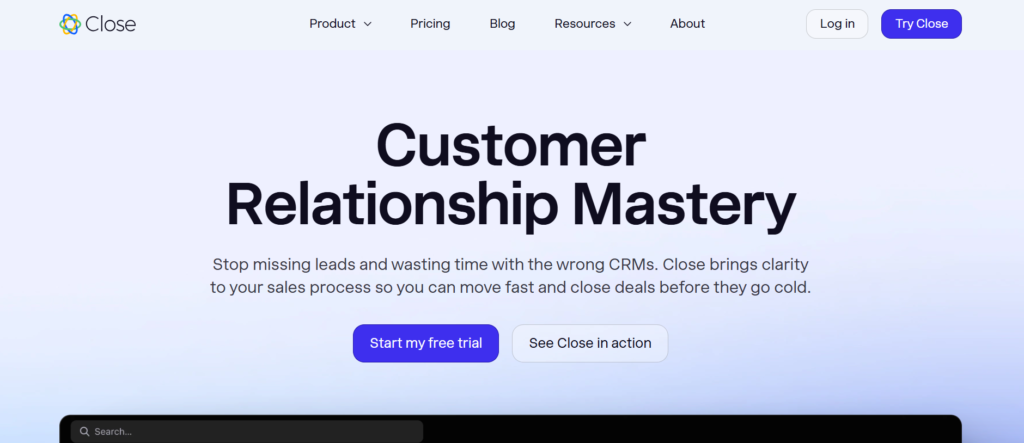
Close CRM is designed for inside sales teams that manage large volumes of calls, emails, and follow-ups. The platform combines pipeline management tools with built-in communication features so sales reps can contact leads directly from the CRM.
Companies reading a Close CRM review often mention the platform’s calling and email tracking features. Instead of switching between separate tools, sales reps can manage conversations and move deals through the pipeline from the same dashboard.
Businesses frequently compare Close CRM vs Pipedrive or research Close CRM alternatives when choosing pipeline management software focused on outbound sales.
Key Features
Close CRM focuses on communication driven sales pipelines where consistent follow-up and outreach are critical for closing deals.
Built In Calling System
Close CRM includes a built-in calling system that allows sales reps to call prospects directly from the CRM interface. Calls are automatically logged and recorded in the contact history.
This feature makes it easier for teams to track conversations and review previous calls before reaching out again.
Email Tracking
Sales reps can send emails directly from Close CRM while tracking when prospects open messages or click links. These engagement signals help teams identify leads that show interest.
The system records all email conversations inside the contact timeline.
Visual Deal Pipeline
Close CRM provides a visual pipeline where deals move through different stages such as lead qualified, meeting scheduled, proposal sent, and negotiation.
Managers can quickly review the pipeline and monitor which opportunities are progressing toward closing.
Lead Management
Close CRM stores lead details, communication history, and deal activity inside one contact profile. Sales reps can view previous calls, emails, and notes before continuing a conversation.
This organized lead record improves follow-ups and relationship management.
Sales Reporting
Close CRM includes dashboards that display deal progress, activity levels, and pipeline value. Managers can review team performance and identify which deals require attention.
These reports help sales leaders monitor pipeline performance.
Pros & Cons
| Pros | Cons |
| Built in calling system | Higher starting price |
| Strong email tracking | Limited marketing features |
| Good for outbound sales | Custom reporting limited |
Pricing
Close CRM pricing starts around $29 per user per month depending on the features and number of users.
Higher tier plans include advanced automation tools, deeper reporting features, and expanded communication capabilities.
Best Fit
Close CRM works best for sales teams that rely heavily on calls and email outreach.
- Inside sales teams — manage outbound prospecting
- SaaS companies — track product sales opportunities
- B2B sales teams — maintain consistent follow-ups
Verdict: Close CRM is a strong choice for organizations that want pipeline management combined with built-in communication tools.
Tip
Sales teams often create automated follow-up sequences in Close CRM so leads receive emails automatically after calls or meetings.
Best Alternative Tool
Nutshell CRM is often considered a strong alternative to Close CRM because it also focuses on sales pipeline tracking and reporting tools.
10: Keap CRM
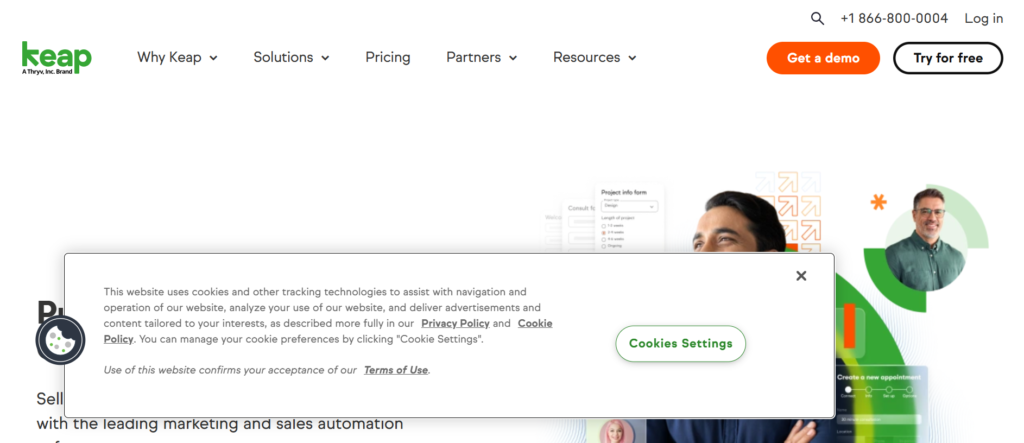
Keap CRM is designed for small businesses that want pipeline management tools combined with customer management and marketing automation. The platform allows companies to track leads, manage deals, and maintain communication with prospects throughout the sales process.
Businesses researching a Keap CRM review often highlight its automation features that manage follow-ups and lead nurturing. The platform is commonly used by service businesses, consultants, and small sales teams that need both pipeline tracking and client management.
Companies often compare Keap vs HubSpot CRM or look for Keap alternatives when evaluating CRM systems that include automation along with sales pipeline tools.
Key Features
Keap CRM focuses on organizing leads and deals while maintaining consistent communication with prospects through automated follow-ups and reminders.
Sales Pipeline Tracking
Keap CRM provides a visual sales pipeline that displays opportunities across different stages such as new lead, consultation scheduled, proposal sent, and deal confirmed.
Sales teams can quickly move deals through stages and monitor pipeline activity.
Contact Management
Keap stores contact details, communication history, and deal information in one profile. Sales teams can review previous emails, calls, and notes before contacting prospects.
This organized structure helps maintain clear communication with leads.
Marketing Automation
Keap includes automation tools that allow businesses to send follow-up emails, reminders, and campaign messages automatically.
Automation helps maintain contact with leads and keep prospects engaged during the sales process.
Appointment Scheduling
The platform includes scheduling tools that allow prospects to book meetings directly through shared calendars. Scheduled meetings automatically appear inside the CRM system.
This feature simplifies the process of arranging consultations with potential clients.
Sales Reporting
Keap provides dashboards that show pipeline value, deal progress, and sales activity. Managers can review which opportunities are progressing and which deals require follow-up.
These reports provide a clear view of the overall pipeline performance.
Pros & Cons
| Pros | Cons |
| Strong automation features | Higher pricing |
| Good contact management | Setup requires time |
| Useful scheduling tools | Limited free options |
Pricing
Keap CRM pricing typically starts around $159 per month, depending on the number of contacts and features included.
Higher plans include expanded automation tools and additional marketing capabilities.
Best Fit
Keap CRM works best for businesses that need pipeline tracking combined with automated communication.
- Small businesses — manage leads and customer relationships
- Consultants — track client inquiries and follow-ups
- Service providers — organize consultations and deals
Verdict: Keap is a solid option for businesses that want pipeline management along with automated client communication.
Tip
Many businesses use Keap automation to send follow-up messages automatically after consultations, ensuring leads stay engaged during the decision process.
Best Alternative Tool
Agile CRM is often compared with Keap because it combines pipeline management with marketing automation features.
11: Nutshell CRM
Simple CRM for Sales Pipeline Tracking
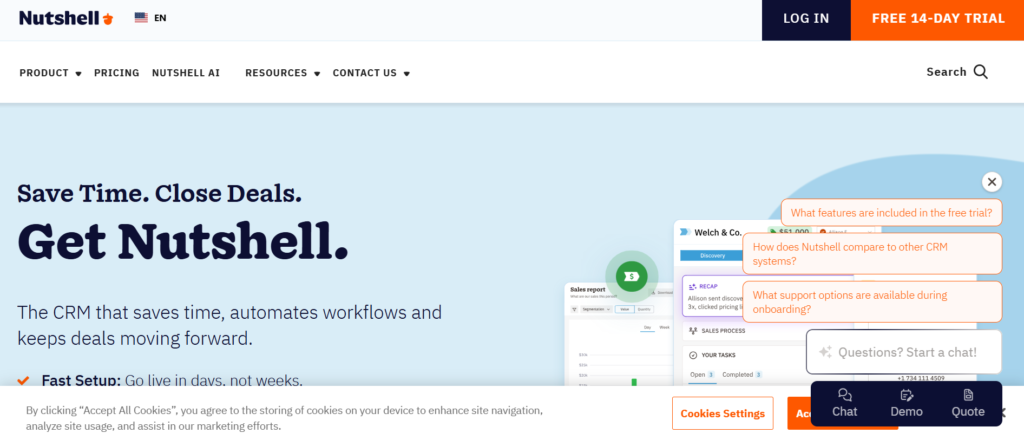
Nutshell CRM is a sales focused platform designed to give businesses clear visibility into their deals and customer relationships. The system is widely used by small and mid sized companies that need practical pipeline management tools without complicated configuration.
Companies reading a Nutshell CRM review often highlight its easy interface and strong reporting features. Sales teams can track leads, monitor deal progress, and manage follow-ups from one dashboard.
Businesses frequently compare Nutshell CRM vs Pipedrive or research Nutshell CRM alternatives when selecting CRM platforms focused on sales pipeline tracking.
Key Features
Nutshell CRM focuses on keeping the sales pipeline organized while giving teams clear insight into deal progress and customer activity.
Visual Sales Pipeline
Nutshell CRM provides a visual pipeline where opportunities move across stages such as lead captured, meeting scheduled, proposal sent, and negotiation.
Sales teams can easily update deal stages while managers monitor the overall pipeline from a single screen.
Contact and Lead Management
The platform stores lead details, communication history, notes, and deal information inside contact profiles. Sales reps can quickly review past interactions before contacting prospects again.
This keeps customer information organized inside the CRM system.
Activity Tracking
Nutshell CRM allows sales reps to schedule calls, meetings, and follow-up tasks. Each activity connects directly to a deal or contact.
Managers can track completed activities and keep sales reps maintain regular communication with prospects.
Reporting and Analytics
Nutshell CRM includes reporting dashboards that show pipeline value, deal conversion rates, and sales activity.
These insights help sales managers evaluate performance and identify opportunities that require attention.
Email Integration
The system connects with email platforms so sales teams can track conversations with leads. Emails automatically attach to contact records and deal timelines.
This keeps communication history visible across the sales pipeline.
Pros & Cons
| Pros | Cons |
| Easy to use interface | Limited advanced automation |
| Good reporting dashboards | Fewer integrations |
| Clear pipeline tracking | Customisation limited |
Pricing
Nutshell CRM pricing starts around $16 per user per month depending on the features included.
Higher plans include advanced reporting tools and expanded automation options.
Best Fit
Nutshell CRM works well for companies that want simple pipeline tracking without complex CRM setup.
- Small sales teams — manage deals and leads
- B2B businesses — track opportunities and follow-ups
- Increasing companies — organize sales pipelines
Verdict: Nutshell CRM is a practical choice for businesses that want structured pipeline management without complicated CRM systems.
Tip
Many sales teams use Nutshell CRM reporting dashboards to monitor which pipeline stages generate the highest conversion rates.
Best Alternative Tool
Agile CRM is often compared with Nutshell CRM because both platforms provide pipeline tracking along with marketing tools.
12: Agile CRM
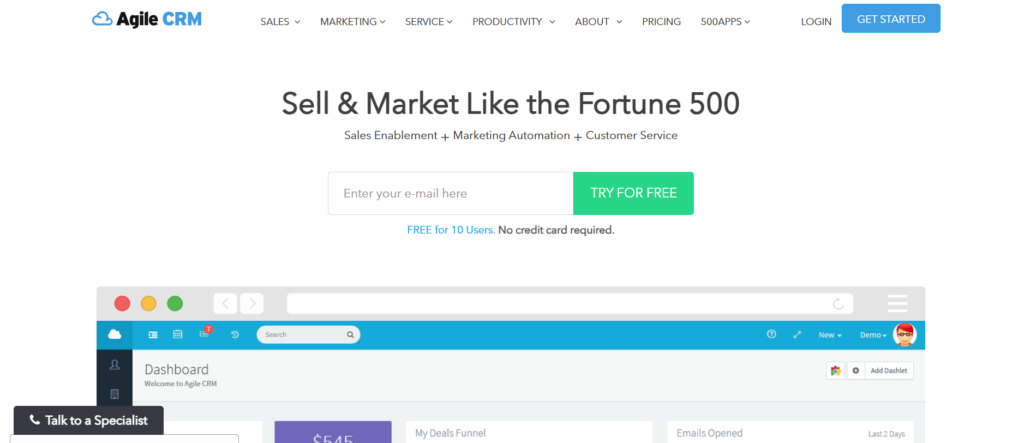
Agile CRM is designed for businesses that want pipeline management tools combined with marketing and customer support features. The platform allows sales teams to track deals, manage leads, and communicate with prospects from one dashboard.
Businesses reading an Agile CRM review often mention that the system combines sales automation with marketing campaigns. This makes it useful for companies that want both lead generation and pipeline tracking in one platform.
Many companies compare Agile CRM vs HubSpot CRM or search for Agile CRM alternatives when evaluating CRM platforms with integrated marketing capabilities.
Key Features
Agile CRM focuses on organizing sales pipelines while maintaining communication with leads through email campaigns and automation.
Visual Sales Pipeline
Agile CRM provides a visual deal pipeline where opportunities move across stages such as new lead, qualified prospect, proposal sent, and negotiation.
Sales managers can quickly see which deals are active and which opportunities require follow-up.
Lead and Contact Management
The platform stores contact information, conversation history, and deal activity in one profile. Sales teams can review past interactions before reaching out to prospects again.
This structure keeps customer information organized inside the CRM system.
Email Campaigns
Agile CRM allows businesses to send marketing emails and track engagement directly from the platform. Sales teams can monitor which leads open emails or click links.
These insights help sales reps identify prospects that show interest.
Automation Workflows
The system includes automation tools that assign leads, schedule follow-ups, and trigger email messages when deals move through pipeline stages.
Automation keeps opportunities moving without manual updates.
Reporting Dashboard
Agile CRM provides reporting dashboards that show pipeline value, deal progress, and sales activity. Managers can review conversion rates and evaluate team performance.
These reports help businesses monitor pipeline performance.
Pros & Cons
| Pros | Cons |
| Includes marketing tools | Interface learning curve |
| Visual pipeline tracking | Advanced features paid |
| Good automation features | Reporting limited |
Pricing
Agile CRM offers a free plan for small teams with limited features.
Paid plans start around $9 per user per month depending on the automation and marketing tools required.
Best Fit
Agile CRM works well for companies that want sales pipeline tracking along with marketing communication tools.
- Small businesses — manage leads and deals
- Startups — track prospects and email campaigns
- Agencies — manage client acquisition pipelines
Verdict: Agile CRM is a practical choice for businesses that want pipeline management combined with marketing automation.
Tip
Many teams use Agile CRM email campaigns to maintain communication with leads while deals move through the pipeline.
Best Alternative Tool
Capsule CRM is often considered an alternative to Agile CRM because it offers simple pipeline tracking with contact management features.
13: Capsule CRM
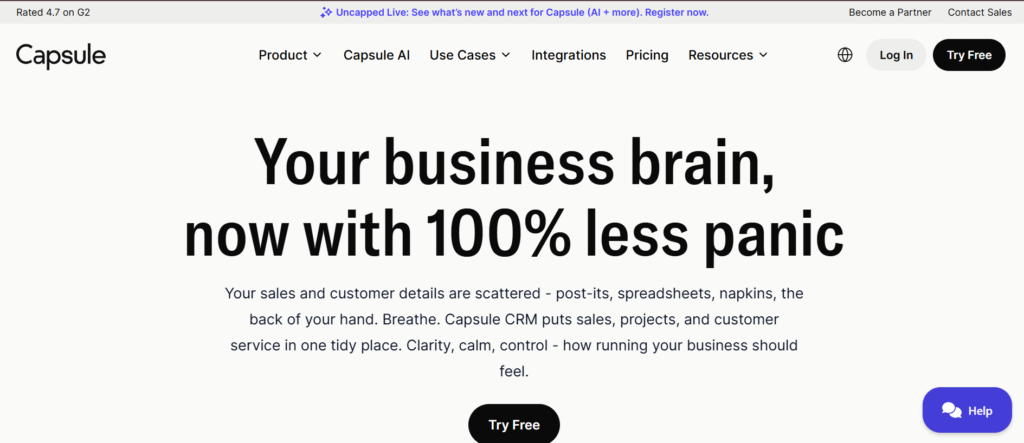
Capsule CRM is designed for businesses that want straightforward pipeline management tools without complicated CRM systems. The platform focuses on contact organization, deal tracking, and sales activity management.
Companies reading a Capsule CRM review often mention its clean interface and simple pipeline tracking. Sales teams can manage leads, monitor deals, and schedule follow-ups without complex configuration.
Businesses sometimes compare Capsule CRM vs Zoho CRM or research Capsule CRM alternatives when selecting CRM software for small sales teams that need basic pipeline visibility.
Key Features
Capsule CRM focuses on simplicity. The platform keeps contacts, deals, and activities organized while giving sales teams visibility into their pipeline.
Sales Pipeline Tracking
Capsule CRM provides a visual sales pipeline where deals move across stages such as new lead, meeting scheduled, proposal sent, and negotiation.
Sales reps can quickly update deal stages while managers monitor the overall pipeline value.
Contact Management
Capsule CRM stores contact information, communication history, notes, and deal activity inside one profile. Sales teams can review past interactions before contacting prospects again.
This keeps all customer information organized inside the CRM.
Task and Activity Tracking
Sales reps can create tasks such as follow-up calls, meetings, and reminders linked to deals or contacts.
Managers can also monitor completed activities to keep sales reps maintain regular communication with prospects.
Email Integration
Capsule CRM connects with email platforms so sales teams can track conversations with leads. Emails attach automatically to contact records and deal timelines.
This helps maintain a clear history of communication.
Reporting Dashboard
Capsule CRM includes basic reporting tools that show pipeline value, deal progress, and sales activity.
Managers can review which deals are progressing and which opportunities require attention.
Pros & Cons
| Pros | Cons |
| Simple interface | Limited advanced features |
| Easy pipeline tracking | Basic reporting tools |
| Good contact organization | Automation limited |
Pricing
Capsule CRM offers a free plan for small teams with limited features.
Paid plans start around $18 per user per month depending on additional storage and reporting capabilities.
Best Fit
Capsule CRM works best for businesses that want simple CRM pipeline tracking.
- Small businesses — manage leads and deals
- Freelancers — track prospects and follow-ups
- Startups — organize early sales pipelines
Verdict: Capsule CRM is suitable for companies that want basic pipeline management without complex CRM tools.
Tip
Many teams use Capsule CRM tags to categorize leads based on industry, deal type, or priority. This makes it easier to filter and manage contacts inside the pipeline.
Best Alternative Tool
Zendesk Sell is often considered an alternative to Capsule CRM because it includes stronger reporting and pipeline management features.
14: Zendesk Sell
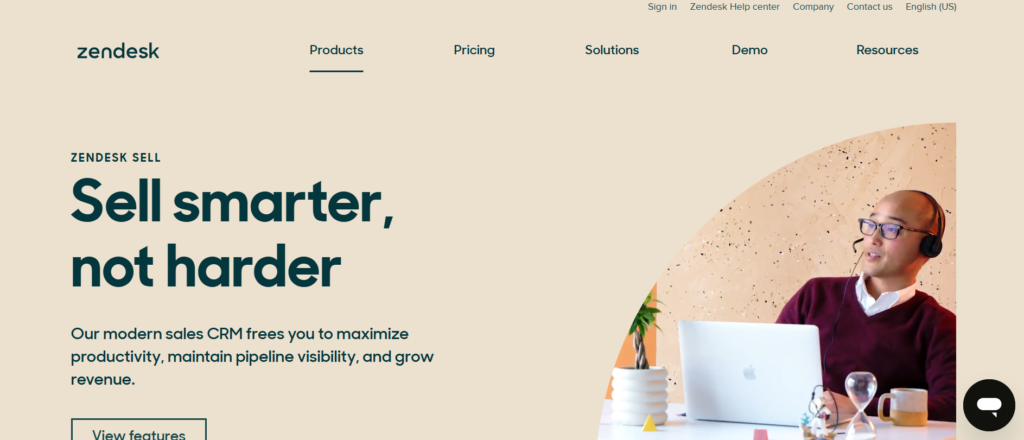
Zendesk Sell is a CRM platform designed for sales teams that want structured pipeline management tools combined with customer communication tracking. The system connects sales activities with customer support workflows, making it useful for companies that manage both sales and service interactions.
Businesses researching a Zendesk Sell review often highlight its clean pipeline interface and reporting tools. Sales teams can track deals, manage leads, and monitor sales activity from a centralized dashboard.
Companies frequently compare Zendesk Sell vs HubSpot CRM or search for Zendesk Sell alternatives when selecting CRM systems that combine pipeline management with customer interaction tracking.
Key Features
Zendesk Sell focuses on organizing sales pipelines while maintaining clear visibility into deals, communication history, and team performance.
Visual Sales Pipeline
Zendesk Sell provides a visual pipeline where opportunities move through stages such as new lead, qualified prospect, proposal sent, and negotiation.
Sales managers can quickly view pipeline value and identify deals that require follow-up.
Lead and Contact Management
The platform stores lead details, communication history, notes, and deal activity inside each contact profile.
Sales reps can review previous conversations before contacting prospects, ensuring more informed follow-ups.
Activity Tracking
Zendesk Sell allows teams to track calls, meetings, emails, and follow-up tasks linked to deals.
Managers can monitor sales activity levels and keep prospects continue moving through the pipeline.
Sales Reporting
Zendesk Sell includes reporting dashboards that display deal progress, pipeline value, and sales performance.
Managers can evaluate conversion rates and track how deals move through the pipeline stages.
Email Integration
Zendesk Sell connects with email platforms so sales teams can track conversations with leads. Emails attach automatically to deal records and contact profiles.
This keeps communication history visible across the entire pipeline.
Pros & Cons
| Pros | Cons |
| Strong pipeline visibility | Advanced tools cost more |
| Good reporting dashboards | Customisation limited |
| Email integration | Learning curve for new users |
Pricing
Zendesk Sell pricing starts around $19 per user per month depending on the features included.
Higher plans include advanced reporting tools, automation features, and deeper integrations.
Best Fit
Zendesk Sell works well for businesses that manage both sales pipelines and customer communication.
- Customer support teams — manage leads and client communication
- B2B sales teams — track deals and follow-ups
- Increasing businesses — monitor pipeline performance
Verdict: Zendesk Sell is a solid option for companies that want structured pipeline tracking combined with customer interaction management.
Tip
Many businesses connect Zendesk Sell with customer support systems so sales and support teams can access the same client interaction history.
Best Alternative Tool
Streak CRM is often compared with Zendesk Sell because it provides pipeline tracking directly inside Gmail.
15: Streak CRM
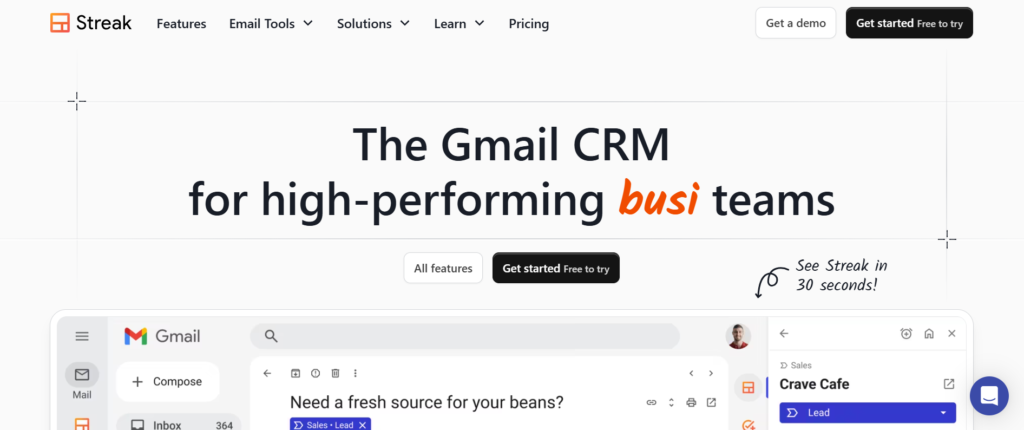
Streak CRM is a lightweight CRM built directly inside Gmail. Instead of switching between multiple tools, sales teams manage deals, contacts, and communication directly from their email inbox. Because of this approach, Streak is often chosen by companies that want simple pipeline management tools without a traditional CRM dashboard.
Businesses reading a Streak CRM review often highlight how naturally it fits into daily email workflows. Every deal appears inside Gmail as a pipeline record, and conversations automatically attach to contacts.
Companies often compare Streak CRM vs Copper CRM or search for Streak CRM alternatives when selecting CRM software designed for Gmail based sales teams.
Key Features
Streak CRM focuses on managing deals and contacts directly inside Gmail while keeping pipeline activity organized.
Gmail Based Pipeline
Streak CRM allows users to create pipelines directly inside Gmail. Deals appear as records that move across different stages such as lead captured, meeting scheduled, proposal sent, and negotiation.
Sales teams can manage pipeline stages without leaving their inbox.
Email Tracking
Streak CRM tracks email opens and engagement. When prospects open emails, the system records that activity so sales reps know when leads are interacting with messages.
This information allows sales teams to follow up at the right moment.
Contact and Deal Records
Each contact inside Streak includes conversation history, deal value, notes, and activity records. Since the CRM operates inside Gmail, emails automatically attach to these records.
This keeps communication history organized.
Task and Reminder System
Sales reps can create reminders for follow-ups, meetings, and calls. These reminders keep opportunities remain active in the pipeline.
Managers can also track upcoming tasks related to deals.
Reporting and Pipeline Insights
Streak provides basic reporting tools that show deal progress, pipeline value, and sales activity. Managers can review pipeline performance and monitor opportunity movement across stages.
Pros & Cons
| Pros | Cons |
| Works directly in Gmail | Limited advanced CRM features |
| Easy pipeline setup | Reporting tools basic |
| Automatic email tracking | Customisation limited |
Pricing
Streak CRM offers a free plan with basic pipeline management features.
Paid plans start around $19 per user per month depending on reporting tools and collaboration features.
Best Fit
Streak CRM works best for teams that manage most sales communication through Gmail.
- Freelancers — track leads directly from email
- Small sales teams — manage deals inside Gmail
- Startups — organize early sales pipelines
Verdict: Streak CRM is a practical option for teams that want pipeline tracking without leaving their email workflow.
Tip
Many users create separate pipelines for different business processes, such as sales leads, partnership deals, and hiring candidates.
Best Alternative Tool
Bitrix24 is often considered an alternative because it combines CRM pipeline tracking with team collaboration tools.
16: Bitrix24
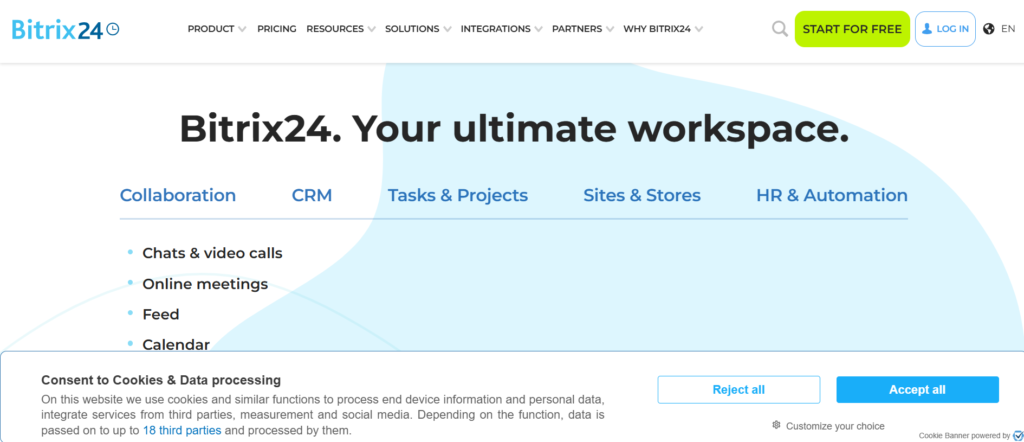
Bitrix24 is a business platform that combines CRM, collaboration tools, and pipeline management tools in one system. It allows companies to track leads, manage deals, communicate with teams, and monitor sales activity from a central dashboard.
Businesses researching a Bitrix24 CRM review often highlight the wide range of tools available inside the platform. Sales teams can manage pipelines while also coordinating tasks, meetings, and internal communication.
Many companies compare Bitrix24 vs Zoho CRM or search for Bitrix24 alternatives when selecting CRM systems that combine pipeline tracking with collaboration features.
Key Features
Bitrix24 focuses on connecting sales pipelines with team collaboration tools so companies can manage deals and internal workflows in the same platform.
Visual Sales Pipeline
Bitrix24 provides a visual pipeline where deals move across stages such as new lead, qualified prospect, proposal sent, and negotiation.
Sales managers can quickly view the entire pipeline and identify deals that require follow-up.
Lead and Contact Management
The platform stores lead details, contact information, communication history, and deal activity inside each profile.
Sales teams can review previous interactions before contacting prospects again.
Task and Project Management
Bitrix24 includes task management features that allow teams to assign responsibilities related to deals. Sales teams can collaborate with marketing or support teams directly inside the platform.
This helps businesses coordinate work around sales opportunities.
Communication Tools
The platform includes internal messaging, video calls, and team collaboration features. Sales teams can discuss deals and share updates without switching to other communication platforms.
These tools support coordination across departments.
Reporting and Sales Analytics
Bitrix24 provides reporting dashboards that display pipeline value, deal progress, and team performance. Managers can track sales activity and monitor pipeline movement.
These insights help businesses evaluate sales results.
Pros & Cons
| Pros | Cons |
| Free CRM plan available | Interface can feel complex |
| Many built in tools | Setup requires time |
| Pipeline and collaboration features | Learning curve for beginners |
Pricing
Bitrix24 offers a free plan with basic CRM and pipeline management features.
Paid plans start around $49 per month for teams, depending on the number of users and advanced tools required.
Best Fit
Bitrix24 works well for companies that want pipeline management combined with collaboration tools.
- Increasing businesses — manage deals and team tasks
- Agencies — coordinate sales and project teams
- B2B companies — track opportunities and internal workflows
Verdict: Bitrix24 is useful for companies that want a CRM platform with both pipeline tracking and team collaboration features.
Tip
Many companies use Bitrix24 to connect sales pipelines with internal task boards so team members can manage client work immediately after deals progress.
Best Alternative Tool
Apptivo CRM is often compared with Bitrix24 because it also combines pipeline tracking with multiple business applications.
17: Apptivo CRM
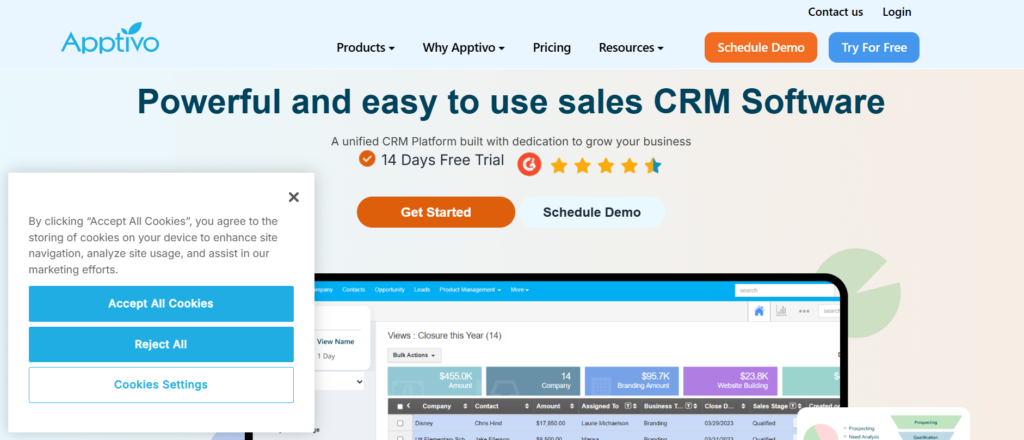
Apptivo CRM is designed for businesses that want scalable pipeline management tools combined with multiple business applications. The platform uses a modular system where companies can add apps for sales, invoicing, customer support, and project management.
Businesses researching an Apptivo CRM review often highlight its flexibility and affordable pricing. Sales teams can manage leads, track deals, and monitor sales performance inside customizable pipelines.
Many companies compare Apptivo CRM vs Zoho CRM or research Apptivo CRM alternatives when choosing CRM platforms that offer multiple business tools alongside pipeline management.
Key Features
Apptivo CRM focuses on organizing deals, managing customer relationships, and supporting sales teams with customizable pipeline tracking.
Sales Pipeline Tracking
Apptivo CRM provides a visual pipeline where deals move across stages such as new lead, meeting scheduled, proposal sent, and negotiation.
Sales managers can quickly review pipeline value and monitor deal progress across the team.
Lead and Contact Management
The platform stores lead details, contact information, activity history, and deal records in one place. Sales reps can review previous conversations before contacting prospects again.
This structure keeps all lead information organized inside the CRM system.
Customizable Apps
Apptivo allows businesses to add additional apps depending on their needs. Companies can connect sales pipelines with invoicing tools, support systems, and project management features.
This modular structure allows companies to expand the platform as they increase.
Workflow Automation
Apptivo includes automation tools that trigger actions when deals move between pipeline stages. Businesses can assign tasks, send reminders, and update records automatically.
Automation keeps sales processes organized and reduces manual updates.
Sales Reporting
Apptivo CRM provides dashboards that show pipeline performance, deal progress, and sales activity. Managers can evaluate conversion rates and monitor revenue forecasts.
These reports help businesses analyze pipeline results.
Pros & Cons
| Pros | Cons |
| Affordable CRM pricing | Interface learning curve |
| Modular app system | Setup requires configuration |
| Good pipeline visibility | Reporting limited in lower plans |
Pricing
Apptivo CRM pricing starts around $10 per user per month depending on the features and apps required.
Higher plans include advanced reporting tools and extended automation features.
Best Fit
Apptivo CRM works well for companies that want pipeline tracking combined with additional business tools.
- Small businesses — manage leads and deals
- Increasing companies — expand CRM with additional apps
- B2B sales teams — track opportunities and follow-ups
Verdict: Apptivo CRM is a flexible option for businesses that want pipeline management with the ability to add other operational tools.
Tip
Many companies connect Apptivo CRM with invoicing apps so deals can convert directly into billing records after closing.
Best Alternative Tool
Salesflare CRM is often compared with Apptivo because it focuses on automated pipeline tracking and lead management.
18: Salesflare CRM
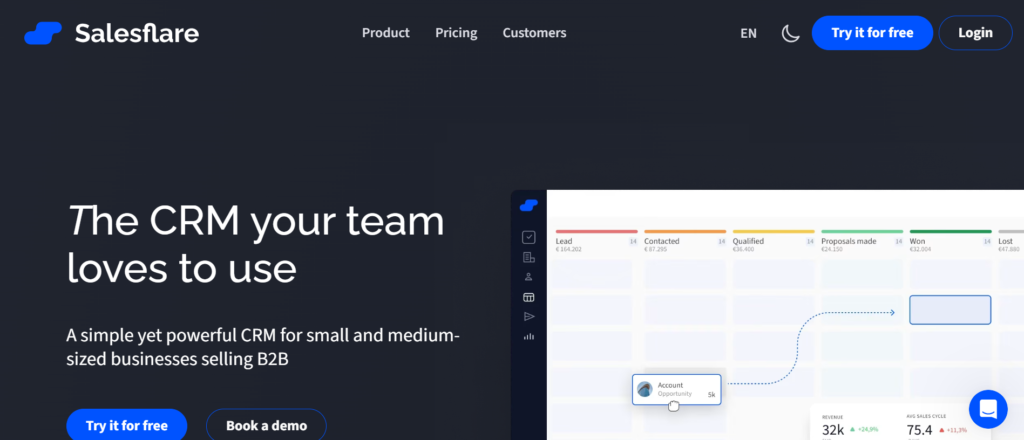
Salesflare CRM is designed for B2B companies that want automated pipeline management tools with minimal manual data entry. The system automatically collects information from emails, calendars, and social profiles to build contact records and track sales activity.
Businesses reading a Salesflare CRM review often mention its ability to capture lead data automatically. This allows sales teams to focus on conversations rather than updating CRM records.
Companies frequently compare Salesflare vs HubSpot CRM or search for Salesflare alternatives when selecting CRM platforms that reduce manual pipeline updates.
Key Features
Salesflare CRM focuses on automation and automatic data collection so sales teams can maintain accurate pipelines without constant manual input.
Automated Data Collection
Salesflare automatically gathers information from emails, meetings, and social profiles to build contact records. The system updates contact details and communication history automatically.
This reduces manual data entry and keeps customer information organized inside the CRM.
Visual Sales Pipeline
Salesflare provides a visual pipeline where deals move through stages such as lead captured, meeting scheduled, proposal sent, and negotiation.
Sales teams can easily track opportunity progress while managers monitor pipeline value.
Email and Communication Tracking
The platform tracks emails and communication with prospects. Sales reps can view email engagement and see which leads are interacting with messages.
This information helps teams identify prospects that require follow-up.
Lead Management
Salesflare organizes leads into contact profiles that include communication history, company information, and deal activity.
Sales teams can review these details before contacting prospects again.
Sales Insights
Salesflare includes dashboards that show pipeline value, deal progress, and sales activity. Managers can review team performance and monitor opportunities moving through the pipeline.
These insights help businesses track overall pipeline performance.
Pros & Cons
| Pros | Cons |
| Automatic contact data capture | Limited customization |
| Strong pipeline visibility | Smaller integration ecosystem |
| Reduced manual CRM updates | Reporting features basic |
Pricing
Salesflare pricing starts around $29 per user per month depending on the features and integrations required.
Higher tier plans include advanced reporting tools and additional automation features.
Best Fit
Salesflare works well for companies that want automated pipeline tracking.
- B2B sales teams — manage relationship based deals
- Startups — reduce manual CRM data entry
- Small agencies — organize sales pipelines
Verdict: Salesflare is a useful option for businesses that want pipeline management with automatic lead data collection.
Tip
Many sales teams connect Salesflare with LinkedIn and email platforms so the CRM automatically records interactions with prospects.
Best Alternative Tool
NetSuite CRM is often compared with Salesflare because it also provides pipeline tracking combined with broader business management tools.
19: NetSuite CRM
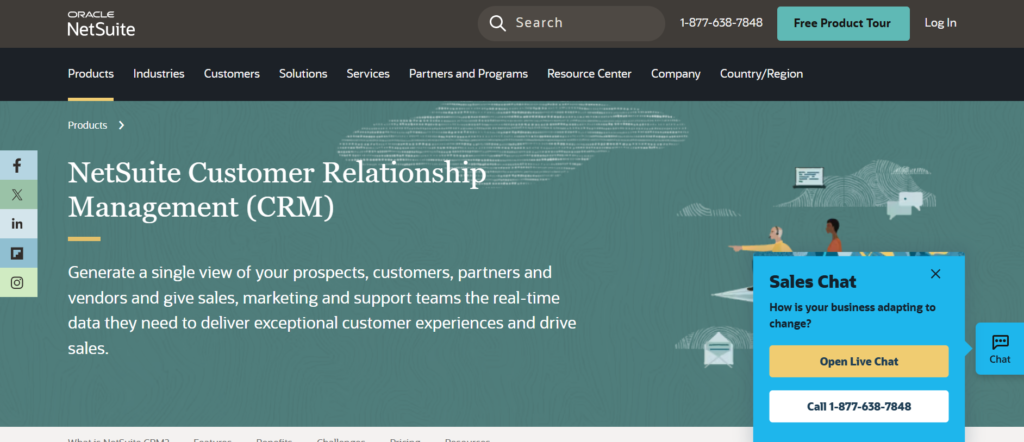
NetSuite CRM is part of the NetSuite business management platform and is widely used by larger organizations that need advanced pipeline management tools integrated with financial systems and enterprise workflows.
The platform allows companies to track leads, manage opportunities, forecast revenue, and monitor customer relationships across multiple departments. Businesses researching a NetSuite CRM review often mention its deep integration with accounting, ERP systems, and reporting tools.
Companies frequently compare NetSuite CRM vs Salesforce or research NetSuite CRM alternatives when selecting enterprise level CRM platforms that support complex sales pipelines.
Key Features
NetSuite CRM focuses on connecting sales pipeline tracking with broader business operations such as finance, order management, and customer support.
Opportunity and Deal Management
NetSuite CRM tracks every opportunity from the first interaction to deal closure. Each opportunity includes deal value, expected close date, probability level, and activity history.
Sales teams can monitor deals across different pipeline stages and manage opportunities more effectively.
Custom Sales Pipelines
Businesses can customize pipeline stages to match their sales process. Companies often create stages such as lead qualification, product demonstration, proposal review, and contract approval.
This flexibility allows organizations to structure pipelines around their specific sales workflows.
Revenue Forecasting
NetSuite CRM includes forecasting tools that estimate expected revenue based on active deals inside the pipeline.
Sales managers can evaluate whether the current pipeline contains enough opportunities to meet future sales targets.
Customer Data Management
The platform stores customer profiles that include communication history, purchase records, and deal activity.
Sales teams can access complete customer information before continuing sales conversations.
Reporting and Analytics
NetSuite CRM includes reporting dashboards that display pipeline value, deal progress, and team performance.
Managers can analyze conversion rates, forecast revenue, and track sales activity across the organization.
Pros & Cons
| Pros | Cons |
| Strong enterprise features | High pricing |
| Deep business integration | Complex setup |
| Advanced reporting tools | Requires training |
Pricing
NetSuite CRM pricing is usually custom based on company size and system configuration.
Enterprise implementations often include additional modules such as accounting, ERP tools, and inventory systems.
Best Fit
NetSuite CRM works best for large companies that require advanced CRM capabilities connected with broader business systems.
- Enterprise sales teams — manage complex pipelines
- Global organizations — track sales across regions
- Large B2B companies — manage high value deals
Verdict: NetSuite CRM is suitable for organizations that need pipeline management integrated with enterprise business operations.
Tip
Large companies often connect NetSuite CRM with their financial systems so sales data automatically updates revenue reporting and forecasting.
Best Alternative Tool
ClickUp CRM is often considered an alternative for companies that want pipeline tracking combined with task and workflow management.
20: ClickUp CRM
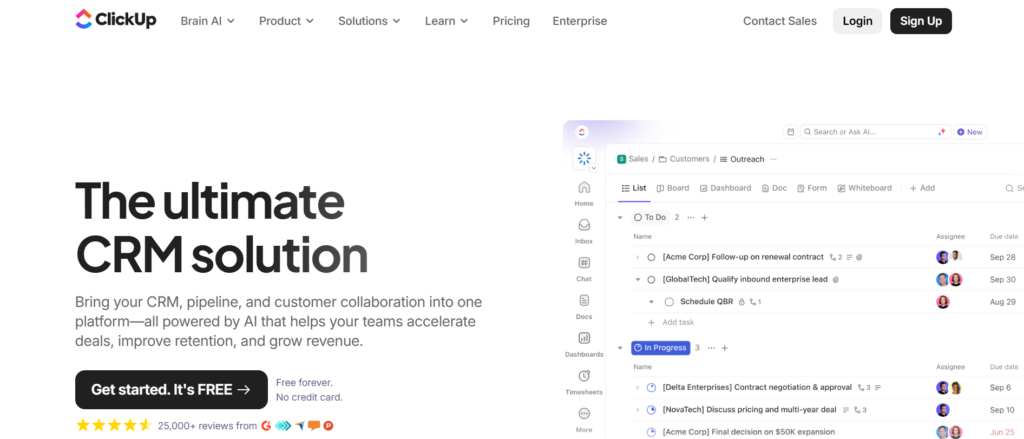
ClickUp CRM is part of the ClickUp productivity platform and is often used by teams that want pipeline management tools combined with task management and workflow tracking. Instead of functioning like a traditional CRM, ClickUp allows businesses to build custom sales pipelines using boards, lists, and dashboards.
Companies reading a ClickUp CRM review often highlight how flexible the platform is. Teams can create deal pipelines, track leads, manage follow-ups, and coordinate internal work in the same system.
Businesses sometimes compare ClickUp CRM vs Monday Sales CRM or research ClickUp CRM alternatives when choosing tools that combine project management with sales pipeline tracking.
Key Features
ClickUp CRM focuses on giving teams full control over how their pipeline structure works while connecting sales activities with internal workflows.
Custom Pipeline Boards
ClickUp allows teams to build visual boards that represent their sales pipeline. Each deal appears as a task that moves through stages such as lead captured, meeting scheduled, proposal sent, and negotiation.
Managers can view the entire pipeline and monitor deal progress across the team.
Lead and Contact Tracking
Sales teams can store contact information, notes, documents, and activity records inside each deal. This keeps every opportunity containing relevant information before the next conversation with a prospect.
The system keeps lead data organized inside the pipeline structure.
Task and Workflow Management
ClickUp connects pipeline activity with task management tools. Sales teams can assign tasks related to deals such as preparing proposals, scheduling meetings, or following up with prospects.
This helps coordinate work between sales teams and other departments.
Automation Rules
ClickUp includes automation features that trigger actions when deals move between stages. Teams can automatically assign tasks, send reminders, or update deal statuses.
Automation keeps pipelines organized and reduces manual updates.
Reporting Dashboards
ClickUp provides dashboards that display deal progress, pipeline value, and team activity. Managers can review pipeline performance and track opportunities across different stages.
These reports give teams visibility into their sales pipeline.
Pros & Cons
| Pros | Cons |
| Highly customizable pipelines | Setup requires planning |
| Strong task management tools | CRM features basic |
| Good automation options | Learning curve |
Pricing
ClickUp offers a free plan with basic workflow and pipeline tracking features.
Paid plans start around $7 per user per month, depending on automation, reporting tools, and storage limits.
Best Fit
ClickUp CRM works well for companies that want pipeline tracking connected with internal workflow management.
- Startups — manage deals and internal tasks
- Agencies — track leads and project work
- Increasing businesses — organize pipelines and workflows
Verdict: ClickUp CRM is a flexible option for teams that want pipeline management combined with task tracking inside one platform.
Tip
Many companies create separate ClickUp boards for different sales pipelines, such as new leads, partnerships, and enterprise deals. This structure makes it easier to track conversion rates across sales channels.
Best Alternative Tool
Monday Sales CRM is often compared with ClickUp CRM because both platforms combine pipeline tracking with workflow management tools.
Choosing the Right Pipeline Management Tool for Your Sales Process
Sales teams that rely on spreadsheets or scattered notes often struggle to maintain consistent deal tracking. A structured pipeline system allows businesses to monitor leads, manage opportunities, and maintain clear visibility into every stage of the sales funnel.
The pipeline management tools listed in this guide provide different strengths depending on company size, sales structure, and workflow requirements.
Smaller businesses often prefer tools such as HubSpot CRM, Pipedrive, or Capsule CRM because they offer simple pipeline tracking with minimal setup.
Increasing companies usually adopt platforms like Zoho CRM, Freshsales, or Monday Sales CRM because these systems provide automation, reporting dashboards, and flexible pipeline customization.
Large organizations frequently choose Salesforce CRM or NetSuite CRM due to their advanced analytics, customization options, and enterprise integrations.
When selecting pipeline management software, businesses typically evaluate the following factors:
- Sales pipeline visibility
- Lead and contact management
- Automation capabilities
- Reporting and forecasting tools
- Integration with existing business software
- Pricing and scalability
The right platform depends on how complex the sales process is and how many team members participate in deal management.
A simple sales pipeline may only require visual deal tracking. Larger operations often require automation workflows, forecasting tools, and advanced reporting systems.
How Our Sales Team Improves Deal Management
Sales success depends on how well opportunities move through the pipeline. Many businesses struggle with scattered leads, missed follow-ups, and unclear deal progress. That is where Pearl Lemon Sales works with companies to build structured sales pipelines and improve deal tracking.
At Pearl Lemon Sales, we work with businesses that want stronger sales systems rather than relying on spreadsheets or manual lead tracking. Our team builds structured pipeline frameworks using CRM platforms such as HubSpot, Salesforce, Zoho, and other pipeline management tools discussed in this guide.
We focus on creating sales pipelines that allow companies to clearly monitor:
- Lead qualification stages
- Deal progress across the funnel
- Follow-up scheduling
- Opportunity value and forecasting
- Sales team performance
This approach allows companies to maintain full visibility into their sales process and reduce missed opportunities.
Our services related to pipeline management include:
- CRM pipeline setup and configuration
- Sales process mapping and pipeline design
- Lead tracking systems
- Sales automation implementation
- Pipeline performance reporting
Many businesses adopt CRM software but never structure the pipeline correctly. We work closely with companies to build pipelines that match their sales cycle, ensuring deals move consistently from lead capture to closed sale.
When sales pipelines are structured correctly, businesses can track opportunities clearly, maintain consistent follow-ups, and evaluate sales performance across teams.
FAQS
What are pipeline management tools?
Pipeline management tools are CRM systems that allow businesses to track sales opportunities from the first lead interaction to the final deal closure.
Why do businesses use pipeline management software?
Companies use pipeline management software to organize deals, monitor sales activity, and track revenue forecasts across different stages of the sales funnel.
What is a sales pipeline?
A sales pipeline is a structured process that tracks opportunities through stages such as lead qualification, meeting scheduled, proposal sent, and negotiation.
How do pipeline management tools improve sales performance?
These tools allow sales teams to monitor deal progress, maintain consistent follow-ups, and identify opportunities that require attention.
What features should pipeline management tools include?
Most businesses look for visual deal pipelines, contact management, automation tools, reporting dashboards, and integration capabilities.
Are pipeline management tools the same as CRM systems?
Many pipeline management tools are part of larger CRM systems that manage customer relationships, communication history, and sales data.
Which pipeline management tools are best for small businesses?
Platforms such as HubSpot CRM, Pipedrive, and Capsule CRM are commonly used by small sales teams due to their simple setup and visual pipelines.
Which pipeline management tools work best for large companies?
Salesforce CRM and NetSuite CRM are often used by large organizations because they provide advanced reporting, automation, and customization features.
Can pipeline management tools integrate with other software?
Most CRM platforms integrate with email systems, marketing tools, accounting software, and project management platforms.
Do pipeline management tools support revenue forecasting?
Yes. Many CRM platforms include forecasting tools that estimate future revenue based on deals currently active in the sales pipeline.