
Selling SaaS is not about shouting louder. It is about getting the right message in front of the right buyer at the right time. Most SaaS companies struggle here. Emails go unopened. LinkedIn messages get ignored. Sales teams burn hours chasing replies that never come.
That is why choosing the right outreach tools for SaaS companies matters. We have reviewed dozens of outreach platforms used by SaaS founders, SDR teams, and revenue leaders. After filtering out tools that look good on paper but fail in daily use, this list focuses on tools that support consistent progress activity, cleaner prospecting, and measurable sales conversations.
Recent industry data shows that personalised B2B outreach can increase reply rates by over 30 percent, yet more than half of SaaS teams still rely on generic sequences. The gap is not strategy. It is tooling.
This guide is written for SaaS startups, growth-stage SaaS companies, and established SaaS teams that need outreach systems they can rely on without bloated workflows or vanity metrics.
What Are Outreach Tools for SaaS Companies?
Outreach tools for SaaS companies are platforms designed to manage, automate, and track sales communication across email, LinkedIn, and sometimes calls. These tools sit between your CRM and your prospects.
For SaaS teams, outreach tools matter because deal velocity depends on follow-ups, timing, and message relevance. Without the right system, reps forget touchpoints, founders lose visibility, and progress forecasts become unreliable.
The best outreach tools for SaaS companies support:
- Multi-step email sequences
- Personalisation at scale
- CRM syncing
- Activity tracking
- Team-level reporting
They are built to support outbound sales, product-led growth follow-ups, and account-based outreach without turning sales into admin work.
Quick Comparison Table of Outreach Tools for SaaS Companies
Before the table, here is why these columns matter. SaaS buyers care about speed to value, pricing clarity, and how well a tool fits their sales motion. The table below focuses on use case, pricing entry point, and trial access so teams can shortlist quickly.
| Tool Name | Best For | Starting Price (£/mo) | Free Trial | Primary Use Case |
| Lemlist | Cold email personalisation | 39 | Yes | Email outreach |
| Reply.io | Multi-channel outreach | 49 | Yes | Email + LinkedIn |
| Apollo.io | Leads + outreach | 39 | Yes | Prospecting |
| Outreach | Large SaaS sales teams | 100+ | No | Sales engagement |
| Salesloft | Enterprise SDR teams | 95 | No | Email + calls |
| Instantly | High-volume cold email | 37 | Yes | Email sequences |
| Mailshake | Simple outbound campaigns | 58 | Yes | Email outreach |
| Woodpecker | SMB SaaS outreach | 49 | Yes | Cold email |
| Yesware | Email tracking for sales | 15 | Yes | Sales tracking |
| HubSpot Sales | CRM-led outreach | 18 | Yes | Email + CRM |
| Close | SaaS inside sales | 49 | Yes | Email + calling |
| QuickMail | Deliverability focus | 59 | Yes | Cold email |
| Saleshandy | Email automation | 25 | Yes | Follow-ups |
| Smartlead.ai | Scaled outbound | 39 | Yes | Email infrastructure |
| Klenty | SDR workflow management | 60 | Yes | Sales cadence |
| PersistIQ | Prospect list outreach | 75 | Yes | Email sequences |
| Mixmax | Gmail-based sales | 29 | Yes | Email productivity |
| Waalaxy | LinkedIn outreach | 30 | Yes | LinkedIn automation |
| Expandi | LinkedIn sequences | 99 | Yes | LinkedIn sales |
| Hunter Campaigns | Email from domain search | 49 | Yes | Cold email |
Here are the 20 outreach tools listed:
- Lemlist
- Reply.io
- Apollo.io
- Outreach
- Salesloft
- Instantly
- Mailshake
- Woodpecker
- Yesware
- HubSpot Sales
- Close
- QuickMail
- Saleshandy
- Smartlead.ai
- Klenty
- PersistIQ
- Mixmax
- Waalaxy
- Expandi
- Hunter Campaigns
1. Lemlist
Personalised cold outreach built for SaaS sales teams
Lemlist is widely used by SaaS companies that depend on outbound sales to create progress on a predictable basis. It is commonly adopted by founders at an early stage and continues to be used as teams hire SDRs and formalise outbound processes. The platform is built around one core objective that matters to SaaS revenue teams: starting conversations that turn into qualified opportunities.
SaaS inboxes are crowded. Decision-makers receive dozens of sales emails every week, many of them nearly identical. Lemlist addresses this problem by helping teams send messages that feel considered and relevant without adding manual work for every prospect.
Search intent around Lemlist review, Lemlist pricing, Lemlist alternatives, and Lemlist vs Reply.io reflects how often SaaS teams evaluate it against other outreach tools when outbound becomes a serious revenue channel.
Lemlist is typically used when cold email is not an experiment but a repeatable system tied directly to demo bookings and trial starts.
SaaS teams rely on Lemlist to manage outbound activity such as booking demos, opening conversations with new accounts, reactivating dormant leads, and supporting account-based sales efforts. It fits best where outbound email sits alongside inbound and product-led motion rather than replacing them.
The platform is intentionally focused. It does not try to replace a CRM or sales dialler. Instead, it concentrates on email outreach quality and consistency, which is often where SaaS teams lose momentum.
Key Features
Lemlist keeps its feature set tightly aligned with outbound execution. Each capability supports message relevance, follow-up discipline, and sending stability.
Personalised Email Content
This feature allows teams to customise outreach using dynamic text and visual elements. Reps can reference role, company context, or other lead attributes without writing every message from scratch.
For SaaS companies selling products with longer buying cycles or technical complexity, this level of personalisation improves reply quality. Prospects are more likely to respond with questions or context rather than ignoring the message altogether. That response is often the entry point into a proper sales conversation.
Automated Follow-Up Sequences
This feature supports multi-step email sequences that send follow-ups automatically when no reply is received. In SaaS sales, timing matters, but consistency matters more.
Deals rarely start with the first message. Automated follow-ups keep that prospects are re-contacted without relying on memory or manual reminders. This helps SDRs manage larger prospect lists while keeping outreach structured.
Email Deliverability Controls
This feature focuses on maintaining sending reputation. It includes warm-up functionality, sending limits, and timing controls that reduce the likelihood of emails landing in spam folders.
For SaaS companies running outbound daily, deliverability issues can quietly destroy progress. This feature helps teams protect domain health so campaigns continue to perform over time rather than collapsing after a few weeks.
Campaign Performance Tracking
This feature provides visibility into open rates, reply rates, and positive responses. SaaS sales leaders use this data to understand which messages start conversations and which ones stall.
Instead of tracking surface-level activity, teams can focus on outreach that leads to meetings, trials, or product discussions. Over time, this data informs messaging, targeting, and ICP refinement.
Team Templates and Shared Campaigns
This feature allows teams to share templates and campaigns across users. As SaaS companies move from founder-led sales to a structured SDR function, consistency becomes critical.
New hires can ramp faster using proven messaging while managers retain visibility without reviewing individual inboxes. This keeps outbound aligned with positioning and avoids fragmented communication.
Pros and Cons
| Pros | Cons |
| Strong email personalisation | No built-in calling |
| Simple onboarding | Email-only focus |
| Deliverability safeguards | Limited enterprise controls |
| Clear reporting | Not a CRM replacement |
Pricing
Lemlist pricing starts at £39 per user per month.
Higher plans include additional team features and advanced sending controls.
A free trial is available, which allows SaaS teams to test outreach quality, reply rates, and deliverability before committing.
Compared with other outreach tools for SaaS companies, pricing aligns well with early-stage and growth-stage sales teams.
Best Fit: SaaS Teams Using Cold Email as a Core Revenue Channel
This platform works best for:
- SaaS founders running outbound themselves
- Small SaaS sales teams booking demos
- SDR teams focused on email-first outreach
- B2B SaaS companies with clearly defined ICPs
It is less suitable for organisations that require heavy calling workflows or complex enterprise orchestration.
Verdict:
When cold email is expected to contribute directly to progress, this platform provides structure without slowing execution. Its focus on reply quality rather than sending volume makes it a practical choice for many SaaS teams.
Best Alternate Tool
A commonly compared option is Reply.io, particularly for teams that want email and LinkedIn activity combined in one system. The decision usually depends on whether deeper personalisation or multi-channel outreach is the higher priority.
2. Reply.io
Multi-channel outreach built for structured SaaS sales teams
Reply.io is widely used by SaaS companies that move beyond email-only outreach and need a single system to manage multiple touchpoints without losing control. It is commonly adopted when outbound activity increases in volume and sales teams require clearer structure, sequencing discipline, and visibility across channels.
SaaS sales teams often reach a point where email alone limits response rates. Prospects may ignore inbox messages but reply on LinkedIn. Others may respond only after several coordinated touchpoints. Reply.io is built for that reality and is frequently shortlisted when teams compare Reply.io review content, Reply.io pricing, Reply.io alternatives, or Reply.io vs Lemlist.
This platform is typically chosen when outbound is handled by SDR teams rather than founders and when consistency matters more than one-off personalisation.
Reply.io is used by B2B SaaS companies selling mid-market and enterprise products where deals require multiple follow-ups and stakeholder coordination. It supports email, LinkedIn tasks, calls, and SMS within structured sequences.
SaaS teams rely on Reply.io to:
- Run outbound at scale without losing follow-up control
- Coordinate email and LinkedIn outreach in one workflow
- Track SDR activity across accounts
- Maintain predictable outbound execution across the team
It fits best where outbound is repeatable, documented, and managed rather than improvised.
Key Features
Reply.io focuses on orchestration. Each feature is designed to keep outbound activity organised while allowing teams to operate across channels without switching tools.
Multi-Channel Sequences
This feature allows teams to build sequences that combine email, LinkedIn actions, calls, and manual steps. Instead of running separate tools for each channel, reps follow a single sequence that guides daily activity.
For SaaS sales teams, this reduces missed touchpoints and keeps prospects receive consistent follow-up across channels. It also supports account-based outreach where timing and repetition matter more than message novelty.
Centralised Task Management
This feature provides a daily task view that tells SDRs exactly what to do each day, whether that is sending emails, following up on LinkedIn, or making calls.
For SaaS teams managing hundreds of active prospects, this prevents activity gaps and removes reliance on personal reminders or spreadsheets. Managers gain visibility into execution without chasing reps for updates.
Email Automation and Templates
This feature supports email automation using templates that can be personalised with dynamic fields. While personalisation depth is lighter than some tools, it is sufficient for structured outbound aimed at specific buyer roles.
SaaS teams often use this feature to test messaging by persona or segment while keeping copy consistent across the team.
CRM and Data Syncing
This feature integrates with common CRMs to sync contacts, activity logs, and outcomes. Outreach activity flows back into the CRM, which helps revenue teams maintain clean records without double entry.
For SaaS companies with longer sales cycles, this keeps outbound actions are visible during handoffs between SDRs and account executives.
Performance Reporting
This feature provides reporting on sequence performance, rep activity, reply rates, and booked meetings. Sales leaders use this data to identify where sequences break down and where prospects disengage.
Rather than focusing on send volume, teams can evaluate which sequences produce conversations and which ones need revision.
Pros and Cons
| Pros | Cons |
| Multi-channel support | Less visual personalisation |
| Clear task workflows | Interface learning curve |
| Strong team control | Higher cost than email-only tools |
| CRM integrations | Setup requires planning |
Pricing
Reply.io pricing starts at £49 per user per month.
Higher tiers include advanced automation, analytics, and team-level controls.
A free trial is available, which allows SaaS teams to test multi-channel sequences and task workflows before committing.
Compared with other outreach tools for SaaS companies, pricing reflects its broader channel coverage and team-focused design.
Best Fit: SaaS SDR Teams Running Structured Outbound
This platform works best for:
- SaaS companies with dedicated SDR teams
- Teams running email and LinkedIn together
- Mid-market SaaS sales motions
- Revenue leaders who want activity visibility
It may be excessive for solo founders or very small teams running low-volume outbound.
Verdict:
When outbound requires coordination across channels and people, this platform provides the structure many SaaS teams lack. It trades deep personalisation for repeatability and control, which is often the right decision once outbound becomes a core revenue function.
Best Alternate Tool
A frequently compared option is Lemlist, particularly for teams that prioritise deeper email personalisation over multi-channel workflows. The decision usually depends on whether message depth or execution structure is more important at your current stage.
3. Apollo.io
Prospecting and outbound combined for SaaS revenue teams
Apollo.io is commonly used by SaaS companies that want prospecting and outreach in one place rather than stitching together multiple tools. It becomes relevant when teams realise that outbound speed is limited not by email tools but by access to accurate lead data.
Many SaaS teams reach a point where outreach tools work fine, but sourcing leads becomes the bottleneck. Apollo.io is built to remove that friction by combining a large B2B contact database with outbound execution features. This is why searches such as Apollo.io review, Apollo.io pricing, Apollo.io alternatives, and Apollo.io vs ZoomInfo are common among SaaS founders and revenue leaders.
Apollo.io is typically adopted when outbound activity needs to scale without adding extra tools for list building.
SaaS companies use Apollo.io to identify prospects, segment accounts, and run outbound campaigns from a single system. It is especially common among B2B SaaS teams selling to specific roles such as founders, heads of marketing, or operations leaders.
Typical use cases include:
- Building targeted prospect lists by role, company size, or tech stack
- Running email sequences directly from prospect lists
- Supporting SDR teams with ready-to-use lead data
- Reducing time spent switching between data providers and outreach tools
It fits best where outbound relies heavily on cold prospecting rather than inbound lead follow-up alone.
Key Features
Apollo.io focuses on speed and coverage. Each feature is designed to help SaaS teams move from lead discovery to first contact with minimal friction.
B2B Contact and Company Database
This feature provides access to a large database of business contacts and company records. SaaS teams can filter prospects by job title, industry, company size, location, funding stage, and technology usage.
For outbound-focused SaaS companies, this removes the need for separate data providers. SDRs spend less time hunting for leads and more time starting conversations with accounts that match the ideal customer profile.
Advanced Prospect Filtering
This feature allows teams to narrow prospect lists using layered criteria. Instead of broad targeting, SaaS teams can focus on buyers who match very specific conditions.
This is particularly useful for SaaS products that solve narrow problems for defined roles. Better targeting reduces wasted outreach and improves reply quality, which directly affects progress efficiency.
Email Outreach and Sequences
This feature enables teams to run email sequences directly within the platform. Emails can be automated with follow-ups and basic personalisation using contact data.
While not as deep in personalisation as some email-first tools, this feature is effective for SaaS teams prioritising reach and speed over message customisation. It supports consistent outbound without leaving the prospecting workflow.
CRM Integration and Syncing
This feature syncs contacts, accounts, and activity with common CRMs. Outreach activity is logged automatically, reducing manual updates.
For SaaS teams managing long sales cycles, this keeps outbound actions remain visible during handoffs between SDRs and account executives. It also supports reporting accuracy across the funnel.
Analytics and Activity Tracking
This feature provides insight into email performance, reply rates, and rep activity. Sales leaders can see how outbound campaigns perform across segments and personas.
Rather than guessing which lists work, teams can adjust targeting based on engagement patterns and response behaviour.
Pros and Cons
| Pros | Cons |
| Built-in lead database | Email features less advanced |
| Reduces tool sprawl | Data accuracy varies by region |
| Fast list building | Limited LinkedIn automation |
| CRM integrations | Not ideal for deep ABM |
Pricing
Apollo.io pricing starts at £39 per user per month.
Higher tiers include increased data limits, advanced filters, and team-level features.
A free plan is available with restricted usage, which many SaaS founders use to validate lead quality before upgrading.
Compared with other outreach tools for SaaS companies, pricing is competitive given that prospect data is included.
Best Fit: SaaS Teams That Need Leads and Outreach Together
This platform works best for:
- SaaS companies running cold outbound at scale
- Teams without a dedicated data provider
- SDR teams focused on list building and outreach
- B2B SaaS products with clearly defined buyer roles
It is less suitable for teams that already rely on premium data providers or need heavy LinkedIn automation.
Verdict:
When lead sourcing slows outbound momentum, this platform removes friction by combining data and outreach. For many SaaS teams, that simplicity matters more than advanced messaging features.
Best Alternate Tool
A frequently compared option is ZoomInfo, particularly for teams that prioritise data depth over outbound execution. The decision usually depends on whether you want prospecting and outreach combined or handled separately.
4. Outreach
Sales engagement platform for larger SaaS revenue teams
Outreach is commonly adopted by SaaS companies once outbound sales becomes a formal, measured revenue function rather than an SDR experiment. It is used most often by growth-stage and enterprise SaaS businesses where progress creation, forecasting, and rep accountability are closely monitored.
This platform usually enters the picture after a SaaS company has validated outbound and now needs tighter control, deeper reporting, and leadership visibility. Searches such as Outreach review, Outreach pricing, Outreach alternatives, and Outreach vs Salesloft are common among revenue leaders evaluating long-term sales infrastructure.
Outreach is not designed for simplicity. It is designed for control.
SaaS teams rely on Outreach to manage complex outbound motions involving multiple reps, long deal cycles, and several buyer personas within the same account. It supports email, calls, tasks, and workflow automation tied closely to CRM data.
Typical reasons SaaS companies adopt Outreach include:
- Needing standardised sales processes across large teams
- Wanting accurate activity and progress reporting
- Managing outbound across regions or segments
- Aligning SDR and account executive workflows
It fits best where outbound is already producing revenue and leadership wants tighter oversight.
Key Features
Outreach focuses on execution discipline and reporting depth. Each feature is designed to reduce variability in how reps work while increasing visibility for managers.
Sales Sequences and Playbooks
This feature allows teams to create structured sequences that guide reps through every step of outbound activity. These sequences include email, calls, tasks, and reminders tied to specific sales stages.
For SaaS teams managing complex deals, this keeps that no step is skipped and that outreach follows a defined sales motion. It also helps new hires ramp faster by giving them clear execution frameworks.
Deep CRM Integration
This feature syncs tightly with major CRMs, pulling in account data, opportunity stages, and contact records. Outreach activity is logged automatically and reflected across the sales stack.
For SaaS companies with long buying cycles, this creates a single source of truth. Sales leadership can see how outreach activity correlates with progress movement and revenue outcomes.
Advanced Analytics and Reporting
This feature provides detailed reporting on rep activity, sequence performance, engagement trends, and progress impact. Managers can break down performance by team, segment, or campaign.
Rather than guessing why deals stall, SaaS leaders can identify breakdowns in follow-up timing, message engagement, or rep execution. This level of insight is often required at scale.
Workflow Automation
This feature supports automation tied to sales stages and prospect actions. Tasks can be triggered automatically based on engagement, CRM updates, or sequence progression.
For large SaaS teams, this reduces manual coordination between SDRs and account executives and keeps handoffs happen at the right time.
Coaching and Rep Performance Tools
This feature allows managers to review activity, messaging, and outcomes at the rep level. It supports coaching based on real execution data rather than anecdotal feedback.
In SaaS organisations where performance consistency matters, this feature helps reduce variability across the team.
Pros and Cons
| Pros | Cons |
| Enterprise-grade control | High cost |
| Deep reporting | Steep learning curve |
| Strong CRM alignment | Heavy setup effort |
| Scales with large teams | Overkill for small teams |
Pricing
Outreach pricing typically starts at £100 per user per month, with higher tiers based on features and contract size.
There is no self-serve free trial. SaaS companies usually go through a sales-led onboarding process, which reflects the platform’s enterprise focus.
Compared with other outreach tools for SaaS companies, pricing sits at the high end and is justified mainly when outbound is already a proven revenue driver.
Best Fit: Mid-Market and Enterprise SaaS Sales Organisations
This platform works best for:
- SaaS companies with large SDR teams
- Organisations with complex sales cycles
- Revenue leaders who require detailed reporting
- Teams operating across multiple segments or regions
It is not well suited for early-stage SaaS teams or founder-led outbound.
Verdict:
When outbound becomes a core, measurable revenue engine, this platform provides the structure and visibility leadership demands. It trades simplicity for control, which is often the right trade-off at scale.
Best Alternate Tool
Salesloft is the most commonly compared option, particularly for teams seeking similar functionality with a slightly different interface and coaching focus.
5. Salesloft

Sales engagement platform focused on execution quality and rep performance
Salesloft is commonly selected by SaaS companies once outbound sales matures into a multi-layered revenue operation. It is most often used by growth-stage and enterprise SaaS organisations that want tighter execution standards across SDRs, account executives, and managers.
Where simpler outreach tools focus on sending activity, Salesloft focuses on how that activity is performed. It is frequently evaluated during searches such as Salesloft review, Salesloft pricing, Salesloft alternatives, and Salesloft vs Outreach, especially by revenue leaders who care about rep consistency and coaching as much as progress volume.
This platform is built for SaaS teams that already know outbound works and now want to control quality, timing, and accountability at scale.
Salesloft is used by SaaS companies selling complex products with longer sales cycles, multiple decision-makers, and strict handoff processes between SDRs and account executives. It supports email, calls, tasks, and workflow coordination tied closely to CRM data.
Common reasons SaaS teams adopt Salesloft include:
- Maintaining consistent outreach quality across large teams
- Improving follow-up discipline across long deal cycles
- Gaining visibility into rep behaviour, not just outcomes
- Supporting onboarding and ongoing coaching
It fits best where outbound sales is already producing revenue and leadership wants to reduce performance variance between reps.
Key Features
Salesloft is structured around execution control and behavioural insight. Each feature is designed to answer one question: are reps doing the right work, at the right time, in the right way?
Cadence-Based Outreach Execution
This feature allows teams to build cadences that guide reps through every outreach step, including emails, calls, tasks, and reminders. Cadences are tied to specific stages of the sales process and buyer intent levels.
For SaaS teams managing complex pogress, this keeps that outreach follows a defined pattern rather than personal habits. It reduces missed steps, late follow-ups, and inconsistent messaging across accounts.
Integrated Calling and Call Intelligence
This feature includes built-in calling with recording and analysis capabilities. Calls are logged automatically and can be reviewed by managers for coaching purposes.
In SaaS sales where discovery and qualification calls play a major role, this feature helps teams identify patterns in successful conversations. Managers can review talk ratios, objection handling, and pacing without relying on anecdotal feedback.
Deep CRM Synchronisation
This feature provides close alignment with major CRMs, ensuring that outreach activity, call outcomes, and cadence progress are reflected across the revenue stack.
For SaaS organisations with long buying journeys, this creates continuity between SDR outreach, account executive follow-up, and progress forecasting. It also reduces manual updates, which are often skipped under pressure.
Rep Activity and Behaviour Reporting
This feature offers reporting focused on how reps work rather than just what they produce. Leaders can see cadence adherence, activity distribution, response handling speed, and follow-up timing.
For SaaS teams, this is critical when diagnosing progress problems. Instead of assuming messaging failure, leaders can identify whether execution gaps are the real issue.
Coaching and Enablement Tools
This feature supports rep coaching through call reviews, activity benchmarks, and performance comparisons. Managers can identify best practices from top performers and apply them across the team.
As SaaS sales teams scale, this reduces reliance on tribal knowledge and helps standardise what “good” execution looks like.
Pros and Cons
| Pros | Cons |
| Strong execution control | High cost |
| Built-in calling | Complex setup |
| Behaviour-level reporting | Steep learning curve |
| Coaching-focused features | Overkill for small teams |
Pricing
Salesloft pricing typically starts at £95 per user per month, with costs increasing based on features, calling usage, and contract size.
There is no open self-serve trial. SaaS companies usually go through a sales-led onboarding process, which reflects the platform’s focus on larger teams and longer-term adoption.
Compared with other outreach tools for SaaS companies, pricing is premium and best justified when outbound performance directly impacts revenue forecasts.
Best Fit: SaaS Teams Focused on Execution Quality and Coaching
This platform works best for:
- Mid-market and enterprise SaaS companies
- Teams with dedicated SDR and AE roles
- Revenue leaders focused on consistency
- Organisations investing heavily in sales enablement
It is not well suited for founder-led sales or lean teams that value speed over structure.
Verdict:
When outbound success depends on how well reps execute rather than how much they send, this platform provides the control and visibility needed to manage performance at scale.
Best Alternate Tool
Outreach is the most common comparison, particularly for teams that want similar enterprise control with a stronger focus on workflow automation and forecasting alignment.
6. Instantly
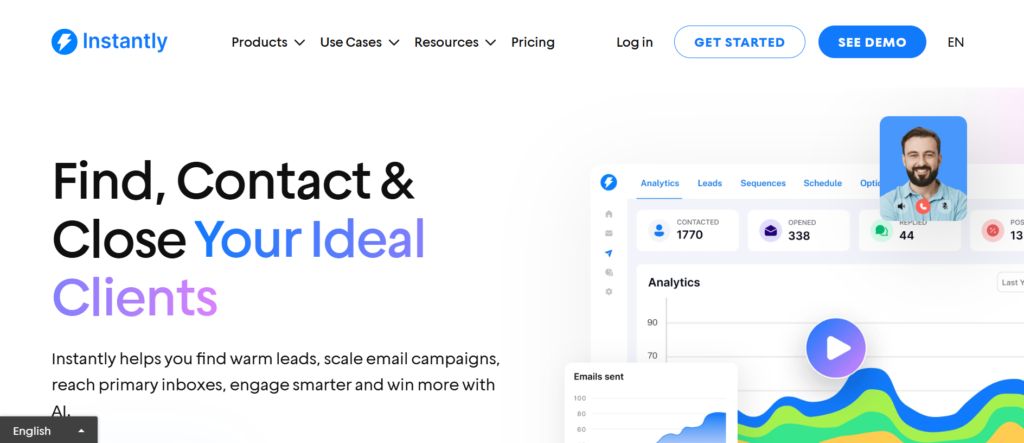
High-volume cold email outreach for SaaS teams focused on scale
Instantly is commonly used by SaaS companies that rely on cold email volume to generate consistent inbound replies and demo bookings. It is most often adopted by growth-stage SaaS teams that already know their ideal customer profile and want to increase outbound reach without adding headcount.
Where other outreach platforms focus heavily on structure or deep personalisation, Instantly is built around scale, inbox management, and sending capacity. It frequently appears in searches such as Instantly review, Instantly pricing, Instantly alternatives, and Instantly vs Lemlist, particularly among SaaS founders and outbound operators focused on progress volume.
This platform is designed for teams that believe more controlled reach leads to more conversations, provided deliverability is managed correctly.
SaaS companies use Instantly when outbound email becomes a numbers-driven motion supported by clear targeting and tested messaging. It is especially common among SaaS products selling to small and mid-sized businesses where sales cycles are shorter and buying decisions are faster.
Typical use cases include:
- Running large outbound campaigns across multiple inboxes
- Testing messaging variations at scale
- Supporting lean SDR teams with higher send capacity
- Managing outbound across several domains
It fits best where speed and reach matter more than multi-channel coordination.
Key Features
Instantly focuses on infrastructure and sending efficiency. Each feature supports volume-based outbound while protecting inbox health.
Unlimited Email Sending Accounts
This feature allows teams to connect multiple sending inboxes under one workspace. Instead of being limited by a single domain or mailbox, SaaS teams can distribute outreach across many accounts.
For outbound-heavy SaaS companies, this increases daily sending capacity while reducing pressure on individual inboxes. It is particularly useful when testing markets or expanding into new segments quickly.
Automated Email Sequences
This feature supports automated follow-up sequences with configurable delays and stop conditions. Once a prospect replies, sequences pause automatically.
For SaaS teams running high-volume outbound, this keeps follow-ups happen consistently without manual intervention. It also allows reps to focus on replies rather than monitoring who needs another message.
Deliverability and Warm-Up System
This feature includes inbox warm-up functionality that gradually increases sending volume and simulates natural email behaviour. This helps maintain sending reputation over time.
For SaaS companies relying on cold email as a progress engine, deliverability protection is critical. Poor inbox health can silently kill campaigns even when targeting and messaging are strong.
Campaign Analytics and Reply Tracking
This feature provides visibility into sends, opens, replies, and positive responses. Teams can quickly identify which campaigns produce conversations and which ones need revision.
Rather than reviewing individual emails, SaaS teams can evaluate performance at the campaign level and adjust targeting or copy accordingly.
Team and Workspace Management
This feature supports multiple users working within the same workspace. Campaigns, inboxes, and performance data can be shared across the team.
As SaaS companies grow outbound operations, this helps maintain consistency without restricting autonomy.
Pros and Cons
| Pros | Cons |
| High sending capacity | Email-only outreach |
| Strong warm-up tools | Limited CRM depth |
| Simple campaign setup | Minimal personalisation |
| Cost-effective at scale | Fewer enterprise controls |
Pricing
Instantly pricing starts at £37 per user per month, with higher tiers available for additional inboxes and advanced features.
A free trial is available, allowing SaaS teams to test sending performance and reply rates before committing.
Compared with other outreach tools for SaaS companies, pricing is competitive for teams that prioritise volume over channel variety.
Best Fit: SaaS Teams Running High-Volume Cold Email
This platform works best for:
- SaaS companies targeting SMBs
- Teams testing outbound at scale
- Lean SDR teams managing many inboxes
- Founders running outbound without heavy tooling
It is less suitable for teams that require LinkedIn automation, calling, or deep CRM workflows.
Verdict:
When outbound success depends on reach, consistency, and inbox management, this platform provides the infrastructure needed to support scale without operational friction.
Best Alternate Tool
A commonly compared option is Smartlead, particularly for teams that want similar sending capacity with slightly more control over sequence logic and analytics.
7. Mailshake
Outbound email platform for SaaS teams that want clarity and control
Mailshake is often chosen by SaaS companies that want outbound email to be structured, measurable, and easy to manage without introducing heavy systems. It sits between lightweight email tools and enterprise sales platforms, which makes it appealing to SaaS teams that are growing but not yet ready for complex sales infrastructure.
Mailshake frequently appears in searches such as Mailshake review, Mailshake pricing, Mailshake alternatives, and Mailshake vs Instantly. These comparisons usually come from SaaS founders and sales managers who want dependable outbound execution without overengineering their workflow.
This platform is built for teams that value consistency, readability, and execution discipline over advanced automation or channel sprawl.
Mailshake is commonly used by B2B SaaS companies selling to small and mid-sized organisations. It is especially popular where outbound email supports demo bookings, free trial sign-ups, or early sales conversations rather than long enterprise deal cycles.
SaaS teams typically use Mailshake to:
- Run cold email campaigns with clear follow-up logic
- Keep messaging consistent across reps
- Track replies and engagement without complex dashboards
- Maintain outbound focus without heavy setup
It fits best when outbound email is a primary sales motion but teams want to keep tooling simple and transparent.
Key Features
Mailshake focuses on reliability and usability. Each feature supports clear execution rather than experimentation-heavy workflows.
Email Sequence Creation
This feature allows teams to build structured email sequences with predefined follow-ups. Messages are sent automatically based on timing rules and reply detection.
For SaaS teams, this removes reliance on memory and manual tracking. Once a sequence is live, prospects are contacted consistently without constant rep intervention. This is particularly useful when sales teams manage multiple campaigns at once.
Reply and Engagement Tracking
This feature tracks opens, replies, and clicks across campaigns. Replies are categorised so reps can prioritise conversations that show buying intent.
SaaS sales teams benefit from this clarity because it reduces time spent scanning inboxes. Reps can focus on responding to interested prospects rather than sorting through noise.
Personalisation Fields
This feature supports dynamic personalisation using lead data such as name, company, role, or custom attributes. While not visual-heavy, it allows enough customisation to avoid generic messaging.
For SaaS companies with clearly defined buyer personas, this level of personalisation is often sufficient to start conversations without complicating campaign setup.
Team Collaboration Tools
This feature allows teams to share templates, manage permissions, and monitor campaign activity across users. Managers can review messaging and campaign performance without interfering with daily execution.
As SaaS teams scale outbound activity, this feature helps maintain consistency while still allowing reps autonomy in handling replies.
CRM and Tool Integrations
This feature connects Mailshake with common CRMs and productivity tools. Outreach activity can be logged automatically, reducing manual updates.
For SaaS teams managing progress across multiple tools, this helps maintain clean records and reduces admin overhead.
Pros and Cons
| Pros | Cons |
| Easy to use | Email-only outreach |
| Clear campaign structure | Limited automation depth |
| Clean reporting | No built-in calling |
| Quick setup | Not built for enterprise |
Pricing
Mailshake pricing starts at £58 per user per month.
Higher plans include additional features such as advanced analytics and team management.
A free trial is available, which allows SaaS teams to test campaign flow and reply handling before committing.
Compared with other outreach tools for SaaS companies, pricing reflects its balance between simplicity and reliability rather than advanced feature depth.
Best Fit: SaaS Teams That Want Simple, Repeatable Email Outreach
This platform works best for:
- Early to mid-stage SaaS companies
- Teams focused on email-first outbound
- Sales managers who value clarity over complexity
- Organisations onboarding new SDRs quickly
It is less suitable for teams that require LinkedIn automation, calling workflows, or large-scale account-based sales motions.
Verdict:
When outbound email needs to be predictable, readable, and easy to manage, this platform provides a stable foundation without unnecessary overhead.
Best Alternate Tool
Woodpecker is a commonly compared option, particularly for SaaS teams that want similar email-first outreach with slightly more emphasis on deliverability controls.
8. Woodpecker
Cold email outreach built for SaaS teams that value deliverability and reply quality
Woodpecker is commonly used by SaaS companies that want outbound email to stay reliable over time rather than spike and crash. It is often selected by teams that have experienced inbox issues, declining reply rates, or campaign fatigue caused by aggressive sending patterns.
You will usually see Woodpecker evaluated during searches such as Woodpecker review, Woodpecker pricing, Woodpecker alternatives, and Woodpecker vs Mailshake. These comparisons are typically made by SaaS founders and sales managers who care more about inbox placement and steady performance than raw send volume.
This platform is designed for teams that believe sustainable outbound beats short-term bursts.
Woodpecker is used primarily by B2B SaaS companies selling to professionals, service firms, and mid-sized organisations. It supports cold outreach that feels conversational rather than automated, which suits SaaS products that require explanation and trust early in the sales process.
SaaS teams commonly rely on Woodpecker to:
- Run cold email campaigns with strong inbox placement
- Maintain consistent reply rates over long periods
- Manage follow-ups without sounding automated
- Protect domain reputation while scaling outreach
It fits best where outbound email is expected to run continuously rather than in short campaigns.
Key Features
Woodpecker is built around message timing, inbox safety, and natural email flow. Each feature supports long-term outbound stability.
Behaviour-Based Follow-Ups
This feature sends follow-ups based on recipient behaviour rather than fixed schedules. Emails stop automatically when a prospect replies, clicks, or engages in certain ways.
For SaaS teams, this reduces awkward over-following and keeps conversations natural. Prospects receive messages that align with their engagement rather than rigid sequences that ignore context.
Inbox Reputation Protection
This feature focuses on maintaining healthy sending patterns. It includes sending limits, reply detection, and pacing controls designed to reduce spam complaints.
SaaS companies running outbound daily benefit from this approach because it prioritises inbox longevity. Instead of pushing volume, teams protect sending domains and maintain stable performance month after month.
Personalisation with Conditional Logic
This feature allows teams to personalise messages using conditional content blocks. Emails can change wording based on role, company size, or other attributes.
For SaaS teams targeting multiple personas, this makes it possible to tailor messaging without creating dozens of separate campaigns. It balances relevance with operational simplicity.
Campaign Performance Monitoring
This feature tracks opens, replies, and engagement trends over time. Performance is presented clearly without overwhelming dashboards.
Sales teams use this data to adjust copy, timing, and targeting while keeping campaigns live rather than rebuilding everything from scratch.
Team and Agency Controls
This feature supports multiple users, permissions, and shared campaigns. It is especially useful for SaaS companies with small sales teams or external support managing outreach.
Managers can oversee activity and maintain consistency without interfering with daily execution.
Pros and Cons
| Pros | Cons |
| Strong deliverability focus | Lower sending volume |
| Natural follow-up logic | Email-only outreach |
| Easy to manage | Limited automation depth |
| Stable long-term performance | Not built for enterprise |
Pricing
Woodpecker pricing starts at £49 per user per month.
Additional costs apply for add-ons and higher sending needs.
A free trial is available, allowing SaaS teams to test inbox placement and reply behaviour before committing.
Compared with other outreach tools for SaaS companies, pricing reflects its emphasis on reliability rather than volume or channel breadth.
Best Fit: SaaS Teams Prioritising Inbox Safety and Steady Replies
This platform works best for:
- SaaS companies running continuous outbound
- Teams recovering from deliverability issues
- Products requiring trust-led conversations
- Sales teams that value reply quality
It is less suitable for teams that need aggressive scaling or multi-channel execution.
Verdict:
When outbound email needs to perform consistently without risking inbox reputation, this platform provides control and predictability that many SaaS teams underestimate.
Best Alternate Tool
Mailshake is often compared here, especially for teams that want a similar email-first approach with simpler reporting and faster setup.
9. Yesware
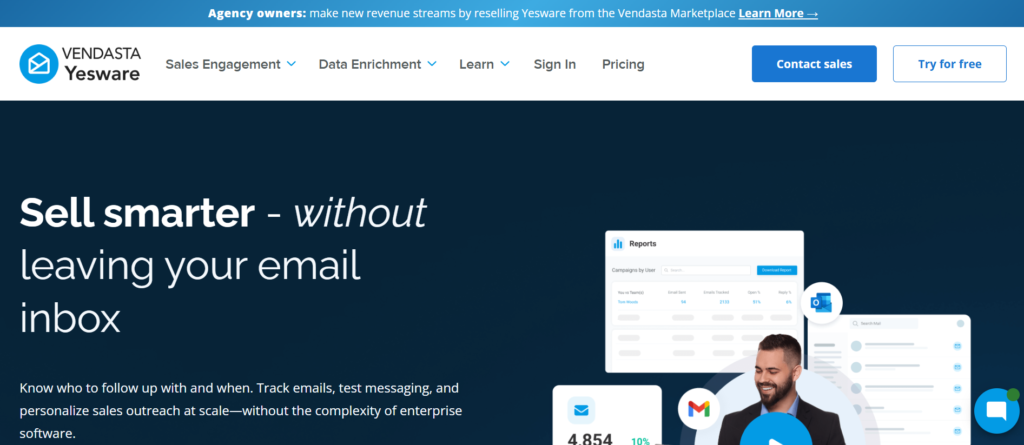
Email tracking and sales activity visibility for SaaS teams
Yesware is commonly used by SaaS companies that want clear visibility into email engagement without changing how their sales teams already work. It is most often adopted by teams that live inside their inbox and want better insight into what happens after emails are sent.
Rather than acting as a full outbound automation platform, Yesware focuses on tracking, reporting, and activity visibility. It frequently comes up in searches such as Yesware review, Yesware pricing, Yesware alternatives, and Yesware vs HubSpot Sales. These searches are usually made by SaaS sales managers who want answers to a simple question: are prospects engaging with our emails or not?
This platform is built for teams that already send outbound messages but lack reliable insight into engagement.
Yesware is widely used by B2B SaaS companies selling mid-ticket and high-ticket subscriptions where email remains a primary communication channel throughout the sales cycle. It works directly inside email clients, which reduces friction for reps who do not want to learn another interface.
SaaS teams typically use Yesware to:
- Track email opens and link clicks
- Monitor follow-up timing
- Understand which messages get attention
- Improve response handling
It fits best where outbound is personalised and manual rather than sequence-heavy.
Key Features
Yesware focuses on visibility and accountability. Each feature is designed to surface what is already happening rather than automate new behaviour.
Email Open and Click Tracking
This feature shows when a prospect opens an email and clicks a link. Reps receive notifications that signal interest or engagement.
For SaaS sales teams, this insight helps prioritise follow-ups. When a prospect opens an email multiple times or clicks a pricing link, reps know the timing is right to respond with context rather than generic follow-ups.
Email Templates with Usage Tracking
This feature allows teams to create shared email templates and track how often they are used and how they perform.
Sales managers can identify which messages consistently lead to replies and which ones stall. For SaaS companies refining messaging by persona or product use case, this creates a feedback loop without heavy tooling.
Activity and Progress Reporting
This feature provides reporting on emails sent, replies received, and engagement patterns across reps and teams.
For SaaS leadership, this helps answer whether gaps come from activity shortfalls or message fatigue. It also supports coaching based on real engagement data rather than assumptions.
CRM Synchronisation
This feature syncs email activity with supported CRMs, ensuring that outreach is logged automatically.
For SaaS teams with long deal cycles, this keeps account history complete and reduces manual updates that often fall through the cracks.
Inbox-Native Workflow
This feature allows reps to work directly from their email client without switching tools.
For SaaS teams resistant to new systems, this lowers adoption friction and keeps outbound execution consistent.
Pros and Cons
| Pros | Cons |
| Easy to adopt | No outreach automation |
| Inbox-based workflow | Email-only focus |
| Clear engagement signals | Limited scalability |
| Useful reporting | Not built for sequences |
Pricing
A free trial is available, which allows teams to test tracking accuracy and reporting before committing.
Compared with other outreach tools for SaaS companies, pricing reflects its narrow focus on visibility rather than automation.
Best Fit: SaaS Teams Focused on Email Visibility and Rep Accountability
This platform works best for:
- SaaS sales teams using manual outreach
- Account executives managing active deals
- Managers needing engagement insight
- Teams that prefer inbox-native tools
It is less suitable for teams running large automated outbound campaigns.
Verdict:
When SaaS teams want to understand what happens after emails are sent without changing how reps work, this platform delivers clarity with minimal disruption.
Best Alternate Tool
HubSpot Sales is commonly compared here, especially for teams that want similar tracking features combined with CRM-led workflows.
10. HubSpot Sales
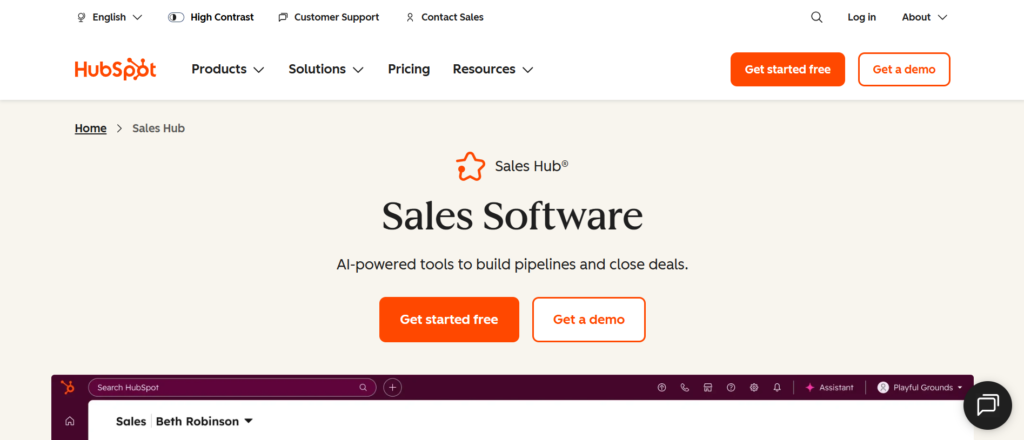
CRM-led outreach for SaaS teams that want full visibility across the funnel
HubSpot Sales is commonly adopted by SaaS companies that want outbound activity tightly connected to their CRM rather than running outreach in isolation. It is most often used by teams that already rely on HubSpot for marketing or progress management and want sales outreach to live in the same system.
This platform usually enters the picture when SaaS teams start asking harder questions about attribution, deal history, and handoffs between marketing, SDRs, and account executives. Searches such as HubSpot Sales review, HubSpot Sales pricing, HubSpot Sales alternatives, and HubSpot Sales vs Yesware are common among SaaS leaders trying to reduce tool sprawl.
HubSpot Sales is not built purely for cold outreach. It is built for continuity across the entire revenue process.
SaaS companies use HubSpot Sales when outbound activity needs to align with inbound leads, lifecycle stages, and account history. Instead of treating cold email as a separate motion, this platform places outreach inside a broader revenue system.
Typical SaaS use cases include:
- Following up on inbound demo requests
- Running light outbound alongside inbound activity
- Managing deal communication inside the CRM
- Maintaining full contact and company history
It fits best where sales, marketing, and operations work from the same data model.
Key Features
HubSpot Sales focuses on visibility, alignment, and process clarity. Each feature supports outbound activity while keeping it connected to progress and customer data.
Email Tracking and Notifications
This feature shows when prospects open emails or click tracked links. Reps receive notifications that indicate engagement.
For SaaS sales teams, this helps prioritise follow-ups based on buyer behaviour. When a prospect revisits a pricing page or opens a proposal multiple times, reps gain timing context that improves conversation quality.
Email Templates and Sequences
This feature allows teams to create reusable email templates and simple sequences. Follow-ups can be automated while still allowing manual control.
SaaS teams often use this feature to maintain consistent messaging across inbound follow-ups and light outbound activity. It works well when personalisation is handled manually and automation is used sparingly.
CRM-Centred Activity Logging
This feature logs emails, calls, notes, and tasks directly against contacts and deals. All outreach activity becomes part of the account record.
For SaaS organisations with longer buying cycles, this keeps continuity across touchpoints. Anyone reviewing the deal can see the full communication history without switching tools.
Meeting Scheduling and Tracking
This feature allows prospects to book meetings directly through shared links synced with rep calendars.
For SaaS teams, this removes friction from demo booking and follow-up calls. It also keeps meetings are logged against the correct contact and deal record automatically.
Reporting and Funnel Visibility
This feature provides reporting on sales activity, deal progression, and engagement trends across the progress.
Revenue leaders use this data to understand where deals slow down and how outreach activity correlates with closed outcomes. It supports planning without relying on disconnected reports.
Pros and Cons
| Pros | Cons |
| CRM-native workflow | Limited outbound automation |
| Strong progress visibility | Not built for high-volume cold email |
| Easy cross-team alignment | Advanced features cost more |
| Good inbound follow-up tools | Less flexible for SDR-heavy teams |
Pricing
HubSpot Sales offers a free plan with limited features.
Paid plans typically start at £18 per user per month, with higher tiers adding automation, reporting, and team controls.
Pricing increases as more advanced sales features are added, which is important for SaaS teams planning long-term usage.
Compared with other outreach tools for SaaS companies, pricing reflects its CRM-first positioning rather than outbound depth.
Best Fit: SaaS Teams Running Inbound-Led or Hybrid Sales
This platform works best for:
- SaaS companies using HubSpot as their CRM
- Teams managing inbound and outbound together
- Account executives handling active deals
- Revenue teams focused on data continuity
It is less suitable for teams running aggressive cold outbound at scale.
Verdict:
When outreach needs to stay connected to progress data, lifecycle stages, and account history, this platform keeps sales activity visible and organised without fragmenting the revenue stack.
Best Alternate Tool
Yesware is often compared here, especially for teams that want inbox-based tracking without committing fully to a CRM-led workflow.
11. Close
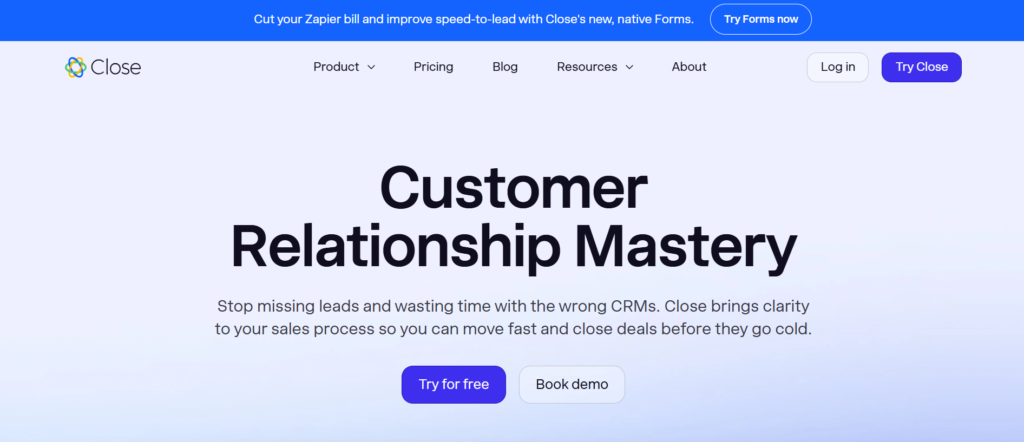
Inside sales platform built for SaaS teams that live on calls and follow-ups
Close is commonly used by SaaS companies that run high-touch inside sales where speed, call volume, and follow-up discipline matter more than elaborate automation. It is frequently adopted by teams that want one place to manage email, calling, SMS, and deal flow without splitting attention across multiple tools.
This platform often appears in searches such as Close review, Close pricing, Close alternatives, and Close vs HubSpot Sales. Those searches usually come from SaaS founders and sales leaders who want outbound execution to feel immediate and practical rather than process-heavy.
Close is built around momentum. It prioritises action over configuration and is designed for reps who spend most of their day talking to prospects rather than building sequences.
SaaS teams use Close when deals are driven by conversations and quick follow-ups rather than long nurture cycles. It is especially popular with SaaS companies selling mid-ticket subscriptions where prospects expect rapid responses and direct communication.
Common SaaS use cases include:
- Inside sales teams booking and running demos
- Founders handling early revenue conversations
- SDRs making high volumes of calls and follow-ups
- Account executives managing active progress
It fits best where sales velocity is a competitive advantage.
Key Features
Close focuses on execution speed and visibility. Each feature is designed to reduce friction between a rep deciding to act and that action being completed.
Built-In Calling with Power Dialler
This feature allows reps to call prospects directly from the platform using a power dialler. Calls are logged automatically against contacts and deals.
For SaaS teams that rely on phone conversations to qualify leads or close deals, this removes the need for separate calling tools. Reps can move quickly from one call to the next while keeping records accurate.
Email and SMS from One Interface
This feature allows reps to send emails and SMS messages directly from the same workspace used for calling. All communication is tracked in one timeline.
For SaaS sales teams juggling multiple active conversations, this reduces context switching. Reps can follow up immediately after calls without opening additional tools or inboxes.
Smart Views and Workflow Filters
This feature lets teams create filtered views of leads and deals based on status, activity, or custom rules. Reps see exactly who needs attention next.
For SaaS teams managing fast-moving progress, this prevents deals from going quiet. It supports daily execution by surfacing priorities rather than relying on memory.
Activity and Performance Reporting
This feature provides reporting on calls made, emails sent, replies received, and deal progression. Managers can see how activity translates into outcomes.
Rather than focusing on abstract metrics, SaaS leaders can identify which behaviours correlate with closed deals and coach accordingly.
CRM-First Deal Management
This feature treats deals as central objects rather than contacts alone. Reps manage progress stages, values, and notes alongside communication.
For SaaS teams with short to mid-length sales cycles, this keeps revenue tracking clear and up to date without heavy admin work.
Pros and Cons
| Pros | Cons |
| Strong calling tools | Limited outbound automation |
| Fast, action-focused UI | Less suited for long nurture |
| Email and SMS in one place | Fewer marketing features |
| Clear deal visibility | Not enterprise-focused |
Pricing
Close pricing starts at £49 per user per month.
Higher plans add advanced calling features, reporting, and automation options.
A free trial is available, allowing SaaS teams to test calling quality, workflow speed, and adoption before committing.
Compared with other outreach tools for SaaS companies, pricing reflects its emphasis on active selling rather than automation depth.
Best Fit: SaaS Teams Running High-Velocity Inside Sales
This platform works best for:
- SaaS companies closing deals over calls
- Teams with short to mid sales cycles
- Founders leading early sales
- SDRs focused on call-based qualification
It is less suitable for teams running large-scale cold email or multi-channel sequences.
Verdict:
When revenue depends on fast conversations and tight follow-up loops, this platform keeps sales teams moving without getting buried in process.
Best Alternate Tool
HubSpot Sales is often compared here, particularly for teams that want similar communication tracking with deeper CRM and marketing alignment.
12. QuickMail
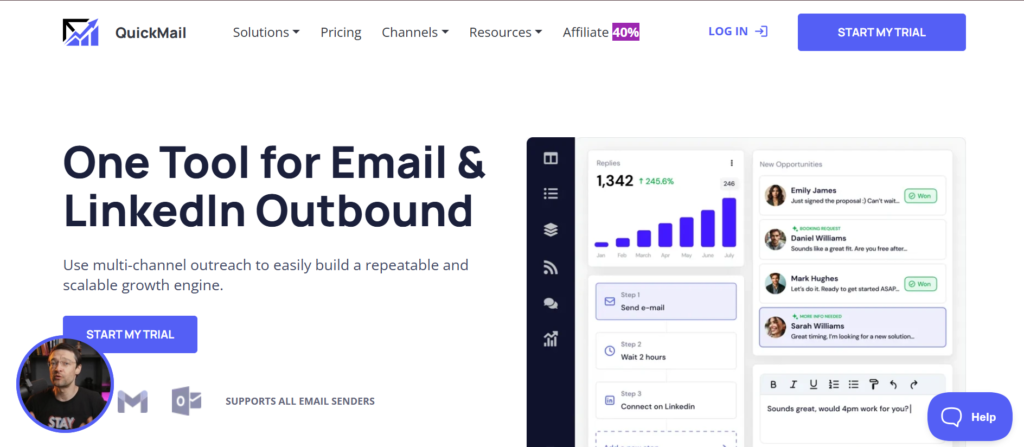
Cold email outreach built for SaaS teams that care about inbox placement
QuickMail is commonly adopted by SaaS companies that have already experienced deliverability issues or want to avoid them altogether. It is often chosen after teams realise that sending more emails does not matter if messages never reach the inbox.
You will usually see QuickMail evaluated during searches such as QuickMail review, QuickMail pricing, QuickMail alternatives, and QuickMail vs Woodpecker. These comparisons are typically made by SaaS founders and outbound operators who have learned that inbox reputation is a long-term asset, not a technical detail.
This platform is built for controlled, deliberate outbound rather than aggressive scaling.
SaaS teams use QuickMail when cold email needs to run continuously without harming domain health. It is especially popular among B2B SaaS companies selling services or products that require trust and thoughtful communication early in the sales process.
Common SaaS use cases include:
- Running steady outbound campaigns month after month
- Protecting primary domains from spam damage
- Managing outreach across multiple inboxes safely
- Supporting outbound without high daily send limits
It fits best where consistency and longevity matter more than raw volume.
Key Features
QuickMail is built around inbox safety and predictable execution. Each feature is designed to keep outreach running quietly and reliably.
Inbox Rotation and Sending Controls
This feature allows teams to rotate sending across multiple inboxes automatically. Emails are distributed to avoid unnatural sending patterns.
For SaaS teams, this helps protect domains and reduces the risk of sudden deliverability drops. Campaigns can stay live without triggering spam filters.
Behaviour-Aware Follow-Ups
This feature adjusts follow-ups based on prospect behaviour. Sequences stop when replies are detected and avoid sending unnecessary messages.
For SaaS sales teams, this keeps outreach respectful and reduces negative signals that harm sending reputation.
Deliverability Monitoring
This feature monitors inbox health indicators and sending behaviour over time. Teams can identify issues before campaigns fail.
For SaaS companies running outbound continuously, this provides peace of mind that email remains a reliable channel rather than a liability.
Simple Campaign Management
This feature focuses on clarity rather than complexity. Campaigns are easy to build, review, and manage without advanced logic trees.
For SaaS teams that want stable execution without heavy setup, this reduces operational overhead.
Team and Client Support
This feature supports multiple users and shared campaigns, which is useful for SaaS companies working with outbound partners or internal teams.
Managers can oversee activity without interfering in daily execution.
Pros and Cons
| Pros | Cons |
| Strong deliverability focus | Lower sending limits |
| Inbox rotation support | Email-only outreach |
| Predictable performance | Fewer automation options |
| Simple interface | Not built for scale |
Pricing
QuickMail pricing starts at £59 per user per month.
Additional costs apply for inbox warm-up and higher sending needs.
A free trial is available, allowing SaaS teams to test inbox placement before committing.
Compared with other outreach tools for SaaS companies, pricing reflects its emphasis on deliverability rather than volume.
Best Fit: SaaS Teams Running Long-Term Cold Email
This platform works best for:
- SaaS companies prioritising inbox safety
- Teams running steady outbound year-round
- Founders protecting primary domains
- Sales teams focused on reply quality
It is less suitable for teams that want rapid outbound expansion.
Verdict:
When cold email must remain reliable over the long term, this platform provides control and stability that many SaaS teams overlook until problems arise.
Best Alternate Tool
Woodpecker is often compared here, particularly for teams that want similar inbox protection with slightly more personalisation flexibility.
13. Saleshandy
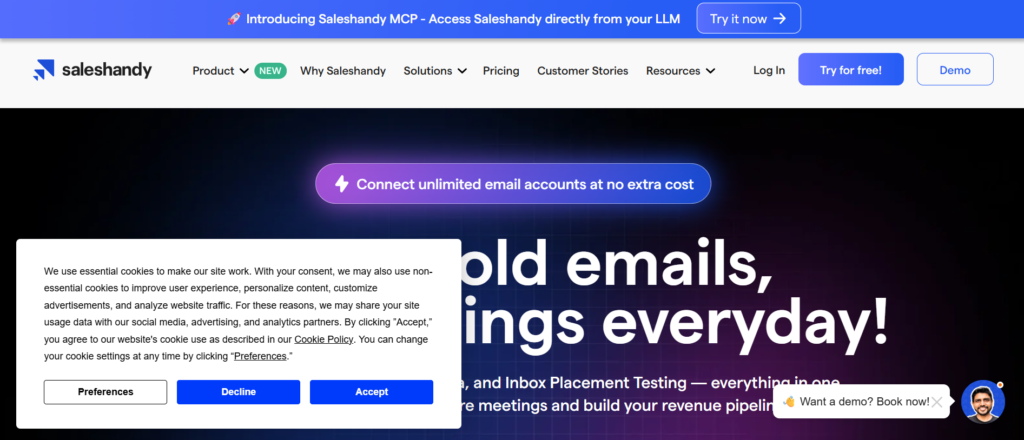
Email outreach and follow-ups for SaaS teams that want control without complexity
Saleshandy is commonly used by SaaS companies that want reliable cold email outreach without stepping into heavy sales engagement platforms. It is often chosen by early-stage and growth-stage SaaS teams that need structure around follow-ups but do not want to overcomplicate outbound with layers of automation.
This tool frequently appears in searches such as Saleshandy review, Saleshandy pricing, Saleshandy alternatives, and Saleshandy vs Mailshake. These searches are typically made by SaaS founders and small sales teams looking for something practical, affordable, and easy to manage day to day.
Saleshandy is positioned as a middle ground. It provides more control than basic email tools but avoids the weight of enterprise systems.
SaaS companies use Saleshandy when outbound email is part of daily sales activity but still managed by lean teams. It is particularly common where founders or a small number of SDRs handle prospecting alongside demos and follow-ups.
Typical SaaS use cases include:
- Cold email outreach with structured follow-ups
- Managing replies without inbox chaos
- Tracking engagement across multiple campaigns
- Supporting outbound without dedicated sales ops
It fits best where outbound needs discipline but teams value speed and clarity over advanced orchestration.
Key Features
Saleshandy focuses on execution fundamentals. Each feature supports consistency, visibility, and ease of use.
Automated Email Follow-Ups
This feature allows teams to create email sequences with automatic follow-ups based on time delays and reply detection. Once a prospect responds, the sequence stops automatically.
For SaaS teams, this prevents over-following and keeps prospects are contacted consistently. It also reduces mental load for reps who would otherwise track follow-ups manually.
Email Tracking and Engagement Signals
This feature tracks opens, replies, and link clicks. Reps can see when prospects engage and respond accordingly.
For SaaS sales, timing matters. Knowing when a prospect opens an email or clicks a link helps reps follow up with relevance rather than generic check-ins.
Document and Link Tracking
This feature tracks when prospects view shared documents or links such as decks, proposals, or pricing pages.
For SaaS teams, this insight is useful during evaluation stages. Reps can identify when buying intent increases and reach out while interest is fresh.
Campaign and Template Management
This feature allows teams to manage templates and campaigns from a central dashboard. Messaging can be reused and refined over time.
As SaaS companies test different value propositions, this makes it easier to see which messages resonate and which ones fall flat.
Team Collaboration and Permissions
This feature supports multiple users with shared visibility into campaigns and performance. Managers can review outreach activity without micromanaging execution.
For small SaaS teams, this creates alignment without adding overhead.
Pros and Cons
| Pros | Cons |
| Simple to use | Email-only outreach |
| Affordable entry pricing | Limited automation depth |
| Clear engagement tracking | No calling or LinkedIn |
| Quick setup | Not enterprise-focused |
Pricing
Saleshandy pricing starts at £25 per user per month.
Higher plans include advanced tracking and team features.
A free trial is available, allowing SaaS teams to test campaign flow and engagement tracking before committing.
Compared with other outreach tools for SaaS companies, pricing is accessible and well suited to small teams.
Best Fit: SaaS Teams Running Lean Email Outreach
This platform works best for:
- Early-stage SaaS founders
- Small sales teams handling outbound
- Teams testing cold email messaging
- Organisations without sales operations staff
It is less suitable for teams that require multi-channel outreach or complex reporting.
Verdict:
When SaaS teams want reliable follow-ups and engagement visibility without operational weight, this platform provides a practical balance of control and simplicity.
Best Alternate Tool
Mailshake is often compared here, especially for teams that want similar email-first outreach with slightly more structured reporting.
14. Smartlead.ai
Cold email infrastructure for SaaS teams managing scale and inbox control
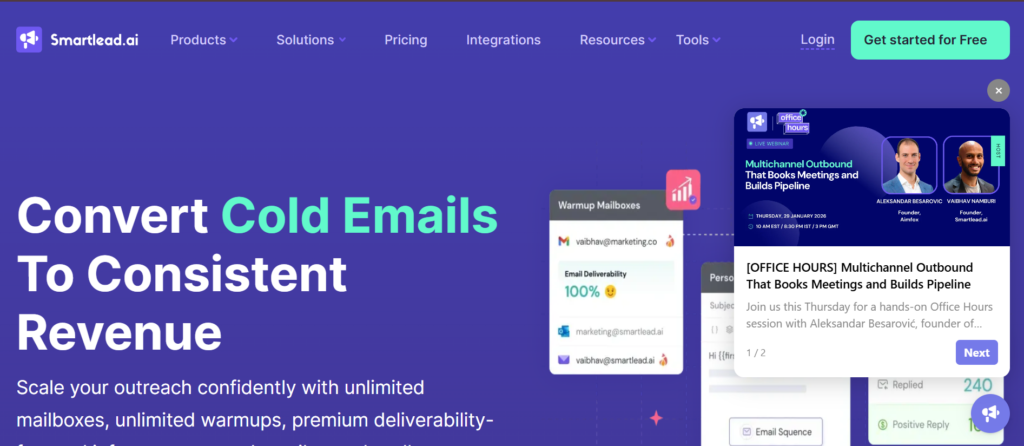
Smartlead.ai is commonly used by SaaS companies that already understand outbound fundamentals and now need infrastructure that can support scale without breaking deliverability. It is often adopted after teams outgrow simpler email tools and start managing multiple inboxes, domains, and campaigns at the same time.
You will usually see Smartlead.ai evaluated during searches such as Smartlead.ai review, Smartlead.ai pricing, Smartlead.ai alternatives, and Smartlead.ai vs Instantly. These comparisons are made by SaaS founders and outbound leads who have learned that scaling cold email is less about copy and more about systems.
This platform is built for outbound maturity. It assumes you already know what you are doing and gives you the controls to do it safely.
SaaS companies use Smartlead.ai when outbound email becomes a core progress channel and sending limits start to matter. It is particularly popular with SaaS teams selling to SMB and mid-market buyers where cold email remains a primary acquisition method.
Common SaaS use cases include:
- Managing outreach across many inboxes and domains
- Running multiple campaigns in parallel
- Protecting sender reputation while increasing reach
- Supporting outbound at scale with a small team
It fits best where outbound volume is intentional and controlled rather than experimental.
Key Features
Smartlead.ai is infrastructure-first. Each feature focuses on scale, safety, and operational control rather than surface-level automation.
Multi-Inbox and Domain Management
This feature allows teams to connect and manage a large number of inboxes across different domains from one workspace. Campaigns can be distributed automatically across inboxes.
For SaaS teams scaling outbound, this prevents overloading single inboxes and reduces the risk of domain issues. It allows higher daily outreach while keeping sending patterns natural.
Centralised Warm-Up System
This feature includes automated warm-up for connected inboxes. Sending volume increases gradually while simulated conversations maintain healthy engagement patterns.
For SaaS companies that rely on cold email daily, this reduces manual inbox management and lowers the risk of sudden deliverability drops. Warm-up becomes part of the system rather than a separate task.
Campaign Logic and Reply Handling
This feature supports automated follow-ups with reply detection and stop rules. Once a prospect responds, the sequence pauses automatically.
For SaaS sales teams, this keeps outreach respectful and avoids unnecessary messages that can harm sender reputation. It also allows reps to focus on live conversations rather than monitoring sequences.
Unified Analytics Across Inboxes
This feature provides campaign-level analytics across all connected inboxes. Teams can see performance by campaign, domain, or inbox group.
For SaaS leaders, this visibility helps identify whether performance issues come from messaging, targeting, or infrastructure rather than guessing based on partial data.
Team Access and Role Controls
This feature allows multiple users to operate within the same account with defined permissions. Campaigns, inboxes, and analytics can be shared without exposing sensitive credentials.
As SaaS teams grow outbound operations, this supports collaboration without sacrificing security or control.
Pros and Cons
| Pros | Cons |
| Built for scale | Email-only outreach |
| Strong inbox control | Requires outbound experience |
| Centralised warm-up | Less beginner-friendly |
| Clear infrastructure focus | Limited personalisation depth |
Pricing
Smartlead.ai pricing starts at £39 per user per month, with higher tiers available for additional inboxes and advanced controls.
A free trial is available, which allows SaaS teams to test inbox management and campaign stability before committing.
Compared with other outreach tools for SaaS companies, pricing is competitive for teams that value infrastructure over surface features.
Best Fit: SaaS Teams Scaling Cold Email Responsibly
This platform works best for:
- SaaS companies running outbound at volume
- Teams managing multiple domains and inboxes
- Founders with outbound experience
- Sales teams prioritising inbox health
It is less suitable for teams new to cold email or those needing LinkedIn or calling workflows.
Verdict:
When outbound growth depends on infrastructure rather than copy tweaks, this platform provides the control required to scale without damaging sender reputation.
Best Alternate Tool
Instantly is often compared here, particularly for teams that want simpler setup with similar sending capacity but fewer infrastructure controls.
15. Klenty
Outbound cadence management for SaaS teams that value structure and follow-through
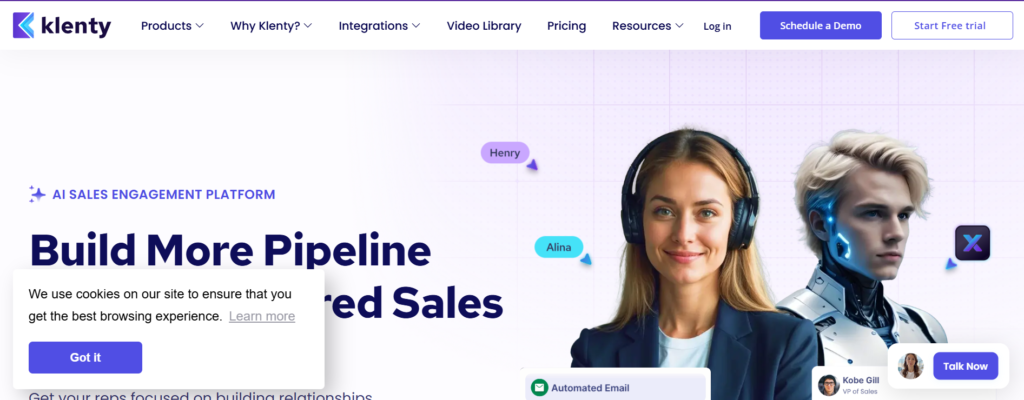
Klenty is commonly used by SaaS companies that want outbound sales to run on clear rules rather than individual rep habits. It is often adopted when teams realise that missed follow-ups and inconsistent execution are costing them replies, demos, and progress accuracy.
You will usually see Klenty compared in searches such as Klenty review, Klenty pricing, Klenty alternatives, and Klenty vs Salesloft. These searches are typically driven by SaaS sales leaders who want outbound activity to follow a defined cadence without turning their tech stack into something overly complex.
Klenty is built around one idea: if reps know exactly what to do each day, results become more predictable.
SaaS companies use Klenty when outbound sales shifts from opportunistic activity to a disciplined process. It is particularly common among B2B SaaS teams selling mid-market solutions where consistent follow-up matters more than creative messaging.
Common SaaS use cases include:
- Managing SDR daily outreach tasks
- Enforcing follow-up discipline across teams
- Running email and call cadences together
- Supporting predictable demo booking
It fits best where outbound volume is steady and teams want fewer dropped balls.
Key Features
Klenty focuses on cadence execution and visibility. Each feature is designed to reduce ambiguity in daily sales work.
Cadence-Based Task Automation
This feature allows teams to build cadences that define exactly when emails are sent, calls are made, and tasks are completed. Reps follow a daily task list generated by these cadences.
For SaaS teams, this removes guesswork from outbound. New hires know exactly what to do, and experienced reps stay consistent even during busy periods.
Email Outreach with Personalisation
This feature supports email templates with dynamic fields for personalisation. While not designed for visual-heavy customisation, it provides enough flexibility to tailor messaging by persona or segment.
For SaaS companies selling to defined buyer roles, this keeps outreach relevant while maintaining efficiency.
Calling and CRM Alignment
This feature integrates calling tasks into cadences and syncs activity with CRMs. Calls, emails, and outcomes are logged automatically.
For SaaS teams managing longer sales cycles, this keeps that outbound activity remains visible across the progress and during rep handoffs.
Rep Activity and Cadence Reporting
This feature provides insight into cadence completion, rep activity, and engagement rates. Managers can see where follow-ups stall or cadences lose effectiveness.
Rather than relying on intuition, SaaS leaders can adjust cadences based on execution data.
Team Management and Permissions
This feature allows managers to control access, templates, and cadence structures. Messaging consistency can be maintained without limiting rep flexibility.
As SaaS teams scale, this prevents outbound from fragmenting across individual styles.
Pros and Cons
| Pros | Cons |
| Strong cadence discipline | Limited visual personalisation |
| Clear daily task view | Email and call focused |
| CRM-friendly | Less flexible for experimentation |
| Good for SDR teams | Not built for heavy ABM |
Pricing
Klenty pricing starts at £60 per user per month.
Higher plans add advanced reporting, integrations, and team controls.
A free trial is available, allowing SaaS teams to test cadence workflows and adoption before committing.
Compared with other outreach tools for SaaS companies, pricing reflects its focus on execution discipline rather than channel breadth.
Best Fit: SaaS Teams That Need Consistent Follow-Ups
This platform works best for:
- SaaS companies with SDR teams
- Organisations struggling with missed follow-ups
- Managers focused on activity consistency
- Teams selling mid-market SaaS products
It is less suitable for teams prioritising high-volume cold email or LinkedIn automation.
Verdict:
When outbound success depends on doing the basics correctly every day, this platform provides the structure SaaS teams need to stay consistent.
Best Alternate Tool
Salesloft is often compared here, especially for teams that want similar cadence control with deeper coaching and enterprise reporting.
16. PersistIQ
Outbound sequencing for SaaS teams that want control without heavy systems
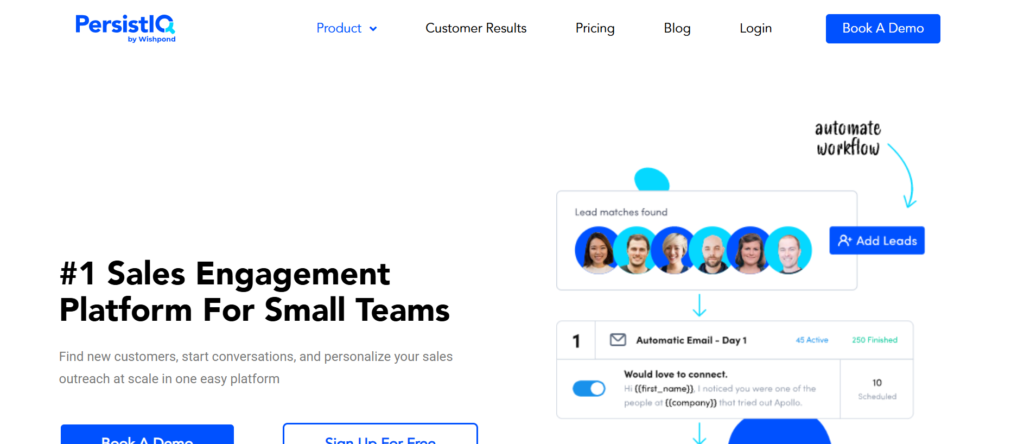
PersistIQ is commonly used by SaaS companies that want structured outbound sequences without stepping into enterprise-grade sales platforms. It is often adopted by teams that have validated outbound as a revenue channel but want more control than basic email tools can provide.
You will usually see PersistIQ evaluated in searches such as PersistIQ review, PersistIQ pricing, PersistIQ alternatives, and PersistIQ vs Reply.io. These searches are typically driven by SaaS founders and sales managers who want dependable sequencing, clean execution, and visibility into what is happening across their outbound efforts.
PersistIQ is designed for focus. It concentrates on sequencing, follow-ups, and execution clarity rather than broad feature sets.
SaaS teams use PersistIQ when outbound email is handled by SDRs or small sales teams that need structure without complex configuration. It is especially common among B2B SaaS companies selling to mid-market buyers where consistent follow-up and timing matter more than channel variety.
Typical SaaS use cases include:
- Running cold email sequences with strict follow-up logic
- Managing outbound lists and campaign progress
- Supporting SDR teams with daily execution clarity
- Maintaining outbound discipline without sales ops overhead
It fits best where outbound is repeatable and predictable rather than experimental.
Key Features
PersistIQ focuses on sequencing reliability and rep accountability. Each feature supports clean execution and visibility.
Sequence-Based Outreach Control
This feature allows teams to build email sequences with defined steps and timing. Follow-ups are triggered automatically unless a prospect replies.
For SaaS teams, this keeps no prospect falls through the cracks. Reps do not rely on memory or personal reminders to follow up, which is a common failure point in outbound sales.
Manual and Automated Touch Balance
This feature allows teams to combine automated emails with manual tasks. Reps can personalise certain steps while automation handles the rest.
For SaaS companies selling products that require context-specific messaging, this balance helps maintain relevance without sacrificing consistency.
Lead and List Management
This feature supports uploading, organising, and managing prospect lists. Campaigns can be paused, adjusted, or restarted without disrupting overall workflows.
For SaaS teams running multiple campaigns across segments, this keeps outbound organised and prevents overlap or confusion.
Activity and Engagement Tracking
This feature provides visibility into opens, replies, and sequence progress. Managers can see which sequences perform and which ones stall.
Rather than guessing, SaaS leaders can adjust messaging or timing based on actual engagement patterns.
CRM Synchronisation
This feature syncs outreach activity with supported CRMs. Email activity is logged automatically, reducing admin work for reps.
For SaaS teams with longer sales cycles, this keeps account history complete and accurate across the progress.
Pros and Cons
| Pros | Cons |
| Clear sequencing logic | Email-only outreach |
| Good balance of manual and automated | Limited personalisation depth |
| Easy for SDR teams | No built-in calling |
| CRM-friendly | Not enterprise-focused |
Pricing
PersistIQ pricing starts at £75 per user per month.
Higher tiers include additional features and integrations.
A free trial is available, allowing SaaS teams to test sequence workflows and engagement tracking before committing.
Compared with other outreach tools for SaaS companies, pricing reflects its positioning as a focused sequencing platform rather than a broad sales system.
Best Fit: SaaS Teams Running Structured Email Sequences
This platform works best for:
- SaaS companies with SDR-led outbound
- Teams that want strict follow-up discipline
- Organisations avoiding enterprise complexity
- Sales managers focused on execution consistency
It is less suitable for teams that need LinkedIn automation, calling workflows, or large-scale account-based sales motions.
Verdict:
When outbound success depends on consistent sequencing and follow-through, this platform provides structure without unnecessary weight.
Best Alternate Tool
Reply.io is often compared here, particularly for teams that want similar sequencing with additional channel support.
17. Mixmax
Email productivity and light outreach for SaaS teams that work inside Gmail
Mixmax is commonly used by SaaS companies that want better control and visibility over email communication without moving reps into a separate outreach platform. It is most often adopted by account executives and founders who spend the majority of their day inside Gmail and want added structure rather than full automation.
You will usually see Mixmax considered during searches such as Mixmax review, Mixmax pricing, Mixmax alternatives, and Mixmax vs Yesware. These searches are typically driven by SaaS teams that prioritise relationship-based selling and ongoing conversations over cold outbound at scale.
Mixmax is built around productivity. It improves how emails are written, sent, tracked, and followed up without changing the core workflow.
SaaS teams use Mixmax when outbound and follow-up are handled manually but still need visibility and consistency. It is particularly common in SaaS companies with consultative sales processes where deals progress through back-and-forth email conversations.
Common SaaS use cases include:
- Managing follow-ups on active opportunities
- Tracking engagement on proposals and demos
- Scheduling meetings directly from email
- Maintaining visibility without heavy systems
It fits best where email is central to deal progression rather than lead generation.
Key Features
Mixmax focuses on productivity and clarity. Each feature improves how reps handle daily communication.
Email Tracking and Engagement Signals
This feature shows when emails are opened and links are clicked. Notifications give reps timing signals for follow-up.
For SaaS sales teams, this insight supports better judgement around when to reply or reach out again. It helps avoid unnecessary nudges while ensuring interested prospects receive timely responses.
Email Templates and Sequences
This feature allows teams to create reusable templates and light sequences for follow-ups. While not designed for cold outreach at scale, it supports consistency across common sales scenarios.
SaaS teams often use this for demo follow-ups, pricing discussions, and proposal reminders.
Meeting Scheduling from Email
This feature lets reps insert scheduling links directly into emails. Prospects can book meetings without back-and-forth coordination.
For SaaS teams, this reduces friction during the buying process and shortens time between interest and conversation.
Salesforce and CRM Integration
This feature syncs email activity with supported CRMs. Communication history stays connected to deals and contacts.
For SaaS organisations managing longer sales cycles, this helps maintain continuity across the funnel.
Workflow Automation and Reminders
This feature allows reps to set reminders for follow-ups if no reply is received. Emails can be scheduled and nudges created automatically.
This keeps deals moving without requiring full sequence automation.
Pros and Cons
| Pros | Cons |
| Inbox-native workflow | Not built for cold outbound |
| Strong productivity tools | Limited automation |
| Easy adoption | Email-only |
| Good for AEs | Not SDR-focused |
Pricing
Mixmax pricing starts at £29 per user per month.
Higher tiers include advanced automation, analytics, and CRM features.
A free trial is available, allowing SaaS teams to test adoption before committing.
Best Fit: SaaS Teams Managing Ongoing Email Conversations
This platform works best for:
- Account executives closing deals
- Founders running early sales
- Teams selling consultatively
- SaaS companies prioritising relationship-driven sales
Verdict:
When email quality and follow-through matter more than outreach volume, this platform improves execution without disrupting daily workflows.
18. Waalaxy
LinkedIn outreach automation for SaaS teams focused on social selling
Waalaxy is commonly used by SaaS companies that rely heavily on LinkedIn as a primary outbound channel. It is often adopted by teams selling to founders, executives, and decision-makers who are difficult to reach via cold email.
You will usually see Waalaxy compared in searches such as Waalaxy review, Waalaxy pricing, Waalaxy alternatives, and Waalaxy vs Expandi. These searches are driven by SaaS teams exploring LinkedIn-led outbound rather than inbox-based outreach.
Waalaxy is designed for simplicity. It removes friction from LinkedIn outreach without requiring technical setup.
SaaS companies use Waalaxy when LinkedIn is central to their prospecting strategy. It is especially common among B2B SaaS teams selling services, platforms, or advisory-heavy products.
Common SaaS use cases include:
- Automating LinkedIn connection requests
- Sending follow-up messages at scale
- Running LinkedIn-first outbound campaigns
- Supporting founders with limited time
It fits best where LinkedIn is treated as a primary sales channel.
Key Features
Waalaxy focuses on LinkedIn automation and ease of use. Each feature supports consistent social outreach.
LinkedIn Connection Automation
This feature automates connection requests based on targeting rules. Requests are sent gradually to avoid platform restrictions.
For SaaS teams, this increases reach while keeping activity within safe limits.
Message Sequences
This feature supports automated LinkedIn messages sent after connection acceptance. Follow-ups can be scheduled with delays.
For SaaS sales teams, this keep prospects receive consistent messaging without manual effort.
Email and LinkedIn Combination
This feature allows basic email steps alongside LinkedIn actions. Teams can test multi-touch outreach without complex setups.
Campaign Templates
This feature provides pre-built outreach templates. Teams can launch campaigns quickly without writing everything from scratch.
Simple Analytics
This feature shows acceptance rates, replies, and campaign progress.
For SaaS founders, this clarity supports quick adjustments without deep analysis.
Pros and Cons
| Pros | Cons |
| Easy LinkedIn automation | Limited personalisation |
| Quick setup | Basic analytics |
| Affordable entry | LinkedIn-only focus |
| Good for founders | Less control at scale |
Pricing
Waalaxy pricing starts at £30 per user per month.
Higher plans unlock more sequences and limits.
A free trial is available.
Best Fit: SaaS Teams Using LinkedIn as a Core Channel
Verdict:
When LinkedIn outreach needs to run consistently with minimal setup, this platform provides a practical entry point.
19. Expandi
LinkedIn outreach automation built for SaaS teams that need control, safety, and consistency
Expandi is commonly used by SaaS companies that rely on LinkedIn as a serious outbound channel rather than an occasional experiment. It is most often adopted after teams realise that lightweight LinkedIn tools are not sufficient for sustained outreach and that account safety becomes a real concern at scale.
You will typically see Expandi evaluated in searches such as Expandi review, Expandi pricing, Expandi alternatives, and Expandi vs Waalaxy. These searches are driven by SaaS founders, SDR managers, and revenue leaders who already run LinkedIn outreach daily and want more predictable execution without risking profile restrictions.
Expandi is built for long-term LinkedIn use. It prioritises behaviour control, pacing, and campaign logic over speed.
SaaS companies use Expandi when LinkedIn outreach becomes part of a structured sales motion. This is common in B2B SaaS markets where decision-makers are active on LinkedIn but difficult to reach via cold email.
Typical SaaS use cases include:
- Account-based outreach to multiple stakeholders
- LinkedIn-first outbound for enterprise SaaS
- Supporting SDR teams with daily LinkedIn tasks
- Running long-term LinkedIn campaigns safely
It fits best where LinkedIn activity must run continuously without interruptions caused by account warnings or restrictions.
Key Features
Expandi focuses on precision and safety. Each feature is designed to keep LinkedIn outreach active while reducing platform risk.
Human-Like LinkedIn Automation
This feature simulates natural LinkedIn behaviour through randomised delays, action limits, and controlled daily activity. Actions are spaced to avoid patterns that trigger platform scrutiny.
For SaaS teams running LinkedIn outreach every day, this significantly reduces the risk of account issues. Campaigns can run in the background without constant manual intervention or fear of sudden shutdowns.
Conditional Messaging and Personalisation
This feature allows teams to personalise LinkedIn messages using dynamic fields and conditional logic. Messages can change based on role, company name, or campaign path.
For SaaS sales teams targeting multiple personas, this enables relevance without creating dozens of separate campaigns. Outreach feels specific while remaining manageable.
Account-Based Outreach Logic
This feature supports targeting multiple contacts within the same company. Teams can engage several stakeholders using coordinated sequences.
For SaaS companies selling complex or high-value subscriptions, this supports multi-threading. Instead of relying on one contact, teams can open conversations across decision-makers.
Campaign Control and Sequencing
This feature allows teams to design LinkedIn campaigns with clear steps, delays, and stop conditions. Actions pause automatically when prospects reply.
For SaaS SDR teams, this prevents over-messaging and keeps outreach respectful. Conversations remain natural rather than automated.
Performance Tracking and Visibility
This feature provides insight into connection acceptance rates, replies, and campaign progress. Data is presented clearly without overwhelming dashboards.
SaaS managers use this information to adjust messaging, targeting, and pacing based on actual response patterns rather than assumptions.
Pros and Cons
| Pros | Cons |
| Strong LinkedIn safety controls | Higher price point |
| Suitable for long-term use | LinkedIn-only focus |
| Good personalisation logic | Setup requires care |
| Supports account-based sales | Not ideal for beginners |
Pricing
Expandi pricing starts at £99 per user per month.
Plans include access to all core features, with limits based on usage and campaign volume.
There is no permanent free plan, but trial access is sometimes available on request.
Compared with other outreach tools for SaaS companies, pricing reflects its emphasis on safety, control, and sustained LinkedIn use.
Best Fit: SaaS Teams Running LinkedIn Outreach at Scale
This platform works best for:
- SaaS companies selling enterprise or mid-market solutions
- Teams using LinkedIn as a primary outbound channel
- SDR teams managing account-based outreach
- Founders protecting high-value LinkedIn profiles
It is less suitable for teams experimenting casually with LinkedIn or those needing email and calling in the same platform.
Verdict:
When LinkedIn outreach must run consistently without account risk, this platform provides the control and pacing SaaS teams need to operate with confidence.
Best Alternate Tool
Waalaxy is often compared here, particularly for teams that want a simpler LinkedIn automation setup with faster onboarding but fewer safety and control features.
20. Hunter Campaigns
Email outreach built around verified contact data for SaaS teams that value accuracy
Hunter Campaigns is commonly used by SaaS companies that prioritise email accuracy and domain safety over aggressive automation. It is most often adopted by teams that already rely on Hunter for email discovery and want a direct way to reach prospects without exporting data into multiple systems.
You will usually see this tool evaluated during searches such as Hunter Campaigns review, Hunter pricing, Hunter alternatives, and Hunter vs Apollo.io. These comparisons are driven by SaaS founders and early revenue teams who understand that poor email data leads to bounces, damaged domains, and stalled outbound before it even starts.
Hunter Campaigns is built on a simple principle: outbound only works when emails actually reach the right inbox.
SaaS companies use Hunter Campaigns when lead discovery and outreach are closely connected. This is especially common at early and growth stages, where teams want to validate outbound messaging without risking sender reputation or overengineering their setup.
Typical SaaS use cases include:
- Contacting prospects discovered via domain search
- Running small, controlled cold email campaigns
- Validating outbound before scaling to larger tools
- Supporting founders handling outbound themselves
It fits best where outbound is deliberate, targeted, and accuracy-led rather than volume-driven.
Key Features
Hunter Campaigns focuses on clean data, simple execution, and inbox safety. Each feature is designed to keep outbound disciplined and reliable.
Email Discovery and Verification
This feature allows teams to find professional email addresses associated with specific companies and verify them before outreach. Verification checks reduce bounce rates and delivery issues.
For SaaS teams, this is critical. High bounce rates damage sender reputation quickly, especially for new domains. Verified emails help keep that outreach reaches real inboxes rather than failing silently.
Domain-Based Prospecting
This feature allows teams to search for contacts by company domain and role patterns. Instead of scraping broad lists, teams can build targeted prospect sets company by company.
For SaaS products selling to specific roles within organisations, this approach improves relevance. Outreach becomes focused on accounts that actually match the ideal customer profile.
Simple Email Campaigns and Follow-Ups
This feature allows teams to create basic email sequences with follow-ups triggered by time delays. Sequences stop automatically when replies are detected.
For SaaS teams validating outbound, this provides enough structure to stay consistent without introducing complex logic or heavy automation.
Campaign Analytics and Reply Tracking
This feature tracks delivery, opens, and replies across campaigns. Data is presented clearly without excessive reporting layers.
SaaS founders and sales leads use this information to assess whether messaging resonates before committing to more advanced outbound systems.
Team Access and Shared Campaigns
This feature supports shared campaigns and visibility across users. Multiple team members can collaborate without duplicating outreach or contacting the same prospect twice.
As SaaS teams grow from solo founders to small sales teams, this supports coordination without complexity.
Pros and Cons
| Pros | Cons |
| Strong email accuracy | Limited automation |
| Low bounce rates | Email-only outreach |
| Easy setup | Not built for scale |
| Integrated discovery | Basic personalisation |
Pricing
Hunter Campaigns pricing starts at £49 per user per month, typically bundled with email discovery and verification credits.
There is a free plan with limited usage, which many SaaS founders use to test outbound viability before upgrading.
Compared with other outreach tools for SaaS companies, pricing reflects its emphasis on data quality rather than outreach volume.
Best Fit: SaaS Teams Validating or Running Low-Volume Outbound
This platform works best for:
- Early-stage SaaS founders
- Teams prioritising inbox safety
- Outbound validation before scaling
- SaaS products with narrow ICPs
It is less suitable for teams running high-volume cold email, LinkedIn automation, or multi-channel outreach.
Verdict:
When outbound success depends on reaching the right inbox with clean data, this platform provides a dependable starting point. It keeps outreach focused, accurate, and controlled, which is often exactly what SaaS teams need before scaling further.
Choosing Outreach Tools That Actually Fit Your SaaS Sales Motion
Outbound only works when the tool matches how your SaaS company sells. Some teams need inbox safety and steady replies. Others need LinkedIn reach, call-heavy workflows, or strict cadence control. The 20 outreach tools covered above exist because SaaS sales is not one-size-fits-all.
Early-stage SaaS teams usually win by keeping things simple and consistent. Growth-stage teams win by tightening follow-ups and visibility. Larger SaaS organisations win by enforcing execution standards and tracking behaviour, not just outcomes.
The real mistake is not choosing the wrong tool. It is choosing a tool that does not match your deal size, buyer behaviour, or sales capacity. Outreach software should support your process, not replace thinking.
If your current outbound feels noisy, inconsistent, or hard to scale, the issue is usually tooling alignment rather than effort.
Pearl Lemon Sales works with SaaS companies that want outbound to generate real conversations, not empty activity. Our team builds outbound systems around how your buyers actually respond, not generic playbooks.
We support SaaS teams with:
- Cold email strategy and execution
- LinkedIn outreach frameworks
- SDR workflow design and cadence setup
- Outreach tool selection and configuration
- Ongoing optimisation based on replies and meetings, not vanity numbers
Whether you are validating outbound for the first time or trying to stabilise progress at scale, our focus stays on replies, booked meetings, and sales conversations.
If you want outbound that feels controlled, repeatable, and tied to revenue, book a consultation and we will review your current setup and recommend a clear next step.
Frequently Asked Questions
1. Which outreach tools work best for early-stage SaaS companies?
Early-stage SaaS teams usually perform better with email-first tools that are easy to manage and protect inbox reputation. Heavy enterprise platforms often slow execution at this stage.
2. Should SaaS companies use one outreach tool or multiple?
Most SaaS teams perform best with one primary outreach tool and one supporting tool if needed. Tool overload usually creates execution gaps.
3. Is cold email still effective for SaaS?
Yes, when targeting and follow-ups are handled properly. Poor results usually come from generic messaging or inbox issues, not the channel itself.
4. When should a SaaS team add LinkedIn outreach?
LinkedIn works well when email response rates plateau or when buyers are hard to reach by inbox alone. It should support, not replace, email outreach.
5. How many follow-ups are appropriate in SaaS outbound?
Most SaaS deals require multiple touches. The key is spacing, relevance, and stopping when engagement signals appear.
6. Do outreach tools replace SDRs?
No,outreach tools support SDR execution. They do not replace judgement, qualification, or conversation handling.
7. What is the biggest mistake SaaS teams make with outreach software?
Choosing tools based on features rather than sales motion. A powerful tool used incorrectly performs worse than a simple tool used well.
8. How long before outreach results stabilise?
Most SaaS teams see meaningful patterns within 30 to 60 days when targeting and inbox health are handled correctly.
9. Should outbound be handled in-house or outsourced?
Early-stage SaaS teams often benefit from external setup support, then bring execution in-house once messaging and workflows are proven.
10. Can Pearl Lemon Sales work with existing outreach tools?
Yes. We adapt strategy and workflows around the tools you already use, provided they support your sales goals.
Conclusion and Strategic Takeaways for SaaS Outreach
Outbound outreach remains one of the most controllable growth channels for SaaS companies when it is executed with the right structure, tooling, and discipline. The tools covered in this guide exist because SaaS sales teams operate under different constraints, from lean founder-led motions to fully staffed SDR and account executive teams.
The key takeaway is not which outreach tool is best in general, but which one fits your current sales model, deal size, and buyer behaviour. Email-first platforms suit teams prioritising steady conversation flow. Multi-channel systems suit organisations that need strict follow-up control. LinkedIn-focused tools suit markets where inbox access is limited.
SaaS teams that treat outreach as a repeatable system, rather than a series of disconnected campaigns, see more stable progress and clearer forecasting. When tools are chosen deliberately and used consistently, outbound becomes easier to manage and simpler to scale.
At that point, outreach stops being a constant experiment and starts functioning as a dependable part of revenue operations.