In the competitive landscape of small and medium-sized enterprises (SMEs), managing customer relationships effectively is vital for success. But large-scale CRM tools can often be overwhelming and expensive for smaller teams with limited resources. This is where lightweight CRM tools come into play.
Lightweight CRM tools are designed to offer essential CRM functionalities like contact management, lead tracking, and sales automation, but in a simplified and more affordable package. These tools are ideal for SMEs that need to maintain strong customer relationships but don’t want the complexity or high costs associated with enterprise-level CRM systems.
Unlike traditional CRMs that often require long setup times, extensive training, and significant ongoing investment, lightweight CRM tools are quick to implement, easy to use, and usually come with flexible pricing plans that cater to smaller businesses. These tools focus on streamlining basic CRM processes, so SMEs can get more done with less effort.
Below is a comparison of 20 lightweight CRM tools suitable for SMEs, each offering unique features and benefits to help streamline customer management tasks.
What are Lightweight CRM Tools for SMEs?
Lightweight CRM (Customer Relationship Management) tools are simplified versions of traditional CRM systems, specifically designed to meet the needs of small and medium-sized enterprises (SMEs). Unlike complex, enterprise-level CRM solutions that often come with extensive features, intricate configurations, and high costs, lightweight CRM tools focus on delivering the essential features necessary to manage customer relationships, sales, and marketing, without the complexity or hefty price tag.
For SMEs, which often have smaller budgets and fewer resources, lightweight CRM tools provide an efficient way to track and manage customer interactions, sales progress, and communications. These tools are designed to be user-friendly, affordable, and quick to implement, which makes them ideal for businesses that need a simple, no-frills CRM solution.
Comparison Table of 20 Lightweight CRM Tools for SMEs
| CRM Tool | Best For | Starting Price | Free Plan | Rating | Key Features |
| HubSpot CRM | Contact management, email tracking | Free | Yes | 4.5/5 | Email tracking, deal progress, contact management, free plan available |
| Zoho CRM | Lead and sales automation | £12/month | No | 4.3/5 | Sales automation, lead management, customisation, reporting |
| Pipedrive | Sales-focused teams | £12.50/month | No | 4.5/5 | Visual sales progress, activity tracking, reporting |
| Freshsales | Small sales teams | £12/month | Yes | 4.4/5 | Lead management, email tracking, visual sales progress |
| Nimble | Social CRM, relationship management | £19/month | No | 4.4/5 | Social media integration, contact management, team collaboration |
| Streak | Gmail users, easy CRM integration | Free | Yes | 4.3/5 | Gmail integration, deal progress, email tracking |
| Insightly | Project management and CRM integration | £12/month | No | 4.2/5 | Task management, project collaboration, contact management |
| Agile CRM | Automation-focused teams | Free | Yes | 4.2/5 | Email marketing, sales automation, contact management |
| Close CRM | Sales teams looking for simple workflows | £29/month | No | 4.5/5 | Progress management, email integration, task management |
| Capsule CRM | Simple CRM for small businesses | £12/month | Yes | 4.1/5 | Contact management, task management, integrations |
| Really Simple Systems | Small business teams looking for simplicity | £12/month | Yes | 4.1/5 | Contact management, task tracking, integration options |
| Monday.com CRM | Teams needing visual task and project tracking | £39/month | No | 4.7/5 | Visual dashboards, task tracking, collaboration features |
| Bitrix24 | Teams needing both CRM and team collaboration | £15/month | Yes | 4.3/5 | CRM, communication tools, project management |
| Salesmate | Sales teams with specific needs | £12/month | No | 4.3/5 | Lead management, automation, reporting |
| Less Annoying CRM | Extremely simple CRM for non-tech users | £10/month | No | 4.0/5 | Simple interface, contact management, calendar features |
| Zoho Bigin | Solopreneurs and small teams | £7.20/month | Yes | 4.2/5 | Contact management, progress views, task automation |
| Agile CRM | Email marketing focused teams | £8.99/month | Yes | 4.2/5 | Email campaigns, contact management, sales automation |
| Vtiger CRM | Customer service and sales automation | £10/month | Yes | 4.1/5 | Helpdesk, ticketing system, sales tracking |
| SugarCRM | Sales and marketing teams | £39/month | No | 4.0/5 | Customisation, email marketing, sales reporting |
| CiviCRM | Non-profits and membership organisations | Free | Yes | 4.0/5 | Event management, contact management, donation tracking |
| TeamWave | Small teams needing all-in-one CRM | £19/month | Yes | 4.3/5 | CRM, project management, collaboration tools |
List of Lightweight CRM Tools for SMEs
- HubSpot CRM
- Zoho CRM
- Pipedrive
- Freshsales
- Nimble
- Streak
- Insightly
- Agile CRM
- Close CRM
- Capsule CRM
- Really Simple Systems
- Monday.com CRM
- Bitrix24
- Salesmate
- Less Annoying CRM
- Zoho Bigin
- Vtiger CRM
- SugarCRM
- CiviCRM
- TeamWave
1. HubSpot CRM
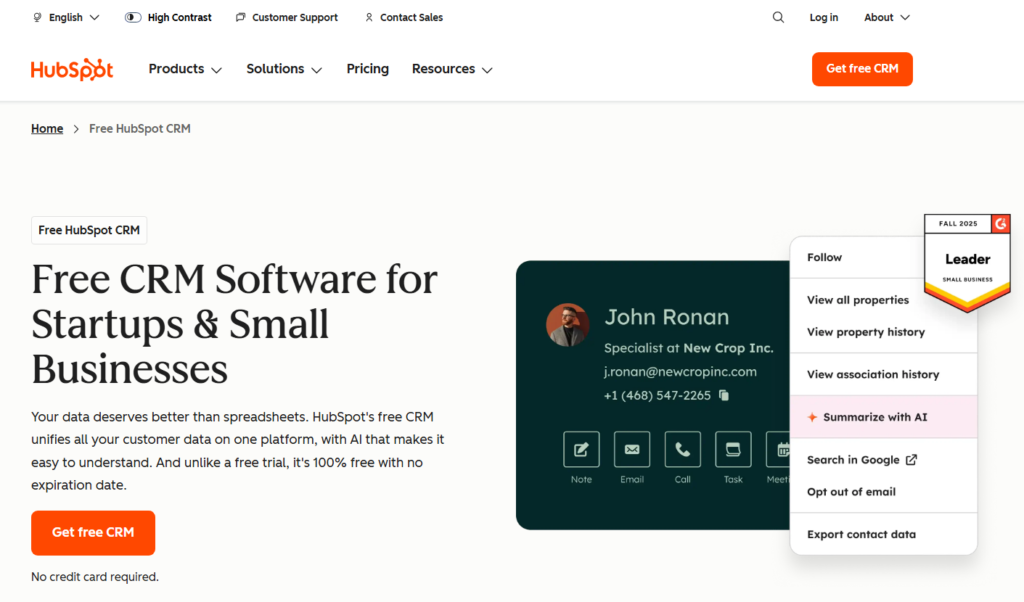
Tagline: A user-friendly CRM with everything you need to manage contacts, track deals, and more.
Overview: HubSpot CRM is one of the most popular and widely used CRM tools, especially for small and medium-sized businesses. What sets HubSpot apart is its robust set of features, which come in a free plan, making it an excellent choice for SMEs with limited budgets. It’s designed to simplify customer relationship management by providing an easy-to-use interface and a set of tools that allow businesses to manage contacts, track sales, and communicate effectively with customers.
HubSpot CRM is cloud-based, which means no installation is needed, and the software is accessible from anywhere. It’s also highly scalable, so you can add additional features as your business grows.
Key Features:
- Contact Management: Store and manage all your contacts in one place, keeping track of communication history, deals, and more.
- Deal progress: Track your sales progress visually, helping you understand where your deals stand and forecast revenue.
- Email Tracking: Monitor email opens and clicks, which allows your sales team to follow up with leads more effectively.
- Forms & Live Chat: Capture leads directly through website forms or live chat, allowing for instant engagement.
- Reporting Tools: Generate reports on sales, marketing, and customer interactions to better understand performance and opportunities for improvement.
- Integrations: HubSpot integrates seamlessly with a range of popular tools such as Gmail, Outlook, and Google Calendar, making it easy to connect with your existing software stack.
Pros and Cons:
| Pros | Cons |
| Free plan available for small teams | Limited features on the free plan |
| Easy to use with a simple interface | Limited customisation for advanced needs |
| Scalable, with add-on paid features | Can become expensive as business grows |
| Excellent customer support | Some advanced features only available on higher-tier plans |
Pricing:
HubSpot CRM offers a free plan that includes essential features such as contact management, deal tracking, and basic reporting. Paid plans start from £36/month for additional features such as advanced reporting, custom workflows, and more.
Best For:
Small teams and startups that need an easy-to-use CRM solution that doesn’t require extensive training. It’s also perfect for businesses looking for a free solution that they can upgrade as they grow.
Unique Tip/Hack:
Use HubSpot’s email tracking feature to identify hot leads. If a contact opens your email multiple times, it could be a sign they are highly engaged. This insight helps you prioritise follow-up actions and allocate resources more effectively.
Verdict:
HubSpot CRM is a powerful and free tool that is ideal for SMEs looking for simplicity without compromising on essential CRM functionalities. While it may not have all the advanced features of larger CRMs, its ease of use and scalability make it a top choice for small businesses that want to grow.
2. Zoho CRM
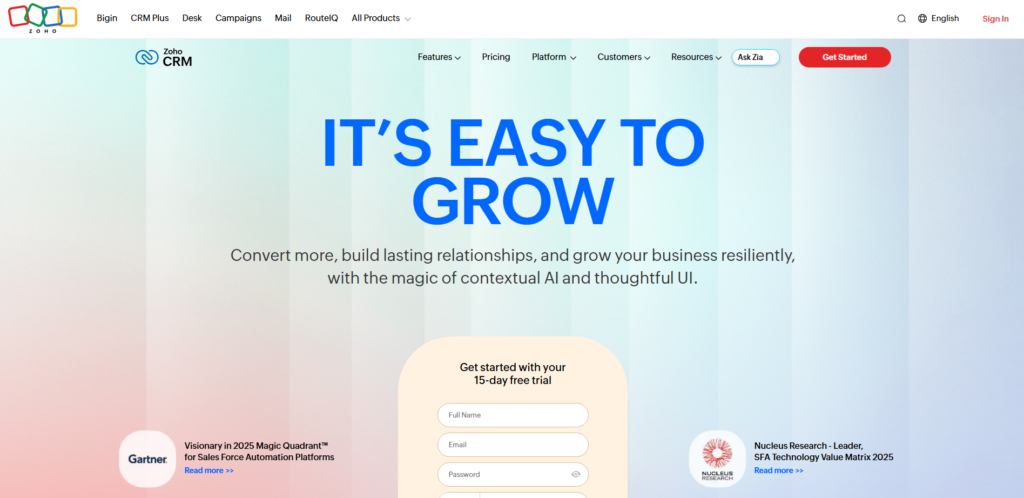
Tagline: A comprehensive CRM with lead and sales automation features to drive growth.
Overview: Zoho CRM is another highly popular CRM tool that offers extensive features, including automation and analytics. With pricing that’s affordable for SMEs, Zoho CRM delivers advanced functionality such as sales forecasting, lead management, and marketing automation. The platform also provides detailed reporting tools, which are valuable for tracking sales and customer data, making it an excellent tool for small businesses seeking to improve customer engagement and sales productivity.
Zoho CRM is cloud-based, making it accessible from anywhere and easily scalable as your business grows. Whether you’re working solo or with a small team, Zoho CRM can be configured to suit your business needs.
Key Features:
- Lead Management: Zoho CRM helps track leads from various channels, keeping they are efficiently managed and nurtured.
- Sales Automation: Automate repetitive tasks, such as follow-ups, reminders, and email campaigns, to increase productivity.
- Customisation: Zoho allows customisation of fields, workflows, and dashboards to tailor the CRM to your business process.
- Reporting & Analytics: Powerful reporting tools help you monitor sales performance, trends, and identify areas for improvement.
- Multichannel Communication: Communicate with leads and customers through email, social media, and live chat directly from within Zoho CRM.
Pros and Cons:
| Pros | Cons |
| Affordable and flexible pricing | Can be overwhelming for beginners |
| Strong automation and reporting tools | Some features require higher-tier plans |
| Integrates with a wide range of apps | Limited customer support on lower-tier plans |
| Highly customisable | Steeper learning curve for new users |
Pricing:
Zoho CRM starts at £12/month for the Standard plan, with additional plans offering advanced features such as sales forecasting and AI-powered insights. The tool offers a 15-day free trial to test out premium features.
Best For:
SMEs that need a comprehensive CRM with strong automation features to streamline their sales and marketing processes. Zoho CRM is also a good fit for businesses that require customisation to fit their unique workflow.
Unique Tip/Hack:
Take advantage of Zoho CRM’s automation features to save time on repetitive tasks. Set up custom workflows for follow-ups, task assignments, and lead nurturing to keep your team focused on closing deals rather than administrative work.
Verdict:
Zoho CRM is a powerful tool that offers a wide range of features at an affordable price, making it ideal for small businesses looking to automate and optimise their sales and marketing processes.
3. Pipedrive
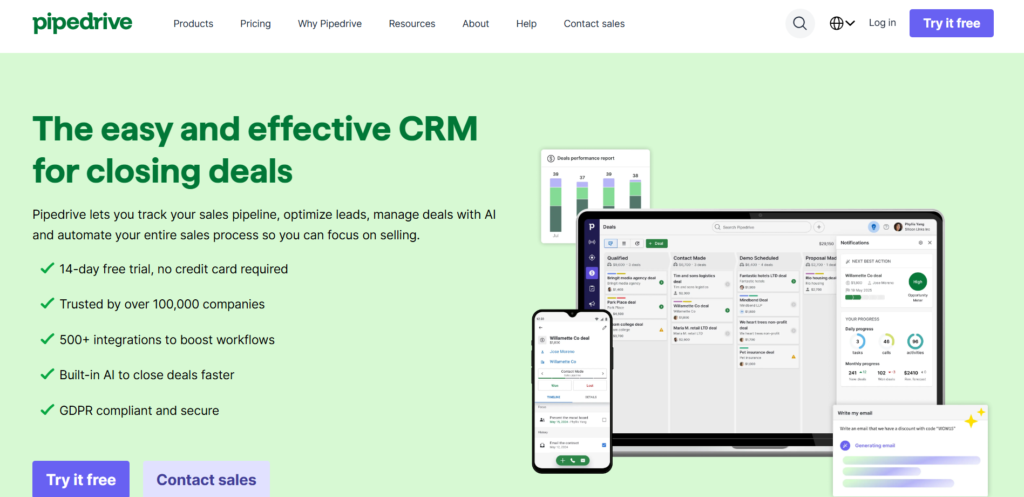
Tagline: A sales-driven CRM that helps teams close deals faster with a visual progress.
Overview: Pipedrive is a CRM designed specifically for sales teams. Its primary strength lies in its visual sales progress, which makes it easy to manage deals and track the sales process. Pipedrive is intuitive, easy to use, and highly effective at helping SMEs stay organised and close more deals. The tool is designed to keep the sales team focused on the next action, which increases sales productivity.
Pipedrive also includes powerful reporting and forecasting features, which provide clear insights into sales performance and help businesses make data-driven decisions.
Key Features:
- Visual Sales progress: Organise and manage deals with a drag-and-drop interface that makes it easy to track progress.
- Activity Tracking: Track calls, emails, and meetings, keeping nothing slips through the cracks.
- Customisable progress: customized the sales progress to match your specific sales process, making it more aligned with your team’s needs.
- Sales Forecasting: Generate accurate sales forecasts based on deal data to better understand future revenue.
- Reporting: Create custom reports to monitor sales performance and trends.
Pros and Cons:
| Pros | Cons |
| Simple, intuitive interface | Limited marketing tools |
| Focused on sales productivity | Can be more expensive for small teams |
| Customisable to fit your sales process | No free plan available |
| Strong activity tracking and reporting | Lacks advanced customisation features |
Pricing:
Pipedrive starts at £12.50/month per user, with higher-tier plans offering additional features such as advanced reporting and sales forecasting.
Best For:
Sales-focused teams who want to manage and track deals effectively without complicated features. It’s ideal for small businesses looking for a sales-centric CRM that’s easy to use.
Unique Tip/Hack:
Use Pipedrive’s sales forecasting feature to make better business decisions. By tracking deal stages and calculating the likelihood of closing, you can predict future revenue and set more accurate sales targets.
Verdict:
Pipedrive is an excellent CRM for small businesses with a sales-driven focus. Its simplicity, combined with a powerful sales progress, makes it easy for teams to stay organised and close deals more effectively.
4. Freshsales
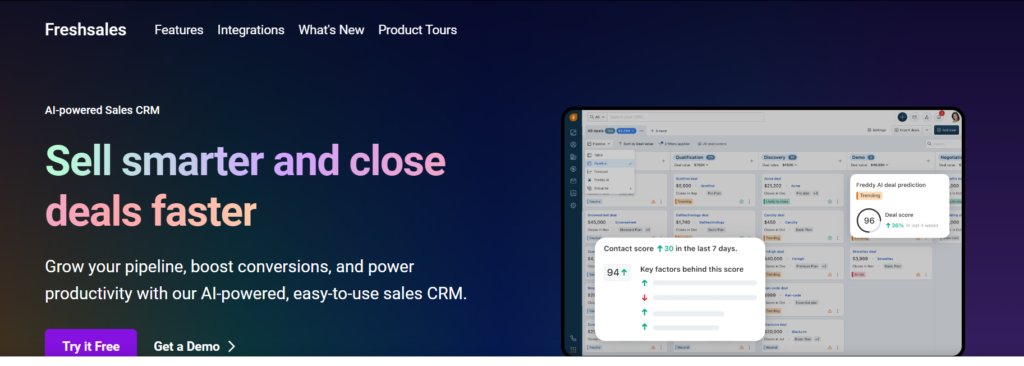
Tagline: A CRM designed to help small teams manage leads, deals, and communications.
Overview: Freshsales by Freshworks is a user-friendly CRM built for small and medium-sized businesses. It offers essential features such as lead management, deal tracking, and communication tools, all presented in an easy-to-use interface. Freshsales is designed for businesses that want to keep things simple but still have the tools necessary to track customer interactions and follow up effectively.
Freshsales helps businesses automate routine tasks, track customer activities, and analyse sales data. It offers a streamlined way to manage sales processes while providing visibility into important metrics.
Key Features:
- Lead Management: Capture and track leads through various sources, making it easy to convert them into customers.
- Sales Tracking: Organise and view sales activities with a simple, visual interface.
- Email Tracking: Track when and how often emails are opened, helping businesses know when to follow up with leads.
- Activity Management: Automate reminders for tasks such as follow-ups, meetings, and calls.
- Reports and Analytics: Access straightforward reports to understand your sales performance and key metrics.
Pros and Cons:
| Pros | Cons |
| Easy to use, with a clean interface | Limited features in lower-tier plans |
| Good mobile app for on-the-go CRM use | Reporting features could be more advanced |
| Automates sales tasks | May not offer enough customisation for larger teams |
| Provides a simple yet effective dashboard | Some integrations are limited |
Pricing:
Freshsales offers a free plan with essential features. Paid plans start at £12/month per user, with additional options for advanced reporting, AI-powered insights, and more customisation.
Best For:
Small sales teams looking for a simple CRM that helps manage leads and sales without a steep learning curve.
Unique Tip/Hack:
Use Freshsales’ email tracking feature to identify hot leads. If a customer opens your email multiple times, it’s a clear signal that they’re interested, and you can follow up more promptly.
Verdict:
Freshsales is a great choice for SMEs that need a simple, intuitive CRM solution. With its focus on sales tracking, email engagement, and automation, it helps teams stay organised and productive without unnecessary complexity.
5. Nimble
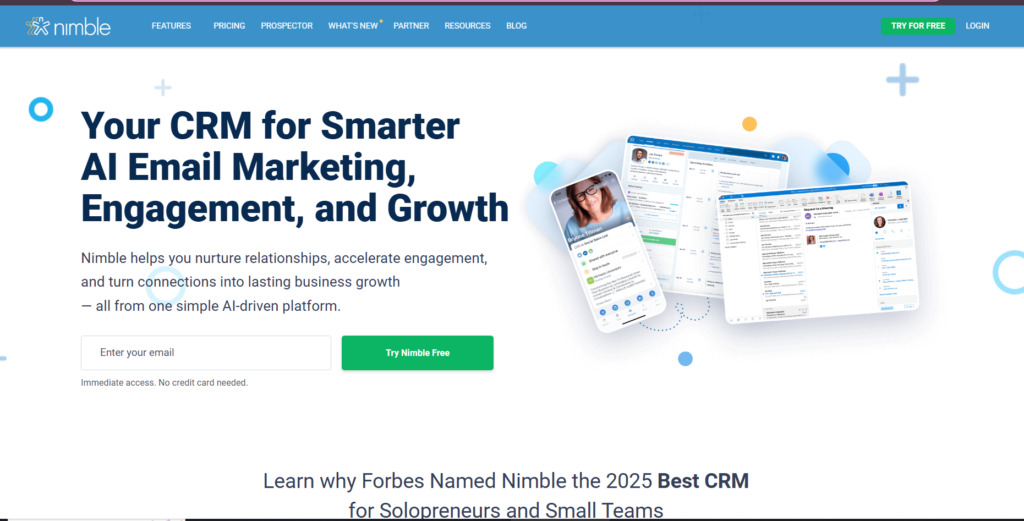
Tagline: A social CRM to connect with customers through social media and email.
Overview: Nimble is a CRM tool that blends traditional customer relationship management with social media integration. It automatically pulls in customer data from social profiles, emails, and public sources, giving businesses a complete view of their contacts. Nimble is designed to help small teams interact with customers across multiple channels, making it ideal for businesses focused on social media engagement and communication.
Nimble’s easy-to-use interface makes it a good fit for businesses that want to streamline their customer interactions, particularly those who rely on social media to engage with leads and customers.
Key Features:
- Social Media Integration: Automatically collects customer information from social media platforms, offering a complete view of each contact.
- Contact Management: Manage all customer data in one place, including communication history and social media activity.
- Email Tracking: Track emails to see when they are opened, helping you know when to reach out again.
- Task Management: Set reminders for important follow-ups, meetings, and actions.
- Reports: Basic reports that help track communication history, customer interactions, and sales activities.
Pros and Cons:
| Pros | Cons |
| Strong social media integration | Limited customisation options |
| Simple and easy to use | Lacks some advanced CRM features |
| Good for small businesses and solopreneurs | May not be suitable for larger teams |
| Affordable pricing | Limited reporting options in lower-tier plans |
Pricing:
Nimble offers a pricing plan starting at £19/month per user, with a free trial available to test the features before committing.
Best For:
Small businesses or solopreneurs that rely on social media to connect with customers and need a simple CRM solution that integrates with social platforms.
Unique Tip/Hack:
Use Nimble’s social media integration to engage with customers on the platforms they use most. By leveraging the data from these platforms, you can tailor your communication to each individual’s preferences.
Verdict:
Nimble is a solid option for businesses that rely on social media to interact with customers. It combines CRM features with social media integration, making it easy to manage customer relationships from a central location.
6. Streak
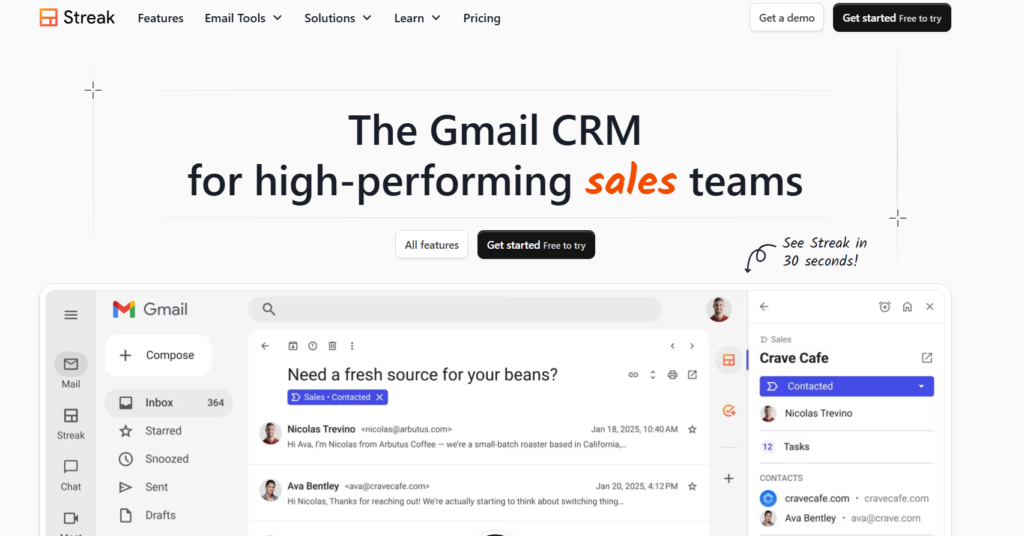
Tagline: CRM integrated directly within Gmail.
Overview: Streak is a CRM built directly into Gmail, making it an ideal solution for businesses that already use Gmail as their primary email platform. It allows businesses to manage customer relationships, deals, and workflows all within the Gmail interface, without the need to switch between multiple platforms.
Streak offers a simple, user-friendly interface, ideal for small teams or individuals looking for an easy-to-use CRM that’s integrated with the tools they already use. The tool allows businesses to manage emails, contacts, and tasks efficiently while keeping everything within Gmail.
Key Features:
- Gmail Integration: Works directly inside Gmail, allowing businesses to manage customer interactions and data without leaving their inbox.
- Customisable progress: Create and customise workflows for sales, support, or other business processes.
- Email Tracking: Track when emails are opened and see who’s interacting with them, giving you insights into your customers’ engagement.
- Task Management: Set reminders and tasks within Gmail to keep timely follow-ups and communications.
- Collaboration Tools: Share data and collaborate with team members directly within the platform.
Pros and Cons:
| Pros | Cons |
| Fully integrated with Gmail | Limited functionality on the free plan |
| Simple interface | May not suit larger businesses with complex needs |
| Great for small teams | Lacks advanced CRM features like automation and AI |
| Cost-effective for Gmail users | Some advanced features require higher-tier plans |
Pricing:
Streak offers a free plan with basic CRM features. Paid plans start at £15/month per user, providing additional features like custom workflows, advanced email tracking, and integrations.
Best For:
Businesses that rely heavily on Gmail and want a simple CRM solution that integrates directly into their workflow.
Unique Tip/Hack:
Use Streak’s email tracking feature to know exactly when a customer opens your email. This allows you to follow up at the optimal time, increasing the likelihood of a positive response.
Verdict:
Streak is an excellent CRM tool for teams that use Gmail extensively. It offers a straightforward way to manage customer relationships without needing to switch to a separate CRM platform, making it a great choice for smaller businesses and individuals.
7. Insightly
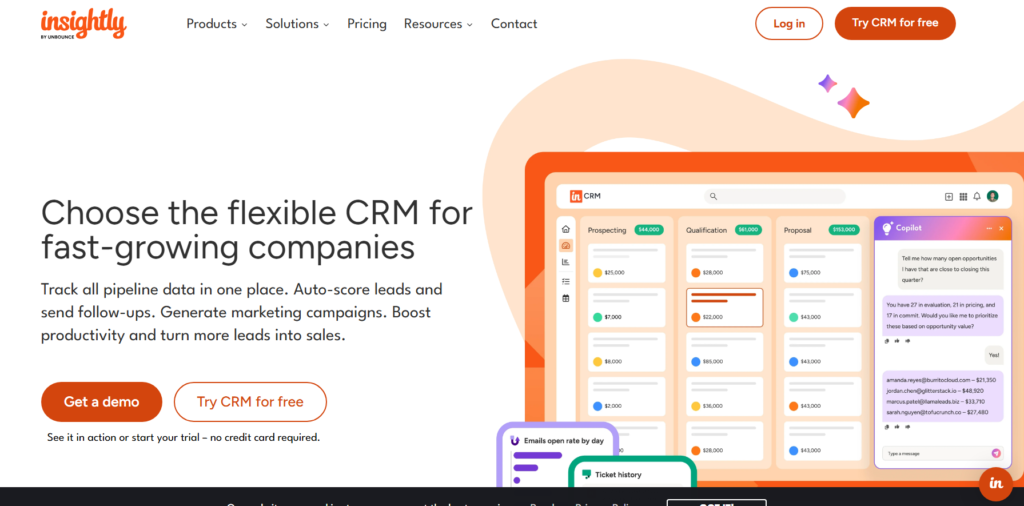
Tagline: A simple CRM for project and task management combined with customer relationship tracking.
Overview: Insightly is a CRM tool designed for small to medium-sized businesses looking to combine customer relationship management with project management. It provides a central hub for managing contacts, sales, and project tasks, making it ideal for businesses that need both CRM and project management features in one tool.
Insightly integrates both customer data and task management, allowing businesses to track projects alongside their customer interactions. The platform also provides a solid reporting system, helping teams track progress and performance in a straightforward way.
Key Features:
- Contact Management: Store and track customer information, interaction history, and communication preferences.
- Project Management: Create and manage projects, assign tasks, and track deadlines.
- Sales and Lead Management: Track leads, opportunities, and sales progress, with tools to monitor performance.
- Email Integration: Sync email with the CRM for seamless communication tracking.
- Reporting & Dashboards: Generate reports to measure team performance, project progress, and customer interaction.
Pros and Cons:
| Pros | Cons |
| Great for managing projects and clients | Some features limited on lower-tier plans |
| Affordable for small teams | Interface can feel a bit clunky at times |
| Strong reporting tools | Not as customisable as other CRMs |
| Easy to set up and integrate | Can be too basic for larger businesses ensure |
Pricing:
Insightly offers a free plan for small teams with up to 2 users. Paid plans start at £12/month per user, with additional features like advanced reporting, project management, and customisation.
Best For:
Small businesses or teams that need both CRM and project management capabilities in one platform.
Unique Tip/Hack:
Utilise Insightly’s project management features to keep customer projects on track while managing your sales progress. This dual functionality helps keep customer satisfaction throughout the entire project cycle.
Verdict:
Insightly is a great choice for businesses looking for an all-in-one solution for both CRM and project management. It combines essential features for managing customer relationships and tasks in a simple, affordable platform.
8. Agile CRM
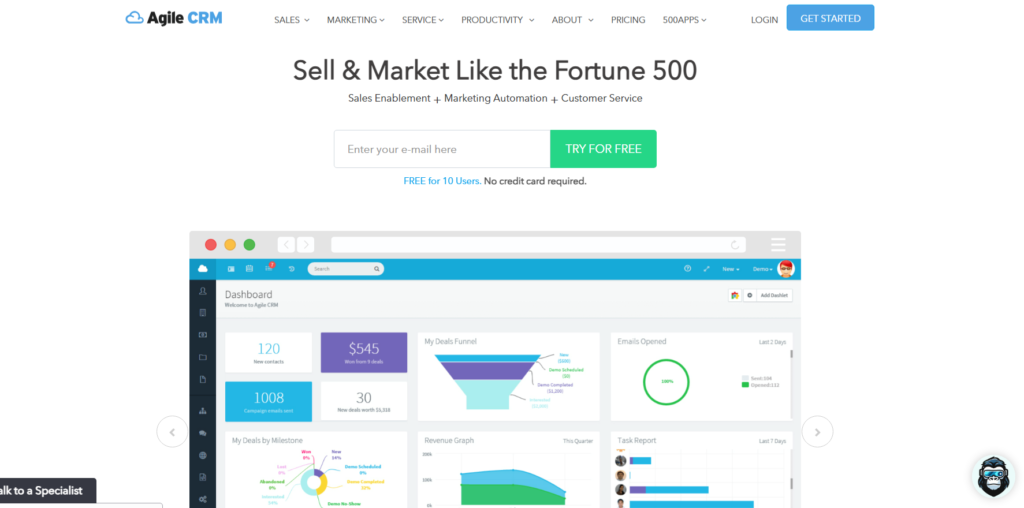
Tagline: A CRM tool focused on automation and marketing for small businesses.
Overview: Agile CRM offers a comprehensive set of features for small businesses that need automation and marketing tools combined with CRM capabilities. It’s designed to help businesses automate tasks like lead nurturing, email marketing, and sales processes, all in one easy-to-use platform.
With Agile CRM, businesses can use automated workflows to streamline tasks, segment customers for more targeted marketing, and track sales performance. It’s particularly beneficial for businesses looking to scale their marketing efforts without investing in complex, expensive tools.
Key Features:
- Lead Management: Capture, manage, and track leads through the sales process.
- Email Marketing: Create and send targeted email campaigns, with tools for segmentation and tracking engagement.
- Automation: Automate follow-ups, email marketing, and other sales tasks to save time.
- Integrations: Integrates with a variety of apps, including Zapier, for expanded functionality.
- Reporting & Analytics: Track sales performance, email campaign success, and other key metrics.
Pros and Cons:
| Pros | Cons |
| Excellent for marketing automation | Limited features on the free plan |
| Affordable pricing, even for small teams | Lacks some advanced CRM features like AI-driven insights |
| Easy-to-use interface | Some users report occasional slow performance |
| Good email tracking and reporting tools | Can be too basic for larger companies |
Pricing:
Agile CRM has a free plan with limited features. Paid plans start at £8.99/month, providing additional features such as automation, advanced reporting, and email marketing.
Best For:
Small businesses that need CRM tools with a strong focus on marketing and automation.
Unique Tip/Hack:
Use Agile CRM’s email automation to follow up with leads automatically based on their actions. For example, if a lead clicks a link in your email, Agile CRM can automatically send a follow-up email, saving you time and keeping potential customers engaged.
Verdict:
Agile CRM is a great solution for small businesses focused on marketing automation. It’s affordable, easy to use, and provides useful tools for managing sales, marketing, and customer relationships.
9. Close CRM
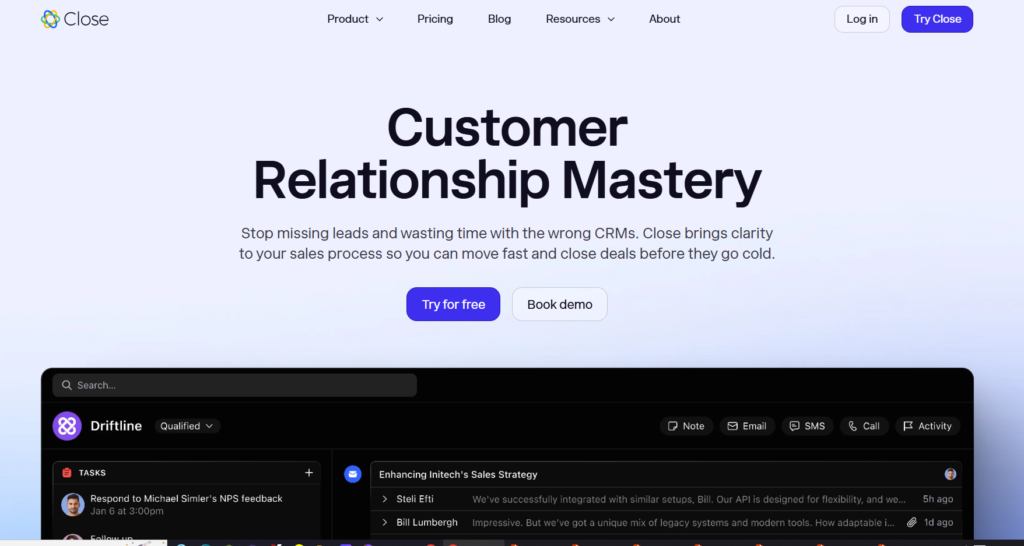
Tagline: A CRM built for small sales teams to close more deals with less effort.
Overview: Close CRM is designed for sales-driven teams, providing an intuitive interface to track communication, manage leads, and close deals more effectively. It’s a CRM built to automate time-consuming tasks while keeping the focus on sales. Close CRM integrates email, calling, and task management in one platform, helping sales teams to stay organised and productive.
With a strong emphasis on sales communication, Close CRM is ideal for businesses that need to streamline their sales process and keep that no lead falls through the cracks.
Key Features:
- Communication Tracking: Track emails, calls, and meetings with clients and leads.
- Lead Management: Capture leads from web forms, emails, and social media.
- Automated Follow-ups: Automate reminders for follow-ups, meetings, and calls.
- Reports & Analytics: Generate sales reports and track performance with detailed analytics.
- Calling Integration: Make calls directly from the CRM, with automatic logging of conversations.
Pros and Cons:
| Pros | Cons |
| Strong communication and calling features | Can be costly for small teams |
| Easy-to-use, sales-focused interface | Lacks some advanced features on the basic plan |
| Integrates email, calling, and tasks | Limited integrations with third-party tools |
| Great for small teams and solopreneurs | No free plan available |
Pricing:
Close CRM starts at £29/month per user for the Basic plan, with higher-tier plans providing more advanced features like automation, reporting, and customisation.
Best For:
Sales teams that need a CRM focused on communication tracking, lead management, and automated follow-ups.
Unique Tip/Hack:
Take advantage of Close CRM’s calling features to integrate phone calls directly into your sales workflow. Track calls and automatically log interactions to reduce manual data entry and increase productivity.
Verdict:
Close CRM is a great solution for small businesses that rely on sales calls and communication. Its integration of calling, email, and task management in one tool makes it a strong choice for sales-driven teams.
10. Capsule CRM
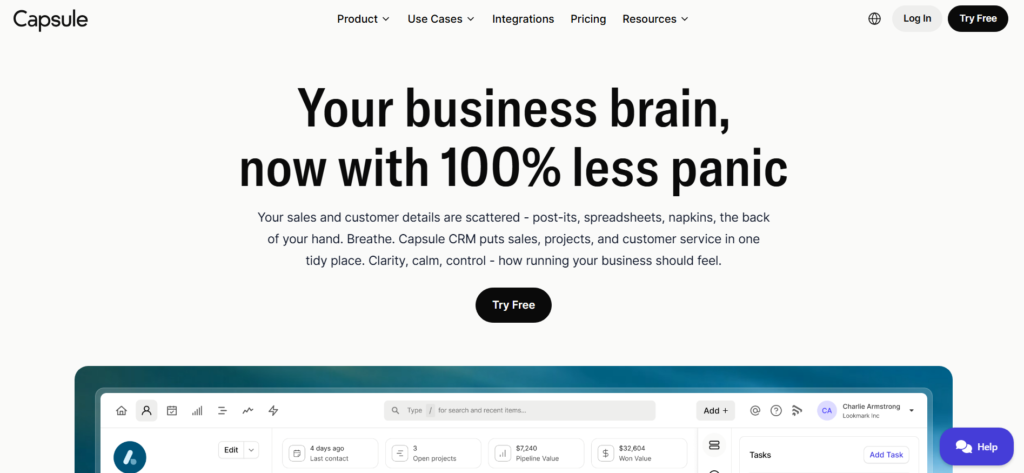
Tagline: A simple, straightforward CRM that helps small teams stay organised.
Overview: Capsule CRM is a minimalist CRM designed for small businesses looking for a simple, no-frills solution to manage contacts, sales, and customer relationships. It focuses on providing essential CRM features such as contact management, sales tracking, and task management, all with an easy-to-navigate interface. Capsule CRM is perfect for teams that need basic CRM functionality without complex features or heavy customisation.
Capsule’s simplicity and affordability make it ideal for small teams that don’t need a full-scale CRM system but still want to stay organised and manage customer interactions effectively.
Key Features:
- Contact Management: Organise and track all customer and lead information in one place.
- Sales Tracking: Track deals, manage sales opportunities, and get an overview of the sales process.
- Task Management: Set up to-dos, reminders, and follow-ups to stay on top of important actions.
- Notes & Files: Keep notes and important documents linked to your contacts and deals.
- Reporting: Simple reporting to track your sales and performance metrics.
Pros and Cons:
| Pros | Cons |
| Simple and easy to use | Lacks advanced automation features |
| Affordable pricing for small teams | Limited customisation options |
| Great for small teams and solopreneurs | Basic reporting tools compared to competitors |
| Clean, uncluttered interface | No email tracking feature |
Pricing:
Capsule CRM offers a free plan for up to 2 users with limited functionality. Paid plans start at £12/month per user for more advanced features, including increased contact limits, integrations, and customisation options.
Best For:
Small teams or solopreneurs who want an easy-to-use CRM that covers basic sales and customer management needs.
Unique Tip/Hack:
Make use of Capsule CRM’s simple task management to keep on top of follow-ups and appointments. This feature helps you stay organised and keeps that no customer interaction is missed.
Verdict:
Capsule CRM is an ideal solution for small teams that need a simple CRM to manage their contacts, deals, and tasks. While it doesn’t offer as many features as larger CRMs, its simplicity and affordability make it a great choice for businesses that want a straightforward solution.
11. Really Simple Systems
Tagline: An intuitive CRM for small businesses with essential features.
Overview: Really Simple Systems CRM focuses on delivering the core CRM functionality small businesses need without the clutter of extra features. It’s designed to be straightforward and easy to use, with a simple interface that helps teams track contacts, sales, and communication without getting overwhelmed.
This CRM is great for businesses that don’t want to waste time navigating complex features but still need to manage customer relationships effectively. Really Simple Systems also offers cloud-based storage, so it’s accessible from anywhere, making it a solid option for small businesses looking to get organised quickly.
Key Features:
- Contact Management: Manage all your contacts and track communication history in one place.
- Sales Tracking: Track deals and sales opportunities, with clear visibility on your current sales.
- Email Marketing: Send targeted email campaigns to engage with leads and customers.
- Task Management: Keep track of to-dos, reminders, and appointments to stay on top of your workload.
- Reporting: Basic reporting tools to track sales progress and customer engagement.
Pros and Cons:
| Pros | Cons |
| Very simple, user-friendly interface | Limited functionality on free plan |
| Affordable pricing | Lacks advanced features like automation |
| Great for businesses with straightforward CRM needs | Basic email marketing capabilities |
| Cloud-based, accessible anywhere | Customisation options are limited |
Pricing:
Really Simple Systems offers a free plan for up to 2 users. Paid plans start at £12/month per user, which unlocks more advanced features like email marketing, more customisation, and expanded reporting tools.
Best For:
Small businesses looking for a no-frills CRM that covers the basics of customer and sales management.
Unique Tip/Hack:
Use Really Simple Systems’ email marketing features to stay in touch with your customers and automate basic campaigns to nurture relationships with your leads.
Verdict:
Really Simple Systems is a good option for small businesses that need a simple CRM to manage contacts and sales activities. While it doesn’t have the depth of more advanced CRMs, it’s perfect for teams that want to stay organised without complexity.
12. Monday.com CRM
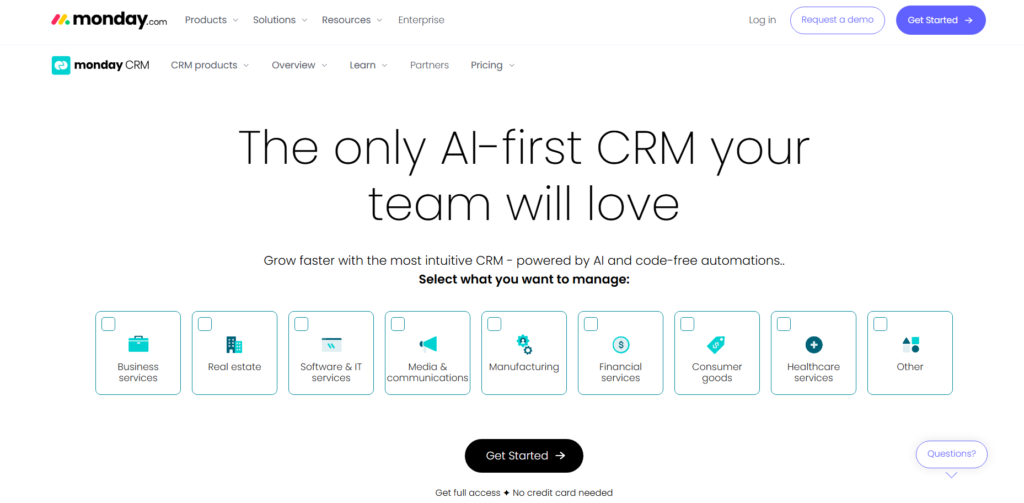
Tagline: A visually driven CRM that helps teams manage workflows and sales in one place.
Overview: Monday.com is a versatile work management platform that offers a CRM solution as part of its suite of tools. Its standout feature is its highly visual interface, which allows businesses to manage projects, tasks, and sales workflows in a way that’s easy to understand and use. It’s particularly beneficial for teams that need to track both projects and customer relationships in a single tool.
Monday.com is ideal for businesses that rely on visual representations of their data to make quick decisions and keep track of tasks in an engaging way.
Key Features:
- Visual Dashboards: Manage sales, leads, and projects with visual boards and columns for easy tracking.
- Sales Management: Track sales activities, manage customer interactions, and assign tasks within the platform.
- Team Collaboration: Collaborate easily with team members and share updates, feedback, and tasks.
- Integrations: Connect with a variety of third-party tools and apps to expand functionality.
- Automation: Automate repetitive tasks and reminders to save time and reduce manual work.
Pros and Cons:
| Pros | Cons |
| Highly visual, easy-to-understand interface | Can be overwhelming with so many features |
| Great for team collaboration | Higher pricing compared to simple CRMs |
| Customisable and flexible | Lacks some advanced CRM features like detailed reporting |
| Good for businesses that also need project management | Free plan is very limited |
Pricing:
Monday.com CRM starts at £39/month for a team of up to 3 users. More advanced plans offer additional features like integrations, reporting, and customisation.
Best For:
Teams that need a highly visual CRM and want to manage both projects and customer relationships in one platform.
Unique Tip/Hack:
Use Monday.com’s visual boards to quickly identify where each deal or project stands. This feature helps keep track of important tasks and deadlines, making it easier to stay organised and aligned with your team.
Verdict:
Monday.com is ideal for businesses that prefer a visual approach to managing sales, tasks, and projects. While it may be more complex than traditional CRMs, its flexibility and ability to integrate project management make it a strong choice for teams that need a comprehensive tool.
13. Bitrix24
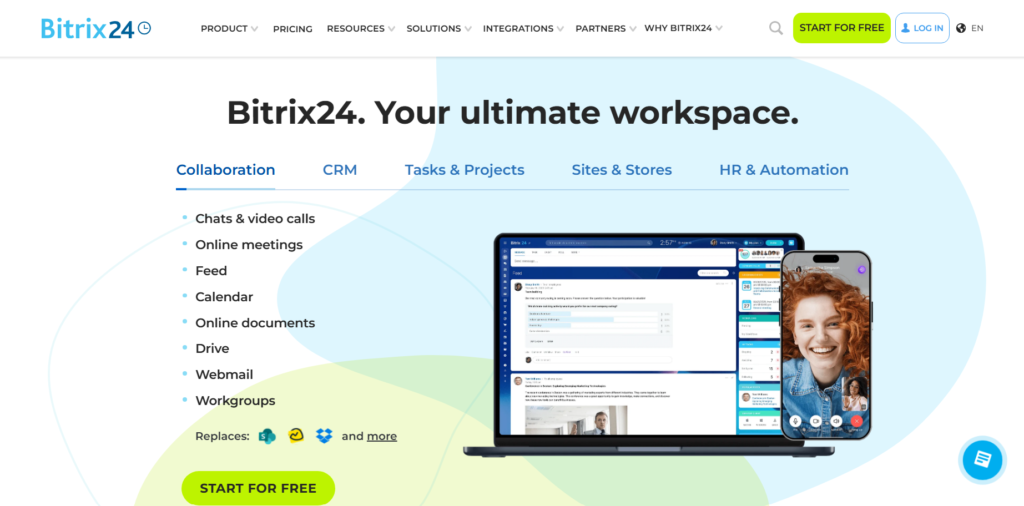
Tagline: A complete CRM and collaboration tool for small businesses.
Overview: Bitrix24 is an all-in-one business management tool that provides CRM functionality, project management, and team collaboration features. It’s designed for small businesses that need to manage customer relationships while also coordinating team efforts. With both CRM and collaboration tools in one platform, Bitrix24 is perfect for businesses that want to streamline communication and sales processes.
Bitrix24 offers a variety of features such as task management, time tracking, and document sharing, all integrated into its CRM system. It’s particularly beneficial for teams looking to combine CRM with project management tools in one easy-to-use platform.
Key Features:
- Contact & Lead Management: Keep track of customer interactions and leads from various channels.
- Sales Management: Manage deals, track sales stages, and organise your sales activities.
- Task & Project Management: Manage tasks and collaborate with your team on shared projects.
- Communication Tools: Chat, video calls, and internal communication tools help teams collaborate in real-time.
- Automations: Automate workflows, sales processes, and reminders to save time.
Pros and Cons:
| Pros | Cons |
| Combines CRM with collaboration tools | Some features are complex for beginners |
| Free plan available for small teams | User interface can be overwhelming |
| Offers task and project management | Some features only available in higher-tier plans |
| Excellent for team collaboration | Limited integrations with external apps on lower-tier plans |
Pricing:
Bitrix24 offers a free plan with basic CRM features and up to 12 users. Paid plans start at £15/month per user, offering advanced tools like project management, task automation, and expanded integrations.
Best For:
Small teams looking for an integrated CRM and collaboration solution with project management capabilities.
Unique Tip/Hack:
Leverage Bitrix24’s collaboration tools to keep track of sales conversations and tasks in one place. The built-in chat and document sharing tools are perfect for keeping your team aligned and focused on customer
relationships.
Verdict:
Bitrix24 is a great all-in-one tool for small businesses that need both CRM and project management capabilities. Its extensive features are especially beneficial for teams looking to enhance collaboration and streamline sales and communication processes.
14. Salesmate
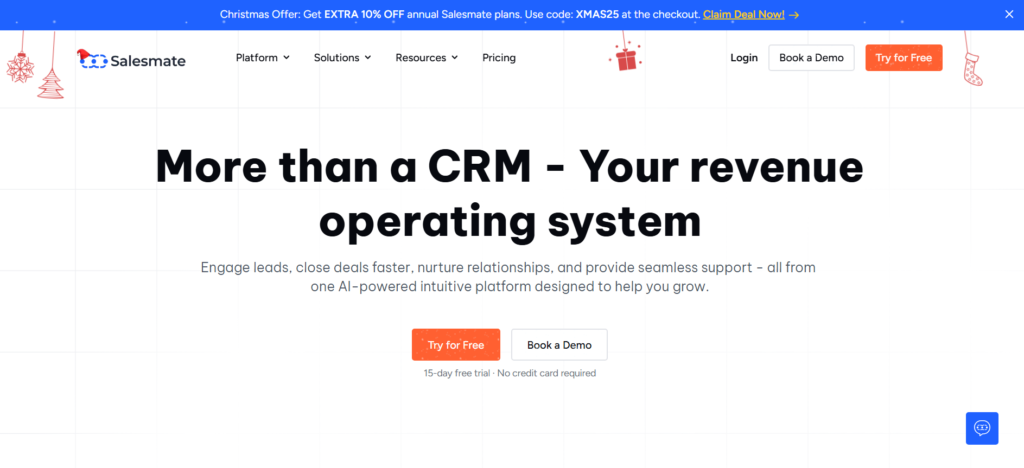
Tagline: A CRM that helps small teams close deals more efficiently.
Overview: Salesmate is designed to help businesses improve their sales processes by providing a user-friendly CRM with powerful automation and reporting features. It’s ideal for small to medium-sized teams looking to track leads, manage sales activities, and generate reports to monitor performance.
Salesmate’s focus on sales efficiency helps teams stay organised and prioritise high-value leads. The CRM is flexible, with features that scale to meet the needs of growing businesses while remaining simple enough for small teams.
Key Features:
- Lead and Deal Management: Track and manage leads and sales opportunities from start to finish.
- Sales Automation: Automate routine tasks like follow-ups, reminders, and lead assignment to save time.
- Customisation: Tailor the CRM to fit your sales process with custom fields and workflows.
- Email Tracking: Track email opens, clicks, and responses to gauge lead interest.
- Reporting and Analytics: Get insights into sales performance, lead conversion, and team productivity.
Pros and Cons:
| Pros | Cons |
| User-friendly interface | Limited customisation in lower-tier plans |
| Strong sales automation features | Reporting features could be more detailed |
| Offers integrations with other tools | Limited mobile app features |
| Great for small teams | Can get expensive as your business grows |
Pricing:
Salesmate offers a free trial with paid plans starting at £12/month per user, which includes features like lead management, email tracking, and reporting tools.
Best For:
Small businesses that focus on sales and want a CRM that improves lead management and sales processes without too much complexity.
Unique Tip/Hack:
Use Salesmate’s automation features to save time by automating follow-ups and reminders. This will allow your sales team to focus on high-value leads rather than repetitive tasks.
Verdict:
Salesmate is an excellent CRM solution for small businesses focused on sales management. Its simplicity and strong sales automation features help businesses improve productivity while keeping things affordable.
15. Less Annoying CRM
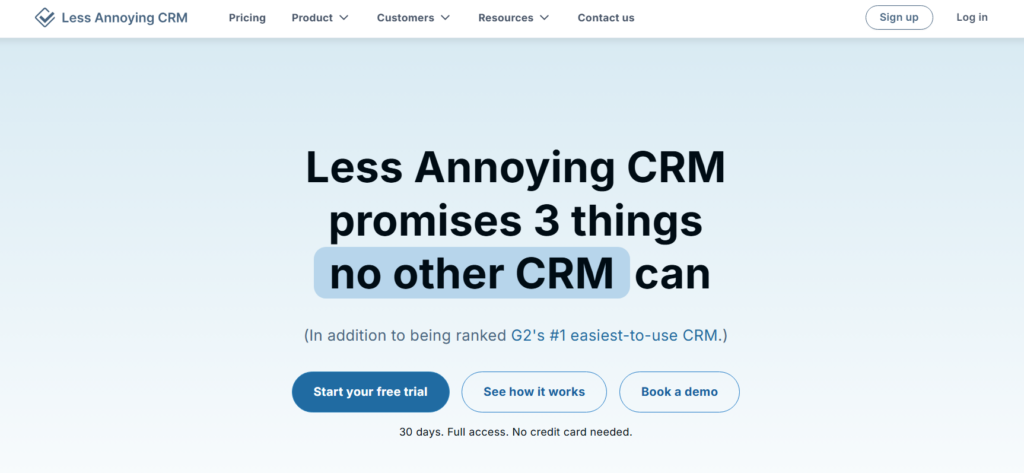
Tagline: A CRM built for non-tech users who want simplicity and ease of use.
Overview: Less Annoying CRM is designed to be the simplest CRM solution for small businesses. It’s perfect for teams that don’t have a lot of technical expertise or resources to manage complex systems. With its clean and straightforward interface, Less Annoying CRM makes it easy to manage contacts, track leads, and stay organised.
The CRM doesn’t overwhelm users with unnecessary features but provides all the basic tools needed to manage customer relationships. It’s ideal for small businesses or solo entrepreneurs looking for a hassle-free CRM experience.
Key Features:
- Contact Management: Store and organise all your customer information in one place.
- Task Management: Set up reminders for follow-up tasks and appointments.
- Notes and History: Keep notes and track customer interaction history for easy reference.
- Custom Fields: Add custom fields to tailor the CRM to your business needs.
- Simple Reporting: Generate basic reports to track sales progress and performance.
Pros and Cons:
| Pros | Cons |
| Extremely easy to use | Lacks advanced features and automation |
| Affordable pricing | Basic reporting and analytics |
| Great for non-tech users | Limited integrations with third-party tools |
| Provides a simple, no-frills CRM solution | May not suit businesses with complex needs |
Pricing:
Less Annoying CRM offers a free trial with a paid plan starting at £10/month per user, which includes all the essential CRM features.
Best For:
Small businesses or solo entrepreneurs that need a simple, user-friendly CRM solution with no unnecessary features.
Unique Tip/Hack:
Use Less Annoying CRM’s task management feature to stay organised and follow up with leads on time. The simplicity of the tool makes it easy to focus on what matters most: customer relationships.
Verdict:
Less Annoying CRM is a great choice for businesses that need a simple, affordable CRM solution without the complexity of other tools. Its ease of use and affordability make it ideal for non-tech users or small teams.
16. Zoho Bigin
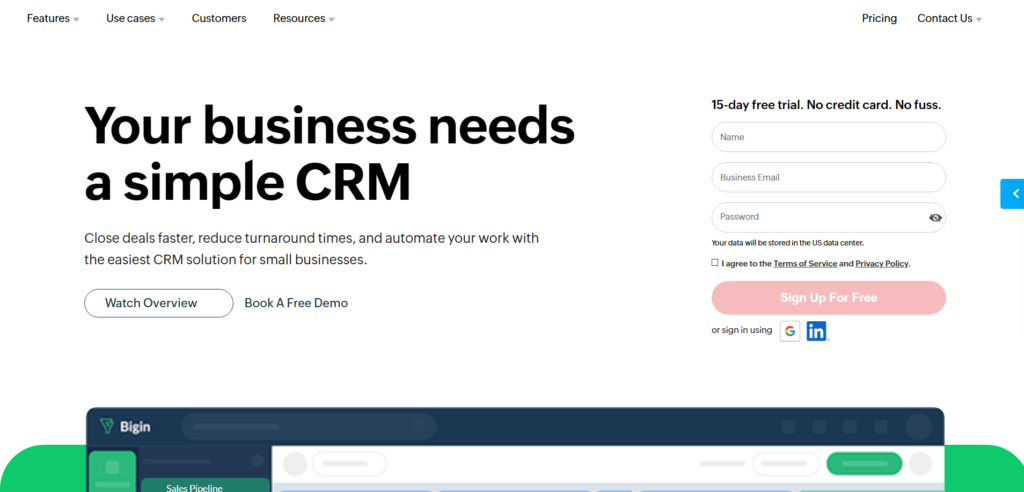
Tagline: A lightweight CRM designed for small businesses to manage deals and contacts effectively.
Overview: Zoho Bigin is a simple, lightweight CRM tool tailored specifically for small businesses that need basic CRM functionality. It offers essential features for managing contacts, tracking deals, and automating workflows. Zoho Bigin is perfect for businesses that are just getting started with CRM or have simple customer relationship management needs.
With an intuitive interface and affordable pricing, Zoho Bigin is a great choice for small teams looking to stay organised without investing in complex or expensive CRM systems.
Key Features:
- Deal Tracking: Track the progress of deals and sales activities in a simple visual format.
- Contact Management: Organise and manage all your customer information.
- Workflow Automation: Automate repetitive tasks such as follow-up reminders and lead assignment.
- Reporting: Basic reporting tools to monitor sales progress and team performance.
- Mobile App: Manage your CRM on the go with a mobile app for iOS and Android.
Pros and Cons:
| Pros | Cons |
| Simple and easy to use | Limited advanced features |
| Affordable pricing | Some features are restricted to higher-tier plans |
| Good integration with other Zoho products | May not be sufficient for growing businesses |
| Mobile app for managing contacts on the go | Lacks customisation options |
Pricing:
Zoho Bigin offers a free plan with limited features. Paid plans start at £7.20/month per user, which unlocks additional features like workflow automation and reporting tools.
Best For:
Small businesses that need an easy-to-use CRM with essential features at an affordable price.
Unique Tip/Hack:
Use Zoho Bigin’s workflow automation to save time on repetitive tasks, allowing your team to focus on high-priority sales activities.
Verdict:
Zoho Bigin is a great lightweight CRM for small businesses. It provides the essential CRM features needed to stay organised and manage customer relationships without complexity or high costs.
17. Vtiger CRM
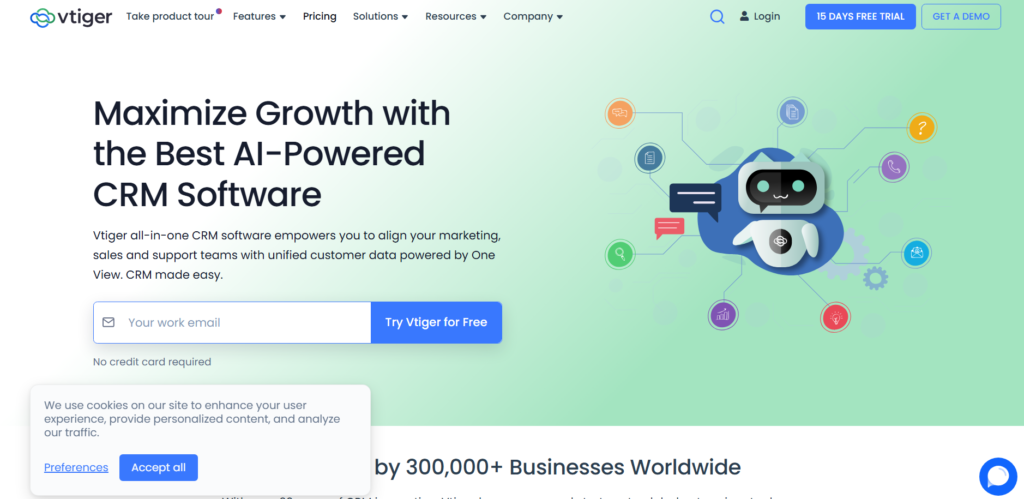
Tagline: A complete CRM with sales, marketing, and customer support capabilities.
Overview: Vtiger CRM is an all-in-one CRM solution designed to help small businesses manage sales, customer support, and marketing efforts. It provides a comprehensive set of tools to track leads, manage contacts, automate marketing campaigns, and deliver customer support. While it’s feature-rich, Vtiger remains user-friendly, making it a solid choice for businesses looking to integrate customer relationship management across multiple departments.
Vtiger allows businesses to manage everything from sales workflows to helpdesk tickets, all from one platform. The system also includes tools for managing customer service and support requests, making it ideal for businesses that need both sales and support functionalities in one CRM.
Key Features:
- Sales Management: Track leads, opportunities, and manage sales processes.
- Marketing Automation: Automate email campaigns and nurture leads through workflows.
- Customer Support: Manage tickets, track customer service interactions, and improve customer satisfaction.
- Reporting: Create reports on sales performance, customer interactions, and team productivity.
- Customisation: Customise fields, layouts, and workflows to meet specific business needs.
Pros and Cons:
| Pros | Cons |
| Combines sales, marketing, and support | Steeper learning curve for beginners |
| Good reporting and analytics tools | Some features are more advanced in higher-tier plans |
| Affordable for small teams | Interface can be overwhelming |
| Mobile app for on-the-go CRM access | Some integrations are limited |
Pricing:
Vtiger CRM offers a free plan for basic features with up to 10 users. Paid plans start at £10/month per user, offering additional features such as advanced reporting, workflow automation, and helpdesk integration.
Best For:
Small businesses looking for an all-in-one CRM solution to manage sales, marketing, and customer support from a single platform.
Unique Tip/Hack:
Leverage Vtiger’s marketing automation to engage leads through automated email campaigns and drip marketing workflows. This helps you maintain regular contact with prospects and guide them through the sales funnel more effectively.
Verdict:
Vtiger CRM is a robust, affordable solution for small businesses needing a unified CRM for sales, marketing, and support. Its versatility and feature set make it an excellent choice for companies looking to manage all customer interactions in one place.
18. SugarCRM
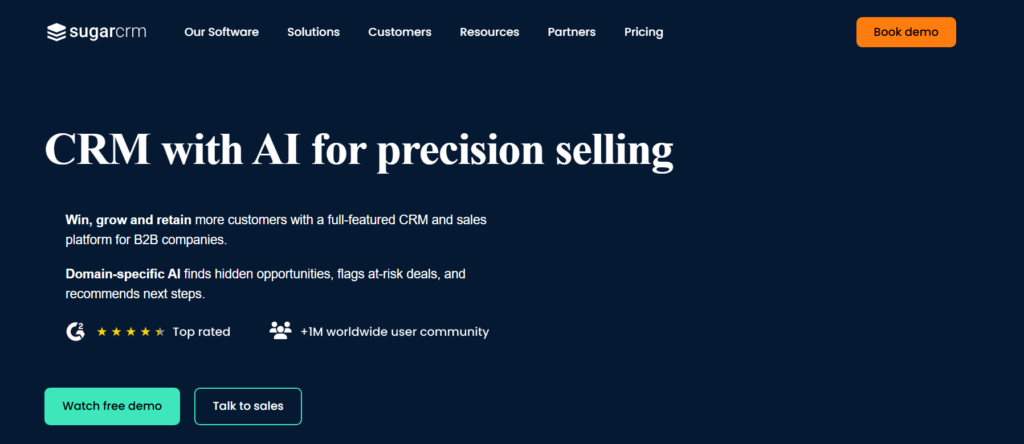
Tagline: A flexible CRM solution for small businesses looking to customise their system.
Overview: SugarCRM is a powerful CRM platform that provides a flexible solution for managing customer relationships, sales, and marketing efforts. While SugarCRM can cater to larger enterprises, it’s also well-suited for small businesses that need a high level of customisation and advanced functionality. The tool offers a range of features to help businesses automate workflows, manage leads, and track sales performance.
SugarCRM offers a more flexible solution compared to many lightweight CRMs, with a strong emphasis on customisation to meet specific business needs. However, this flexibility can be more suitable for businesses that have unique workflows or need more advanced features.
Key Features:
- Lead and Sales Management: Manage and track leads, opportunities, and deals.
- Marketing Automation: Create campaigns, track performance, and nurture leads.
- Customisation: Highly customisable with the ability to tailor fields, layouts, and modules.
- Automation: Automate tasks like follow-ups, reminders, and lead assignment.
- Reporting: Generate detailed reports to track sales performance and customer engagement.
Pros and Cons:
| Pros | Cons |
| Highly customisable | More complex to set up and use |
| Advanced reporting and analytics tools | Not as simple as other lightweight CRMs |
| Strong automation features | Some features require additional configuration |
| Good for businesses with unique needs | Higher-tier plans can be costly |
Pricing:
SugarCRM’s pricing starts at £39/month per user, with more advanced plans offering additional features like deeper customisation and integrations.
Best For:
Small businesses that need a CRM solution that can be tailored to specific workflows and needs, with advanced reporting and automation capabilities.
Unique Tip/Hack:
Use SugarCRM’s customisation options to align the CRM with your specific business processes. This will allow you to create a system that fits your needs exactly, rather than trying to adapt your processes to a standard CRM.
Verdict:
SugarCRM is ideal for businesses that need flexibility and customisation in their CRM. While it may be more complex than other lightweight options, its advanced features and customisability make it a great choice for businesses that need a tailored solution.
19. CiviCRM
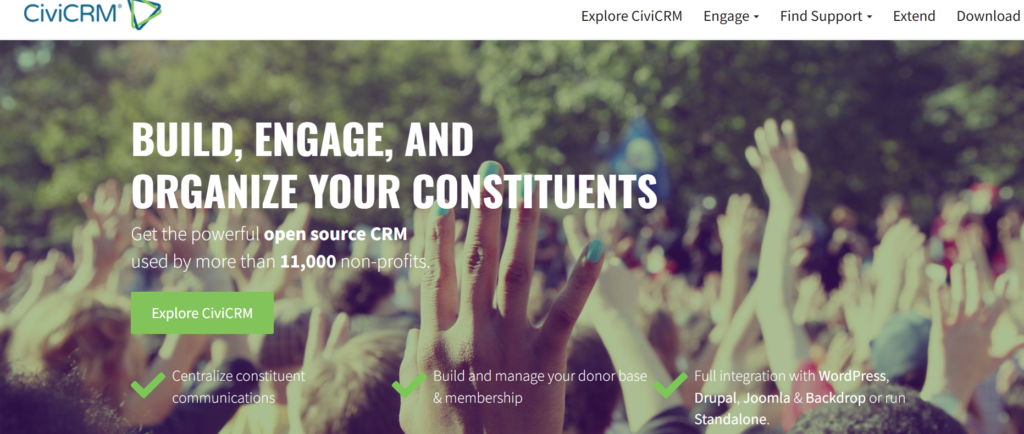
Tagline: A CRM solution tailored for non-profits and membership organisations.
Overview: CiviCRM is a specialised CRM tool designed for non-profit organisations, membership groups, and other entities that need to manage donations, memberships, and event management. It’s an open-source platform, which means it can be fully customised to meet specific needs, though it may require more technical expertise to set up and maintain.
CiviCRM offers a range of features that are not typically found in general CRM systems, such as donor tracking, membership management, and event registration. This makes it an excellent choice for organisations that need a CRM built around their specific needs.
Key Features:
- Donation Tracking: Track and manage donations, pledges, and fundraising efforts.
- Membership Management: Manage memberships, renewals, and member communications.
- Event Management: Organise and manage events, including registrations and ticketing.
- Email Campaigns: Send targeted email campaigns and newsletters to members or donors.
- Reporting: Create reports on donations, membership data, and event performance.
Pros and Cons:
| Pros | Cons |
| Highly customisable | Requires technical knowledge for setup |
| Great for non-profits and membership groups | Can be overwhelming for smaller teams |
| Open-source, which allows full control | Limited out-of-the-box features compared to paid solutions |
| Offers a range of non-profit-specific features | Requires hosting and maintenance |
Pricing:
CiviCRM is free to use as it’s open-source software. However, there may be costs for hosting, technical support, and customisation.
Best For:
Non-profit organisations, membership-based groups, and associations that need a CRM designed around donations, memberships, and events.
Unique Tip/Hack:
Leverage CiviCRM’s event management features to streamline the planning and registration process for fundraising events or member meetings. This can help you increase engagement and simplify event management.
Verdict:
CiviCRM is the perfect CRM for non-profit and membership-based organisations that need a system for managing donations, events, and memberships. Its open-source nature provides flexibility, but it may require technical expertise to fully leverage.
20. TeamWave
Tagline: A simple, all-in-one CRM and collaboration tool for small teams.
Overview: TeamWave is a CRM designed for small businesses that need both customer relationship management and project management tools in one platform. It’s built to help businesses manage leads, track sales, and collaborate on projects all from a single tool. The platform offers an intuitive interface and a set of features designed to keep small teams organised and focused on the right priorities.
TeamWave is perfect for businesses looking for a simple CRM without a steep learning curve, with added project management features for enhanced collaboration.
Key Features:
- Contact Management: Manage customer information, communication history, and follow-up tasks.
- Sales Tracking: Track leads and deals from start to finish.
- Project Management: Manage tasks, assign responsibilities, and collaborate with your team.
- Document Sharing: Share files and documents related to projects or deals.
- Reporting: Track sales performance and team activity with basic reporting features.
Pros and Cons:
| Pros | Cons |
| Simple and easy to use | Limited customisation options |
| Combines CRM and project management | Basic reporting and analytics |
| Great for collaboration | Lacks some advanced CRM features |
| Affordable pricing | May not be sufficient for larger businesses |
Pricing:
TeamWave offers a free plan for up to 2 users. Paid plans start at £19/month per user for more features, including project management and advanced reporting.
Best For:
Small businesses that need both CRM and project management capabilities, with an emphasis on collaboration and simplicity.
Unique Tip/Hack:
Use TeamWave’s project management features to collaborate with your sales team on customer-related projects. This integration will help your team stay aligned on customer needs and actions, increasing efficiency.
Verdict:
TeamWave is a great all-in-one solution for small teams needing both CRM and project management tools. Its simplicity and affordable pricing make it a good choice for businesses that want to manage customers and collaborate on projects in one platform.
Final Thoughts: Choosing the Right Lightweight CRM for Your Business
Lightweight CRM tools are an excellent choice for small and medium-sized enterprises (SMEs) that need effective customer relationship management without the complexity and high cost of enterprise solutions. By focusing on the core features of CRM such as contact management, sales tracking, and customer communication these tools help businesses stay organised and manage customer interactions efficiently.
Whether you need basic CRM functionality or a more comprehensive solution with marketing automation and reporting, there’s a lightweight CRM tool to suit every business. As your company grows, many of these CRM platforms offer scalable solutions, ensuring you can upgrade to more advanced features as needed.
At Pearl Lemon Sales, we understand that every business has unique needs when it comes to managing customer relationships. Our goal is to help you choose the best CRM tool for your business, streamline your sales processes, and build lasting customer connections.
Frequently Asked Questions
1. What is a lightweight CRM tool?
A lightweight CRM tool is a simplified version of a traditional CRM system, designed for small to medium-sized businesses (SMBs) or teams that need basic customer relationship management features. These tools typically include essential functions such as contact management, lead tracking, and sales automation, but with fewer complex features and a user-friendly interface.
2. How does a lightweight CRM benefit SMEs?
Lightweight CRMs benefit SMEs by offering essential customer management tools without the complexity and high costs associated with larger CRM systems. These tools streamline processes, improve productivity, and provide businesses with a simple way to track sales, manage customer interactions, and automate tasks, all while being affordable.
3. Are there free lightweight CRM tools available?
Yes, many lightweight CRM tools offer free plans with limited features. Examples include HubSpot CRM, Zoho CRM, and Really Simple Systems. These free plans are great for startups or small businesses that need basic CRM functionality without the need to pay for premium features right away.
4. Do lightweight CRM tools offer customisation options?
Most lightweight CRM tools offer some level of customisation, such as custom fields, tailored workflows, and personalised dashboards. However, the level of customisation may not be as extensive as what you’d find in more robust, enterprise-level CRM systems. Tools like SugarCRM and Zoho CRM tend to offer more customisation options.
5. Can lightweight CRM tools scale with my business?
Many lightweight CRM tools are scalable, allowing businesses to upgrade to paid plans as they grow. Some, like Zoho CRM, offer scalability by adding additional features and users as your team expands. However, it’s important to evaluate whether the tool can meet your future needs as your business grows.
6. How do I know which lightweight CRM tool is right for my business?
Choosing the right lightweight CRM depends on your business’s size, industry, and specific needs. Consider factors like ease of use, integration with other tools you use, pricing, and the key features you require, such as lead management, email tracking, or automation. Testing free trials of different tools can help you find the best fit for your business.