If you’re tired of guessing which campaigns actually produce revenue, what you need is a call tracking software. After testing dozens of platforms across lead gen, paid media, and appointment-driven businesses, we refined this list to the top 20 best call tracking tools that actually show where your cash comes back.
At Pearl Lemon Sales, we work with businesses that run paid search, paid social, direct mail, and outbound campaigns every day and the stats are clear: 65 percent of businesses still cannot identify which marketing source drives their phone calls (Source: Ruler Analytics, 2024). And businesses using call attribution software see up to a 30 percent lift in marketing budget efficiency because wasted spend becomes visible instantly.
If you need call tracking that links spend to income, the right call tracking software will keep you from wasting cash on guesswork.
What Is Call Tracking Software?
Call tracking software assigns unique phone numbers to your campaigns so you can see which channel triggered a call and how that call converted. It records conversations, links calls to ad spend, maps revenue back to keywords, and lets you know which leads are worth your time. It matters because phone leads tend to convert at higher rates compared to form fills, yet most businesses have zero visibility into which calls produce revenue.
When choosing the best call tracking software for ROI, you want reliable attribution, scalable call routing, detailed reporting, integrations with CRMs, and the ability to trace revenue back to specific channels. The right platform protects your budget and makes ROI predictable.
Comparison of the Best Call Tracking Software
| Tool Name | Best For | Starting Price | Free Trial | Key Feature | Rating |
| CallRail | Small to mid agencies | £30 | Yes | Keyword-level attribution | 4.6 |
| Ruler Analytics | Revenue attribution | £129 | Yes | Revenue tracking | 4.7 |
| CallTrackingMetrics | High-volume teams | £29 | Yes | Automation workflows | 4.5 |
| WhatConverts | Lead data visibility | £30 | Yes | Multi-channel attribution | 4.7 |
| Infinity | Enterprise attribution | £50 | Yes | Call routing logic | 4.6 |
| Phonexa | Suite-based operations | £79 | Yes | Lead management | 4.5 |
| DialogTech | Large enterprises | Custom | No | AI scoring | 4.4 |
| Ringba | Performance marketers | £50 | No | Carrier-level tracking | 4.5 |
| Marchex | Multi-location brands | Custom | No | AI call analytics | 4.4 |
| Convirza | Sales analysis | £79 | Yes | Call scoring | 4.2 |
| Analytic Call Tracking | Local marketers | £37 | No | White-label | 4.1 |
| ActiveDEMAND | Agencies | £15 | Yes | Integrated marketing | 4.3 |
| AvidTrak | Pay-per-call setups | £25 | Yes | Global tracking | 4.2 |
| CallFire | Simple tracking | £19 | Yes | Call numbers & SMS | 4.0 |
| Aircall | Sales teams | £25 | Yes | Cloud phone system | 4.4 |
| JustCall | Remote teams | £19 | Yes | Call monitoring | 4.3 |
| Callsource | Automotive & service trades | Custom | No | Caller insights | 4.1 |
| Nimbata | SMBs & agencies | £39 | Yes | Call automation | 4.5 |
| Retreaver | Performance marketers | £49 | No | Lead routing rules | 4.4 |
| RingCentral | Large teams | £25 | Yes | Integrated telephony | 4.5 |
Best Call Tracking Software for ROI (Full List)
Below are the 20 tools included in this guide.
- CallRail
- Ruler Analytics
- CallTrackingMetrics
- WhatConverts
- Infinity
- Phonexa
- DialogTech
- Ringba
- Marchex
- Convirza
- Analytic Call Tracking
- ActiveDEMAND
- AvidTrak
- CallFire
- Aircall
- JustCall
- Callsource
- Nimbata
- Retreaver
- RingCentral
1. CallRail – Call Attribution Built for Clarity
CallRail is one of the most widely used platforms in the call attribution space. Agencies, consultants, and service businesses depend on it for visibility into which campaigns, keywords, and landing pages produce profitable calls. It ties caller actions to spend, giving you a clear picture of ROI across every channel. If your team relies heavily on phone leads, this platform provides the structure needed to allocate budget with confidence.
Key Features
Keyword-Level Call Tracking
This feature maps calls back to the exact keyword that triggered them. It gives paid search teams the ability to refine bidding and avoid wasting spend on terms that never lead to income. When reviewing CallRail features, this is one that stands out for ROI visibility.
Call Recording and Transcription
CallRail records and transcribes calls so your team can review what happens during conversations. This helps sales managers identify missed opportunities, audit quality, and improve processes without guesswork. The clarity of the transcripts supports better decision-making.
Multi-Channel Attribution
This function ties calls to ads, landing pages, forms, and campaigns across multiple platforms. It helps users understand which channels actually produce revenue rather than inflated call counts. This aligns with the purpose of choosing the best call tracking software for ROI.
Automatic Call Routing
This lets teams route calls to the right agent based on rules, improving response times and reducing lost leads. Businesses with multiple departments or locations rely on this to keep callers from bouncing around between the wrong people.
CRM and Ad Platform Integrations
CallRail connects with tools such as HubSpot, Salesforce, Google Ads, and Microsoft Ads. These integrations ensure calls flow directly into reporting systems without manual work. It keeps data consistent across sales and marketing.
Pros & Cons
| Pros | Cons |
| Easy setup | Limited enterprise scalability |
| Strong keyword tracking | Advanced features cost more |
| Integrates with top CRMs | Limited automation depth |
| Great for agencies | Reporting customisation can feel basic |
Pricing
CallRail pricing starts at £30 per month for basic tracking and reporting. Plans scale based on feature requirements, call volume, and add-ons such as conversation intelligence or form tracking. A free trial is available for new users.
Best For Agencies and Small Teams Focused on Paid Search
CallRail suits marketing teams that need granular keyword-level insights without time-consuming configuration. It works well for:
- Google Ads specialists who require call attribution
- Agencies managing multiple client accounts
- Service businesses with local call volume
- Sales teams that want to review call quality
- Marketers who need clear tracking without complex setup
Use CallRail’s keyword pool numbers to track high-volume PPC campaigns without running out of phone numbers.
How to Use CallRail to Strengthen Local ROI
If your business targets local areas, assign dynamic numbers to each local landing page. This reveals which towns or regions generate the highest-value calls. This technique helps identify pockets of profitable local demand that might be hidden by blended campaign data.
Best Alternative
Ruler Analytics is the closest alternative for teams focused on revenue attribution rather than call counts. It provides strong revenue mapping and CRM syncing when deeper financial visibility is needed.
2. Ruler Analytics – Revenue-Focused Call Attribution
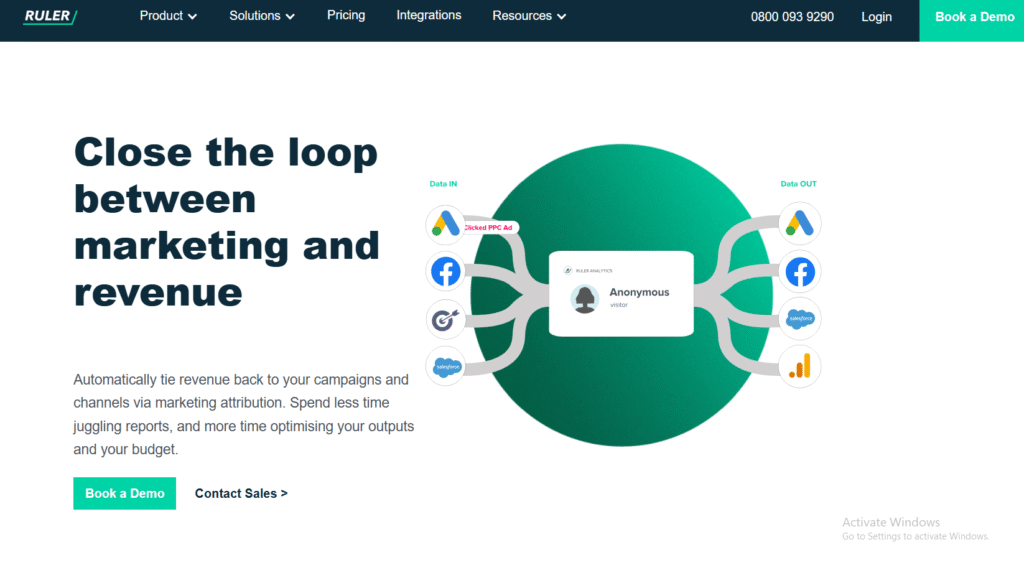
Ruler Analytics is built for marketing teams who need more than call logs. It tracks every caller across multiple sessions, connects calls to revenue inside the CRM, and attributes income back to campaigns and keywords. This makes it a strong fit for teams prioritising ROI clarity and detailed revenue reporting.
Key Features
Revenue Attribution Mapping
This connects call events to closed revenue inside your CRM. It shows which channels produce profitable leads, not just high call volume. Anyone reviewing Ruler Analytics features will find this function central to ROI visibility.
Multi-Touch Attribution
This tracks each caller across multiple touchpoints. You see the full path from ad to landing page to call. It allows teams to assign value to multiple steps in the funnel instead of crediting only the final click.
Call Tracking and Conversation Data
Call details, durations, and outcomes are logged and synced directly into CRM pipelines. This helps sales managers understand call quality and lead progress without manual updates.
Marketing Automation Sync
Ruler sends call events into email tools, analytics platforms, and CRM triggers. This supports more coordinated marketing and follow-up systems.
Strong CRM Compatibility
Integrations with platforms such as HubSpot, Pipedrive, and Salesforce ensure clean data flows between sales and marketing.
Pros & Cons
| Pros | Cons |
| Strong revenue attribution | Higher price than entry-level tools |
| Accurate multi-touch tracking | Can feel advanced for small teams |
| Good for PPC and omnichannel | Requires CRM setup |
| Clear ROI reports | Limited call routing options |
Pricing
Ruler Analytics pricing starts around £129 per month, depending on data volume and attribution depth. A trial option is available.
Best For Teams Focused on Revenue Tracking
Ruler is ideal for:
- Agencies analysing income per campaign
- CRM-heavy operations needing accurate attribution
- PPC teams that optimise around revenue, not clicks
- Businesses with long sales cycles
- Teams needing clean income-based reporting
Use Ruler’s revenue timeline view to identify which campaigns create long-term value, not just first-contact interest.
How to Use Ruler Analytics for Multi-Location Campaigns
Assign unique number pools per region so each location’s ROI is tracked separately. This helps multi-location companies understand which areas bring the most revenue and adjust budgets accordingly.
Best Alternative
CallRail is the closest alternative for teams needing simpler setup and lower cost while still supporting keyword-level call attribution.
3. CallTrackingMetrics – Call Tracking With Automation Power
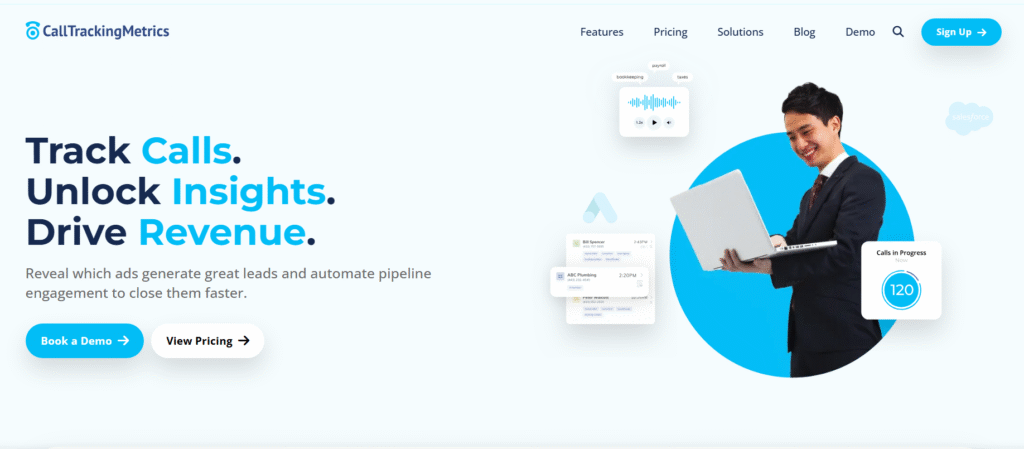
CallTrackingMetrics, known as CTM, supports call tracking plus automation flows. It fits companies with higher call volume or teams that want automated actions based on call events. Its combination of attribution and workflow logic makes it versatile for marketing and sales operations.
Key Features
Smart Routing Rules
This lets businesses assign calls based on time of day, agent skills, or marketing source. It reduces missed calls and supports structured sales processes.
Conversation Intelligence Tools
CTM offers AI-based call scoring and transcription analysis. This helps teams identify caller intent and track recurring themes across conversations.
Automation Builder
The automation builder allows triggers such as “new call,” “missed call,” or “long call,” which can activate notifications, CRM tasks, or follow-up sequences.
Keyword Attribution
CTM links calls to keywords, ads, and campaigns. Teams running paid search often choose CTM for this level of visibility.
Integrations With CRMs and Ad Platforms
Platforms such as Salesforce, Zoho, and Google Ads connect easily, keeping marketing and sales aligned.
Pros & Cons
| Pros | Cons |
| Flexible automation | Interface can feel complex |
| Good for high-volume teams | Higher learning curve |
| Strong analytics | Some add-ons cost extra |
| Accurate attribution | Setup requires time |
Pricing
CallTrackingMetrics pricing starts at £29 per month, with higher tiers available for automation and advanced features. A free trial is available.
Best For High-Volume Teams and Agencies
This tool is a strong fit for:
- Businesses with heavy inbound call traffic
- Agencies managing complex routing needs
- Sales teams needing automated follow-up actions
- PPC managers looking for accurate keyword attribution
- Multi-department teams coordinating calls across several locations
Use CTM’s automation to trigger follow-up tasks immediately after a missed call, improving recovery on lost lead opportunities.
How to Use CTM for Data Compliance
CTM stores call recordings with configurable retention periods. Set shorter retention windows for call-heavy accounts to stay compliant with internal privacy rules while preserving essential call insights.
Best Alternative
Infinity offers a cleaner interface and strong enterprise routing if automation is not your primary priority.
4. WhatConverts – Lead Tracking With Full Data Visibility
WhatConverts centralises call, form, and chat tracking under one dashboard. Marketing teams choose it when they want to know the exact source, quality, and value of each lead. It’s a flexible tool that helps agencies present clear performance reports to clients.
Key Features
Lead Qualification Tracking
This allows users to mark leads as qualified, unqualified, or pending. It provides clarity when comparing campaign performance.
Multi-Channel Attribution
WhatConverts ties calls, forms, and chat leads to campaigns and keywords. It covers every inbound channel in one interface, giving teams a full view of ROI.
Custom Reporting
Users can build reports showing call counts, qualified leads, revenue estimates, and channel comparisons. This is useful for client reporting.
Call Recording
Recordings are stored with each lead profile, making review simple for sales teams.
Dynamic Number Pools
Number pools let marketers track high-volume paid search campaigns without running out of tracking numbers.
Pros & Cons
| Pros | Cons |
| Easy reporting | Lacks advanced automation |
| Covers calls, forms, chat | CRM integrations not as deep |
| Good for agencies | Manual setup needed for complex accounts |
| Clear lead-quality filters | Some features feel basic |
Pricing
WhatConverts pricing starts at £30 per month, with higher tiers for more channels and tracking volume. A free trial is available.
Best For Agencies That Want Simple, Clear Reporting
This tool works best for:
- Agencies producing client reports
- Marketers who want multi-channel tracking
- PPC teams needing keyword clarity
- Businesses monitoring inbound lead quality
- Teams wanting simple setup and fast review
Use the lead qualification filter to quickly identify which campaigns produce quality rather than superficial lead volume.
How to Use WhatConverts for PPC Insights
Track each PPC ad group with its own number pool. This reveals which ad groups carry your real ROI, not just call counts.
Best Alternative
CallTrackingMetrics is the stronger choice when automation and workflow triggers are required.
5. Infinity – Enterprise-Level Call Tracking and Attribution
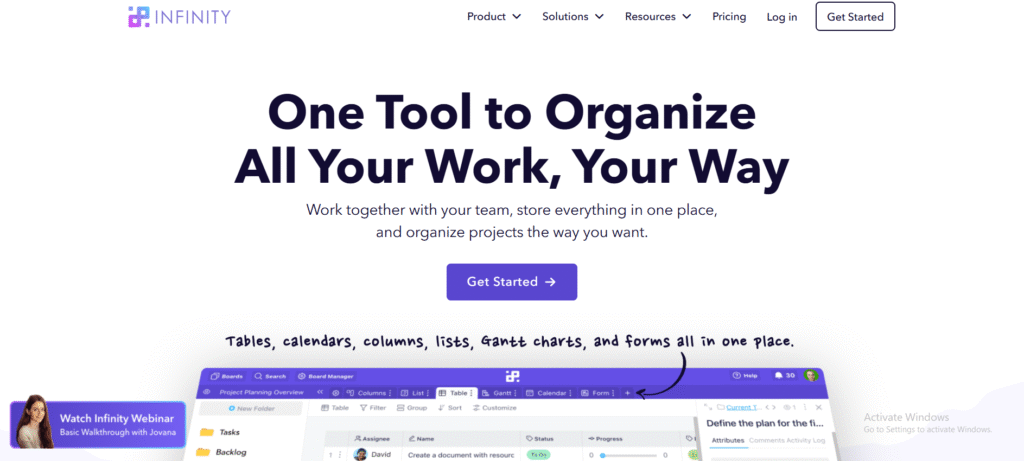
Infinity is built for enterprises and high-volume advertisers needing detailed routing, flexible reporting, and multi-region setups. Its call intelligence features make it suitable for businesses that depend on inbound call performance across large teams or multiple markets.
Key Features
Advanced Call Routing
Infinity supports routing based on geography, skill level, team availability, and source. Multi-location brands use it to direct callers accurately and reduce missed leads.
Speech Analytics
Infinity includes call analysis tools that scan conversations for keywords, sentiment, and patterns. This helps identify recurring themes and performance gaps.
Attribution Across Channels
Calls are tied to ads, sessions, keywords, and campaigns. This supports accurate ROI reporting for large budgets.
Global Number Availability
Infinity provides local and international tracking numbers for brands working in multiple markets.
Data Reporting Suite
The reporting engine lets users create dashboards for call outcomes, campaign ROI, and lead value trends.
Pros & Cons
| Pros | Cons |
| Strong for enterprises | Pricing can be high |
| Flexible routing | May overwhelm beginners |
| High-quality analytics | Setup requires planning |
| Scales well globally | Limited entry-level plans |
Pricing
Infinity pricing starts around £50 per month, with custom plans for enterprise teams depending on volume and feature needs.
Best For Enterprise Teams With Complex Routing Needs
Infinity is ideal for:
- Multi-location brands
- Large sales teams needing strict routing logic
- Enterprises running big paid search budgets
- Companies working across multiple markets
- Teams that rely on detailed analytics and speech data
Use Infinity’s speech analytics to identify patterns in missed or mishandled calls. This often reveals hidden ROI gaps.
How to Use Infinity for Multi-Market Operations
Assign numbers by region and route calls using location-based rules. This ensures callers always reach the closest qualified team, which improves conversion potential.
Best Alternative
CallTrackingMetrics works as a lighter, more budget-friendly option for teams who need automation but not full enterprise routing power.
6. Phonexa – All-In-One Lead and Call Management Suite
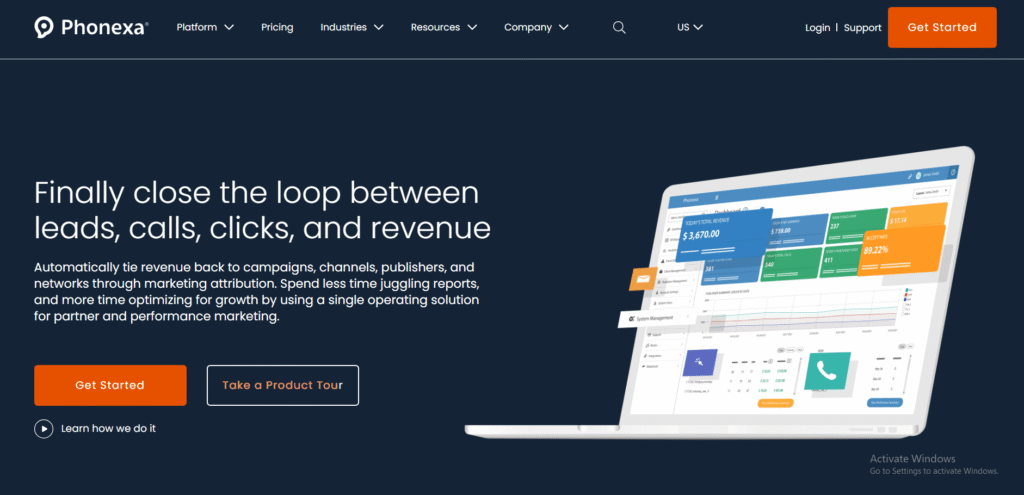
Phonexa offers a full platform that covers call tracking, lead distribution, accounting, and workflow tools. It suits businesses that want multiple functions under one system instead of stitching together separate platforms. Marketing teams, call centres, and performance-driven advertisers often choose Phonexa for centralised control.
Key Features
Call Tracking With Source Attribution
Phonexa traces each call to its originating campaign or source. This allows teams to understand where valuable leads come from and how budget produces income.
Lead Management System
The LMS tool manages lead delivery, routing, and filtering. It suits performance marketers and teams distributing calls or leads across partners.
Built-In IVR
Phonexa includes an IVR builder that guides callers to the right department. This keeps inbound calls organised and reduces wasted time.
Call Recording and Analytics
Recordings and insights give managers visibility into call quality. These analytics support decisions on training and campaign refinement.
Email and SMS Tools
Phonexa’s messaging functions allow teams to arrange follow-up sequences tied to call events.
Pros & Cons
| Pros | Cons |
| Multiple tools in one suite | Can feel heavy for small teams |
| Strong for performance marketing | Pricing increases with modules |
| Flexible lead routing | Interface learning curve |
| Supports calls, leads, and payouts | Setup time required |
Pricing
Phonexa pricing starts at £79 per month, depending on modules and usage. Trials are available for most accounts.
Best For Teams Needing a Full Call and Lead Suite
Phonexa suits:
- Performance advertisers requiring full lead routing
- Call centres distributing inbound calls
- Businesses managing partners or affiliates
- Companies wanting call tracking plus lead delivery
- Teams needing one system for calls, leads, and reporting
Use Phonexa’s waterfall distribution to send calls only to partners who meet quality criteria. This protects revenue and reduces low-value traffic.
How to Use Phonexa for Partner Lead Control
Set filters based on caller history, region, intent, or campaign. This ensures partners only receive leads that fit their criteria and improves ROI tracking accuracy.
Best Alternative
Ringba is a strong alternative for performance marketers needing carrier-level routing without a full suite.
7. DialogTech – Call Analytics for Large Teams
DialogTech focuses on enterprise-level call analysis and sales intelligence. It supports teams that depend on thousands of calls per month and need detailed insight into caller intent and conversion quality. Many large brands favour it for high-volume inbound communication.
Key Features
AI-Driven Conversation Analysis
DialogTech analyses calls for intent signals, sentiment, and conversion indicators. This helps teams understand patterns and missed opportunities.
Call Scoring
Each call receives a quality score based on keywords, engagement, and outcomes. This helps managers refine campaigns and sales processes.
Routing and IVR
Routing rules support large teams and multi-department structures, ensuring callers reach the correct specialist without delay.
Attribution Reporting
Calls connect to campaigns, keywords, and landing pages. Marketing teams use this to compare ROI across channels.
Multi-Location Support
Enterprises with regional branches benefit from centralised reporting with location-specific views.
Pros & Cons
| Pros | Cons |
| Excellent AI call insights | Custom pricing only |
| Strong for large teams | Overkill for small businesses |
| Good multi-location support | Setup requires operations alignment |
| Detailed scoring | Limited entry-level plans |
Pricing
Pricing is custom-quoted, depending on call volume, number of locations, and analytics needs.
Best For Large Teams and Enterprise Call Volumes
Ideal for:
- Brands processing high call counts
- Enterprises with multiple departments
- National service providers
- Sales teams needing AI scoring
- Teams wanting deep analytics for ROI measurement
Use call scoring to create thresholds for follow-up actions. High-score calls can be automatically flagged for sales escalation.
How to Use DialogTech for Department Routing
Assign routing based on campaign type. For example, product-related callers go to product specialists, while service requests route to support. This keeps inbound calls focused and controlled.
Best Alternative
Infinity is the alternative for teams wanting strong analytics but lower reliance on AI scoring.
8. Ringba – Carrier-Level Tracking for Performance Marketers
Ringba is widely used in performance marketing, pay-per-call, and affiliate lead distribution environments. It gives users control over routing, payouts, call targets, and partner management. Teams handling large partner networks often rely on Ringba for its flexibility.
Key Features
Carrier-Level Routing
Ringba offers direct carrier connections, allowing fast inbound call delivery and reduced latency. This matters for pay-per-call advertisers where speed affects revenue.
Real-Time Call Targeting
Users can direct calls to buyers based on rules such as price, quality, region, and capacity. This supports revenue-controlled call flows.
Custom Call Flows
Ringba’s flow builder allows complex routing paths for multi-partner setups.
Live Analytics Dashboard
Performance marketers review call volume, buyer performance, and revenue trends in real time.
Number Management
Users can purchase, track, and configure numbers across global markets.
Pros & Cons
| Pros | Cons |
| Ideal for performance marketing | Requires learning time |
| Fast routing | Not aimed at small businesses |
| Custom flows | No free trial |
| Strong marketplace tools | Needs ongoing optimisation |
Pricing
Ringba pricing starts at £50 per month, billed differently for enterprise or call-buyer setups.
Best For Performance Marketers and Pay-Per-Call Teams
Best suited for:
- Affiliate marketers
- Pay-per-call networks
- Lead buyers and sellers
- High-volume call campaigns
- Teams needing custom routing rules
Use Ringba’s capacity rules to stop sending calls to buyers who are not converting. This protects payout margins.
How to Use Ringba to Improve Call Buyer Quality
Set target performance thresholds for each buyer. When metrics slide, route calls to alternative partners automatically.
Best Alternative
Phonexa suits teams wanting an all-in-one suite instead of pure call routing.
9. Marchex – Call Analytics for Multi-Location Brands
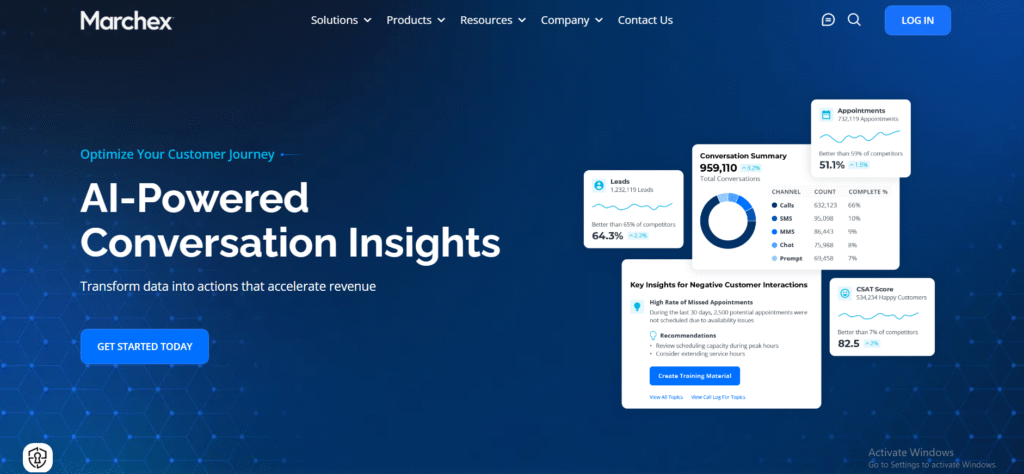
Marchex supports companies with multiple branches, dealership networks, or franchises. It focuses on improving caller experience and understanding the behaviours that lead to conversions. Many large brands across automotive and service sectors use it for sales visibility.
Key Features
Conversation Analysis
Marchex analyses calls for intent, keywords, and outcomes. It highlights call quality issues across various locations.
Alerts for Missed Opportunities
The platform flags calls where agents may have mishandled a selling opportunity, allowing managers to intervene quickly.
Performance Comparisons Across Locations
Multi-location teams can compare how each branch handles incoming calls and identify areas needing support.
Attribution and Call Source Tracking
Calls connect to campaigns and ads for ROI visibility.
Sales Performance Monitoring
Managers can view conversion patterns across entire networks.
Pros & Cons
| Pros | Cons |
| Strong for multi-location brands | Custom pricing needed |
| Good analytics | Not built for small local teams |
| Performance alerts | Limited routing rules |
| Enterprise reporting | Fewer marketing integrations |
Pricing
Marchex provides custom pricing based on location count and call volume.
Best For Multi-Location Brands and Dealership Groups
Works well for:
- Automotive groups
- Franchise networks
- Property service chains
- National multi-branch service companies
- Teams needing cross-location reporting
Use location comparison reports to identify which branches convert the most inbound calls. It’s often the fastest way to uncover operational wins.
How to Use Marchex for Training
Export call patterns and trends across branches to develop targeted coaching sessions for under-performing teams.
Best Alternative
DialogTech is the alternative when deeper AI analysis is required.
10. Convirza – Call Scoring for Sales Performance
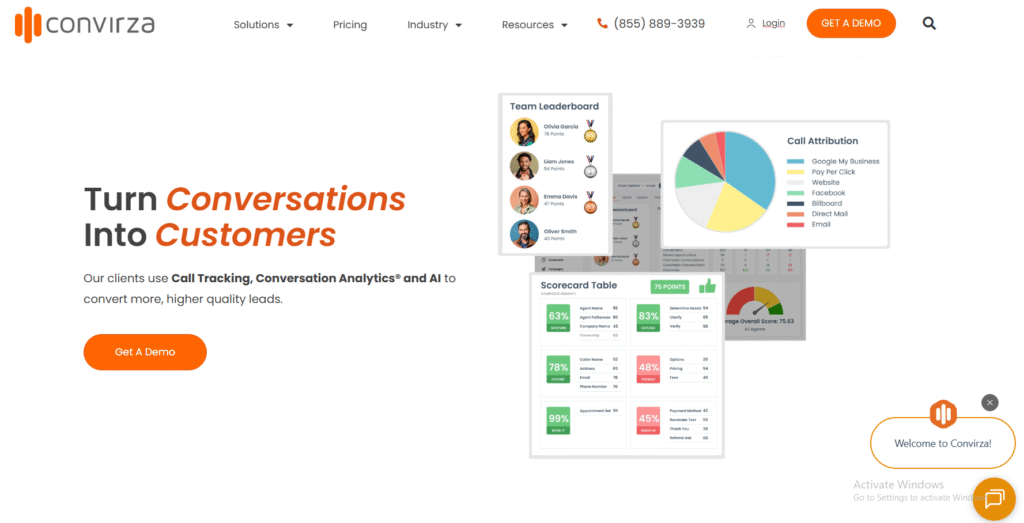
Convirza focuses on conversation analysis and scoring. It suits teams that depend heavily on the quality of sales calls, not just call volume. Many service providers and appointment-based businesses choose Convirza for its sales-centric reporting.
Key Features
Call Scoring Engine
Convirza delivers automated scoring based on over 200 behavioural factors. It highlights where sales staff perform well or poorly.
Conversion Tracking
Calls connect to campaigns and actions. Marketing teams use this data to assess campaign ROI.
Call Recording and Analysis
Recordings feed the scoring system, helping managers identify coaching opportunities.
Keyword Identification
The system picks up important phrases that indicate intent or commitment, useful for sales refinement.
Reporting Dashboard
Users can view trends across teams, campaigns, and call types.
Pros & Cons
| Pros | Cons |
| Strong scoring features | Higher price point |
| Useful for sales management | Not ideal for basic tracking |
| Good analytics | Setup requires scripting |
| Helps refine sales calls | Less flexible routing |
Pricing
Convirza pricing begins at £79 per month, depending on call volume and scoring requirements. A trial is available.
Best For Sales-Focused Teams Wanting Call Analysis
Designed for:
- Sales teams that depend on call quality
- Appointment-driven businesses
- High-ticket service providers
- Teams needing frequent coaching
- Companies wanting in-depth sales scoring
Create score thresholds and link them to training events. This keeps sales development consistent.
How to Use Convirza for Sales Coaching
Automate daily reports that list low-scoring calls. Use these recordings during training sessions to address recurring issues.
Best Alternative
WhatConverts is a simpler choice for teams focused on clean reporting rather than sales-specific scoring.
11. Analytic Call Tracking – White-Label Call Tracking for Marketers
Analytic Call Tracking (ACT) is a straightforward call tracking platform designed mainly for marketers who want white-label capability. Agencies often choose it for its simplicity and the ability to create client-facing dashboards under their own branding.
Key Features
White-Label Dashboards
ACT allows agencies to brand the entire platform as their own. This supports client retention because all reporting appears internal rather than outsourced.
Call Tracking and Routing
The system tracks calls back to campaigns and routes them to the correct destination. It suits local campaigns and single-location businesses.
Call Recording
Recordings are stored with each call log, giving users the ability to review and assess call quality.
Number Management
Users can buy and manage tracking numbers within the interface. It is ideal for local SEO campaigns and small-budget PPC setups.
Client Access Control
Agencies can create client logins and choose what data they are allowed to view.
Pros & Cons
| Pros | Cons |
| Affordable for agencies | Limited analytics depth |
| Strong white-label features | No advanced automation |
| Easy to learn | Not suited for enterprises |
| Good for local campaigns | Fewer integrations |
Pricing
Analytic Call Tracking pricing begins at £37 per month. No trial is typically provided.
Best For Agencies Wanting White-Label Simplicity
Perfect for:
- Small to mid-size marketing agencies
- Local SEO specialists
- PPC managers with simple call flows
- Consultants offering call tracking as a service
- Teams that want a clean, branded dashboard for clients
Use the white-label option to package call tracking into your agency’s core offer without revealing third-party tools.
How to Use ACT for Local SEO Campaigns
Assign tracking numbers to each location page. This identifies which areas generate profitable inbound calls and supports better on-page adjustments.
Best Alternative
Nimbata works well if you want more advanced reporting while still keeping the interface simple.
12. ActiveDEMAND – Marketing Platform With Call Tracking Built In
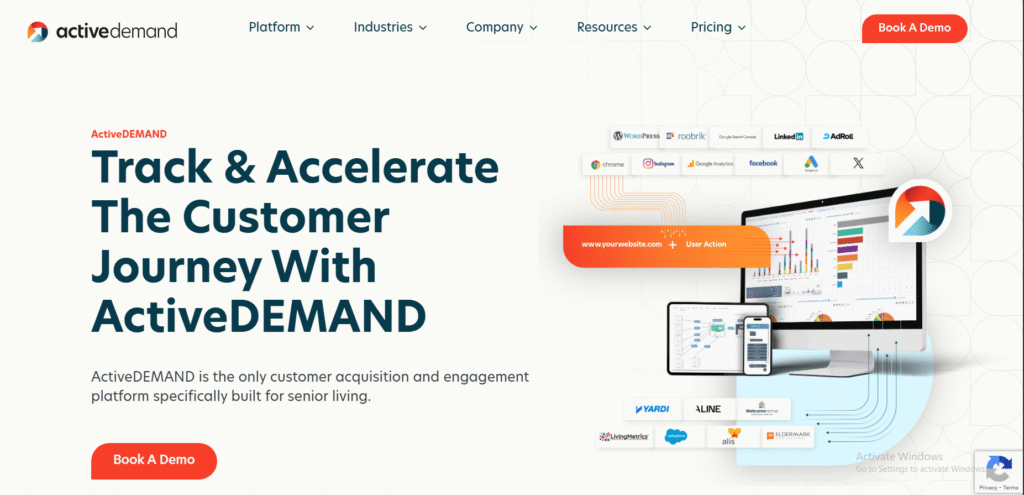
ActiveDEMAND combines call tracking, email marketing, and reporting tools within one dashboard. Agencies often use it to centralise marketing actions while maintaining full visibility on inbound calls.
Key Features
Call Tracking With Attribution
Calls tie back to campaigns, keywords, and marketing sources. This helps agencies monitor performance across multiple channels.
Marketing Automation Tools
ActiveDEMAND provides workflows for email triggers, notifications, and follow-ups tied to call activity.
Lead Scoring
Calls feed into the platform’s scoring rules, giving a clear view of caller value across campaigns.
Dynamic Number Insertion
This assigns numbers to visitors based on traffic source. It supports detailed analysis for PPC and organic channels.
Client Reporting Dashboards
Agencies can generate branded reports for clients, covering calls, leads, and activity summaries.
Pros & Cons
| Pros | Cons |
| All-in-one platform | Interface takes time to learn |
| Strong for agencies | Pricing increases with features |
| Includes email and automation | Can feel heavy for simple campaigns |
| Good attribution | Some reports require configuration |
Pricing
ActiveDEMAND pricing starts at £15 per month, with higher plans depending on automation scope.
Best For Agencies Wanting Marketing + Call Tracking
Ideal for:
- Agencies needing one platform
- Teams building automation around call activity
- Multi-channel marketers
- PPC teams needing keyword tracking
- Businesses wanting built-in email functions
Use call-triggered automation to send lead summaries to sales reps instantly after each call.
How to Use ActiveDEMAND for Multi-Channel Cross-Checks
Compare call patterns from PPC and organic campaigns inside one report. This helps identify where to allocate budget more effectively.
Best Alternative
WhatConverts is the alternative when you want multi-channel call and form tracking without extra marketing automation.
13. AvidTrak – Flexible Global Call Tracking
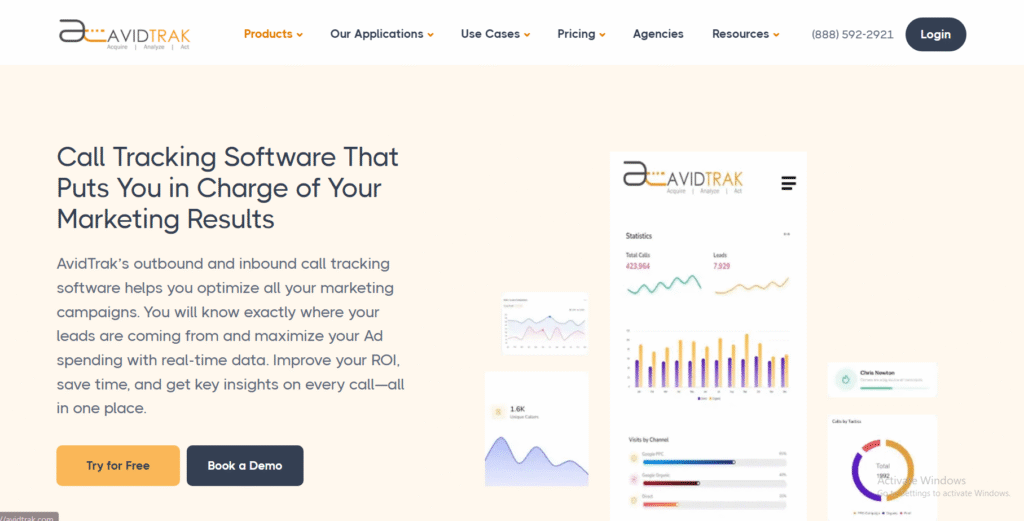
AvidTrak supports global call tracking, making it attractive for businesses advertising across multiple regions or countries. Its flexibility and cost structure appeal to marketers looking for budget-conscious tracking with international reach.
Key Features
Global Number Availability
AvidTrak provides numbers for many regions, ideal for cross-border campaigns.
Call Tracking With Source Insights
Calls are attributed to campaigns, ads, and keywords. This supports teams focusing on performance-based marketing.
Routing Tools
Users can route calls based on region, availability, and business rules.
Call Recording
Recordings support quality checks and help refine ad campaigns.
Reporting Tools
Reports cover call patterns, durations, outcomes, and source comparisons.
Pros & Cons
| Pros | Cons |
| Affordable | Interface feels older |
| Good for global campaigns | Limited automation |
| Flexible routing | Fewer integrations |
| Clear reporting | Not built for enterprise analytics |
Pricing
AvidTrak pricing begins at £25 per month, with various usage-based fees.
Best For Teams Running International Campaigns
AvidTrak suits:
- International advertisers
- Multi-region agencies
- Teams needing low-cost tracking
- PPC campaigns across different markets
- Businesses comparing performance across countries
Use separate number pools for each region to quickly identify geographic areas with the most profitable inbound calls.
How to Use AvidTrak for PPC Segmentation
Group tracking numbers by ad group or region. This reveals where ROI is strongest.
Best Alternative
Infinity is a better match if you need detailed analytics and global routing at enterprise scale.
14. CallFire – Simple Call Tracking With SMS Solutions
CallFire offers basic call tracking, SMS marketing, and voice broadcast features. It serves small businesses that want simple tools without complexity.
Key Features
Call Tracking
Calls are tied to campaigns and numbers. Local businesses often use CallFire for small PPC and offline campaigns.
SMS Messaging
The platform includes mass-text and automation features that work alongside call tracking.
Voice Broadcast
Teams can send pre-recorded voice messages to customer lists for announcements or promotions.
Call Recording
Recordings help assess call quality and marketing value.
Number Purchase and Management
Users can quickly buy and configure local and toll-free numbers.
Pros & Cons
| Pros | Cons |
| Very simple to use | Limited analytics |
| Affordable | Basic reporting |
| Includes SMS | Not built for agencies |
| Good for local businesses | No advanced attribution |
Pricing
CallFire pricing starts at £19 per month, depending on usage.
Best For Small Local Businesses
CallFire is ideal for:
- Local service providers
- Small PPC campaigns
- Businesses needing SMS + call tracking
- Teams that want quick setup
- Users who don’t need complex attribution
Use SMS follow-up sequences to reconnect with missed callers and increase booking rates.
How to Use CallFire for Local Campaigns
Assign dedicated numbers to flyer campaigns, billboards, or direct mail so you can measure response rates accurately.
Best Alternative
Analytic Call Tracking is the alternative when you need white-label features and more agency-focused tools.
15. Aircall – Cloud Phone System With Built-In Call Tracking
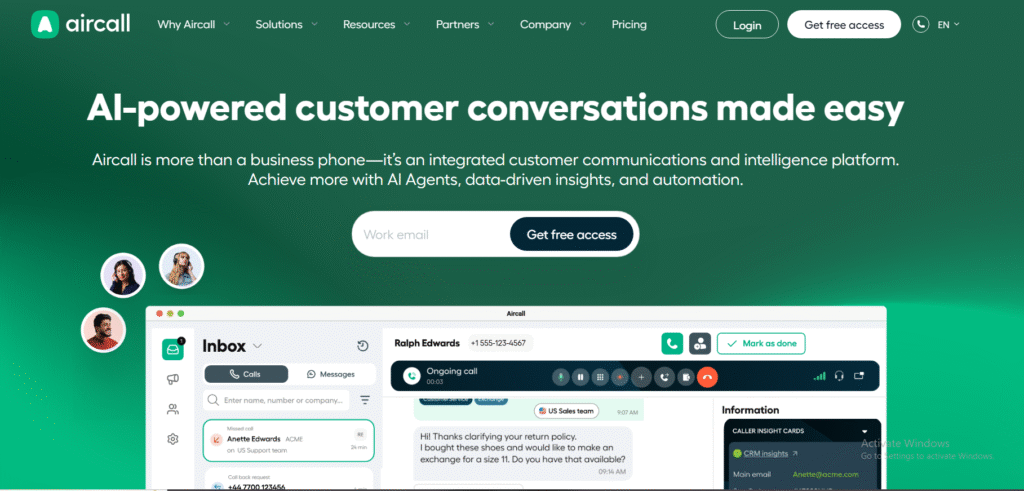
Aircall is a cloud-based phone system suited for sales teams, support teams, and remote operations. It includes call tracking features and integrates with CRMs, making it useful for teams that want a unified phone system plus attribution.
Key Features
Call Routing
Aircall routes calls based on team schedules, queues, and availability. It suits teams wanting structured handling of inbound calls.
Call Logging and Tracking
Call details are logged and synced into CRMs such as HubSpot, Pipedrive, and Salesforce.
Real-Time Dashboard
Managers can view live call activity, queue times, and team performance.
Call Recording
Recordings support training and quality control.
Integrations
Aircall connects to many SaaS tools, helping teams centralise communication and tracking.
Pros & Cons
| Pros | Cons |
| Great for remote teams | Not built for deep attribution |
| Modern interface | Limited keyword tracking |
| Easy CRM integrations | Higher tiers cost more |
| Reliable phone system | Basic analytics |
Pricing
Aircall pricing begins at £25 per month, with higher tiers for additional calling features. Trials are available.
Best For Sales and Support Teams
Aircall fits:
- Remote teams needing a structured phone system
- Sales teams using CRMs
- Support teams needing queue management
- Businesses wanting basic call tracking
- Teams that value easy integrations
Use Aircall’s CRM syncing to tag calls by deal stage, giving clarity on which calls support revenue.
How to Use Aircall for Sales Pipelines
Set up CRM workflows that trigger updates after every logged call. This keeps pipelines clean and removes manual admin tasks.
Best Alternative
JustCall is the comparable option for teams wanting similar functions with slightly different pricing and features.
16. JustCall – Cloud Phone System With Tracking for Sales Teams
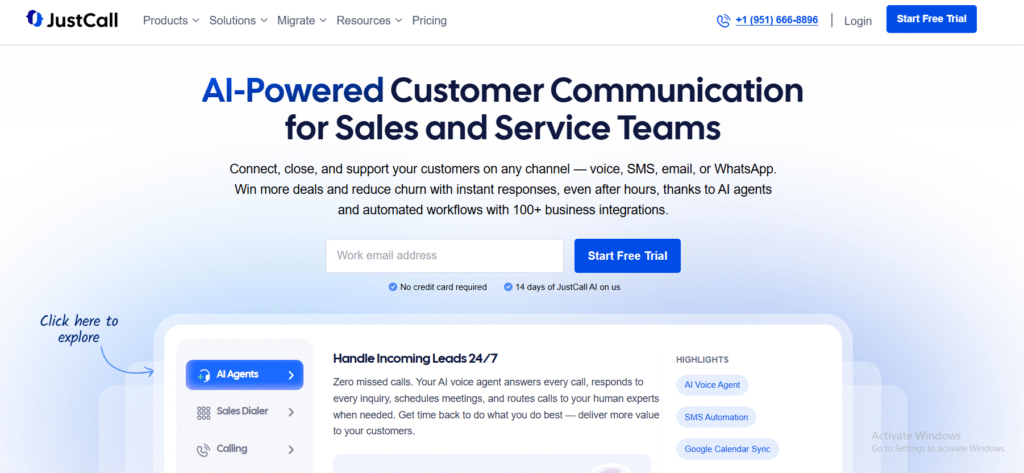
JustCall is a cloud-based phone system for sales and support teams needing outbound and inbound call structure. It includes basic tracking, call recording, analytics, and CRM syncing. Many remote teams choose it for its ease of use and consistent integration across pipelines.
Key Features
Call Tracking and Logging
JustCall logs calls, sources, and outcomes directly inside connected CRMs. This maintains clean reporting for teams managing inbound and outbound activity.
Call Recording
Recordings allow managers to review conversations for quality improvements and consistency across sales teams.
SMS and Dialer Tools
JustCall includes texting and a power dialer, which helps outbound teams contact leads faster.
Analytics Dashboard
The platform tracks call volume, duration, response times, and team performance trends.
Integrations
CRMs and helpdesk tools such as HubSpot, Zoho, Freshdesk, and Salesforce connect easily for smoother workflow management.
Pros & Cons
| Pros | Cons |
| Good for remote teams | Not ideal for advanced attribution |
| Easy setup | Limited keyword insight |
| Strong CRM integrations | Fewer analytics options |
| Includes dialer tools | Basic reporting |
Pricing
JustCall pricing starts at £19 per month, with upgraded plans offering more advanced features.
Best For Sales Teams Wanting Call Tracking Built Into a Phone System
JustCall works well for:
- Remote sales teams
- Support teams needing consistent logging
- Businesses using CRM workflows
- Outbound teams using dialer tools
- Teams wanting simple call tracking
Use the power dialer to manage outbound lead lists quickly and maintain consistent follow-up cycles.
How to Use JustCall to Improve Agent Consistency
Set up automated post-call tags inside your CRM. This helps track how agents classify calls, improving reporting accuracy.
Best Alternative
Aircall is the closest match for teams wanting broader call centre features.
17. Callsource – Call Performance Monitoring for Service Industries
Callsource is widely used in automotive, home services, and franchise sectors. It provides tracking plus agent performance monitoring, making it suitable for industries where inbound calls drive appointments and bookings.
Key Features
Call Monitoring
Callsource tracks, records, and classifies inbound calls, giving businesses visibility into how calls are handled.
Performance Insights
The system identifies missed opportunities, poor handling, or breakdowns in service quality.
Tracking Numbers
Callsource assigns numbers per campaign or location to identify where callers come from.
Appointment Conversion Tracking
This feature records whether calls convert into appointments or bookings, which is essential for service-based ROI.
Benchmarking
Multi-location businesses can compare performance across branches or service areas.
Pros & Cons
| Pros | Cons |
| Ideal for service industries | Not ideal for digital-only teams |
| Strong conversion monitoring | Custom pricing only |
| Good for multi-location brands | Limited marketing attribution |
| Useful performance reporting | Less flexible routing |
Pricing
Callsource uses custom pricing, dependent on industry, location count, and service requirements.
Best For Service Industries With High Call Volume
Callsource suits:
- Automotive groups
- Home service companies
- Franchise operations
- Appointment-driven businesses
- Teams prioritising call handling quality
Use Callsource’s appointment conversion reports to identify which agents consistently convert phone calls into booked jobs.
How to Use Callsource for Franchise Performance
Create separate tracking numbers for each franchisee. This reveals where training is needed and where top performers excel.
Best Alternative
Marchex is the closest alternative for multi-location teams needing in-depth call behaviour insights.
18. Nimbata – Customisable Call Tracking for SMBs and Agencies
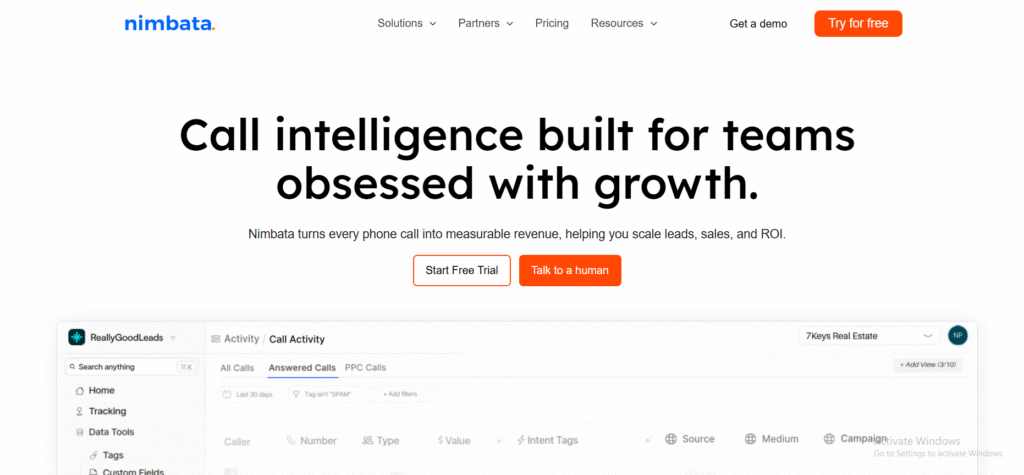
Nimbata is a modern call tracking platform aimed at small businesses and agencies wanting easy setup with solid analytics. It covers source tracking, routing, recordings, and click-to-call tracking at a reasonable cost.
Key Features
Source and Keyword Tracking
Nimbata ties calls to ads, campaigns, and keywords, giving marketers clarity on performance.
Call Flows
Users can build simple or complex flows for routing calls based on hours, location, or caller needs.
Call Recording
Recordings support quality checks and help marketing teams refine campaigns.
Analytics Dashboard
Reports cover call outcomes, durations, sources, and campaign comparisons.
Integrations
Nimbata connects to analytics platforms, CRMs, and marketing systems for full visibility across teams.
Pros & Cons
| Pros | Cons |
| Very clean interface | Fewer enterprise tools |
| Flexible call flows | Limited AI analysis |
| Good for SMBs and agencies | Some integrations require setup |
| Clear reporting | Fewer advanced automation options |
Pricing
Nimbata pricing starts at £39 per month, depending on call volume and features.
Best For SMBs and Agencies Wanting Clean Attribution
Nimbata suits:
- Small agencies
- Local businesses
- PPC teams needing accurate tracking
- Businesses that want clear reporting
- Teams without enterprise-level needs
Use Nimbata’s source comparison reports to identify which channels produce the most profitable calls quickly.
How to Use Nimbata for Multi-Channel Campaigns
Assign separate number pools for organic, social, and paid traffic. This highlights how each channel contributes to total revenue potential.
Best Alternative
Analytic Call Tracking is a good fit if white-label capabilities are your priority.
19. Retreaver – Advanced Routing for Performance Advertising
Retreaver is used heavily in performance advertising, lead distribution, and pay-per-call industries. It focuses on routing triggers, buyer matching, and advanced call flows for campaigns needing tight control.
Key Features
Tag-Based Routing
Retreaver uses tags to direct calls based on caller behaviour, geography, or campaign criteria. This supports precise matching to buyers.
Real-Time Buyer Management
You can add or remove buyers instantly based on capacity or performance.
Call Tracking and Attribution
Calls are tracked to campaigns and sources, helping marketers monitor ROI.
Caller Profiles
The system builds profiles based on caller history and behaviour, which helps refine routing rules.
Integrations
Retreaver connects to CRMs, lead platforms, and analytics tools.
Pros & Cons
| Pros | Cons |
| Excellent routing tools | No free trial |
| Strong for performance networks | Complex for new users |
| Flexible tag system | Pricing varies |
| Good buyer controls | Requires ongoing management |
Pricing
Retreaver pricing begins at £49 per month, with usage fees for call volumes and buyer delivery.
Best For Performance Marketers and Lead Buyers
Retreaver fits:
- Pay-per-call marketers
- Lead distribution networks
- Affiliate advertisers
- Teams needing buyer management
- Businesses routing calls across multiple partners
Use Retreaver tags to filter out low-value callers before routing them to buyers. This protects payout margins.
How to Use Retreaver for Buyer Quality Control
Tag calls based on region, keyword, or behaviour, and route only qualified callers to high-paying buyers.
Best Alternative
Ringba is the alternative when you want direct carrier routing and more marketplace tools.
20. RingCentral – Unified Phone System With Tracking Capabilities
RingCentral is a cloud communication system with call tracking in its analytics stack. While not a specialised attribution tool, it provides enough tracking to support sales and support teams that want visibility inside a broader communication platform.
Key Features
Call Logging and Tracking
RingCentral logs inbound and outbound calls, offering call source, duration, and user-level performance.
Call Routing and IVR
Teams can create call flows and IVR menus to direct callers efficiently.
Call Recording
Recordings support training and performance reviews.
Analytics Suite
The analytics platform provides data on call volume, queues, agent activity, and customer trends.
Integrations
CRMs, ticketing systems, and workflow tools integrate easily, making RingCentral suitable for large teams.
Pros & Cons
| Pros | Cons |
| Strong phone system | Limited attribution depth |
| Good analytics | Not built for keyword tracking |
| Great for large teams | Higher pricing tiers |
| Reliable routing | Complex for small businesses |
Pricing
RingCentral pricing begins at £25 per month, with advanced tiers offering more analytics features.
Best For Teams Wanting a Unified Phone and Call Tracking System
RingCentral suits:
- Large support teams
- Sales teams needing CRM syncing
- Businesses wanting a reliable phone system
- Multi-department teams
- Teams needing general call insights
Use analytics reports to compare agent performance and identify gaps in call handling.
How to Use RingCentral for Multi-Department Routing
Create department-based IVR branches. This ensures callers reach the right team faster, improving response times.
Best Alternative
Aircall is the alternative for smaller teams needing similar functionality with a lighter configuration.
The Bottom Line
Whether you run multi-region paid campaigns, manage several client accounts, or rely heavily on inbound calls to generate revenue, the tools above give you the control you need to direct your marketing spend with clarity. The right software allows you to trace actual income, not vanity activity.
Pick one tool that fits your current stage and test it with a single campaign before expanding across your full setup.
Need Help?
At Pearl Lemon Sales, we work with businesses that rely on inbound and outbound calls to convert leads into revenue. Our team uses call tracking, conversion analysis, and structured sales systems to improve performance and reveal which channels produce meaningful returns.
If you want to make your inbound calls more accountable or you need support setting up attribution across campaigns, our consultants can guide you through the full process.
Schedule a consultation today.
Frequently Asked Questions
1. Why is call tracking essential for improving ROI?
Call tracking shows which channels produce profitable calls instead of relying on assumptions. It helps identify wasted spend and improves planning for future campaigns.
2. Which call tracking software works best for PPC campaigns?
CallRail, What Converts, and Call Tracking Metrics are typically used for PPC because they track keywords, ads, and landing pages that generate calls.
3. Do I need dynamic number insertion for accurate results?
Dynamic number pools are important if you run paid search or paid social campaigns with significant traffic. They help identify call source precisely.
4. Can call tracking integrate with my CRM?
Most platforms connect directly to CRMs such as HubSpot, Salesforce, and Pipedrive. This keeps call data synced with your pipeline.
5. Is call recording required for optimisation?
Recordings support training, quality control, and campaign optimisation. They are useful but not mandatory.
6. Which tool works best for local businesses?
Analytic Call Tracking, CallFire, and Nimbata are strong choices for small or local businesses needing simple tracking.
7. What does multi-touch attribution mean in call tracking?
It means the system tracks each step a user takes before calling. This shows how multiple channels contribute to final conversions.
8. How many tracking numbers do I need?
It depends on the number of campaigns and traffic sources. High-volume PPC campaigns require number pools, while local campaigns may need only a few static numbers.
9. Does call tracking work for offline marketing?
Yes. You can assign tracking numbers to flyers, billboards, radio, and direct mail to measure call response rates.
10. Can call tracking improve sales performance?
Yes. Features such as call scoring, recordings, and analytics help managers identify patterns that influence conversion outcomes.