Missed calls, slow replies, and back-and-forth emails quietly cost revenue. That is why tools for call scheduling and follow-ups matter to sales teams, recruiters, consultants, and service providers. These platforms keep calendars full, reminders sent, and follow-ups logged without manual chasing.
This list of tools for call scheduling and follow-ups is written for teams and individuals who rely on booked calls to move deals forward. The focus is on reliability, visibility, and follow-up control rather than gimmicks. If calls are part of how you earn, this list saves time and reduces dropped conversations.
What Are Call Scheduling and Follow-Up Tools?
Call scheduling and follow-up tools are platforms that allow prospects or internal teams to book calls based on real-time availability. They also manage reminders, confirmations, rescheduling, and post-call actions.
Most tools for call scheduling and follow-ups connect with calendars, email inboxes, and CRM systems. This keeps call data accurate and follow-ups consistent. Instead of relying on memory or manual notes, these tools record activity and prompt the next step.
Used correctly, tools for call scheduling and follow-ups reduce no-shows, shorten response times, and keep on moving.
Quick Comparison Table
The table below focuses on factors that matter most when choosing tools for call scheduling and follow-ups: ease of booking, follow-up handling, pricing entry point, and common use case.
| # | Tool | Primary Use | Booking Method | Follow-Up Support | CRM Integration | Best Fit |
| 1 | Calendly | Simple scheduling | Booking links | Email reminders | Limited | Solo and small teams |
| 2 | HubSpot | Sales scheduling | Booking links | Tasks + email | Native | Sales teams |
| 3 | Acuity Scheduling | Client calls | Booking pages | Email follow-ups | Limited | Consultants |
| 4 | Zoho Bookings | Team scheduling | Booking pages | CRM-linked | Native | Zoho users |
| 5 | Setmore | Basic scheduling | Booking pages | Email and SMS | Limited | Small teams |
| 6 | Pipedrive | Deal-based calls | Scheduler links | Activity tracking | Native | Deal-driven sales |
| 7 | Chili Piper | Inbound routing | Form-to-call | CRM tasks | Native | Inbound sales |
| 8 | OnceHub | Lead booking | Forms and links | CRM-linked | Native | Marketing-led sales |
| 9 | YouCanBook.me | Flexible scheduling | Booking links | Email follow-ups | Limited | Consultants |
| 10 | Doodle | Group calls | Polls + links | Notifications | Limited | Teams and panels |
| 11 | Microsoft Bookings | Internal calls | Booking pages | Email reminders | Microsoft 365 | Outlook-based teams |
| 12 | CallRail | Call tracking | No booking | Alerts and logs | Native | Marketing teams |
| 13 | RingCentral | Call handling | Calendar-based | Call logs | Native | Call-heavy teams |
| 14 | SimplyBook.me | Service calls | Booking pages | Email and SMS | Limited | Service businesses |
| 15 | Fireflies.ai | Post-call follow-ups | No booking | Action items | Native | Sales teams |
| 16 | Aircall | Call management | No booking | Tags and alerts | Native | Sales and support |
| 17 | Twilio | Custom workflows | API-based | Automated messages | Custom | Engineering teams |
| 18 | Zoom Scheduler | Video calls | Booking links | Email reminders | Limited | Zoom users |
| 19 | TidyCal | Budget scheduling | Booking links | Email reminders | Limited | Freelancers |
| 20 | Calendly Routing Forms | Qualified booking | Routing forms | Workflow-based | Limited | Inbound teams |
Best Tools for Call Scheduling and Follow-Ups
Below is the full list of tools for call scheduling and follow-ups covered in this guide. Each one is reviewed separately with features, pricing, and best-fit use cases.
- Calendly
- HubSpot
- Acuity Scheduling
- Zoho Bookings
- Setmore
- Pipedrive
- Chili Piper
- OnceHub
- YouCanBook.me
- Doodle
- Microsoft Bookings
- CallRail
- RingCentral
- SimplyBook.me
- Fireflies.ai
- Aircall
- Twilio
- Zoom Scheduler
- TidyCal
- Calendly Routing Forms
Each tool solves call scheduling and follow-ups in a different way. Some focus on fast booking links, others on CRM-linked follow-ups, and some on routing inbound leads to the right person.
How to Read This List
Every tool review will cover:
- What the tool does and who uses it
- Key features tied to call scheduling and follow-ups
- Pricing structure
- Strengths and limitations
- Best-fit scenarios
This approach helps you decide quickly without reading marketing copy.
1. Calendly
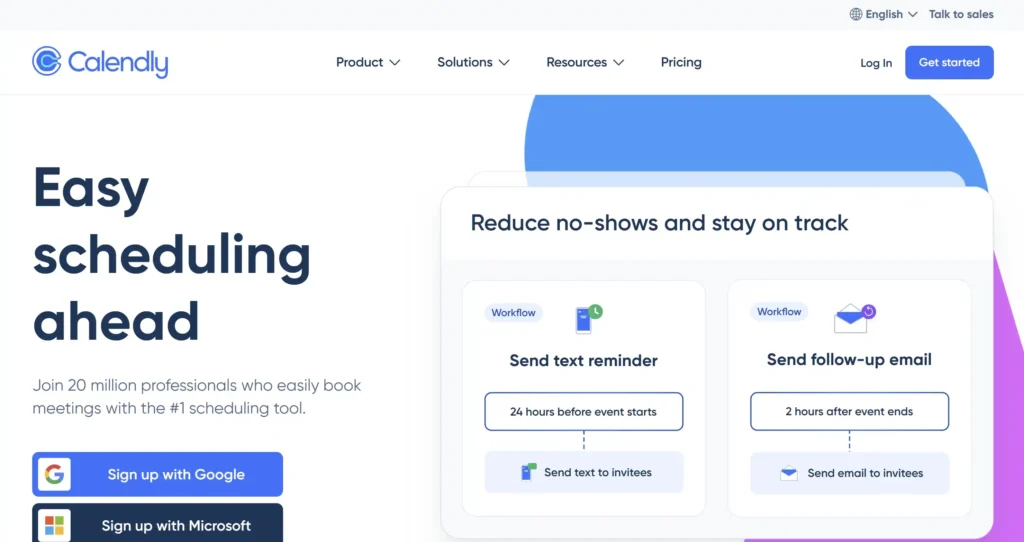
Calendly is one of the most widely used tools for call scheduling and follow-ups. It is built for professionals who want fewer emails, fewer missed calls, and a clear booking process. Sales teams, recruiters, consultants, and account managers rely on it to keep calendars organised and calls confirmed.
A typical Calendly review highlights how quickly users can share availability and lock in meetings. Once a call is booked, confirmations and reminders are handled automatically, which reduces no-shows and manual chasing.
Key Features
These features focus on keeping call scheduling organised while reducing missed follow-ups. Each one supports consistent booking, clear reminders, and better control over daily call volume.
Availability Rules
Calendly lets users define working hours, buffer time between calls, and limits on daily meetings. This keeps calendars realistic and prevents overload. For teams handling multiple calls per day, this feature alone removes scheduling errors that slow follow-ups.
Automated Notifications
Every booking triggers email notifications for both parties. Reminders are sent before the call, helping reduce missed meetings. This plays a direct role in call scheduling and follow-ups by keeping everyone aligned without extra effort.
Calendar Integrations
Calendly syncs with Google Calendar, Outlook, and iCloud. Once connected, it checks availability in real time and avoids double bookings. This is often mentioned in any Calendly review focused on reliability.
Custom Booking Links
Users can create different links for sales calls, intro calls, or support calls. Each link follows its own rules. This is useful when comparing Calendly vs other scheduling tools that rely on one generic booking page.
Team Scheduling
For sales teams, Calendly can rotate bookings across reps or assign calls based on availability. This supports fair lead distribution and quicker response times.
Pros and Cons
| Pros | Cons |
| Quick setup | Limited follow-up tracking |
| Free plan available | Basic branding on free tier |
| Reliable calendar sync | Advanced rules need paid plan |
Pricing
Calendly pricing starts with a free plan that covers one event type and basic reminders. Paid plans add multiple event types, team features, and integrations. This pricing structure makes Calendly a common starting point before users consider Calendly alternatives.
Best For Solo Professionals and Small Teams
Calendly suits:
- Consultants who book frequent client calls
- Recruiters managing interview schedules
- Sales reps handling inbound enquiries
- Coaches running paid sessions
It works best when call scheduling is the main requirement and follow-ups happen through email or a separate CRM.
Practical Tip
Use different booking links for first calls and follow-up calls. This allows tighter control over call length and spacing, which keeps follow-ups organised and predictable.
Verdict
Calendly remains a strong choice among tools for call scheduling and follow-ups when simplicity matters more than deep CRM tracking.
Best Alternate Tool
HubSpot
2. HubSpot

HubSpot combines call scheduling and follow-ups inside a single CRM. It is used by sales teams that need visibility after the call, not just a booked slot. A typical HubSpot review points to how meetings, call notes, tasks, and emails stay linked to the same contact record.
For teams managing multiple leads per day, HubSpot reduces missed follow-ups by keeping every action logged in one place.
Key Features
These features focus on keeping calls booked while making sure follow-ups are recorded, visible, and acted on without manual reminders.
Meeting Scheduling Links
HubSpot provides booking links similar to standalone schedulers. Prospects can book calls based on real availability, with meetings saved directly to the CRM timeline. This removes the gap between call scheduling and follow-up tracking.
Automatic Follow-Up Tasks
After a call, HubSpot can prompt users to create follow-up tasks. This keeps next steps visible and prevents deals from going quiet. This feature often appears in HubSpot vs Calendly comparisons.
Call Logging and Notes
Calls can be logged manually or through integrations. Notes, outcomes, and call duration stay attached to the contact. This supports consistent follow-ups across teams.
Email and Reminder Sync
HubSpot connects with inboxes to track replies and send reminders. Follow-ups are easier to manage when emails and calls sit in the same record.
Increase Visibility
Sales teams can see which calls moved deals forward and which stalled. This is useful when call scheduling and follow-ups are tied directly to revenue stages.
Pros and Cons
| Pros | Cons |
| CRM and scheduling together | Setup takes time |
| Free tools available | Advanced tools cost more |
| Strong follow-up visibility | Less flexible booking rules |
Pricing
HubSpot pricing includes free tools for scheduling and CRM basics. Paid plans add automation, reporting, and sales features. Many teams start free before reviewing HubSpot alternatives as call volume grows.
Best For Sales Teams Managing Ongoing Follow-Ups
HubSpot suits:
- B2B sales teams
- Account managers handling repeat calls
- Teams that track deals after each meeting
- Businesses needing call history visibility
It works best when follow-ups are as important as the initial booking.
Practical Tip
Create a default follow-up task template for every booked call. This keeps actions consistent across the team and reduces dropped leads.
Verdict
HubSpot stands out among tools for call scheduling and follow-ups when CRM visibility and follow-up control matter more than simple booking.
Best Alternate Tool
Pipedrive
3. Acuity Scheduling
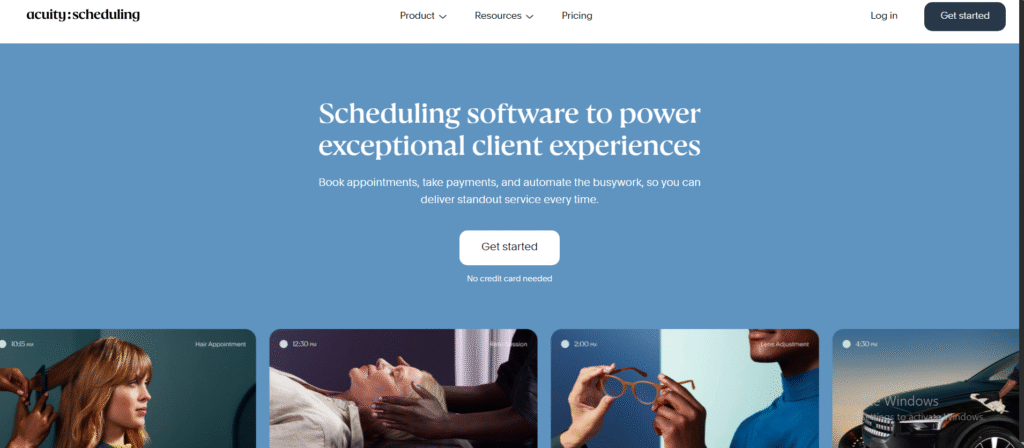
Acuity Scheduling is built for professionals who run client calls as booked appointments. It is commonly used by consultants, coaches, and service providers who need more control over booking rules and pre-call information. An Acuity Scheduling review often highlights how it handles paid sessions, intake forms, and reminders in one place.
Among tools for call scheduling and follow-ups, Acuity stands out for structured booking rather than quick sales calls.
Key Features
These features focus on keeping appointments organised while making sure clients receive reminders and post-call messages without manual follow-up.
Custom Intake Forms
Acuity allows users to collect information before the call. Clients answer questions during booking, which helps prepare for the conversation and reduces follow-up clarification emails.
Automated Email Reminders
Reminder emails are sent before scheduled calls. These reminders reduce missed appointments and keep follow-ups predictable, especially for recurring sessions.
Time Zone Detection
Bookings automatically adjust to the client’s time zone. This prevents scheduling errors and reduces rescheduling requests that delay follow-ups.
Payment Collection
Acuity supports paid bookings. Clients pay before the call, which filters serious bookings and reduces unpaid no-shows.
Calendar Synchronisation
The platform syncs with major calendars to avoid double bookings. This keeps call scheduling accurate across multiple schedules.
Pros and Cons
| Pros | Cons |
| Strong client booking control | No free plan |
| Built-in payments | Less sales-focused |
| Intake forms included | Interface feels busy |
Pricing
Acuity Scheduling pricing starts with paid plans only. Costs increase with added staff members and advanced features. This often leads users to compare Acuity Scheduling alternatives when budgets are tight.
Best For Service Providers Running Booked Calls
Acuity works well for:
- Coaches offering paid sessions
- Consultants running discovery calls
- Therapists and advisors
- Service businesses with fixed call slots
It is less suited for fast-moving sales teams needing tracking.
Practical Tip
Use intake form answers to personalise your opening questions. This shortens calls and reduces follow-up emails after the session.
Verdict
Acuity Scheduling is a reliable choice among tools for call scheduling and follow-ups when appointments need structure and pre-call data.
Best Alternate Tool
Zoho Bookings
4. Zoho Bookings
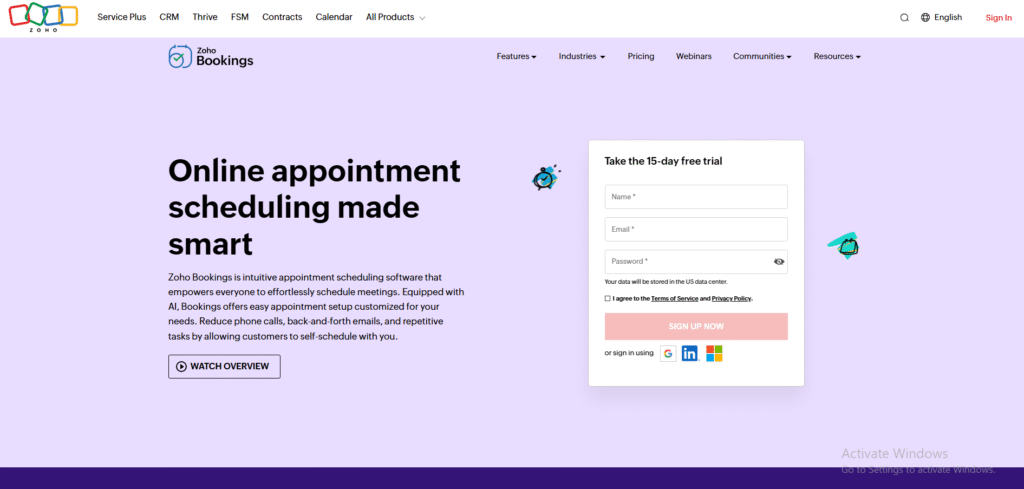
Zoho Bookings is part of the wider Zoho ecosystem and is designed for teams that already manage contacts, deals, or support tickets inside Zoho tools. A typical Zoho Bookings review highlights how call scheduling connects directly with internal records, which keeps follow-ups visible without switching systems.
Among tools for call scheduling and follow-ups, Zoho Bookings fits teams that prefer structured workflows rather than standalone booking links.
Key Features
These features focus on internal coordination, accurate booking, and keeping follow-ups aligned with customer records.
Staff-Based Scheduling
Zoho Bookings allows calls to be assigned to specific team members or shared pools. Availability updates automatically, which helps teams avoid missed calls and delayed follow-ups.
CRM Sync
When connected with Zoho CRM, every booked call is logged against the contact. Notes and outcomes stay attached, making follow-ups easier to manage across sales or support teams.
Automated Notifications
Email alerts go out to both staff and callers when bookings are made, changed, or cancelled. This reduces confusion and keeps call scheduling consistent.
Custom Booking Pages
Teams can create branded booking pages with specific call types. Each call type follows its own duration and availability rules.
Calendar Integration
Zoho Bookings syncs with external calendars to prevent clashes. This keeps call scheduling accurate when staff use multiple calendars.
Pros and Cons
| Pros | Cons |
| Strong CRM connection | Interface feels complex |
| Team-based scheduling | Setup time required |
| Internal visibility | Limited free features |
Pricing
Zoho Bookings pricing includes a free option with limited features. Paid plans unlock team scheduling, CRM sync, and customisation. Many users compare Zoho Bookings vs Calendly when choosing between structured workflows and simplicity.
Best For Teams Using Zoho Products
Zoho Bookings suits:
- Sales teams using Zoho CRM
- Support teams scheduling follow-up calls
- Internal service teams
- Businesses managing shared calendars
It is less suitable for solo users who only need a basic booking link.
Practical Tip
Link call outcomes directly to CRM stages. This keeps follow-ups aligned with deal progress and avoids manual updates.
Verdict
Zoho Bookings works well among tools for call scheduling and follow-ups when internal tracking and shared visibility matter.
Best Alternate Tool
Setmore
5. Setmore
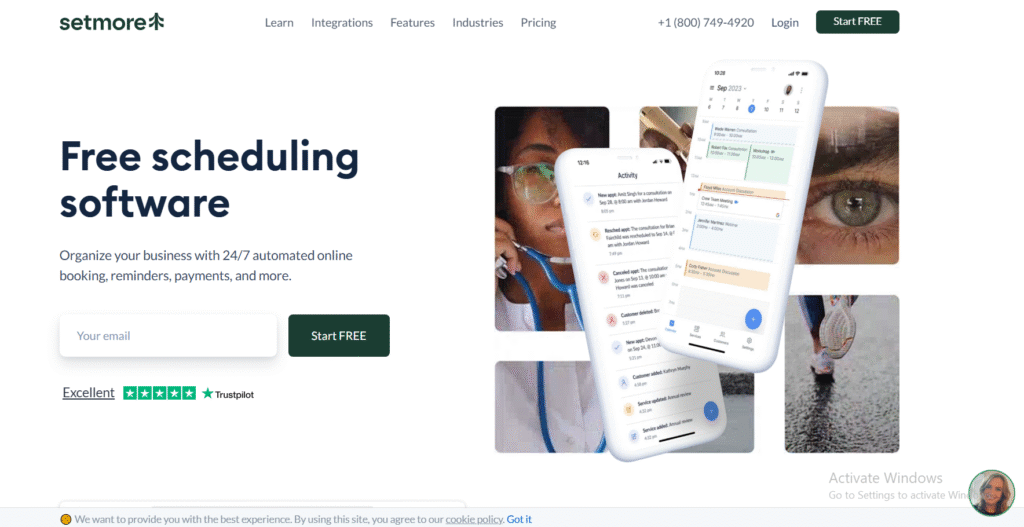
Setmore is designed for individuals and small teams that need clear call scheduling without complex systems. It is commonly used by consultants, local service providers, and small sales teams. A typical Setmore review points to its ease of use and reminder controls rather than deep automation.
Within tools for call scheduling and follow-ups, Setmore focuses on keeping bookings simple and follow-ups consistent through notifications.
Key Features
These features focus on reliable booking, clear reminders, and basic follow-up handling without heavy setup.
Appointment Booking Pages
Setmore provides hosted booking pages that clients can access without accounts. This reduces friction and keeps call scheduling quick and accessible.
Automated Reminders
Email and SMS reminders are sent before scheduled calls. This helps reduce no-shows and keeps follow-ups on track without manual chasing.
Team Scheduling
Multiple staff calendars can be managed in one account. Calls can be assigned based on availability, which keeps workloads balanced and follow-ups timely.
Calendar Sync
Setmore syncs with Google and Office calendars. This prevents clashes and keeps call schedules accurate across platforms.
Video Call Integration
The platform supports video call links, which suits remote consultations and sales calls without needing extra tools.
Pros and Cons
| Pros | Cons |
| Free plan available | Limited reporting |
| Easy to use | Basic follow-up tracking |
| SMS reminders included | Few CRM features |
Pricing
Setmore pricing includes a free plan for basic use. Paid plans add team features and advanced reminders. This makes Setmore a frequent option when reviewing Setmore alternatives for small teams.
Best For Small Teams and Solo Users
Setmore suits:
- Freelancers booking client calls
- Small service businesses
- Consultants running remote sessions
- Teams needing reminders more than analytics
It is not designed for complex sales increase..
Practical Tip
Enable SMS reminders for first-time callers. This reduces missed calls and follow-up rescheduling.
Verdict
Setmore is a solid option among tools for call scheduling and follow-ups when simplicity and reminders matter most.
Best Alternate Tool
Pipedrive
6. Pipedrive
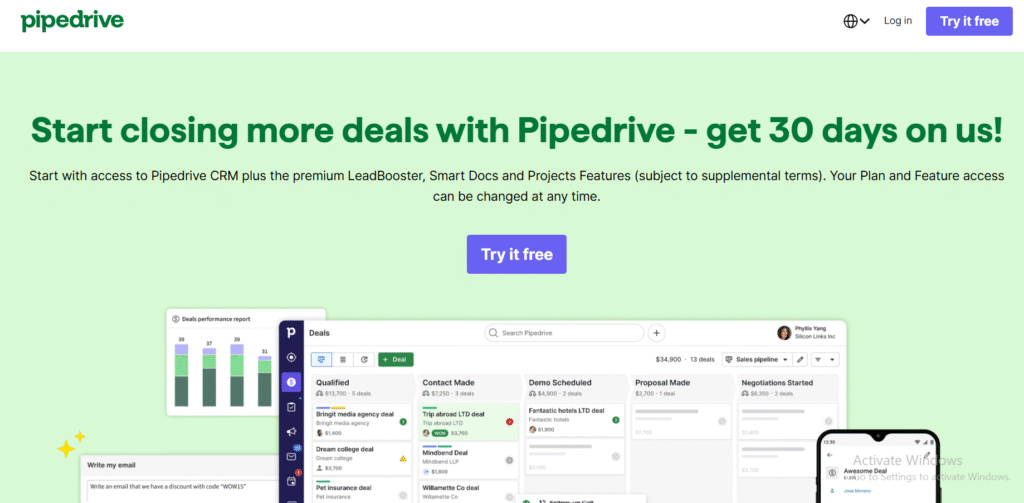
Pipedrive is a sales-focused CRM built around activities and follow-ups. It is used by teams that treat calls as part of a deal process rather than isolated events. A standard Pipedrive review often highlights how every scheduled call links to a deal stage, keeping follow-ups visible and structured.
Among tools for call scheduling and follow-ups, Pipedrive works best when calls directly affect revenue tracking.
Key Features
These features focus on keeping scheduled calls connected to deals while making sure follow-ups are always the next visible action.
Built-In Meeting Scheduler
Pipedrive includes scheduling links that allow prospects to book calls based on availability. Booked meetings appear as activities tied to deals, reducing manual updates.
Activity-Based Follow-Ups
Every call is treated as an activity with a required next step. This structure reduces forgotten follow-ups and keeps sales moving.
Call Logging and Notes
Sales reps can log calls, add notes, and record outcomes directly inside the deal view. This keeps follow-up context clear for the next interaction.
IncreaseVisibility
Managers can see which deals have upcoming calls and which are missing follow-ups. This supports accountability across the team.
Email Integration
Pipedrive connects with email inboxes so call-related messages are stored alongside deal activity, supporting cleaner follow-up tracking.
Pros and Cons
| Pros | Cons |
| Strong deal focus | No free plan |
| Clear follow-up structure | Less flexible booking |
| Easy view | Paid plans required |
Pricing
Pipedrive pricing starts on a paid plan, with costs increasing based on features and team size. Many teams compare Pipedrive vs HubSpot when deciding between activity-based follow-ups and broader CRM tools.
Best For Sales Teams Managing Active Deals
Pipedrive suits:
- B2B sales teams
- Deal-driven sales processes
- Teams tracking call outcomes
- Managers reviewing follow-up discipline
It is not ideal for service bookings or paid sessions.
Practical Tip
Set mandatory next activities after every call. This keeps follow-ups visible and reduces stalled deals.
Verdict
Pipedrive is a strong option among tools for call scheduling and follow-ups when calls directly influence deal progress.
Best Alternate Tool
Chili Piper
7. Chili Piper
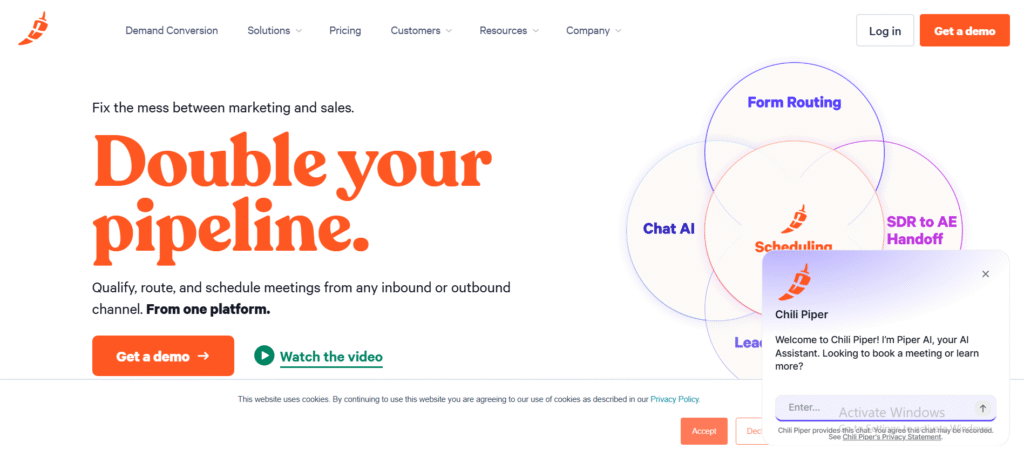
Chili Piper is built for revenue teams that handle high volumes of inbound leads. Instead of sending booking links manually, it routes prospects to the right person instantly based on rules. A typical Chili Piper review focuses on how quickly leads are booked into calls and how follow-ups stay tied to CRM records.
Among tools for call scheduling and follow-ups, Chili Piper is aimed at speed, accuracy, and accountability.
Key Features
These features focus on immediate call booking, correct lead routing, and tight follow-up visibility across sales teams.
Lead Routing Rules
Chili Piper assigns calls based on territory, account ownership, or availability. This prevents leads from sitting idle and keeps follow-ups timely.
Instant Booking from Forms
When a prospect fills in a form, they are taken straight to a booking screen. Calls are scheduled while intent is high, reducing drop-off before follow-up.
CRM Integration
Bookings sync with CRMs such as Salesforce. Call data, ownership, and outcomes stay attached to the lead or account for clean follow-up tracking.
Calendar Conflict Checks
The system checks availability before confirming meetings. This avoids double bookings and rescheduling delays that affect follow-ups.
Meeting Confirmation and Alerts
Both reps and prospects receive confirmations and reminders. This keeps call attendance high and follow-ups predictable.
Pros and Cons
| Pros | Cons |
| Fast inbound booking | Higher cost |
| Strong routing logic | Setup complexity |
| CRM-linked follow-ups | Sales-focused only |
Pricing
Chili Piper pricing is positioned for revenue teams rather than individuals. Costs depend on team size and feature access. Many teams compare Chili Piper vs Calendly when inbound speed becomes a priority.
Best For Inbound Sales and Revenue Teams
Chili Piper suits:
- B2B sales teams handling inbound leads
- SaaS companies with form-driven enquiries
- Teams routing calls by territory
- Revenue operations teams
It is not designed for solo users or service bookings.
Practical Tip
Route high-intent form submissions directly to same-day calls. This shortens response time and improves follow-up outcomes.
Verdict
Chili Piper stands out among tools for call scheduling and follow-ups when inbound speed and routing accuracy matter.
Best Alternate Tool
OnceHub
8. OnceHub
OnceHub is designed for teams that treat call scheduling as part of lead capture rather than a standalone task. It is commonly used by marketing and sales teams that want calls booked directly from forms, landing pages, or chat tools. A typical OnceHub review highlights how bookings connect to lead data, keeping follow-ups aligned with intent.
Among tools for call scheduling and follow-ups, OnceHub focuses on structure and routing rather than simplicity.
Key Features
These features focus on linking call bookings to lead data while keeping follow-ups visible and organised across teams.
Form-to-Call Scheduling
OnceHub allows prospects to book calls immediately after submitting a form. This keeps momentum high and reduces delays between enquiry and follow-up.
Intelligent Routing
Calls are assigned based on rules such as availability, region, or lead type. This keeps the right person handles the follow-up without manual sorting.
CRM Synchronisation
OnceHub connects with CRMs to attach call bookings to contact records. This keeps follow-up history accurate and accessible.
Calendar Coordination
The platform checks availability across calendars before confirming meetings. This prevents clashes that cause rescheduling and missed follow-ups.
Confirmation and Reminder Emails
Automatic confirmations and reminders are sent to both parties. This reduces no-shows and keeps follow-up timelines clear.
Pros and Cons
| Pros | Cons |
| Strong lead capture focus | No free plan |
| Advanced routing rules | Setup required |
| CRM-based follow-ups | Not for casual use |
Pricing
OnceHub pricing is aimed at teams rather than individuals. Costs depend on features and user numbers. Many users compare OnceHub alternatives when deciding between routing depth and ease of setup.
Best For Lead-Driven Sales and Marketing Teams
OnceHub suits:
- Teams booking calls from landing pages
- Marketing-led sales workflows
- Businesses routing leads by criteria
- Sales teams needing booking control
It is less suitable for freelancers or basic appointment booking.
Practical Tip
Place booking steps immediately after high-intent forms. This shortens the gap between enquiry and follow-up.
Verdict
OnceHub earns its place among tools for call scheduling and follow-ups when lead routing and follow-up control are priorities.
9. YouCanBook.me
YouCanBook.me is a scheduling tool built for professionals who want control over booking rules without moving into full CRM territory. It is often used by consultants, educators, recruiters, and small teams. A typical YouCanBook.me review focuses on its flexibility around availability, notifications, and form fields.
Within tools for call scheduling and follow-ups, YouCanBook.me sits between basic schedulers and sales-led platforms.
Key Features
These features focus on flexible booking rules, reliable reminders, and clear follow-up communication.
Advanced Availability Rules
Users can define complex availability based on time, date ranges, buffers, and limits. This prevents overcrowded calendars and keeps follow-ups realistic.
Custom Booking Forms
Booking pages can include questions that collect details before the call. This reduces back-and-forth after booking and supports more relevant follow-ups.
Automated Email Reminders
Email reminders are fully configurable and sent before calls. This lowers no-show rates and keeps follow-up schedules consistent.
Calendar Integration
YouCanBook.me syncs with Google and Microsoft calendars. Availability updates in real time, avoiding clashes that disrupt follow-ups.
Follow-Up Emails
Users can send automated messages after calls. This is useful for sharing notes, next steps, or booking further calls.
Pros and Cons
| Pros | Cons |
| Highly flexible rules | Interface feels technical |
| Strong reminder controls | No built-in CRM |
| Good form customisation | Paid plan needed for branding |
Pricing
YouCanBook.me pricing includes a free plan with basic features. Paid plans unlock advanced customisation, reminders, and branding control. Users often compare YouCanBook.me alternatives when deciding between flexibility and simplicity.
Best For Professionals Needing Booking Control
YouCanBook.me suits:
- Consultants with varied availability
- Recruiters booking interviews
- Educators scheduling sessions
- Small teams managing shared calendars
It is less suitable for teams needing deal or tracking.
Practical Tip
Use post-call emails to prompt the next booking. This keeps follow-ups moving without manual messages.
Verdict
YouCanBook.me earns its place among tools for call scheduling and follow-ups when flexible rules and reminder control matter.
Best Alternate Tool
Calendly
10. Doodle
Doodle is built for situations where multiple people need to agree on a call time. It is widely used by internal teams, recruiters, and organisations coordinating group calls. A typical Doodle review focuses on how it removes long email threads and keeps decisions visible.
Among tools for call scheduling and follow-ups, Doodle stands out for group coordination rather than one-to-one booking.
Key Features
These features focus on finding shared availability quickly while keeping participants informed before and after calls.
Group Availability Polls
Doodle allows organisers to suggest time slots and let participants vote. This shortens scheduling cycles and avoids repeated follow-up emails.
Calendar Integration
Once a time is confirmed, meetings sync with connected calendars. This keeps schedules accurate and avoids confusion around final call times.
Automatic Notifications
Participants receive updates when polls close or meetings are confirmed. This keeps everyone aligned and reduces missed calls.
1:1 Booking Pages
Beyond polls, Doodle also supports personal booking pages. This makes it useful for both group calls and individual follow-ups.
Time Zone Handling
Doodle adjusts time slots automatically for different locations. This is useful for distributed teams coordinating calls.
Pros and Cons
| Pros | Cons |
| Strong for group calls | Limited follow-up tracking |
| Simple to use | Less suited for sales |
| Free option available | Branding on free plan |
Pricing
Doodle pricing includes a free plan with basic features. Paid plans add calendar integrations, branding control, and admin tools. Teams often compare Doodle alternatives when moving from group coordination to sales-driven follow-ups.
Best For Teams Scheduling Group Calls
Doodle suits:
- Internal team meetings
- Recruitment panels
- Cross-team calls
- Project-based discussions
It is not designed for managing sales increase or client histories.
Practical Tip
Use Doodle polls for multi-stakeholder calls, then switch to a booking tool for follow-up conversations. This keeps scheduling efficient at each stage.
Verdict
Doodle fits well among tools for call scheduling and follow-ups when group availability is the main challenge.
11. Microsoft Bookings
Microsoft Bookings is designed for organisations already using Microsoft 365. It supports both internal meetings and external call bookings while keeping everything tied to Outlook calendars. A typical Microsoft Bookings review points to its tight calendar alignment and ease of adoption for teams working inside Microsoft tools.
Among tools for call scheduling and follow-ups, Microsoft Bookings fits environments where email and calendars already run through Outlook.
Key Features
These features focus on shared availability, calendar accuracy, and simple follow-up coordination through email.
Shared Booking Pages
Teams can publish booking pages that show real-time availability across staff. This reduces scheduling emails and keeps call booking consistent.
Outlook Calendar Sync
Bookings appear directly in Outlook calendars. Changes update automatically, which avoids missed calls and follow-up confusion.
Staff Assignment
Calls can be assigned to specific team members or shared pools. Availability rules control who receives bookings, keeping follow-ups balanced.
Automated Confirmations
Confirmation and reminder emails are sent to both parties. This supports attendance and keeps follow-ups on schedule.
Microsoft 365 Integration
Bookings works with Teams for video calls and Exchange for email. This keeps call scheduling and follow-ups inside one ecosystem.
Pros and Cons
| Pros | Cons |
| Strong Outlook integration | Limited customisation |
| Easy for internal teams | Basic follow-up tracking |
| Included with some plans | Less flexible booking rules |
Pricing
Microsoft Bookings is included with many Microsoft 365 business plans. This makes it cost-effective for organisations already subscribed. Teams often compare Microsoft Bookings vs Calendly when deciding between ecosystem fit and scheduling flexibility.
Best For Microsoft-Based Teams
Microsoft Bookings suits:
- Internal teams booking regular calls
- Organisations using Outlook and Teams
- Admin teams coordinating staff calls
- Businesses needing shared availability
It is less suitable for sales teams needing deal-level follow-up tracking.
Practical Tip
Use separate booking pages for internal and external calls. This keeps availability rules clear and follow-ups easier to manage.
Verdict
Microsoft Bookings is a practical option among tools for call scheduling and follow-ups when Outlook and Microsoft 365 are already in place.
12. CallRail

CallRail is primarily known for call tracking, but it plays a strong supporting role in call scheduling and follow-ups. It is widely used by marketing and sales teams that need to know which calls happened, where they came from, and whether follow-ups occurred. A typical CallRail review highlights visibility rather than booking control.
Among tools for call scheduling and follow-ups, CallRail focuses on what happens before and after the call.
Key Features
These features focus on tracking call activity and making sure follow-ups are based on accurate call data.
Call Logging and Attribution
CallRail records incoming calls and links them to sources such as ads or landing pages. This helps teams prioritise follow-ups based on call quality and intent.
Call Recording
Calls can be recorded and reviewed later. This supports better follow-ups, coaching, and handovers between team members.
Lead Timeline
Each call is stored in a timeline with caller details and history. This keeps follow-up context clear and prevents repeated questions.
CRM Integrations
Call data syncs with CRMs so scheduled calls and follow-ups stay aligned with lead records.
Notifications and Alerts
Teams receive alerts for missed calls or high-value calls. This reduces delays in follow-ups when speed matters.
Pros and Cons
| Pros | Cons |
| Strong call visibility | No native booking |
| Call recording included | Not a scheduler |
| Useful for follow-ups | Paid plans required |
Pricing
CallRail pricing is based on call volume and features. It is often reviewed alongside CallRail alternatives when teams already use separate scheduling tools.
Best For Teams Tracking Call Outcomes
CallRail suits:
- Marketing-led sales teams
- Businesses handling inbound calls
- Teams reviewing call quality
- Managers monitoring follow-up response
It is not designed to replace booking tools.
Practical Tip
Flag missed calls automatically and assign same-day follow-ups. This prevents lost opportunities.
Verdict
CallRail fits among tools for call scheduling and follow-ups when tracking and follow-up accountability matter more than booking links.
13. RingCentral
RingCentral is a cloud communications platform that combines calling, messaging, and meetings. While it is not a pure scheduling tool, it supports call scheduling and follow-ups through calendar integration, call history, and notifications. A typical RingCentral review focuses on call reliability and team communication rather than booking pages.
Among tools for call scheduling and follow-ups, RingCentral fits teams where calls happen inside a wider communications setup.
Key Features
These features focus on making sure calls are logged, visible, and followed up without gaps.
Scheduled Calls and Meetings
Users can schedule calls and meetings directly through connected calendars. This keeps call timing clear and avoids missed internal or external calls.
Call Logs and History
Every call is recorded in a central log. This helps teams track who spoke to whom and identify calls that still need follow-ups.
Voicemail and Missed Call Alerts
Missed calls and voicemails trigger alerts. This reduces delays in follow-ups, especially for inbound enquiries.
Team Messaging
Internal messaging allows quick handover notes after calls. This supports smoother follow-ups when multiple people handle the same account.
CRM Integrations
RingCentral connects with popular CRM systems so call activity appears alongside contact records. This keeps follow-ups aligned with customer data.
Pros and Cons
| Pros | Cons |
| Strong call reliability | No booking pages |
| Centralised call logs | Follow-ups handled externally |
| Works for large teams | Setup can be heavy |
Pricing
RingCentral pricing is based on users and features. It is often reviewed alongside RingCentral alternatives when teams want call management alongside scheduling tools.
Best For Teams Managing High Call Volumes
RingCentral suits:
- Sales and support teams
- Call-heavy organisations
- Teams needing call history
- Businesses with shared phone numbers
It is not designed to replace scheduling software.
Practical Tip
Create a daily missed-call review routine. This keeps follow-ups timely and prevents leads going cold.
Verdict
RingCentral supports tools for call scheduling and follow-ups by keeping call activity visible and actionable across teams
14. SimplyBook.me
SimplyBook.me is a scheduling platform used by service-based teams that need clear booking rules and reminder control. It supports call scheduling for consultations, sales calls, and internal sessions. A typical SimplyBook.me review focuses on booking structure and reminder settings rather than sales increase.
Within tools for call scheduling and follow-ups, SimplyBook.me sits between basic schedulers and heavier CRM systems.
Key Features
These features focus on keeping bookings organised while making sure reminders and follow-ups are sent on time.
Custom Booking Pages
Users can create booking pages for different call types with specific durations and availability. This keeps call scheduling predictable and avoids confusion.
Automated Reminders
Email and SMS reminders are sent before calls. This reduces missed calls and limits the need for manual follow-up messages.
Intake Questions
Booking forms can include questions to gather details before the call. This reduces follow-up clarification and shortens call time.
Calendar Sync
SimplyBook.me syncs with Google and Outlook calendars. Availability updates in real time to avoid double bookings.
Post-Call Notifications
Users can trigger follow-up emails after calls. This supports basic next-step communication without using a separate system.
Pros and Cons
| Pros | Cons |
| Strong booking structure | Interface feels dated |
| SMS reminders available | Limited sales tracking |
| Multiple call types | Advanced features cost extra |
Pricing
SimplyBook.me pricing includes a free plan with limited features. Paid plans add reminders, integrations, and branding control. Users often compare SimplyBook.me alternatives when deciding between structure and ease of use.
Best For Service Teams Booking Calls
SimplyBook.me suits:
- Consultants offering intro calls
- Service teams booking sessions
- Small businesses managing enquiries
- Teams needing reminder control
It is not designed for deal or revenue tracking.
Practical Tip
Create separate call types for first calls and follow-ups. This keeps scheduling rules clear and reduces rescheduling.
Verdict
SimplyBook.me fits well among tools for call scheduling and follow-ups when structured booking and reminders are the priority.
15. Fireflies.ai
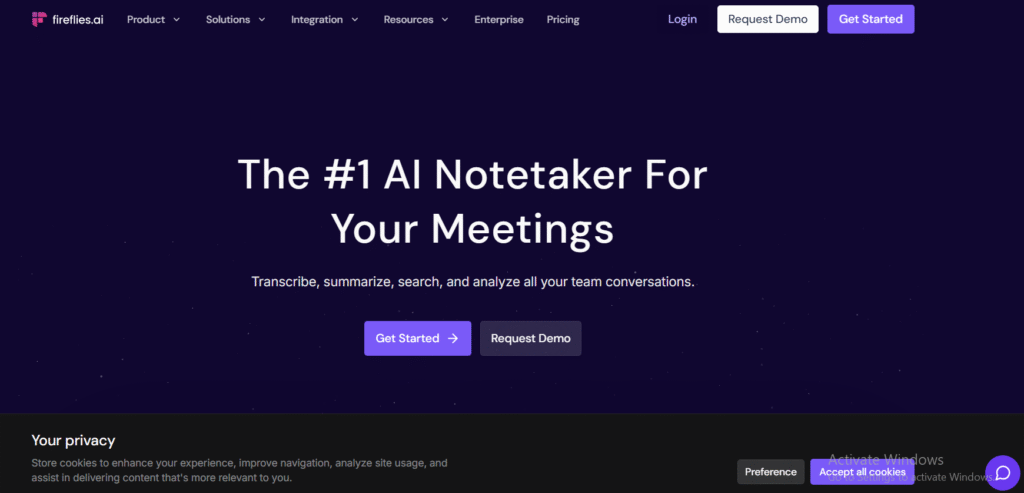
Fireflies.ai focuses on what happens during and after calls rather than booking itself. It records calls, transcribes conversations, and highlights follow-up points automatically. A typical Fireflies.ai review centres on visibility into call content and clearer next steps.
Within tools for call scheduling and follow-ups, Fireflies.ai supports follow-ups by making call outcomes easy to review and act on.
Key Features
These features focus on capturing call details and turning conversations into follow-up actions.
Call Recording and Transcription
Fireflies.ai records calls across major video and voice platforms. Transcripts are searchable, which helps teams prepare accurate follow-ups without relying on memory.
Action Item Detection
The platform identifies tasks and next steps mentioned during calls. This reduces missed follow-ups and keeps responsibilities clear.
CRM and Tool Integrations
Call notes and transcripts sync with CRM systems and collaboration tools. This keeps follow-ups aligned with contact records.
Speaker Tracking
Fireflies.ai identifies who said what during the call. This helps teams understand context before follow-up conversations.
Searchable Call Library
All calls are stored in a searchable workspace. This supports consistent follow-ups across long sales or service cycles.
Pros and Cons
| Pros | Cons |
| Clear follow-up visibility | No scheduling features |
| Accurate transcripts | Depends on call quality |
| Useful for teams | Paid plans required |
Pricing
Fireflies.ai pricing includes a free tier with limited transcription. Paid plans unlock longer storage and advanced features. It is often reviewed alongside Fireflies.ai alternatives when teams already use scheduling tools.
Best For Teams Focused on Follow-Up Accuracy
Fireflies.ai suits:
- Sales teams reviewing calls
- Account managers handling handovers
- Support teams tracking conversations
- Managers coaching call quality
It does not replace booking tools.
Practical Tip
Review highlighted action items immediately after calls. This keeps follow-ups timely and relevant.
Verdict
Fireflies.ai strengthens tools for call scheduling and follow-ups by making post-call actions clearer and easier to manage.
16. Aircall
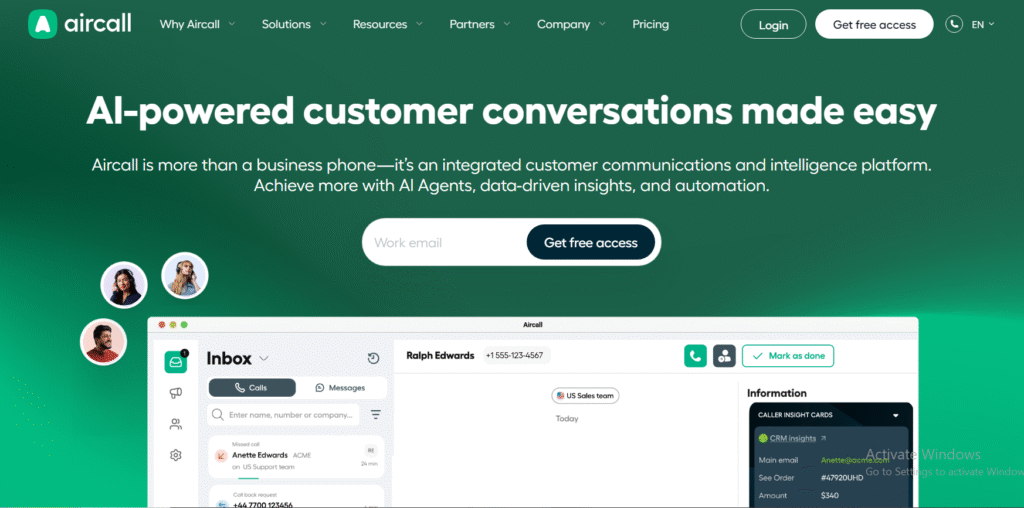
Aircall is a cloud-based phone system used by sales and support teams that handle a high volume of calls. While it does not offer public booking pages, it supports call scheduling and follow-ups through call queues, activity logs, and CRM connections. A typical Aircall review focuses on call visibility and team coordination.
Among tools for call scheduling and follow-ups, Aircall plays a supporting role by keeping call activity structured and follow-ups visible.
Key Features
These features focus on managing call flow, tracking outcomes, and supporting timely follow-ups.
Call Queues and Routing
Aircall routes incoming calls based on rules such as availability or team assignment. This reduces missed calls and keeps follow-ups land with the right person.
Call Logging and Tagging
Every call is logged automatically. Tags can be added to mark follow-up needs, call outcomes, or priority level.
CRM Integrations
Aircall integrates with CRMs like HubSpot and Salesforce. Call activity syncs directly to contact records, supporting consistent follow-ups.
Missed Call Alerts
Teams receive alerts for unanswered calls. This shortens response times and improves follow-up discipline.
Analytics and Call History
Managers can review call volumes, response times, and follow-up patterns. This supports accountability across teams.
Pros and Cons
| Pros | Cons |
| Strong call management | No booking links |
| Clear follow-up visibility | Paid plans only |
| CRM integrations | Setup required |
Pricing
Aircall pricing is based on users and features. It is often compared with Aircall alternatives when teams need call management rather than scheduling pages.
Best For Call-Heavy Sales and Support Teams
Aircall suits:
- Inside sales teams
- Support desks
- Account management teams
- Businesses handling inbound calls
It is not designed for appointment-based booking.
Practical Tip
Tag calls that need same-day follow-ups. This keeps urgent responses visible and reduces dropped leads.
Verdict
Aircall supports tools for call scheduling and follow-ups by keeping call activity organised and follow-up needs clear.
17. Twilio
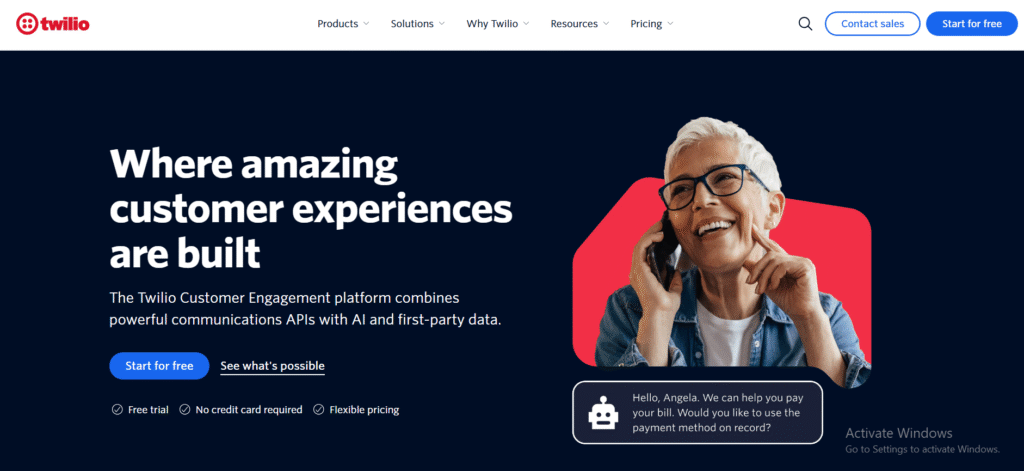
Twilio is a communications platform used by product, sales, and operations teams that need custom call handling and follow-up workflows. It does not provide ready-made booking pages, but it supports call scheduling and follow-ups through APIs, messaging, and event triggers. A typical Twilio review highlights flexibility rather than simplicity.
Among tools for call scheduling and follow-ups, Twilio is used when teams want control over how calls and follow-ups behave.
Key Features
These features focus on custom call handling, automated follow-ups, and system-level control.
Programmable Voice
Twilio allows teams to schedule calls programmatically or trigger calls based on actions. This suits platforms that embed call scheduling into their own systems.
Automated SMS and Email Follow-Ups
Follow-up messages can be sent automatically after calls or missed calls. This keeps response times short without manual work.
Call Status Webhooks
Twilio provides real-time call events such as answered, missed, or completed. These signals can trigger follow-up actions instantly.
CRM and App Integrations
Twilio connects with CRMs and internal tools through APIs. Call data can be pushed into records for accurate follow-up tracking.
Global Call Handling
Calls can be managed across regions with consistent logic. This supports follow-ups for international teams and customers.
Pros and Cons
| Pros | Cons |
| High flexibility | Technical setup required |
| Custom follow-ups | Not plug-and-play |
| Scales well | No booking interface |
Pricing
Twilio pricing is usage-based, with costs tied to call minutes and messages sent. It is often compared with Twilio alternatives by teams building custom workflows.
Best For Product and Engineering-Led Teams
Twilio suits:
- SaaS products embedding calls
- Teams building custom scheduling
- Operations teams automating follow-ups
- Businesses with technical resources
It is not suitable for teams wanting ready-made scheduling tools.
Practical Tip
Trigger SMS follow-ups automatically for missed calls. This keeps response times short without manual effort.
Verdict
Twilio supports tools for call scheduling and follow-ups when custom workflows and automation logic are required.
18. Zoom Scheduler
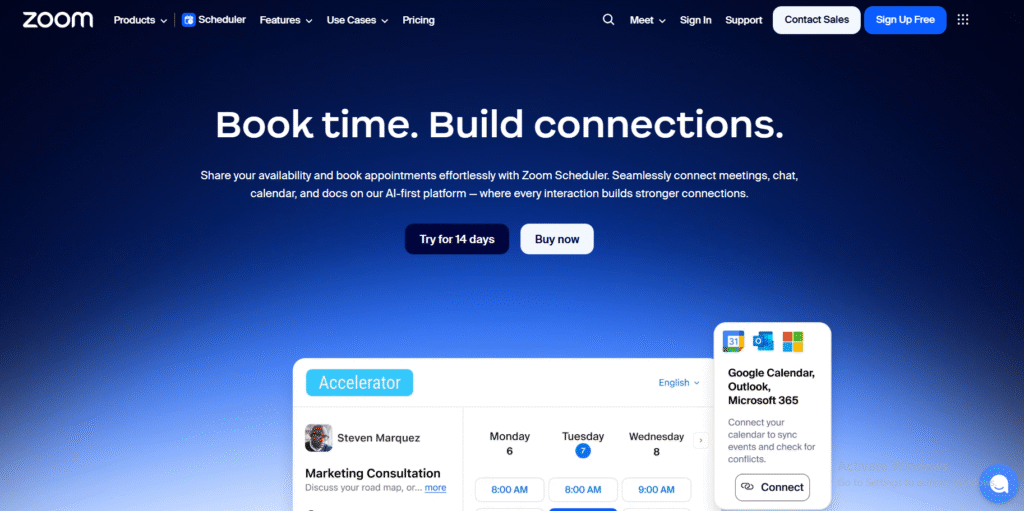
Zoom Scheduler is designed for teams that already rely on Zoom for calls. It adds booking and reminder controls directly around video meetings, keeping scheduling and follow-ups close to where calls actually happen. A typical Zoom Scheduler review focuses on ease of adoption for Zoom users rather than deep workflow logic.
Among tools for call scheduling and follow-ups, Zoom Scheduler fits teams that want fewer systems rather than more features.
Key Features
These features focus on booking Zoom calls cleanly while keeping reminders and follow-ups consistent.
Booking Pages for Zoom Calls
Users can share scheduling links that automatically create Zoom meetings. This removes manual meeting setup and reduces follow-up confusion.
Calendar Integration
Zoom Scheduler syncs with Google and Outlook calendars. Availability updates automatically, keeping call scheduling accurate.
Automated Reminders
Email reminders are sent before meetings. This reduces no-shows and keeps follow-ups on schedule.
Meeting Ownership
Booked calls stay linked to the host. This helps teams track who is responsible for follow-ups after each call.
Zoom Ecosystem Integration
Meetings, recordings, and attendance all stay inside Zoom. This supports clearer follow-ups after calls finish.
Pros and Cons
| Pros | Cons |
| Simple for Zoom users | Limited follow-up tools |
| Quick setup | Less flexible rules |
| Calendar-based | Zoom dependent |
Pricing
Zoom Scheduler pricing is available as an add-on or included in some Zoom plans. Teams often compare Zoom Scheduler vs Calendly when deciding between platform convenience and scheduling flexibility.
Best For Teams Already Using Zoom
Zoom Scheduler suits:
- Remote-first teams
- Internal meetings
- Client video calls
- Teams avoiding extra tools
It is not suited for complex sales workflows.
Practical Tip
Use Zoom meeting recordings to guide follow-up emails. This keeps summaries accurate and short.
Verdict
Zoom Scheduler supports tools for call scheduling and follow-ups when simplicity and platform consistency matter.
19. TidyCal
TidyCal is a lightweight scheduling tool aimed at individuals and small teams that want basic call booking without ongoing software costs. It focuses on booking links, reminders, and simple availability rules. A typical TidyCal review highlights affordability and ease of setup rather than advanced workflows.
Among tools for call scheduling and follow-ups, TidyCal appeals to users who want predictable scheduling without complexity.
Key Features
These features focus on straightforward booking, reminder delivery, and basic follow-up handling.
Booking Links
TidyCal provides shareable booking links that reflect real-time availability. This removes email back-and-forth and keeps call scheduling simple.
Multiple Event Types
Users can create different call types with separate durations and rules. This helps separate intro calls from follow-up calls.
Email Reminders
Automated reminders are sent before calls. This reduces missed calls and follow-up rescheduling.
Calendar Sync
TidyCal connects with Google Calendar to avoid clashes. Availability updates automatically once calls are booked.
Simple Customisation
Booking pages can be lightly customised with fields and instructions. This keeps expectations clear before the call.
Pros and Cons
| Pros | Cons |
| One-time payment option | Limited integrations |
| Easy to use | No CRM features |
| Clean booking pages | Basic follow-up tools |
Pricing
TidyCal pricing is based on a low-cost lifetime deal rather than monthly fees. This makes it popular with freelancers comparing TidyCal alternatives for budget reasons.
Best For Budget-Conscious Solo Users
TidyCal suits:
- Freelancers booking client calls
- Consultants running intro calls
- Solo operators avoiding subscriptions
- Small teams with simple needs
It is not designed for complex workflows or team reporting.
Practical Tip
Create a dedicated follow-up call type with shorter duration. This keeps post-call scheduling quick and focused.
Verdict
TidyCal fits among tools for call scheduling and follow-ups when cost control and simplicity matter most.
20. Calendly Routing Forms
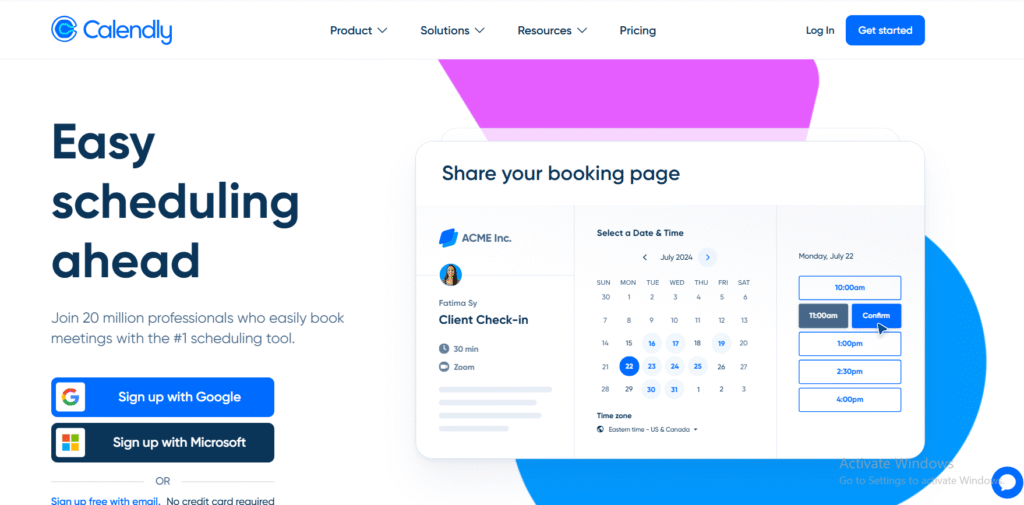
Calendly Routing Forms is an extension of Calendly designed for teams that need more control before a call is booked. Instead of letting every prospect book the same call, routing forms qualify responses and direct bookings to the right person. A typical Calendly Routing Forms review focuses on better call quality and clearer follow-ups.
Among tools for call scheduling and follow-ups, this option adds structure without moving into a full CRM.
Key Features
These features focus on qualifying callers early and keeping follow-ups relevant.
Pre-Call Qualification Questions
Prospects answer questions before booking. This filters enquiries and makes follow-ups more targeted and efficient.
Smart Routing Rules
Bookings are routed based on answers, location, or availability. This prevents misrouted calls and follow-up handovers.
Team Availability Management
Calls are distributed across teams without manual assignment. This keeps follow-ups balanced and avoids delays.
Calendar-Based Booking
Once routed, calls are booked against real availability. This keeps call scheduling accurate and predictable.
Integration with Calendly Workflows
Routing Forms works with Calendly reminders and notifications. This keeps confirmations and follow-ups consistent.
Pros and Cons
| Pros | Cons |
| Better call qualification | Paid Calendly plan |
| Reduces low-quality calls | Setup needed |
| Cleaner follow-ups | Not standalone |
Pricing
Calendly Routing Forms is available on higher-tier Calendly plans. It is often reviewed when teams compare Calendly pricing options for inbound sales control.
Best For Teams Qualifying Calls Before Booking
Calendly Routing Forms suits:
- Inbound sales teams
- B2B enquiry handling
- Teams routing by deal size
- Sales operations teams
It is not needed for simple one-to-one booking.
Practical Tip
Use routing answers to set follow-up priority. This keeps higher-value calls from waiting in queues.
Verdict
Calendly Routing Forms completes this list of tools for call scheduling and follow-ups by adding qualification and routing without heavy systems.
Final Summary
Call scheduling and follow-ups play a direct role in keeping conversations moving. Missed calls, late replies, and unclear next steps are usually process issues rather than people issues. The right tool creates structure around when calls happen and what follows next.
The 20 tools covered here range from simple booking links to advanced routing and call tracking systems. Some are best for solo users, others for inbound sales teams, and others for call-heavy support environments. The key is to match the tool to how calls already fit into your workflow.
Start with clarity. Choose a tool that fits your current needs, use it consistently, and tighten follow-ups before adding complexity.
Need Help?
At Pearl Lemon Sales, we work with teams that rely on booked calls to close deals and move conversations forward. If call scheduling is inconsistent or follow-ups are slipping through the cracks, the right setup makes a measurable difference.
We review your current call flow, booking process, and follow-up handling, then put the right tools and rules in place based on how your sales team actually operates. The focus is on fewer missed calls, clearer next steps, and better visibility after every conversation.
If your business depends on calls, getting this right early saves time and avoids lost opportunities.
Frequently Asked Questions
1. What are call scheduling and follow-up tools used for?
These tools manage how calls are booked, confirmed, and tracked. They reduce email back-and-forth, cut missed calls, and keep follow-ups visible so conversations do not stall.
2. Do small teams need call scheduling software?
Yes. Even solo users benefit from fewer missed calls, automatic reminders, and clear follow-up timing. Many tools include free or low-cost plans suited to small teams.
3. What is the difference between scheduling tools and CRM tools?
Scheduling tools focus on booking calls and reminders. CRM tools track what happens after the call, such as notes, tasks, and next steps. Some platforms combine both.
4. How do follow-up features usually work?
Follow-ups are handled through reminders, task prompts, call logs, or post-call messages. The goal is to make the next action clear after every call.
5. Are these tools suitable for internal meetings?
Yes. Several tools are designed for internal teams and work well for staff scheduling, shared calendars, and internal follow-ups.
6. Can these tools reduce missed calls?
Yes. Automated reminders, availability checks, and missed-call alerts significantly reduce no-shows and delayed responses.
7. Do I need CRM integration for follow-ups?
Not always. CRM integration helps sales teams, but service providers and consultants often manage follow-ups with reminders and notes alone.
8. Are call scheduling tools secure?
Most established platforms follow standard security practices and integrate with trusted calendar and email systems. Security levels vary by provider and plan.
9. How long does setup usually take?
Basic scheduling tools can be set up in minutes. More advanced routing or CRM-based tools may take longer due to configuration.
10. Can I switch tools later?
Yes. Many teams start with simple scheduling tools and move to more structured platforms as call volume and follow-up needs grow.